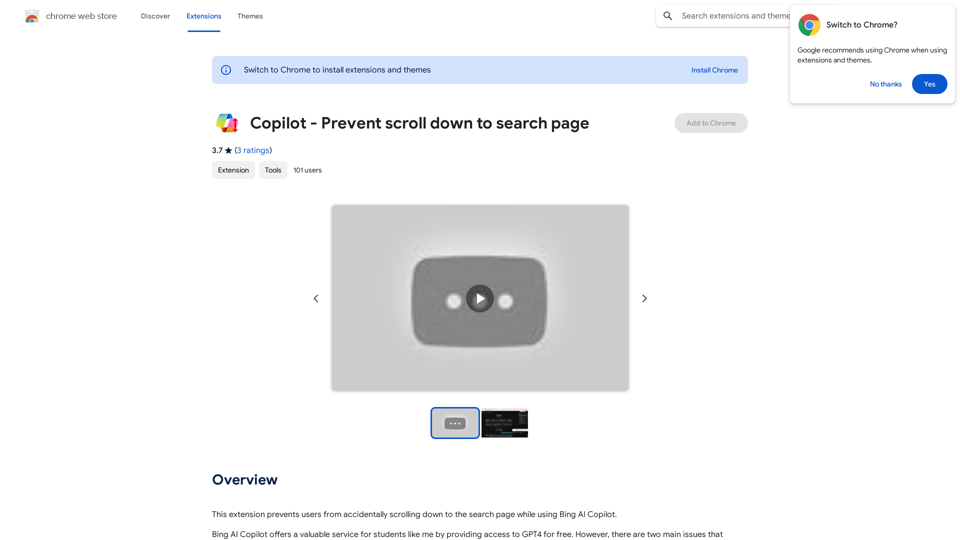
Copilot - Prevent scroll down to search page is a Chrome extension designed to enhance the user experience while using Bing AI Copilot. It addresses a common frustration by preventing accidental scrolling to the search page, thereby improving workflow and minimizing unwanted redirections. This simple yet effective tool is free to use and easy to install, making it an essential add-on for Bing AI Copilot users.
Copilot - Stop scrolling down to search pages
This extension stops users from accidentally scrolling down to the search page when using Bing AI Copilot.
Introduction
Feature
Prevents Accidental Scrolling
The extension's primary function is to stop users from unintentionally scrolling down to the search page while using Bing AI Copilot, ensuring a smoother interaction with the AI assistant.
Improves Workflow
By eliminating unwanted redirections, the extension enhances usability and allows users to focus on their tasks without interruptions.
Easy Installation and Use
Users can quickly install the extension from the Chrome Web Store and enable it in their Chrome browser, making it readily accessible for all Bing AI Copilot users.
Free of Charge
The extension is completely free to install and use, making it an accessible solution for all users.
Wide Compatibility
The extension is compatible with most devices and browsers, ensuring a broad user base can benefit from its functionality.
FAQ
What is the main purpose of this extension?
The primary purpose of Copilot - Prevent scroll down to search page is to prevent users from accidentally scrolling down to the search page while using Bing AI Copilot, thereby improving the overall user experience.
How do I install and use the extension?
To use the extension:
- Install it from the Chrome Web Store
- Enable the extension in your Chrome browser
- Use Bing AI Copilot as usual, and the extension will automatically prevent scrolling down to the search page
Is there a cost associated with using this extension?
No, the extension is completely free to install and use.
What should I do if I encounter issues with the extension?
If you experience any problems with the extension, you can contact the developer for support. It's also recommended to ensure the extension is properly enabled in your Chrome browser before using Bing AI Copilot.
Related Websites
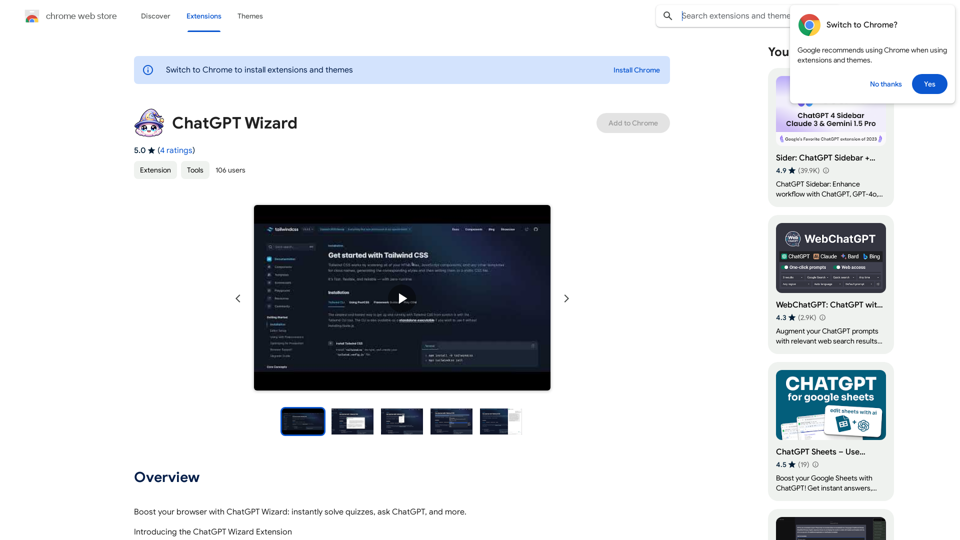
Improve your web browsing experience with ChatGPT Wizard: quickly answer quizzes, ask ChatGPT questions, and do much more.
193.90 M
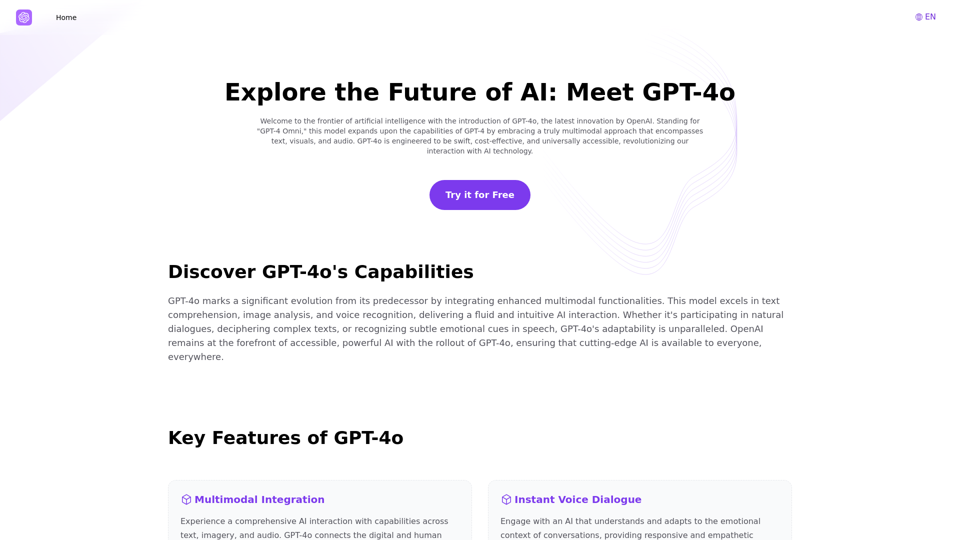
Explore GPT-4 for Free Online: OpenAI's Cutting-Edge Multimodal AI Platform
Explore GPT-4 for Free Online: OpenAI's Cutting-Edge Multimodal AI PlatformExplore the future of AI with GPT-4o, OpenAI's groundbreaking multimodal platform that interprets and generates text, visuals, and audio. Experience unparalleled speed, cost efficiency, and accessibility in AI technology. Dive into GPT-4o's capabilities and learn how it can revolutionize your interaction with AI. Perfect for tech enthusiasts, developers, and businesses aiming to enhance operational efficiency and engagement.
1.33 K
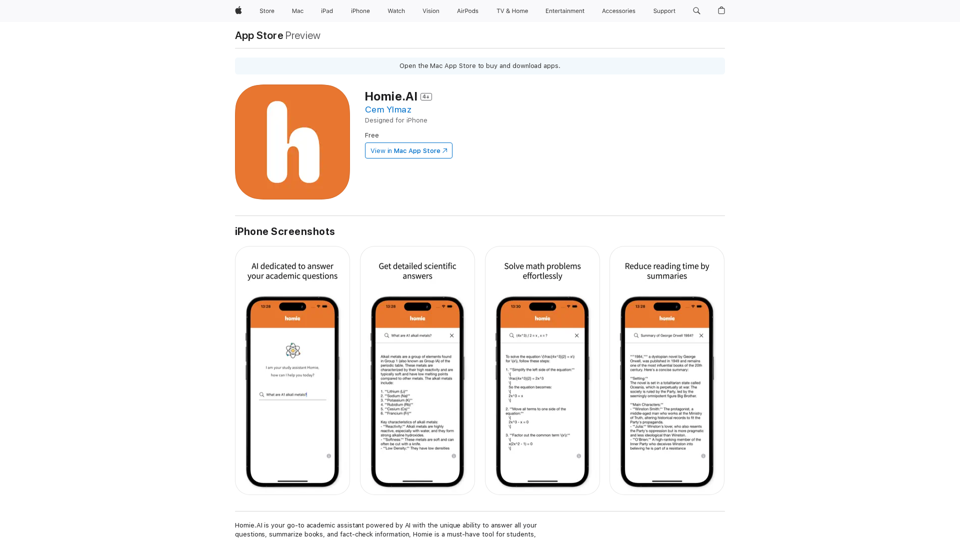
Homie.AI is your go-to academic assistant powered by AI with the unique ability to answer all your questions, summarize books, and fact-check information, Homie is always here to help you with your academic needs.
124.77 M
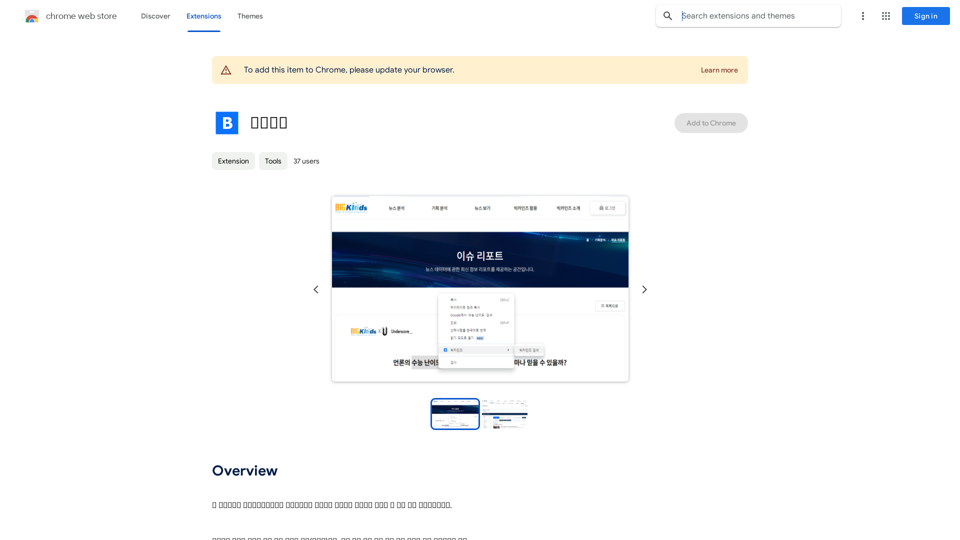
This program is an extension program that allows you to easily use the services provided by the Korea Press Foundation's Bigkinds. Select (drag) a sentence or paragraph that appears in your browser, and through a pop-up window, you can search for the corresponding word or sentence on Bigkinds,...
193.90 M
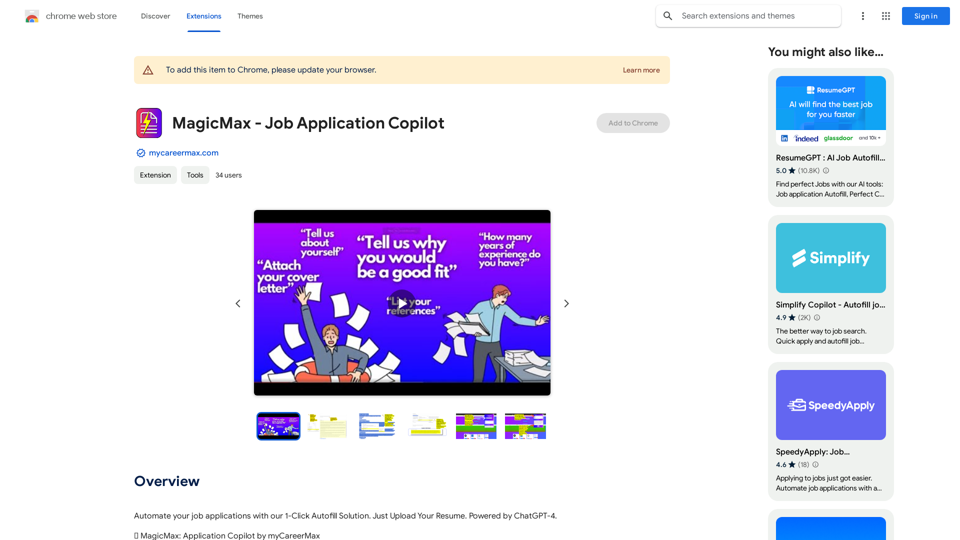
Automate your job applications with our 1-Click Autofill Solution. Just upload your resume. Powered by ChatGPT-4.
193.90 M
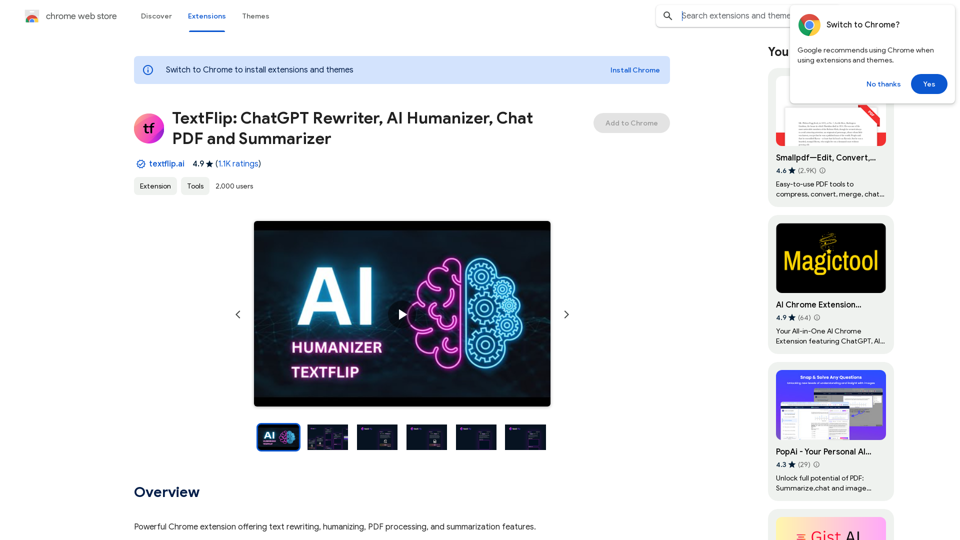
TextFlip: ChatGPT Rewriter, AI Humanizer, Chat PDF and Summarizer
TextFlip: ChatGPT Rewriter, AI Humanizer, Chat PDF and SummarizerPowerful Chrome extension offering text rewriting, making it sound more natural, PDF processing, and summarization features.
193.90 M