Chart GPT is an AI-powered trading companion that revolutionizes stock market analysis. It offers advanced technical analysis, trend identification, and entry/exit point suggestions, making it an invaluable tool for traders of all levels. By leveraging artificial intelligence, Chart GPT simplifies complex market data, enabling users to make informed decisions and navigate the stock market with confidence.
Chart GPT
AI-Powered Trading Companion
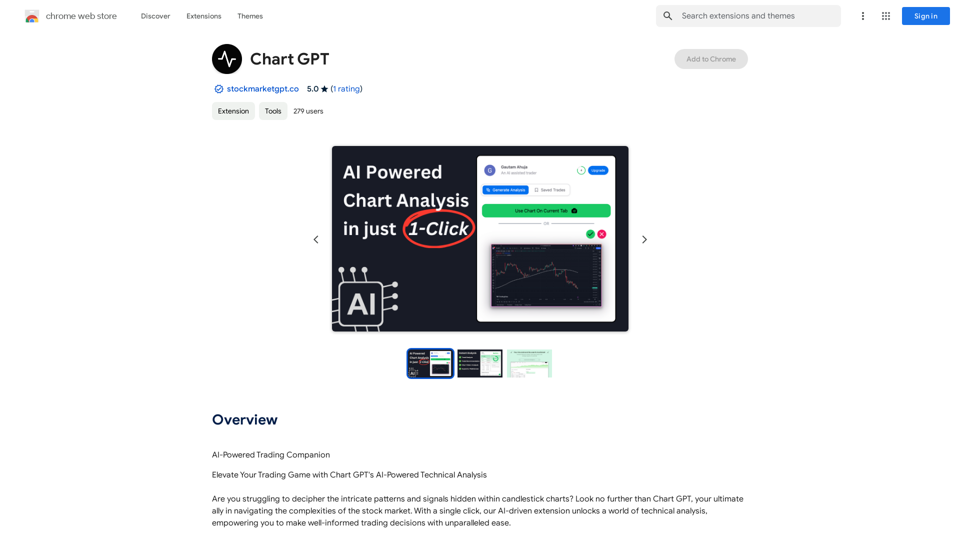
Introduction
Feature
AI-Driven Market Analysis
Chart GPT employs sophisticated AI algorithms to:
- Analyze complex candlestick charts
- Identify market trends
- Determine support and resistance levels
- Suggest optimal entry and exit points
Comprehensive Chart Breakdown
The tool provides detailed market insights, including:
- Trade recommendations
- Stop-loss levels
- Confidence ratings
Trend Detection
Chart GPT excels in:
- Identifying bearish and bullish trends
- Enabling users to capitalize on market movements early
Support/Resistance Level Identification
The AI accurately pinpoints:
- Critical support levels
- Key resistance levels
Multi-Market Compatibility
Chart GPT adapts to various market environments, serving as a universal analysis companion.
Risk Management
The tool enhances risk management by:
- Suggesting stop-loss points
- Identifying support and resistance levels
Time-Saving Efficiency
Chart GPT streamlines the analysis process, providing:
- Instant assessments
- Accurate market insights
Opportunity Discovery
By leveraging advanced pattern recognition, Chart GPT helps uncover hidden market opportunities.
FAQ
What is Chart GPT?
Chart GPT is an AI-powered trading companion that provides advanced technical analysis and insights for the stock market. It analyzes candlestick charts, identifies trends, and suggests entry/exit points to help traders make informed decisions.
How does Chart GPT work?
Chart GPT utilizes advanced AI algorithms to analyze candlestick charts, identify market trends, determine support and resistance levels, and suggest optimal entry and exit points. It provides a comprehensive breakdown of market data, including trade recommendations and confidence ratings.
What are the benefits of using Chart GPT?
The benefits of using Chart GPT include:
- Informed decision-making based on AI-driven insights
- Time-saving efficiency through instant, accurate assessments
- Improved risk management with stop-loss suggestions
- Discovery of hidden market opportunities
- Multi-market compatibility for diverse trading environments
How do I get started with Chart GPT?
To get started with Chart GPT:
- Download the Chart GPT extension
- Follow the provided instructions for installation
- Begin using the tool to analyze charts and receive AI-driven insights
Is there a free version of Chart GPT available?
Yes, Chart GPT offers a free version with limited features. There is also a paid subscription available that provides additional benefits and extended access to the tool's capabilities.
Related Websites

Dream Machine is an AI model that generates high-quality, realistic videos quickly from text and images using Luma AI.
1.87 M
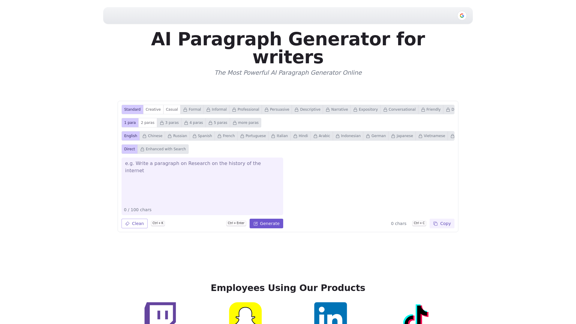
AI Paragraph Generator is a powerful tool that transforms your ideas into well-structured and engaging paragraphs. Artificial Intelligence Paragraph Generator meets all your content needs, from blogs to academic papers, with our tool ensuring originality, relevance and professionalism in every use case.
0

LearnHouse - The modern Open source learning platform for everyone.
LearnHouse - The modern Open source learning platform for everyone.LearnHouse is an open source platform that makes it easy for anyone to provide world-class educational content and it offers a variety of content types : Dynamic Pages, Videos, Documents & more.
12
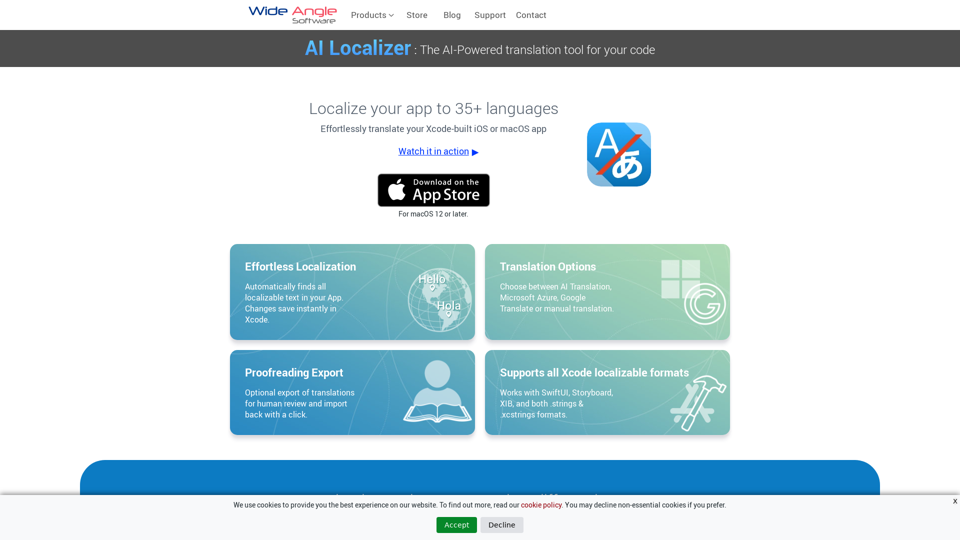
Seamlessly add localized translations to your Xcode projects. Add up to 37 languages to your app automatically, using the power of AI.
210.21 K
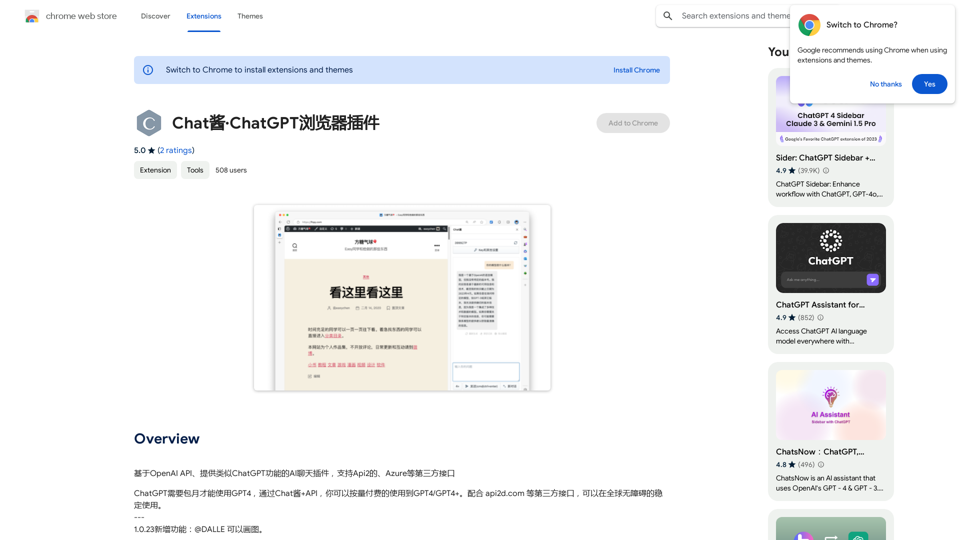
An AI chat plugin similar to ChatGPT, based on the OpenAI API, that supports third-party interfaces like Api2 and Azure.
193.90 M
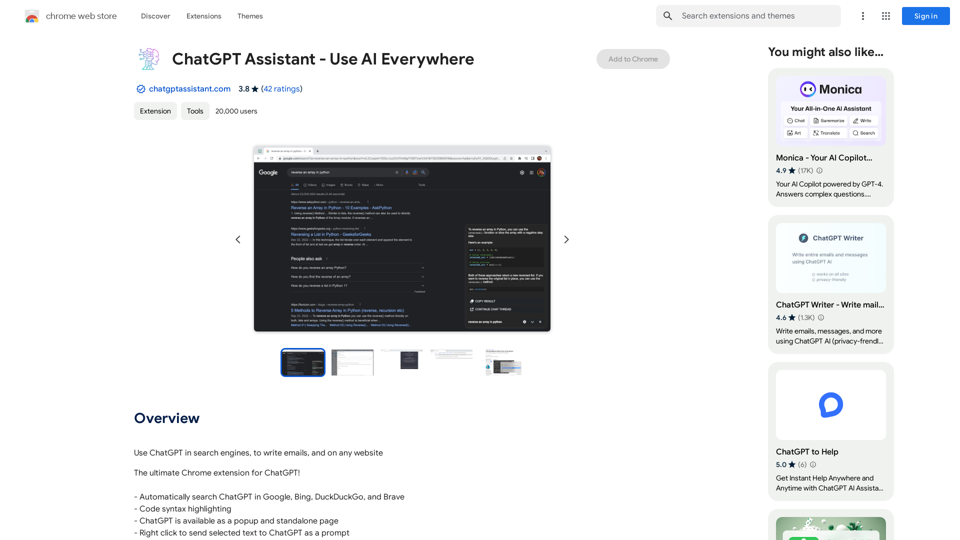
Unlocking the Power of ChatGPT: Expanding Its Reach Beyond Conversations ChatGPT, the revolutionary AI language model, has been making waves in the digital world. While it's primarily known for its conversational capabilities, its potential uses extend far beyond just chatting. Imagine harnessing the power of ChatGPT to supercharge your online activities, such as searching, emailing, and browsing websites. Search Engines Integrating ChatGPT into search engines can elevate the search experience. Here are a few ways it can make a difference: * Natural Language Queries: With ChatGPT, users can ask complex, conversational questions, and the AI will understand the context, providing more accurate results. * Personalized Results: ChatGPT can learn users' preferences and tailor search results to their interests, making the search process more efficient. * Answer Engine: Instead of providing a list of links, ChatGPT can directly answer questions, saving users time and effort. Writing Emails ChatGPT can assist in crafting well-structured, coherent emails, making communication more effective: * Email Composition: The AI can suggest relevant topics, tone, and language, helping users to express themselves more clearly. * Content Generation: ChatGPT can generate email content, such as introductions, summaries, or even entire emails, saving time and effort. * Language Translation: The AI can translate emails in real-time, breaking language barriers and facilitating global communication. Any Website Imagine having ChatGPT as your personal assistant on any website: * Content Summarization: The AI can summarize long articles, blog posts, or product descriptions, providing users with a quick overview. * FAQ Generation: ChatGPT can generate answers to frequently asked questions, reducing the need for customer support. * Personalized Recommendations: The AI can analyze user behavior and provide personalized suggestions, enhancing the overall user experience. The possibilities are endless, and the potential benefits are substantial. By integrating ChatGPT into search engines, email clients, and websites, we can unlock a new level of efficiency, productivity, and innovation.
193.90 M
AiJobster - Job Search in AI Companies and Remote AI Jobs
AiJobster - Job Search in AI Companies and Remote AI JobsAiJobster - Your premier platform for job search in AI companies and remote jobs across top AI-driven organizations. Discover your future in tech today!
694

LocalhostAI - Your AI Assistant for Chrome and Gemini Nano
LocalhostAI - Your AI Assistant for Chrome and Gemini NanoLocalhostAI: Your AI assistant designed to work seamlessly with Chrome and Gemini Nano. Enhance your productivity with advanced AI models.
0