LocalhostAI is a comprehensive AI-driven platform that provides access to a wide range of AI technologies for various needs. It offers tools for text generation, image understanding, and more, with over 1000 AI models across 200+ categories. The platform is designed to streamline workflows, enhance productivity, and unlock new possibilities for users in the AI space.
LocalhostAI - Your AI Assistant for Chrome and Gemini Nano
LocalhostAI: Your AI assistant designed to work seamlessly with Chrome and Gemini Nano. Enhance your productivity with advanced AI models.

Introduction
Feature
Vast AI Model Library
LocalhostAI boasts an extensive collection of AI tools, including nearly 200,000 GPT models available for free use without subscription. This diverse range covers text generation, image understanding, and numerous other applications.
User-Friendly Tool Discovery
The platform simplifies the process of finding the right AI tools for specific needs. Users can easily browse through the extensive library of AI models to find the perfect fit for their projects.
Free AI Tool Submission
LocalhostAI encourages community participation by allowing developers and creators to submit their own AI models for free, fostering innovation and collaboration within the AI community.
Accessible Usage
Every user can access and utilize AI tools on LocalhostAI for free, with daily usage limits. Additional benefits and extended access are available through subscription plans for those with more intensive needs.
Image Generation Capabilities
The platform offers image understanding and generation features, allowing users to create high-quality images using text prompts. These AI models are trained on vast datasets to ensure accurate and realistic results.
Privacy Protection
LocalhostAI prioritizes user privacy, ensuring that user information is not used for training data. Users have the option to delete their accounts at any time, which will remove all associated data.
FAQ
What types of AI tools does LocalhostAI offer?
LocalhostAI provides a wide range of AI tools, including:
- Text generation
- Image understanding and generation
- Over 1000 AI models
- 200+ categories of AI applications
How can I access LocalhostAI's AI tools?
LocalhostAI offers two main ways to access its AI tools:
- Free access with daily usage limits
- Subscription plans for extended limits and additional features
Is my data safe on LocalhostAI?
Yes, LocalhostAI prioritizes user privacy:
- User information is not used for training data
- Users can delete their accounts and all associated data at any time
When should I consider a LocalhostAI subscription?
Consider a subscription if:
- Free AI tools and daily limits don't meet your needs
- You require extended limits and additional features
- You need priority support for your AI projects
Can I contribute my own AI models to LocalhostAI?
Yes, LocalhostAI offers a free AI tool submission feature, allowing developers and creators to share their own AI models with the community.
Related Websites
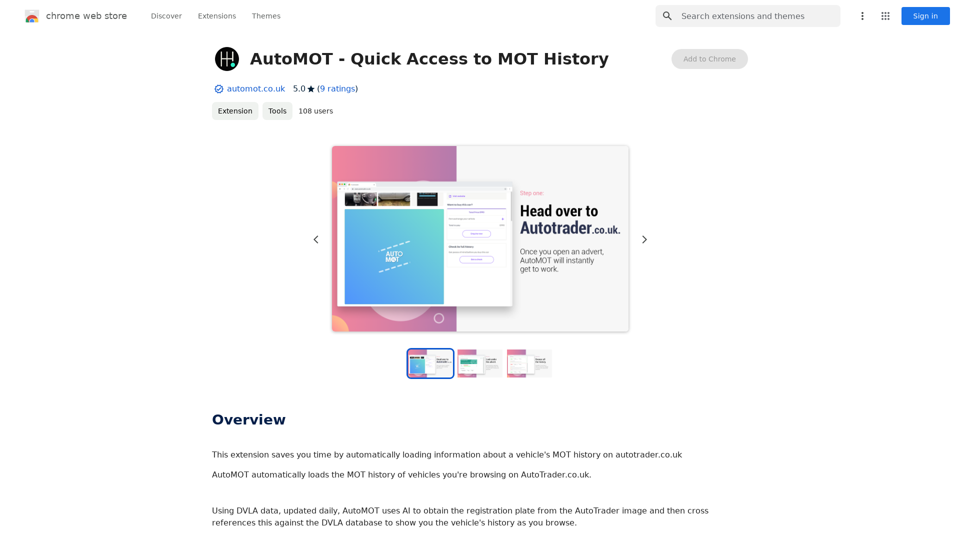
This extension saves you time by automatically loading information about a vehicle's MOT history on autotrader.co.uk.
193.90 M
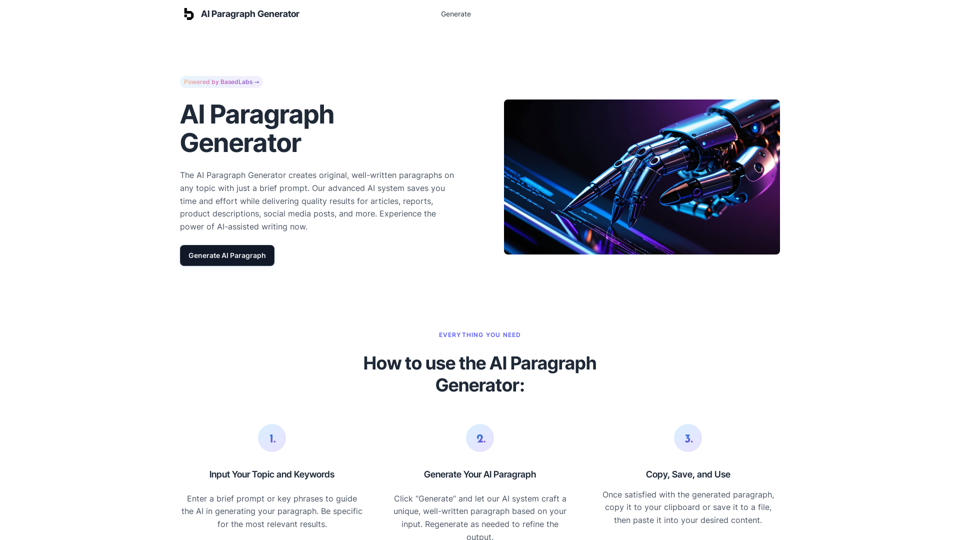
AI Paragraph Generator – Quickly generate paragraphs on any topic with our state-of-the-art AI Paragraph Generator
AI Paragraph Generator – Quickly generate paragraphs on any topic with our state-of-the-art AI Paragraph GeneratorAI Paragraph Generator – Quickly generate paragraphs on any topic with our state-of-the-art AI Paragraph Generator
0
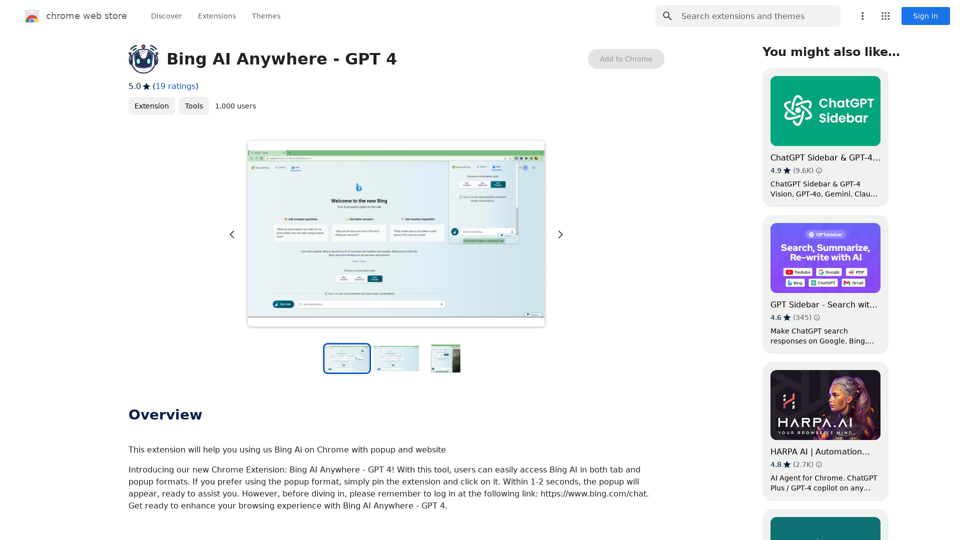
Bing AI Anywhere - GPT 4 Bing AI Anywhere is a cutting-edge technology that integrates the power of artificial intelligence into various aspects of our daily lives. With the latest GPT-4 model, this innovative platform is poised to revolutionize the way we interact, work, and live. What is GPT-4? GPT-4 is the fourth generation of the Generative Pre-trained Transformer (GPT) model, a type of artificial intelligence language model developed by OpenAI. This advanced language model is trained on a massive dataset of text from the internet and can generate human-like language, making it an ideal tool for a wide range of applications. Key Features of Bing AI Anywhere with GPT-4 * Conversational AI: Engage in natural-sounding conversations with Bing AI Anywhere, which can understand and respond to voice or text inputs. * Contextual Understanding: GPT-4's advanced language model enables Bing AI Anywhere to comprehend context, nuances, and subtleties of language, making interactions more human-like. * Multitasking: This technology can handle multiple tasks simultaneously, making it an efficient and productive tool for various industries and applications. * Personalization: Bing AI Anywhere with GPT-4 can learn and adapt to individual preferences, providing a tailored experience for each user. Potential Applications of Bing AI Anywhere with GPT-4 * Virtual Assistants: Integrate Bing AI Anywhere into virtual assistants to create more conversational and helpful AI-powered companions. * Customer Service: Implement this technology in customer service platforms to provide 24/7 support and improve customer satisfaction. * Healthcare: Utilize Bing AI Anywhere with GPT-4 to develop AI-powered chatbots that can assist with medical inquiries, appointments, and more. * Education: Create interactive and engaging educational tools that can provide personalized learning experiences for students. The Future of AI with Bing AI Anywhere and GPT-4 As Bing AI Anywhere continues to evolve with the power of GPT-4, we can expect to see even more innovative applications and use cases emerge. This technology has the potential to transform industries, revolutionize the way we work and live, and bring us closer to a future where humans and AI collaborate seamlessly.
Bing AI Anywhere - GPT 4 Bing AI Anywhere is a cutting-edge technology that integrates the power of artificial intelligence into various aspects of our daily lives. With the latest GPT-4 model, this innovative platform is poised to revolutionize the way we interact, work, and live. What is GPT-4? GPT-4 is the fourth generation of the Generative Pre-trained Transformer (GPT) model, a type of artificial intelligence language model developed by OpenAI. This advanced language model is trained on a massive dataset of text from the internet and can generate human-like language, making it an ideal tool for a wide range of applications. Key Features of Bing AI Anywhere with GPT-4 * Conversational AI: Engage in natural-sounding conversations with Bing AI Anywhere, which can understand and respond to voice or text inputs. * Contextual Understanding: GPT-4's advanced language model enables Bing AI Anywhere to comprehend context, nuances, and subtleties of language, making interactions more human-like. * Multitasking: This technology can handle multiple tasks simultaneously, making it an efficient and productive tool for various industries and applications. * Personalization: Bing AI Anywhere with GPT-4 can learn and adapt to individual preferences, providing a tailored experience for each user. Potential Applications of Bing AI Anywhere with GPT-4 * Virtual Assistants: Integrate Bing AI Anywhere into virtual assistants to create more conversational and helpful AI-powered companions. * Customer Service: Implement this technology in customer service platforms to provide 24/7 support and improve customer satisfaction. * Healthcare: Utilize Bing AI Anywhere with GPT-4 to develop AI-powered chatbots that can assist with medical inquiries, appointments, and more. * Education: Create interactive and engaging educational tools that can provide personalized learning experiences for students. The Future of AI with Bing AI Anywhere and GPT-4 As Bing AI Anywhere continues to evolve with the power of GPT-4, we can expect to see even more innovative applications and use cases emerge. This technology has the potential to transform industries, revolutionize the way we work and live, and bring us closer to a future where humans and AI collaborate seamlessly.This extension helps you use Bing AI on Chrome with a popup and website.
193.90 M

Toolquix: Elevate your social media presence with our comprehensive SMM panel. Access likes, followers, shares, and more for Instagram, Facebook, Twitter, YouTube, TikTok, and Telegram. Trusted by thousands for fast, reliable, and high-quality social media services.
0
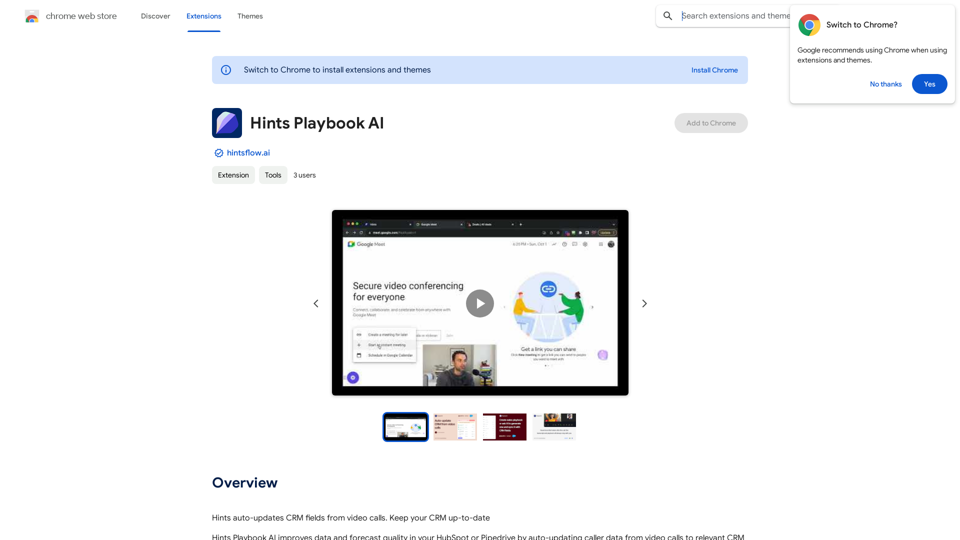
Hints Playbook AI This playbook provides guidance on how to effectively use hints to improve the performance of AI models. Understanding Hints Hints are additional pieces of information provided to an AI model to guide its output. They can take various forms, such as: * Textual prompts: Direct instructions or suggestions. * Examples: Demonstrating the desired output format or style. * Constraints: Specifying limitations or boundaries for the response. Types of Hints * Zero-shot: Hints are provided without any examples. * Few-shot: A small number of examples are given to illustrate the desired output. * Fine-tuning: Hints are incorporated into the training data to adjust the model's behavior. Best Practices for Using Hints * Be specific: Clearly articulate what you want the AI to do. * Provide context: Give the model enough background information to understand the task. * Use examples: Demonstrate the desired output format or style. * Iterate and refine: Experiment with different types and formats of hints to find what works best. * Evaluate results: Assess the quality of the AI's output and adjust hints accordingly.
Hints Playbook AI This playbook provides guidance on how to effectively use hints to improve the performance of AI models. Understanding Hints Hints are additional pieces of information provided to an AI model to guide its output. They can take various forms, such as: * Textual prompts: Direct instructions or suggestions. * Examples: Demonstrating the desired output format or style. * Constraints: Specifying limitations or boundaries for the response. Types of Hints * Zero-shot: Hints are provided without any examples. * Few-shot: A small number of examples are given to illustrate the desired output. * Fine-tuning: Hints are incorporated into the training data to adjust the model's behavior. Best Practices for Using Hints * Be specific: Clearly articulate what you want the AI to do. * Provide context: Give the model enough background information to understand the task. * Use examples: Demonstrate the desired output format or style. * Iterate and refine: Experiment with different types and formats of hints to find what works best. * Evaluate results: Assess the quality of the AI's output and adjust hints accordingly.Hints automatically updates CRM fields from video calls. Keep your CRM up-to-date.
193.90 M
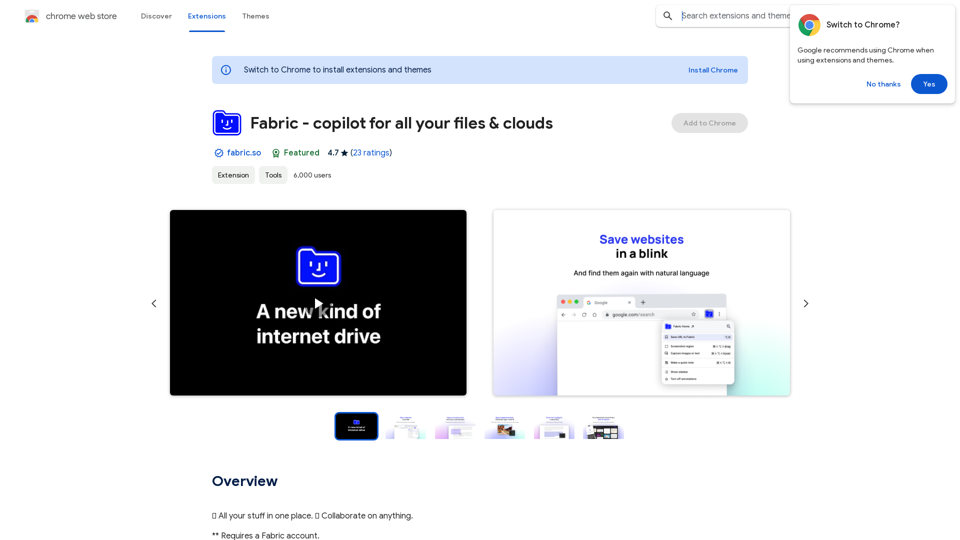
Fabric - Your assistant for all your files and cloud storage.
Fabric - Your assistant for all your files and cloud storage.🍱 All your things in one place. 👋 Work together on anything.
193.90 M
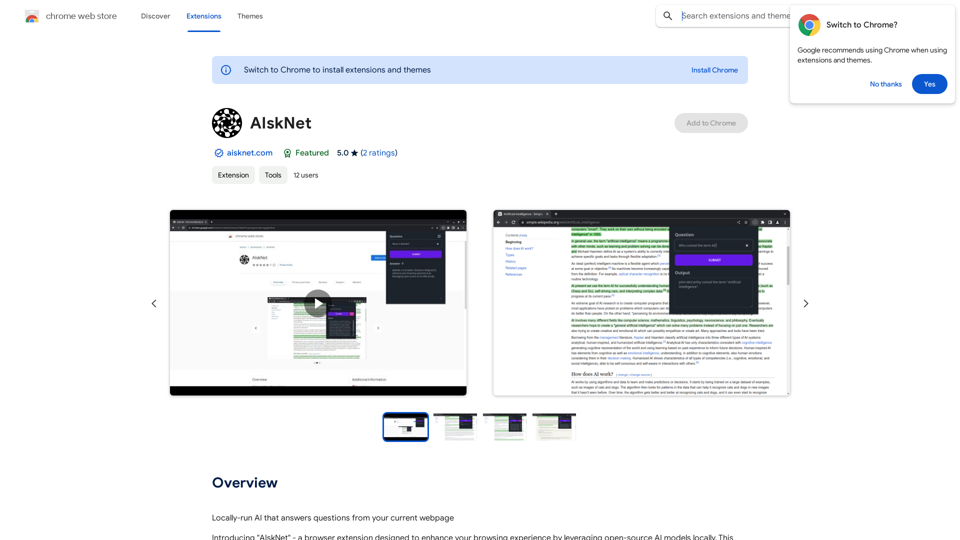
AI that runs on your computer and answers questions about the web page you are currently viewing.
193.90 M
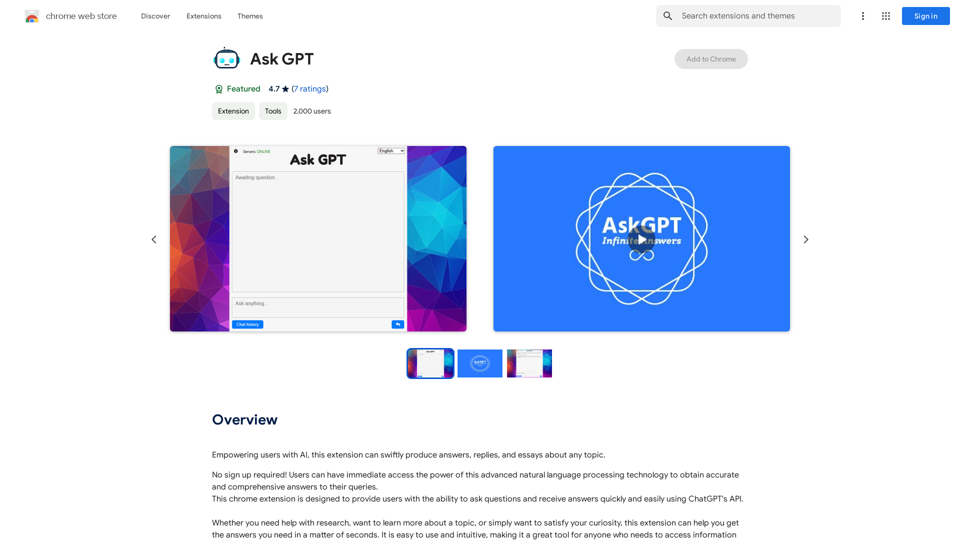
Please provide the text you want to translate into English.
Please provide the text you want to translate into English.This extension empowers users with AI, swiftly producing answers, replies, and essays on any topic.
193.90 M