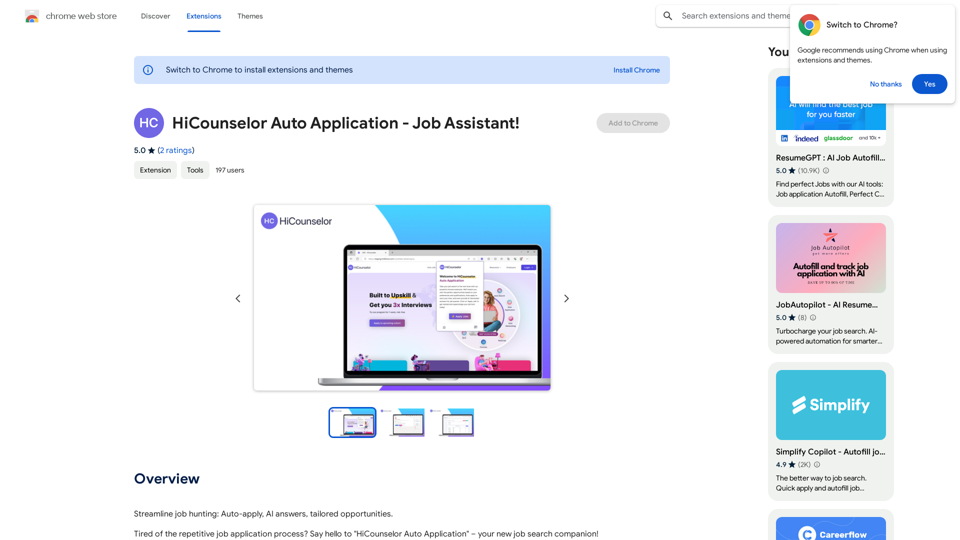
LocalhostAI is a comprehensive AI-driven platform that provides access to a wide range of AI technologies for various needs. It offers tools for text generation, image understanding, and more, with over 1000 AI models across 200+ categories. The platform is designed to streamline workflows, enhance productivity, and unlock new possibilities for users in the AI space.
LocalhostAI - Your AI Assistant for Chrome and Gemini Nano
LocalhostAI: Your AI assistant designed to work seamlessly with Chrome and Gemini Nano. Enhance your productivity with advanced AI models.
Introduction
Feature
Vast AI Model Library
LocalhostAI boasts an extensive collection of AI tools, including nearly 200,000 GPT models available for free use without subscription. This diverse range covers text generation, image understanding, and numerous other applications.
User-Friendly Tool Discovery
The platform simplifies the process of finding the right AI tools for specific needs. Users can easily browse through the extensive library of AI models to find the perfect fit for their projects.
Free AI Tool Submission
LocalhostAI encourages community participation by allowing developers and creators to submit their own AI models for free, fostering innovation and collaboration within the AI community.
Accessible Usage
Every user can access and utilize AI tools on LocalhostAI for free, with daily usage limits. Additional benefits and extended access are available through subscription plans for those with more intensive needs.
Image Generation Capabilities
The platform offers image understanding and generation features, allowing users to create high-quality images using text prompts. These AI models are trained on vast datasets to ensure accurate and realistic results.
Privacy Protection
LocalhostAI prioritizes user privacy, ensuring that user information is not used for training data. Users have the option to delete their accounts at any time, which will remove all associated data.
FAQ
What types of AI tools does LocalhostAI offer?
LocalhostAI provides a wide range of AI tools, including:
- Text generation
- Image understanding and generation
- Over 1000 AI models
- 200+ categories of AI applications
How can I access LocalhostAI's AI tools?
LocalhostAI offers two main ways to access its AI tools:
- Free access with daily usage limits
- Subscription plans for extended limits and additional features
Is my data safe on LocalhostAI?
Yes, LocalhostAI prioritizes user privacy:
- User information is not used for training data
- Users can delete their accounts and all associated data at any time
When should I consider a LocalhostAI subscription?
Consider a subscription if:
- Free AI tools and daily limits don't meet your needs
- You require extended limits and additional features
- You need priority support for your AI projects
Can I contribute my own AI models to LocalhostAI?
Yes, LocalhostAI offers a free AI tool submission feature, allowing developers and creators to share their own AI models with the community.
Related Websites
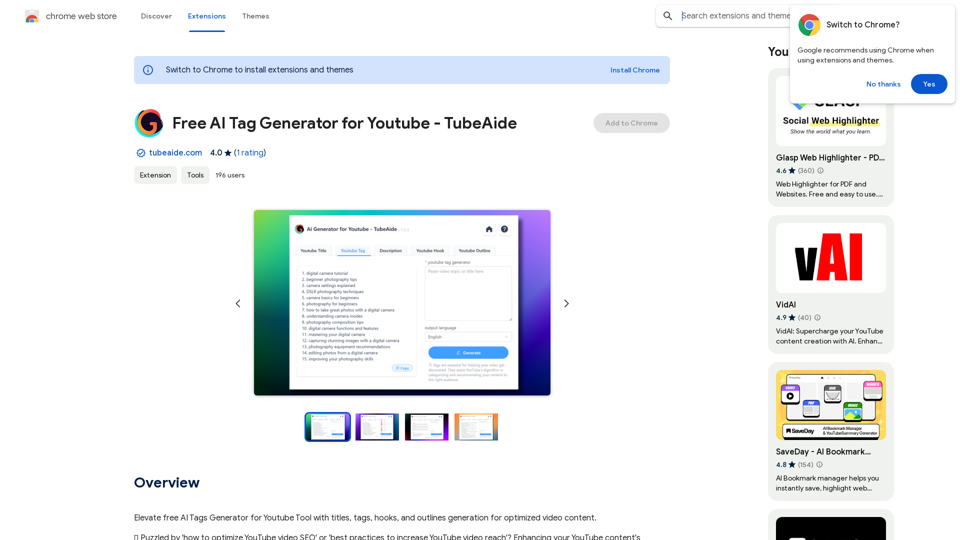
Improve the free AI Tags Generator for YouTube tool by adding features to generate titles, tags, hooks, and outlines for optimized video content.
193.90 M
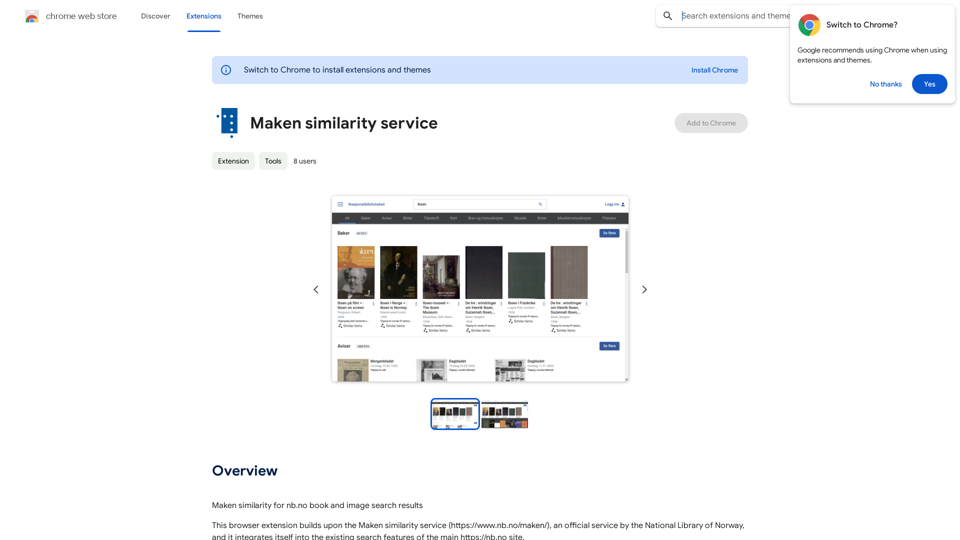
Comparing Similarity for nb.no Book and Image Search Results Let's explore how to measure the similarity between: * Book search results from nb.no (the Norwegian National Library) * Image search results from various sources This comparison can be valuable for understanding: * How well visual representations match textual descriptions. * Potential for using images to enhance book discovery. * Developing new search functionalities that combine text and image data. We can use various techniques to assess similarity, including: * Textual Similarity: Analyzing the keywords, topics, and overall content of book descriptions and image captions. * Visual Similarity: Comparing the visual features of images using algorithms like convolutional neural networks (CNNs). * Hybrid Approaches: Combining textual and visual similarity measures for a more comprehensive evaluation. By comparing similarity scores across different methods, we can gain insights into the strengths and weaknesses of each approach and identify the most effective way to connect books and images.
193.90 M
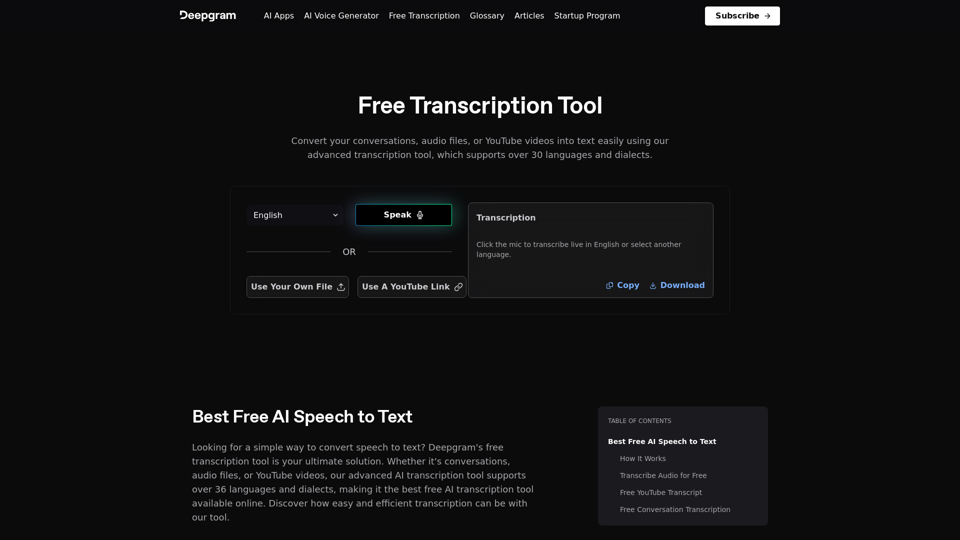
Easily convert your conversations, audio files, or YouTube videos into text for free with our advanced transcription tool.
835.16 K
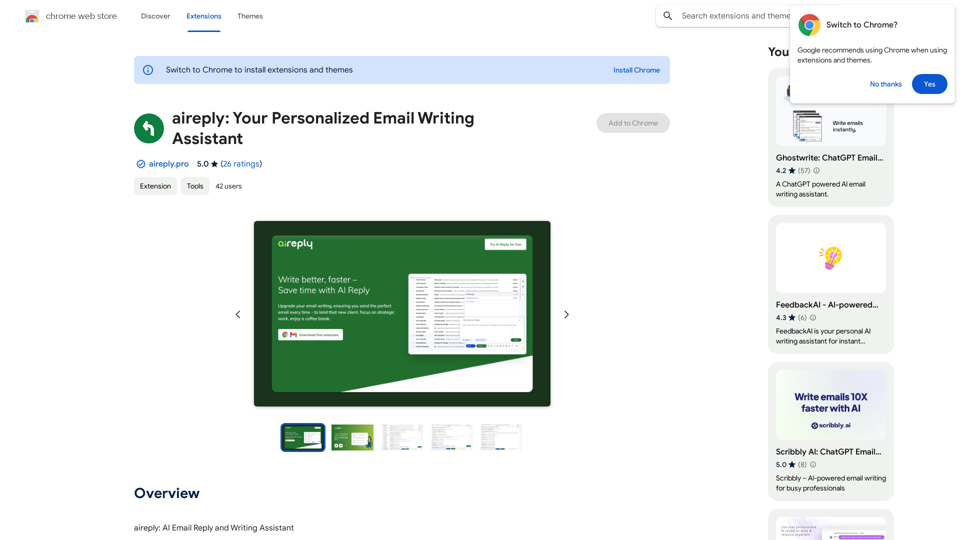
aireply: Your Personalized Email Writing Assistant
aireply: Your Personalized Email Writing AssistantAI Email Reply and Writing Assistant
193.90 M
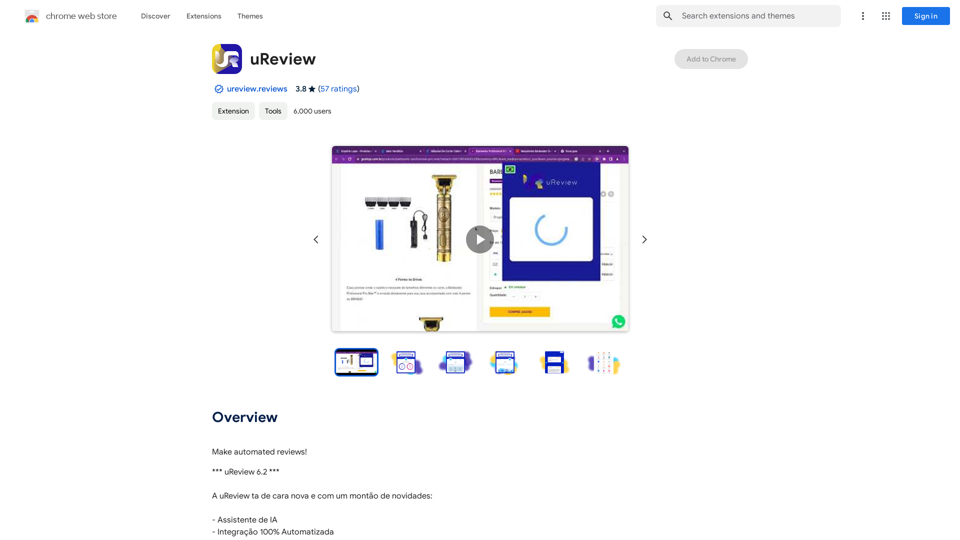
That's a great idea! To make automated reviews, we need to figure out what kind of reviews you want to automate. For example: * Product reviews: Analyzing customer feedback to identify common themes and sentiment. * Code reviews: Using tools to automatically check for coding errors and style inconsistencies. * Academic paper reviews: Summarizing key findings and identifying potential areas for improvement. Tell me more about the type of automated reviews you have in mind, and I can give you more specific information and examples.
193.90 M
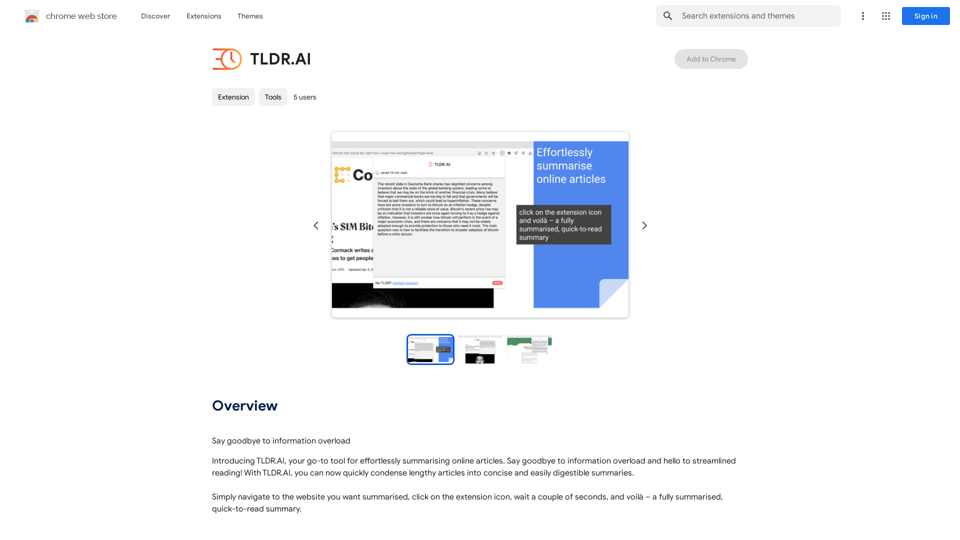
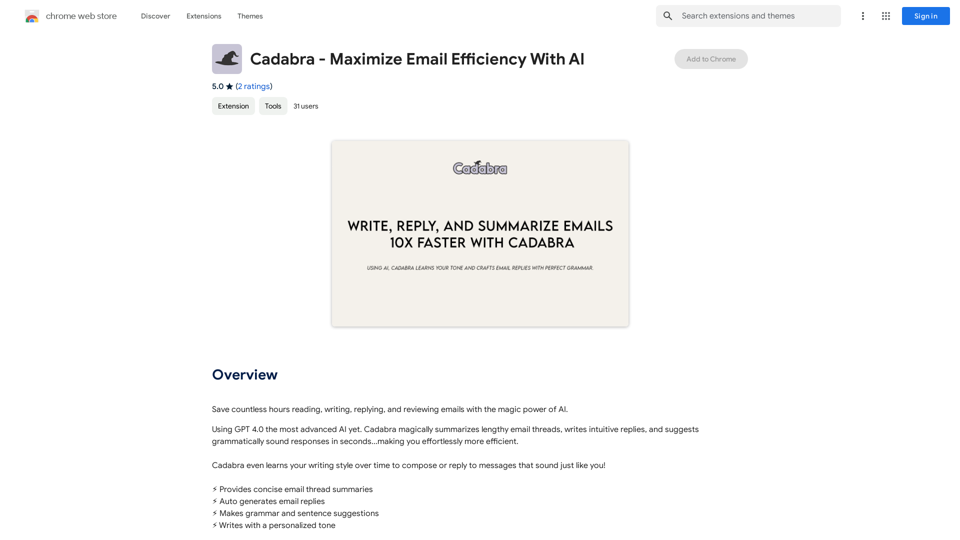
Save countless hours reading, writing, replying to, and reviewing emails with the power of AI.
193.90 M