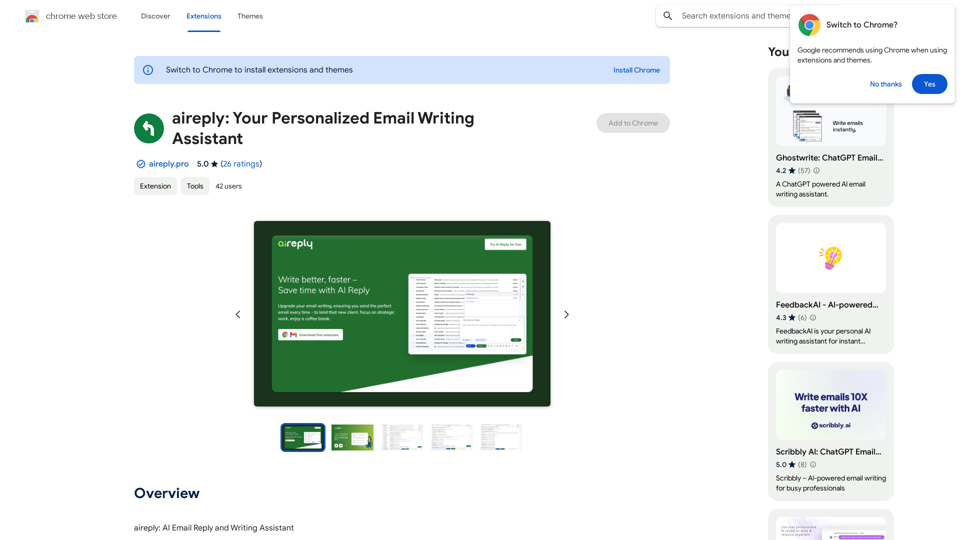
AI Reply is an innovative email assistant powered by artificial intelligence, designed to enhance your email writing experience. It offers a range of features to help users craft better and faster emails, including seamless email creation, instant replies, adjustable tone and length settings, and multilingual support. This tool integrates directly with Gmail, providing a streamlined and efficient email communication process.
aireply: Your Personalized Email Writing Assistant
AI Email Reply and Writing Assistant
Introduction
Feature
Seamless Email Crafting and Instant Replies
- Time-saving efficiency: Generate concise, polite, and effective emails in seconds
- Enhanced communication: Improve email clarity, tone, and impact
- Professional and courteous messages tailored to your audience
Adjustable Context, Tone & Length
- Customize your emails to suit different situations and recipients
- Ensure your messages are always appropriate and effective
Multilingual Support
- Write emails in multiple languages effortlessly
- Facilitate smoother and more efficient global communication
Seamless Gmail Integration
- Uninterrupted email experience within Gmail
- No copy-pasting, distracting pop-ups, or ads
- Enhanced productivity and focus
Free to Use
- No subscription or payment required
- Access all features without cost
FAQ
Is AI Reply free to use?
Yes, AI Reply is a free extension that can be used without any subscription or payment.
How do I install AI Reply?
To install AI Reply:
- Click the "Add to Chrome" button on the extension page
- Confirm the installation by clicking "Add Extension" in the pop-up window
- Look for the AI Reply button in your Gmail toolbar
- Start using AI Reply
Can I use AI Reply with email providers other than Gmail?
Currently, AI Reply is only compatible with Gmail. It does not support other email providers at this time.
What are some helpful tips for using AI Reply?
- Use AI Reply to write professional and effective emails quickly
- Adjust tone and length to suit your audience
- Utilize multilingual support for international communication
- Integrate seamlessly with Gmail for an efficient email experience
Related Websites

AI Letter Generator: Free AI Letter Writer, Cover Letter
AI Letter Generator: Free AI Letter Writer, Cover LetterAI Letter Generator helps you create professional letters easily with AI. Try our free letter writer, cover letter generator, and more!
0
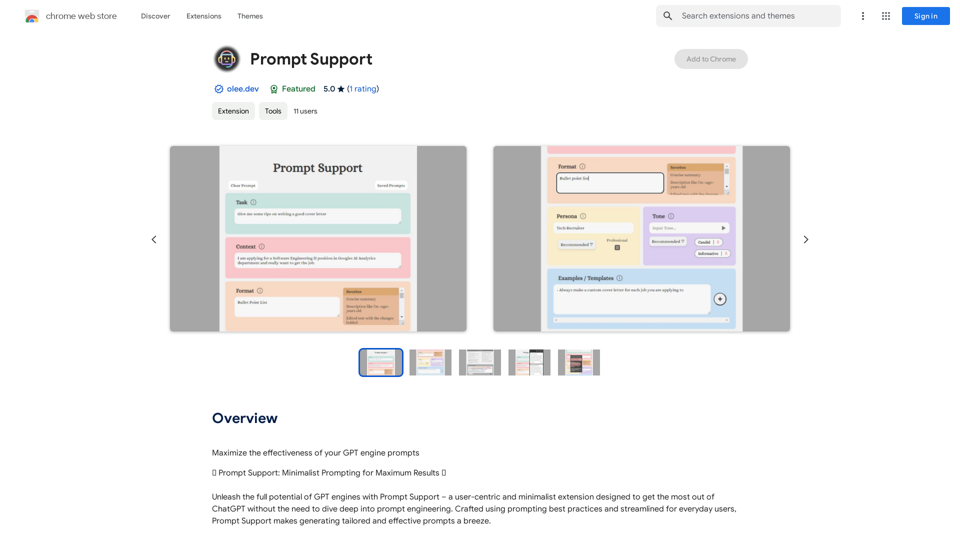
Maximize the Effectiveness of Your GPT Engine Prompts 1. Be Clear and Specific: * Instead of: "Write about dogs." * Try: "Write a 500-word essay about the history and characteristics of Golden Retrievers." 2. Provide Context: * Instead of: "Summarize this article." * Try: "Summarize the main arguments presented in this article about the impact of social media on teenagers." 3. Set the Tone and Style: * Instead of: "Write a story." * Try: "Write a humorous short story about a cat who thinks it's a dog." 4. Define the Desired Format: * Instead of: "Create a poem." * Try: "Write a rhyming sonnet about the beauty of a sunset." 5. Use Examples: * Instead of: "Generate some creative writing ideas." * Try: "Generate some creative writing ideas similar to the style of Edgar Allan Poe." 6. Break Down Complex Tasks: * Instead of: "Write a business plan." * Try: * "Outline the key components of a business plan for a new coffee shop." * "Write a section of the business plan focusing on the target market." 7. Refine Your Prompts: * Experiment with different wording: See what yields the best results. * Iterate on your prompts: Build upon previous responses to get closer to your desired outcome. By following these tips, you can craft more effective prompts that will help you get the most out of your GPT engine.
193.90 M
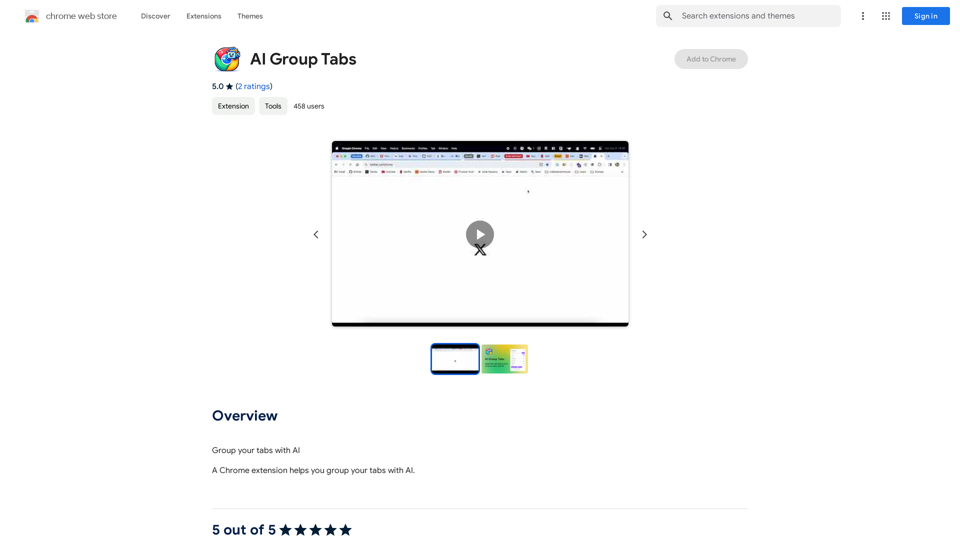
Group your tabs with AI This is a simple and effective way to organize your browser tabs using artificial intelligence. Here's how it works: * Select multiple tabs: Choose the tabs you want to group together. * AI grouping: Our AI will analyze the content of the selected tabs and suggest relevant groups. * Customize groups: You can adjust the suggested groups or create your own. * Save and access: Save your grouped tabs for easy access later. Let AI help you stay organized and productive!
193.90 M
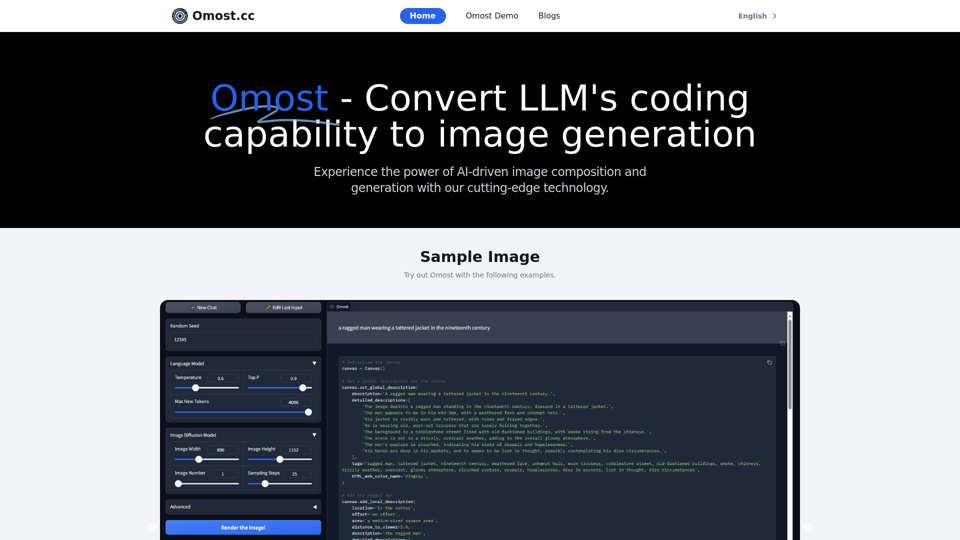
Omost | Try Omost for Free Online - AI-Powered Image Generation from Code
Omost | Try Omost for Free Online - AI-Powered Image Generation from CodeOmost offers large language model (LLM) models that can generate code to create visual images using Omost's virtual Canvas agent.
0