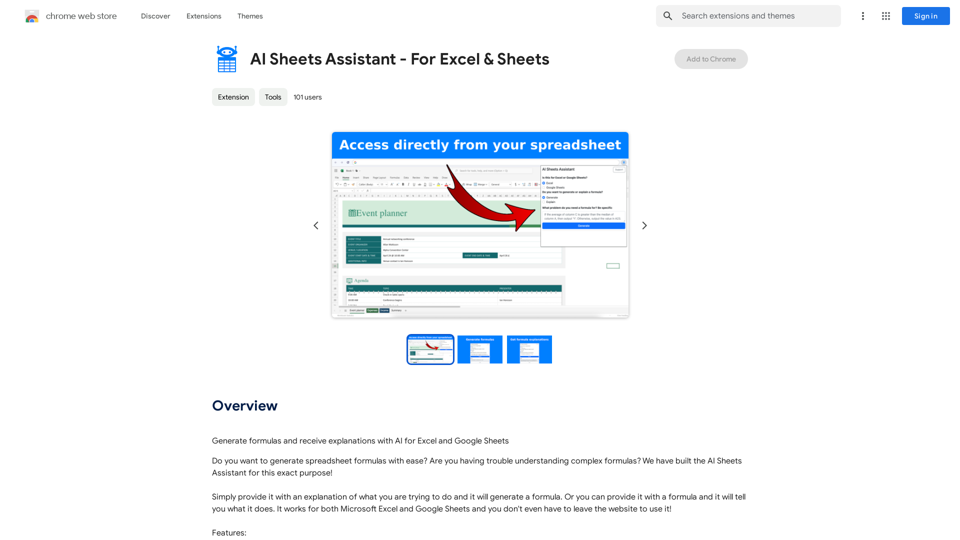
AI Sheets Assistant is a powerful extension designed for Excel and Google Sheets users. It leverages artificial intelligence to generate complex formulas and provide detailed explanations, enhancing productivity and understanding in spreadsheet work. This tool seamlessly integrates with your existing spreadsheet environment, offering a user-friendly interface and quick access to advanced formula creation and interpretation.
AI Sheets Assistant - For Excel & Sheets
Generate Formulas and Receive Explanations with AI for Excel and Google Sheets
This is a powerful tool that can help you with your spreadsheet work!
Here's how it works:
1. You describe what you want to achieve. Be as specific as possible. For example, instead of saying "I need a formula to calculate the total," say "I need a formula to calculate the total of sales in column B."
2. The AI will generate a formula for you. It will also provide an explanation of how the formula works.
3. You can copy and paste the formula into your spreadsheet.
Here are some examples:
* "I need a formula to find the average of the numbers in cells A1 to A10."
* Formula: `=AVERAGE(A1:A10)`
* Explanation: The `AVERAGE` function calculates the average of a range of cells. In this case, it will calculate the average of the numbers in cells A1 through A10.
* "I need a formula to count the number of cells that contain the word 'apple' in column C."
* Formula: `=COUNTIF(C:C,"apple")`
* Explanation: The `COUNTIF` function counts the number of cells in a range that meet a certain criteria. In this case, it will count the number of cells in column C that contain the word "apple".
* "I need a formula to find the largest number in column D."
* Formula: `=MAX(D:D)`
* Explanation: The `MAX` function returns the largest number in a range of cells. In this case, it will return the largest number in column D.
Let me know what you'd like to calculate, and I'll do my best to help!
Introduction
Feature
Formula Generation
AI Sheets Assistant can generate complex formulas based on user input, simplifying the process of creating advanced spreadsheet functions.
Formula Explanation
The extension provides clear explanations for generated formulas, helping users understand the logic and functionality behind each calculation.
Cross-Platform Compatibility
AI Sheets Assistant works with both Microsoft Excel and Google Sheets, offering versatility for different spreadsheet environments.
In-Spreadsheet Access
Users can access AI Sheets Assistant directly from their spreadsheet, eliminating the need to switch between applications.
User-Friendly Interface
The extension features a simple and intuitive interface, making it easy for users of all skill levels to navigate and utilize its capabilities.
Responsive Support
Fast and friendly customer support is available to assist users with any questions or issues they may encounter.
Free-to-Start Model
AI Sheets Assistant offers a free tier, allowing users to explore its features without initial cost. Advanced features and support are available through paid plans.
FAQ
How do I use AI Sheets Assistant?
To use AI Sheets Assistant, simply provide a description of your desired formula or calculation. The AI will then generate the appropriate formula. Alternatively, you can input an existing formula, and the assistant will explain its function.
Is AI Sheets Assistant compatible with both Excel and Google Sheets?
Yes, AI Sheets Assistant is designed to work seamlessly with both Microsoft Excel and Google Sheets platforms.
Is there a cost associated with using AI Sheets Assistant?
AI Sheets Assistant offers a free-to-start model with no initial subscription or payment required. However, advanced features and additional support may be available through paid upgrade options.
Related Websites

Adaapt.ai - Simplify and Optimize Your Processes with Automation
Adaapt.ai - Simplify and Optimize Your Processes with AutomationUnlock efficiency and elevate your business with Adaapt.ai - Your partner in automation. Streamline processes effortlessly and boost productivity. Discover cutting-edge solutions tailored for your success.
0

LessonShip is an AI-powered LMS that allows teachers to quickly generate classroom instructional materials with our easy-to-use forms.
0
The Power of React and TypeScript for Building Interactive Chrome Extensions React and TypeScript are a powerful combination for developing engaging and robust Chrome extensions. Here's why: * React's Component-Based Architecture: React's component-based approach makes building complex UIs for your extensions manageable and reusable. * TypeScript's Static Typing: TypeScript's type system catches errors early in development, leading to more reliable and maintainable code. * Improved Developer Experience: Both React and TypeScript offer excellent tooling and a strong community, making development smoother and more enjoyable. By leveraging these technologies, you can create Chrome extensions that are: * Interactive and User-Friendly: React's declarative style and virtual DOM enable smooth and responsive user interfaces. * Scalable and Maintainable: TypeScript's type safety and React's component structure promote code organization and extensibility. * Bug-Free and Reliable: TypeScript's static typing helps prevent runtime errors, resulting in more robust extensions. Let's explore how to harness the power of React and TypeScript to build your next amazing Chrome extension!
193.90 M
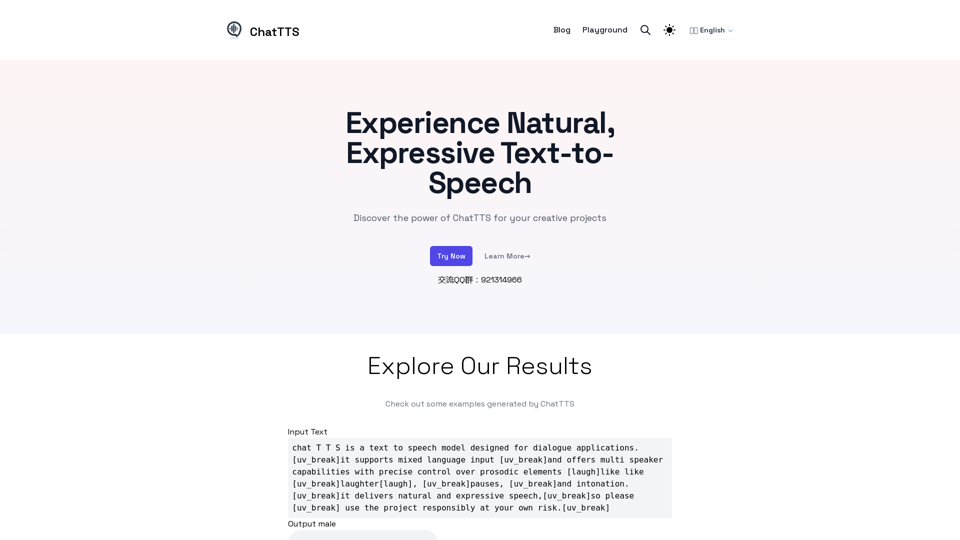
Discover the power of ChatTTS for your creative projects with natural and expressive text-to-speech capabilities.
0

Translation Methods: Comparative Translation & Immersive AI Translation
Translation Methods: Comparative Translation & Immersive AI TranslationProvide users with better AI translation and a more fluent reading experience.
193.90 M
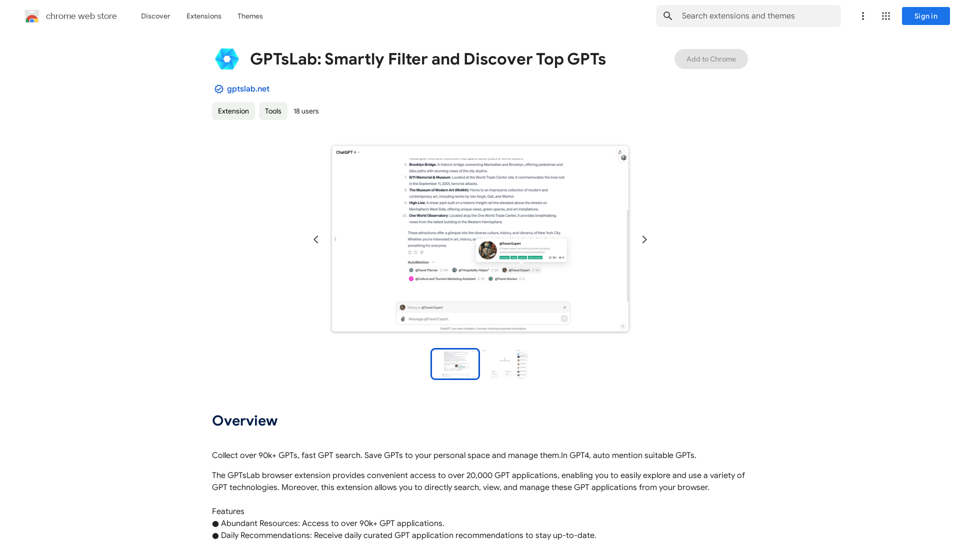
Collect over 90,000+ GPTs, search for them quickly. Save GPTs to your personal space and manage them. In GPT-4, it will automatically suggest relevant GPTs.
193.90 M
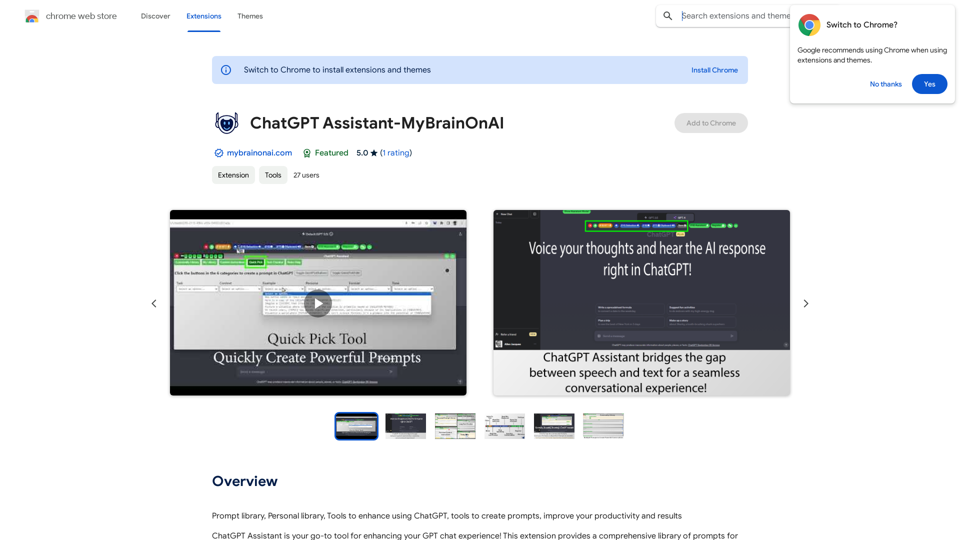
Prompt Library Personal Library Tools to enhance using ChatGPT Tools to create prompts Improve your productivity and results
193.90 M

Minimize Climate Risk | Maximize Future Opportunities | ClimateAi
Minimize Climate Risk | Maximize Future Opportunities | ClimateAiBuild climate resilience with accurate insights and actionable recommendations that will give you a competitive edge.
10.69 K