Open-source RightAI Tools Directory
  • Discover AI
  • Submit
  • Startup
  • Blog
Open-source RightAI Tools Directory
Discover the best AI tools of 2025 with the RightAI Tools Directory!

Friend Links

AI Anime GeneratorToolsApp AI

Support

Tap4
Privacy policyTerms & ConditionsContact Us
Loading...
loading...

AG Intelligent Assistant - GPT Chat, Drawing, Vision, Networking

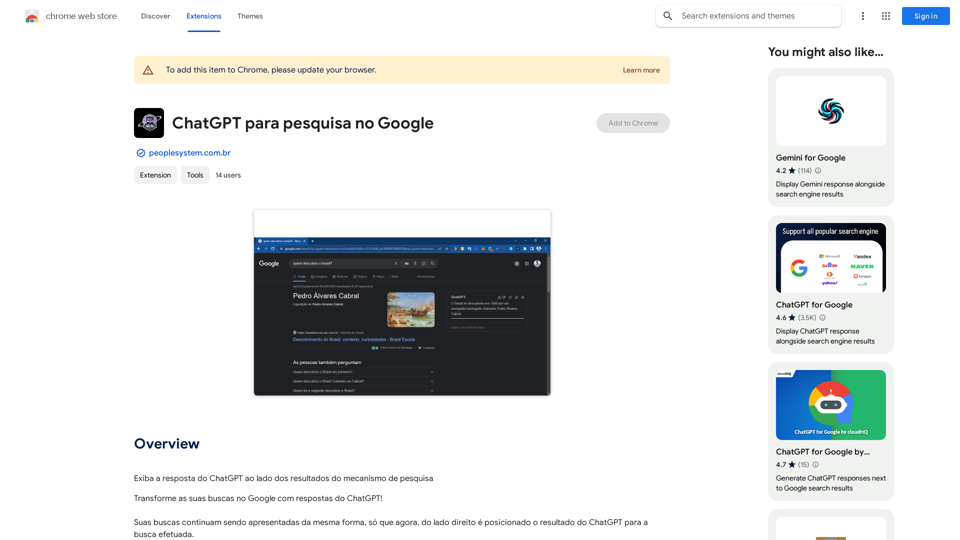
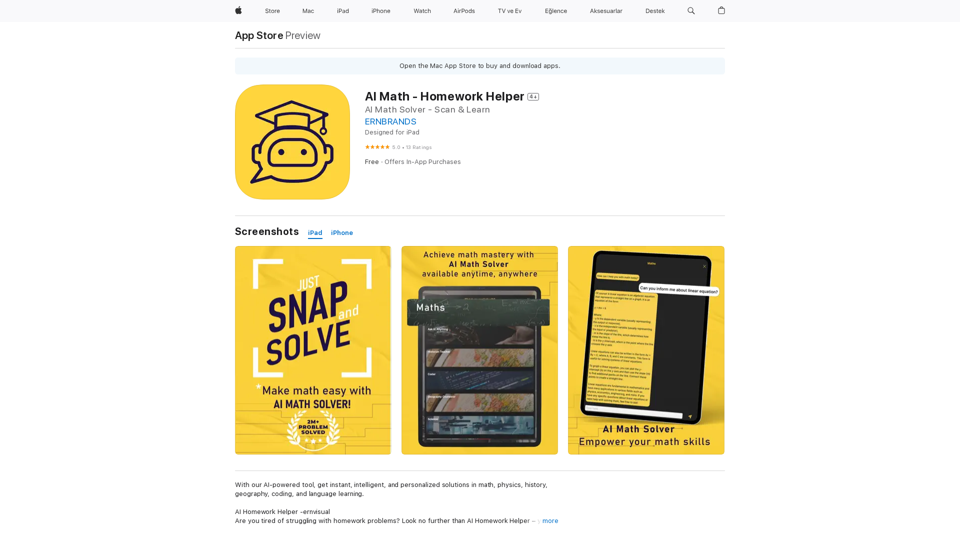
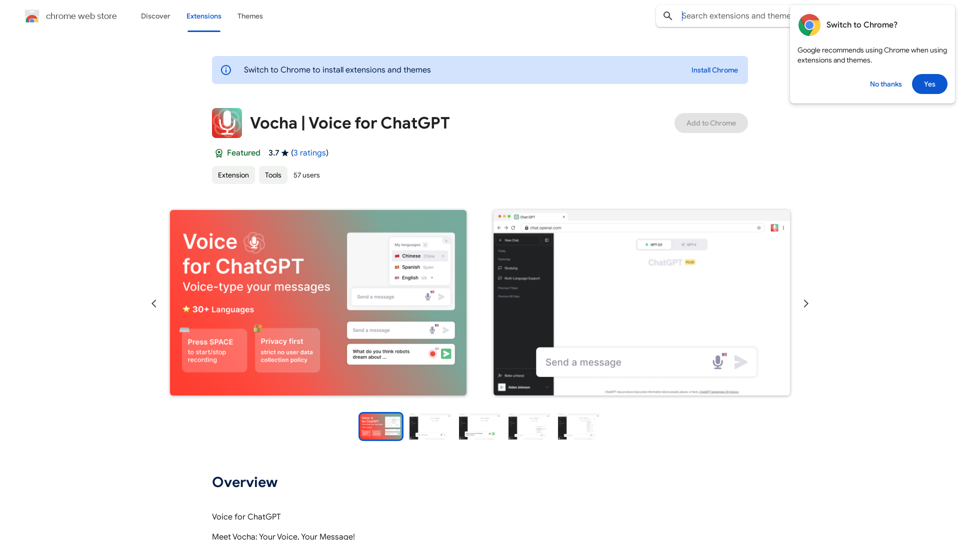
Driven by models such as GPT-4 Turbo and GPT-4 O, this private AI work assistant supports a wide range of functions, including GPT networking, PDF analysis, GPT-4 Vision, SD drawing, and DALL·E 3 drawing, making it your most powerful AI work assistant!
Visit Website
AG Intelligent Assistant - GPT Chat, Drawing, Vision, Networking
Visit Website

Introduction

AG Smart Assistant is a powerful personal AI work assistant based on advanced models such as GPT-4 Turbo/GPT-4 O. It offers various intelligent features, including GPT internet connectivity, PDF analysis, GPT-4 Vision, SD drawing, and DALL-E 3 image generation, aimed at improving users' work efficiency and creativity.

Feature

Diverse Chat Models

AG Smart Assistant integrates multiple advanced chat models:

  • GPT-4 O
  • GPT-3.5 Turbo
  • GPT-4 Turbo&Vision
  • Gemini pro
  • Wenxin Yiyan 4.0
  • Xinghua 3.0 model

Users can upload images to interact with these models, enabling multimodal dialogue.

Intelligent Drawing Function

Provides DALL-E 3 and DALL-E 3 (HD) image generation models for quick creation of images in various styles.

GPT Internet Connectivity

All models have internet access capability, able to answer questions based on the latest online information, maintaining knowledge timeliness.

Webpage Reading Assistant

Supports intelligent interaction with screenshots and selected webpage text, such as translation, summarization, and expansion operations.

Multi-language Support

Built-in translation function supports seamless communication in Chinese and English, breaking language barriers.

AI-assisted Writing

Provides a dedicated interface for long article writing, becoming your capable writing assistant.

PDF Intelligent Analysis

Capable of analyzing PDF content, generating summaries, and answering related questions, improving document processing efficiency.

Flexible Usage Methods

  • Click the AG extension icon or press Ctrl+Q to activate the sidebar
  • Select the desired function (such as GPT proxy, chat model, drawing model, etc.)
  • Use the corresponding function according to your needs

FAQ

What is AG Smart Assistant's pricing strategy?

AG Smart Assistant adopts the following pricing strategy:

  • Provides 1000 computing power free quota daily for all users
  • For the GPT 3.5 Turbo model, equivalent to 20,000 characters usage
  • Xinghua 3.0 model and all applications driven by it are completely free

Is AG Smart Assistant completely free?

Although not entirely free, AG Smart Assistant offers a generous free quota:

  • 1000 computing power free usage quota daily
  • Sufficient to meet the daily needs of ordinary users
  • Xinghua 3.0 model and its related applications are completely free

What other features does AG Smart Assistant have?

In addition to the features already introduced, AG Smart Assistant has many practical and interesting functions waiting for you to explore. We welcome users to provide ideas and suggestions to continuously improve and expand product features.

Related Websites
Discord Translator
View Detail

Discord Translator

Discord Translator

Translate Messages in Discord ============================= What is the "Translate" feature in Discord? The "Translate" feature in Discord allows users to translate messages in real-time, making it easier for people who speak different languages to communicate with each other. How to use the "Translate" feature in Discord? #1. Enable the "Translate" feature To enable the "Translate" feature, you need to go to the "User Settings" and click on the "Language" tab. Then, toggle the switch next to "Translator" to the "On" position. #2. Set your preferred language After enabling the "Translate" feature, you need to set your preferred language. You can do this by clicking on the "Language" dropdown menu and selecting your preferred language from the list. #3. Translate messages Once you've set your preferred language, you can start translating messages. To translate a message, simply hover over the message and click on the "Translate" button that appears. #4. View translated messages After clicking the "Translate" button, the message will be translated into your preferred language. You can view the translated message below the original message. Benefits of the "Translate" feature in Discord The "Translate" feature in Discord has several benefits, including: * Improved communication: The "Translate" feature helps to break down language barriers, making it easier for people who speak different languages to communicate with each other. * Increased accessibility: The "Translate" feature makes Discord more accessible to people who may not speak the dominant language of a server or community. * Enhanced collaboration: The "Translate" feature enables people to collaborate more effectively, even if they speak different languages.

193.90 M
GPT-4 Vision Screenshot
View Detail

GPT-4 Vision Screenshot

GPT-4 Vision Screenshot

✨ Unleash the Power of Instant Knowledge with GPT-4 Vision Screenshot ✨ Dive into the future of on-screen search with GPT-4...

193.90 M
LocalhostAI - Your AI Assistant for Chrome and Gemini Nano
View Detail

LocalhostAI - Your AI Assistant for Chrome and Gemini Nano

LocalhostAI - Your AI Assistant for Chrome and Gemini Nano

LocalhostAI: Your AI assistant designed to work seamlessly with Chrome and Gemini Nano. Enhance your productivity with advanced AI models.

0
ProspectPro - B2B Lead Generation
View Detail

ProspectPro - B2B Lead Generation

ProspectPro - B2B Lead Generation

Find new B2B prospects in no time.

193.90 M
Met Genius Extension
View Detail

Met Genius Extension

Met Genius Extension

The Power of React and TypeScript for Building Interactive Chrome Extensions React and TypeScript are a powerful combination for developing engaging and robust Chrome extensions. Here's why: * React's Component-Based Architecture: React's component-based approach makes building complex UIs for your extensions manageable and reusable. * TypeScript's Static Typing: TypeScript's type system catches errors early in development, leading to more reliable and maintainable code. * Improved Developer Experience: Both React and TypeScript offer excellent tooling and a strong community, making development smoother and more enjoyable. By leveraging these technologies, you can create Chrome extensions that are: * Interactive and User-Friendly: React's declarative style and virtual DOM enable smooth and responsive user interfaces. * Scalable and Maintainable: TypeScript's type safety and React's component structure promote code organization and extensibility. * Bug-Free and Reliable: TypeScript's static typing helps prevent runtime errors, resulting in more robust extensions. Let's explore how to harness the power of React and TypeScript to build your next amazing Chrome extension!

193.90 M
YouTube Video Summarizer
View Detail

YouTube Video Summarizer

YouTube Video Summarizer

Effortlessly summarize YouTube videos with 'YouTube Video Summarizer', your AI video-to-text converter and Chat GPT tool

193.90 M
Online Story Planner - Plot Factory
View Detail

Online Story Planner - Plot Factory

Online Story Planner - Plot Factory

Online story planner, organizer, and writing app that allows you to create fictional universes, develop rich characters, and write amazing stories.

32.05 K
SEO by AI
View Detail

SEO by AI

SEO by AI

SEOByAI helps you start your marketing efforts for free by giving you 100% free SEO tools.

193.90 M