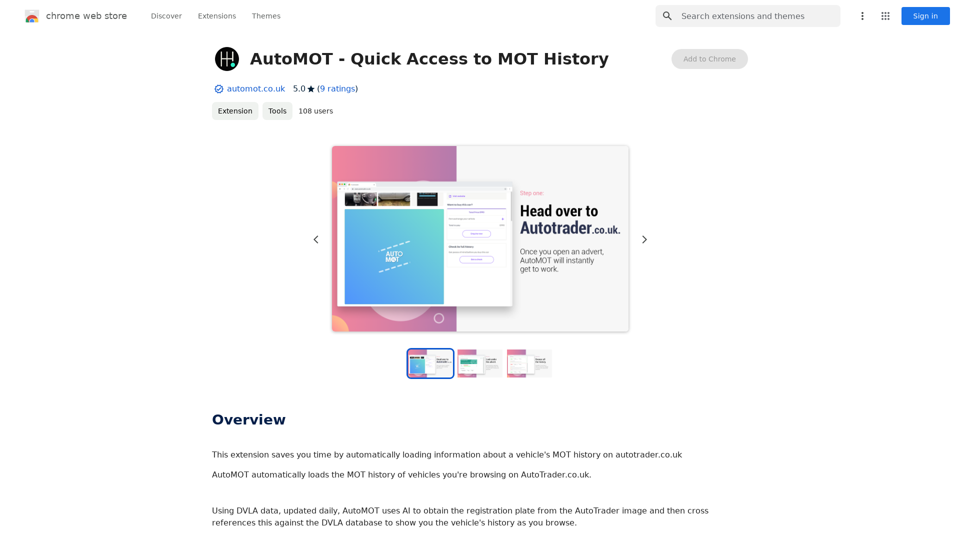
Bing ChatGPT is a free Chrome extension that integrates AI-powered chatbot functionality with Bing search on your browser's new tab page. It provides instant answers to questions and enhances productivity by offering access to ChatGPT API and Bing simultaneously. The extension supports multiple search engines and works in all countries, making it a versatile tool for users worldwide.
Bing ChatGPT Bing ChatGPT is a conversational AI powered by Microsoft Bing and OpenAI's ChatGPT technology. It's a chatbot that allows users to have natural conversations, ask questions, and get accurate answers.
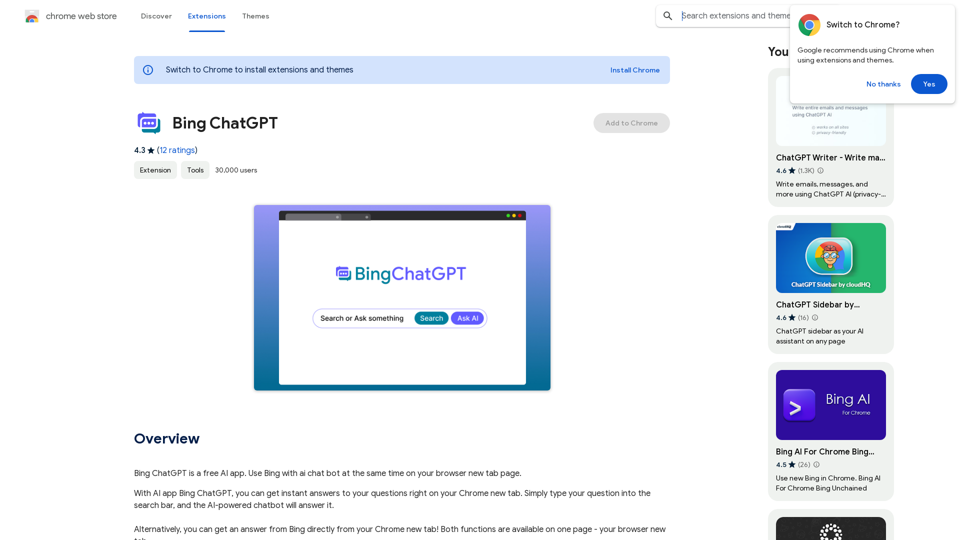
Bing ChatGPT is a free AI app. Use Bing with an AI chatbot simultaneously on your browser's new tab page.
Introduction
Feature
AI-Powered Chatbot Integration
- Instant answers to questions on Chrome's new tab
- Supports GPT-3, GPT-3.5, and GPT-4 models
- Translates, paraphrases, and explains text
- Works with code and supports code markup
Enhanced Search Experience
- Combines Bing search with AI chatbot functionality
- Supports Google, Bing, Yandex, and Yahoo search engines
- Fast response times (comparable to ChatGPT Plus)
Productivity Tools
- AI writer for Gmail, Twitter, and LinkedIn
- One-click article, ad, blog, and resume writing
- Blog summarization feature
User-Friendly Design
- Quick access via Cmd+T or Ctrl+T
- No Bing account required
- Free to use with no hidden purchases
Extensive AI Tool Collection
- Over 1000 AIs and 200+ categories
- Easy discovery of AI tools
- Free AI tools submission
FAQ
What is ChatGPT?
ChatGPT is an AI chatbot app that uses GPT technology to provide intelligent conversation. Users can access it by installing the Bing ChatGPT extension.
What can be done with ChatGPT?
ChatGPT offers features such as free access to OpenAI's GPT-4 model, blog summarization, AI writing for various platforms, and responses to a wide range of questions and tasks.
Is ChatGPT Bing free to use?
Yes, the extension is completely free with no hidden purchases.
Do I need a Microsoft or OpenAI account to use it?
A Bing account is not required, but users need to register for an OpenAI account. The extension provides guidance on creating an account quickly and easily.
When was this project launched?
ChatGPT Bing was launched on July 20th, 2023.
Does ChatGPT Bing work in countries where ChatGPT is banned?
Yes, the extension works in all countries.
Related Websites
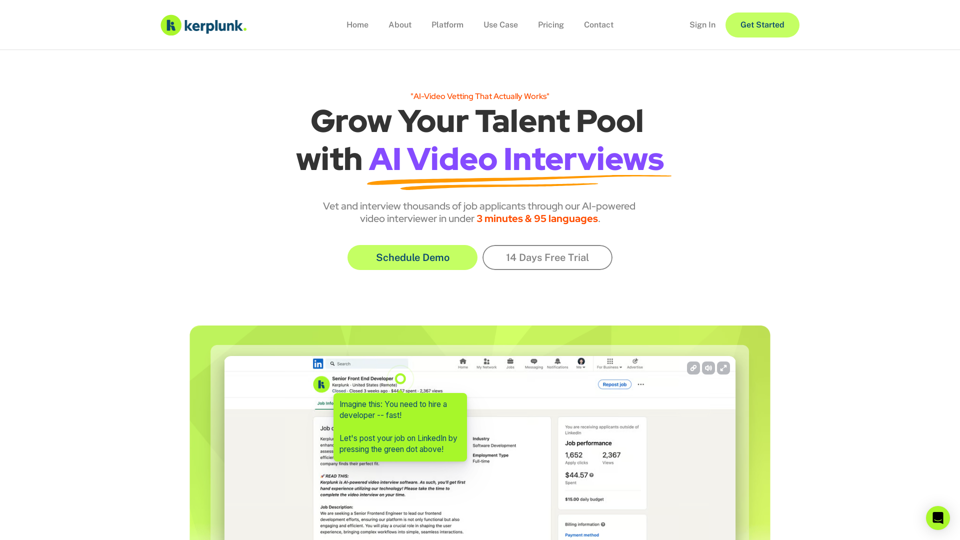
Optimize your hiring with our AI-powered video interviewer. Kerplunk delivers insightful interviews. Get an AI Interview Assistant for your recruitment.
7.59 K
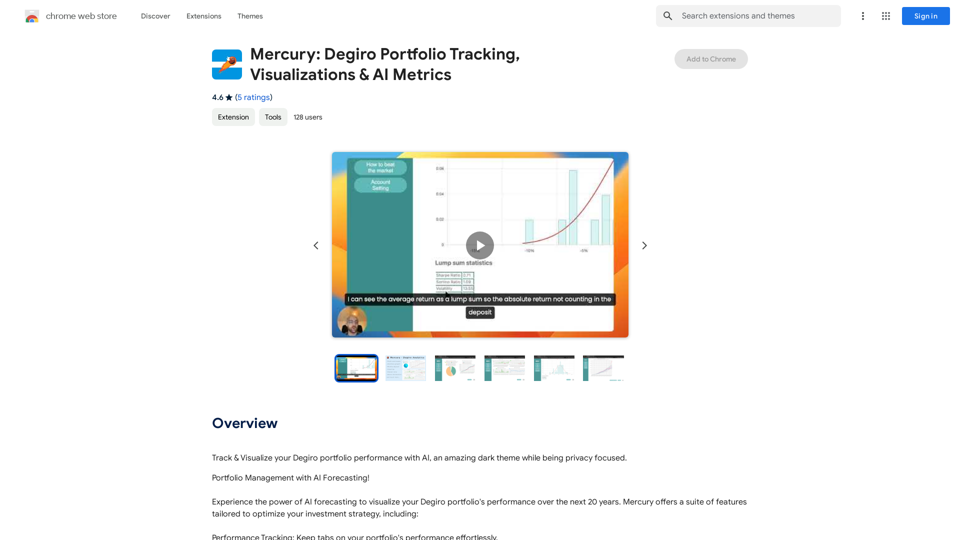
Mercury: Degiro Portfolio Tracking, Visualizations & AI Metrics
Mercury: Degiro Portfolio Tracking, Visualizations & AI MetricsTrack and visualize your Degiro portfolio performance with AI, featuring an amazing dark theme and a focus on privacy.
193.90 M
FaceArt is a powerful AI face swap plugin that utilizes AI technology to generate face swap images in one click!
193.90 M
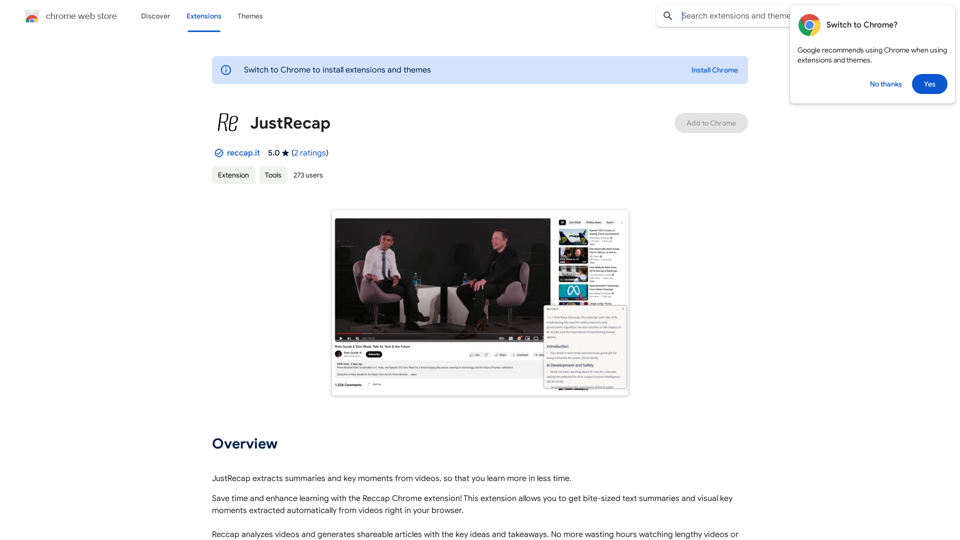
JustRecap extracts summaries and key moments from videos so you can learn more in less time.
193.90 M
The Arvin ChatGPT extension is a versatile tool that can be used on any website, offering a range of features to enhance your online experience. These features include an AI writer for crafting emails, Twitter posts, and LinkedIn updates, as well as a summarizer for blogs and YouTube videos.
193.90 M
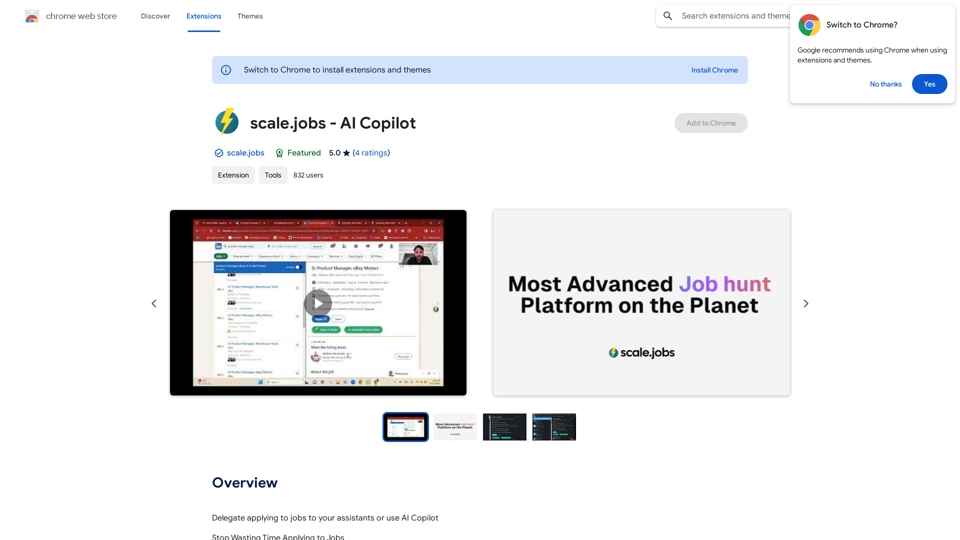
Delegate applying to jobs to your assistants or use AI Copilot Applying to jobs can be a tedious and time-consuming task. Delegate this task to your assistants and let them handle the initial application process, including resume submission and cover letter writing. Alternatively, utilize AI Copilot, an innovative tool that can automate the job application process, saving you time and energy. By delegating or automating this task, you can focus on more important things, such as preparing for interviews, networking, and building meaningful connections in your industry. This approach can also increase your chances of getting hired, as your assistants or AI Copilot can help you apply to more job openings, thereby increasing your visibility and reach. Remember, time is valuable, and by delegating or automating the job application process, you can make the most of your time and achieve your career goals more efficiently.
193.90 M
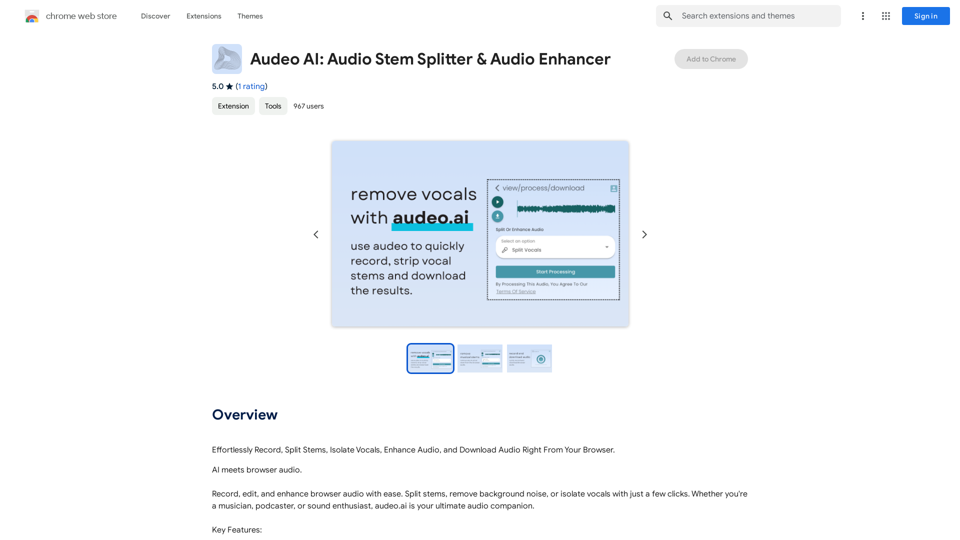
Easily record, separate stems, isolate vocals, improve audio quality, and download audio directly from your web browser.
193.90 M