Reccap is a Chrome extension designed to enhance video learning efficiency. It automatically extracts summaries and key moments from videos, allowing users to grasp essential information quickly. This tool bridges the gap between visual and textual learning, offering a unique approach to content consumption that saves time and improves retention.
JustRecap
JustRecap extracts summaries and key moments from videos so you can learn more in less time.
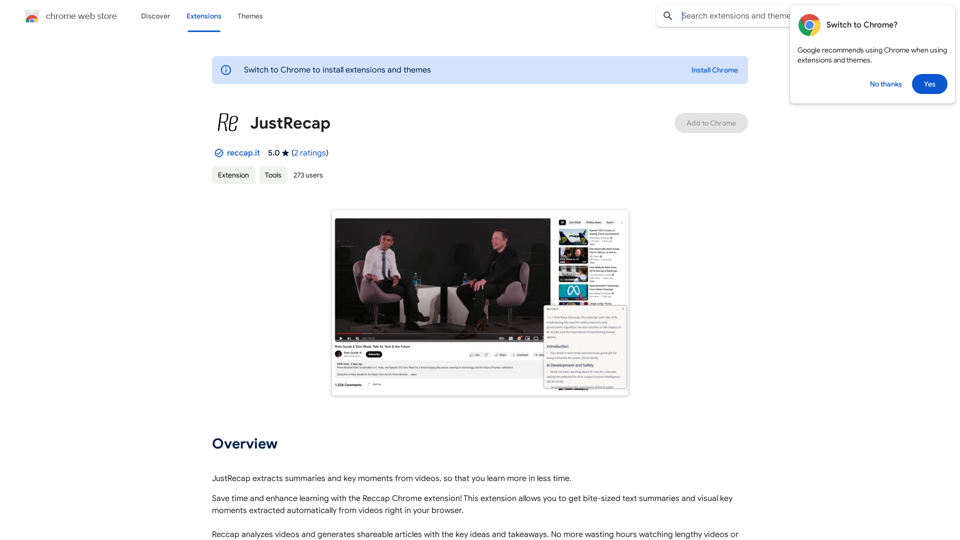
Introduction
Feature
One-Click Summary Extraction
Reccap provides instant access to bite-sized text summaries and visual key moments from videos with just a single click, streamlining the learning process.
Dual-Format Learning
Users can benefit from both summarized text and visual frames highlighting key points, enhancing information retention and catering to diverse learning preferences.
Flexible Learning Experience
Seamless Switching Between Reading and Watching
Reccap allows users to effortlessly alternate between text summaries and video content, accommodating various learning styles and preferences.
Focused Content Delivery
The extension offers a consolidated set of concise takeaways, helping users concentrate on the most crucial information without getting overwhelmed by excessive details.
Time-Efficient Learning
By providing quick access to core content, Reccap enables users to learn more efficiently and get to the essence of the material faster.
Subscription Model
While basic features are available to all users, a subscription grants additional benefits and extended access beyond free usage limits.
FAQ
What is Reccap?
Reccap is a Chrome extension that automatically extracts summaries and key moments from videos, enabling users to learn more efficiently in less time.
How does Reccap work?
Reccap analyzes video content and generates concise text summaries and visual key moments, which users can access with a single click directly in their browser.
What are the main benefits of using Reccap?
Key Benefits of Reccap:
| Benefit | Description |
|---|---|
| Time-saving | Quickly access core content without watching entire videos |
| Improved retention | Pair summarized text with visual frames for better information recall |
| Flexible learning | Switch between reading and watching to suit individual learning styles |
| Focused learning | Concentrate on essential information with concise takeaways |
Is Reccap free to use?
Reccap offers basic features for free, but also provides a subscription model with additional benefits and extended access beyond free usage limits.
How can I get started with Reccap?
To begin using Reccap, simply install the Chrome extension and start extracting summaries and key moments from videos you watch in your browser.
Related Websites
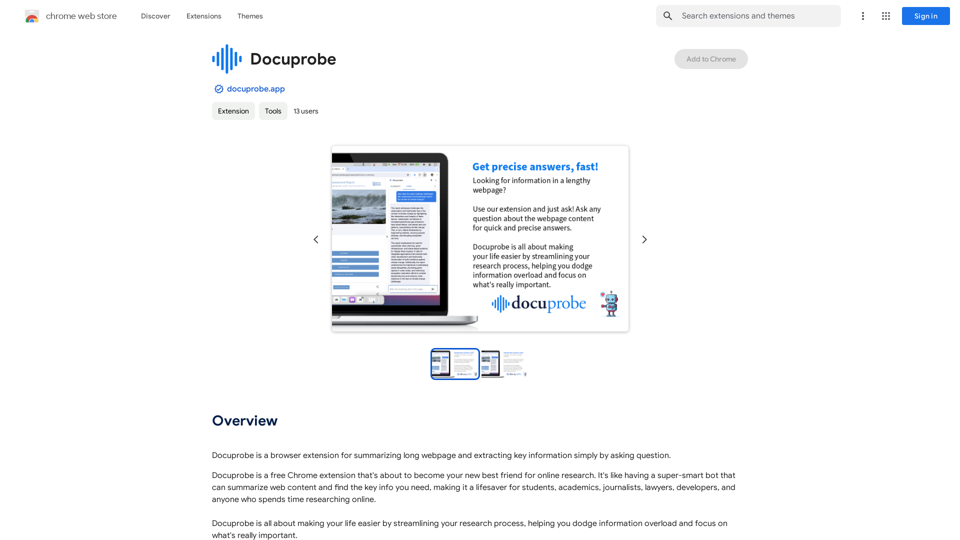
Docuprobe is a browser extension that summarizes long webpages and extracts key information by simply asking questions.
193.90 M
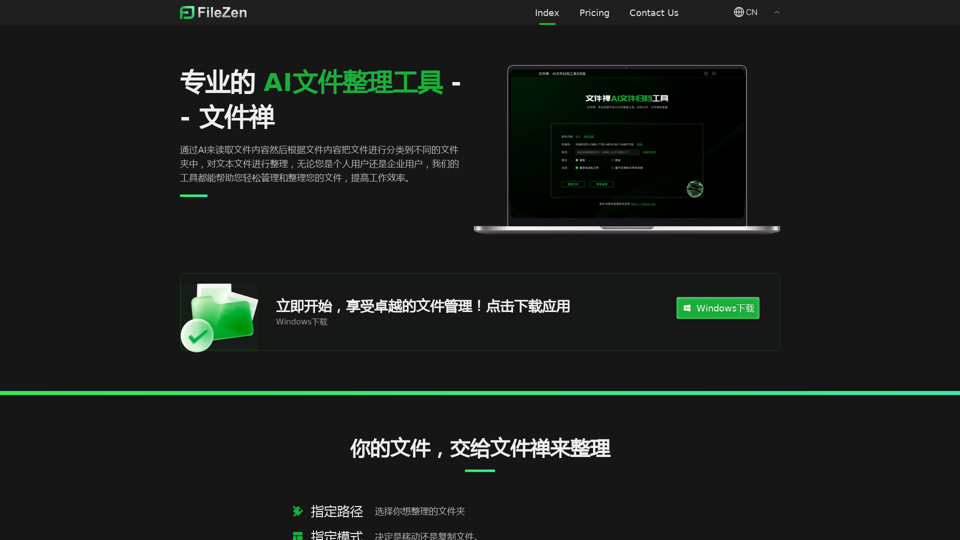
File Zen, a tool for AI-powered intelligent file organization and classification.
File Zen, a tool for AI-powered intelligent file organization and classification.FileNeatAI is a professional AI-powered file organization tool designed to streamline the process of categorizing and organizing text files on your computer. By leveraging advanced AI capabilities, FileNeatAI reads the content of each file within a specified folder and intelligently categorizes these files into different folders based on their content.
2.42 K
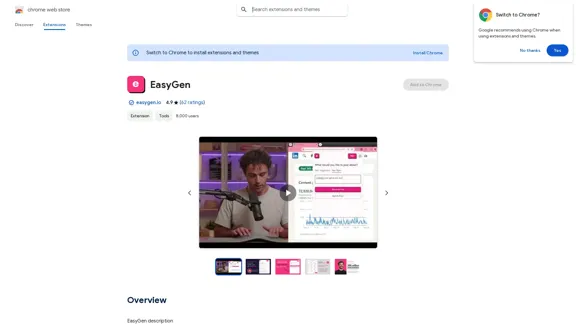
EasyGen is a powerful and user-friendly text generation tool that leverages advanced language models to create high-quality content across various domains. It offers a seamless interface for users to input prompts and generate coherent, contextually relevant text for a wide range of applications, including creative writing, content marketing, and academic research. Key features of EasyGen include: 1. Multiple language model options 2. Customizable generation parameters 3. Fine-tuning capabilities for specific use cases 4. Integration with popular writing and productivity tools 5. Real-time collaboration features EasyGen aims to streamline the content creation process, helping users save time and effort while maintaining high standards of quality and creativity. Whether you're a professional writer, marketer, or researcher, EasyGen provides the tools and flexibility needed to enhance your productivity and unlock new possibilities in text generation.
193.90 M
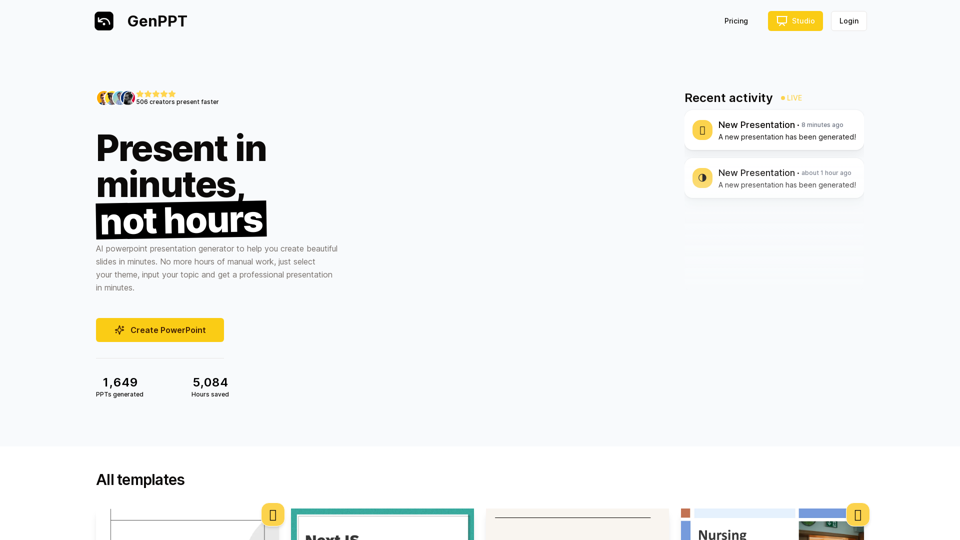
Generate beautiful presentations in minutes with GenPPT. Choose from a variety of themes and let GenPPT's PowerPoint presentation AI do the rest.
41.71 K
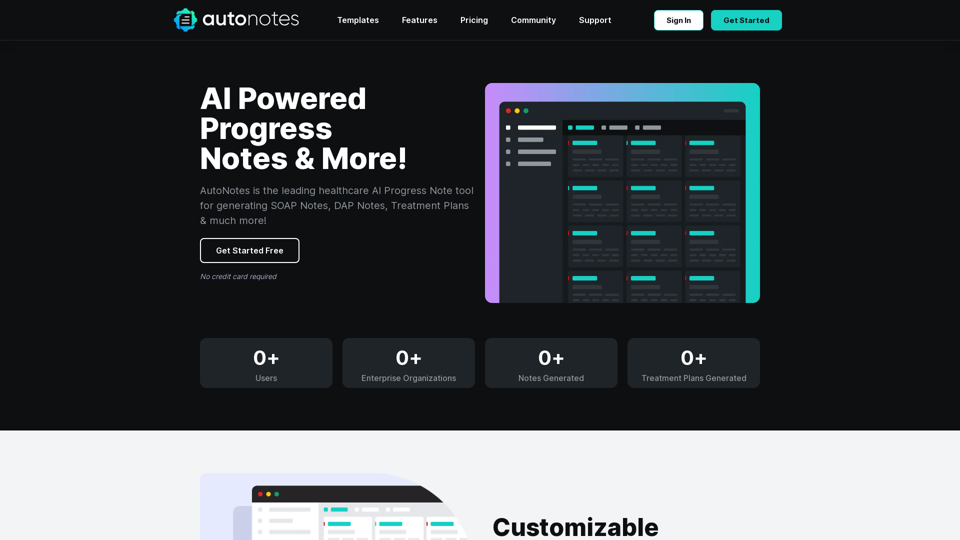
AutoNotes | AI Progress Notes, Assessments & More!
AutoNotes | AI Progress Notes, Assessments & More!AutoNotes is the top AI Progress Notes tool for Mental Health, Speech, and Occupational Therapy. Try AutoNotes for Free Now!
82.19 K