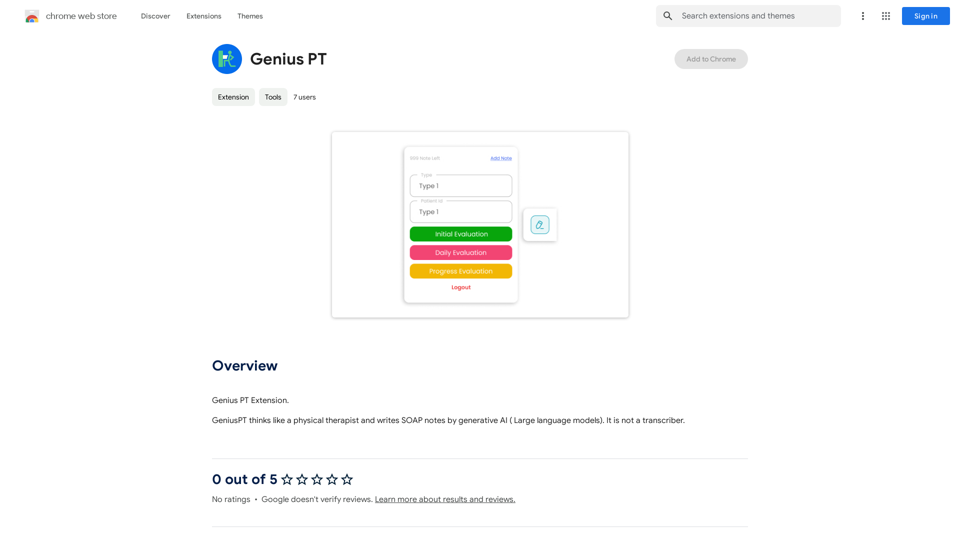
Genius PT is an innovative Chrome extension that leverages AI technology to assist physical therapists in writing SOAP notes. Unlike traditional transcription tools, this extension utilizes advanced large language models to generate accurate and efficient notes, functioning as a virtual physical therapist assistant. Genius PT aims to streamline the note-taking process, allowing healthcare professionals to focus more on patient care.
Genius PT
Genius PT Extension.
Introduction
Feature
AI-Powered SOAP Note Generation
Genius PT employs cutting-edge AI technology to generate comprehensive SOAP notes, mimicking the thought process of a physical therapist. This feature significantly reduces the time spent on documentation while maintaining high accuracy.
Large Language Model Integration
The extension incorporates sophisticated large language models, ensuring that the generated notes are not only accurate but also contextually relevant. This advanced AI capability sets Genius PT apart from simple transcription tools.
User-Friendly Chrome Extension
As a Chrome extension, Genius PT offers seamless integration into the therapist's workflow. Its easy installation and accessibility make it a convenient tool for healthcare professionals.
Time-Saving Efficiency
By automating the note-taking process, Genius PT allows physical therapists to save valuable time, potentially increasing the number of patients they can see and improving overall productivity.
Customizable Note Templates
Users can experiment with different prompts and templates to tailor the note-taking process to their specific needs and preferences, enhancing the flexibility of the tool.
Free Access with Potential Premium Features
Currently, Genius PT is offered as a free Chrome extension, making it accessible to a wide range of users. Future updates may include premium features or subscription options for enhanced functionality.
FAQ
How does Genius PT differ from a transcription tool?
Genius PT is not a transcriber but an AI-driven assistant that generates SOAP notes using large language models. It thinks like a physical therapist, providing more contextual and relevant notes compared to simple transcription tools.
What are the steps to start using Genius PT?
To begin using Genius PT:
- Install the Genius PT Chrome extension
- Open the extension in your Chrome browser
- Start generating SOAP notes using the AI-powered interface
Can Genius PT improve my note-taking skills?
Yes, regular use of Genius PT can help improve note-taking skills. By observing the AI-generated notes and experimenting with different prompts, users can learn more efficient and comprehensive note-taking techniques.
Is there a cost associated with using Genius PT?
Currently, Genius PT is available as a free Chrome extension. However, the developers may introduce premium features or subscription plans in the future to enhance functionality and support ongoing development.
Related Websites
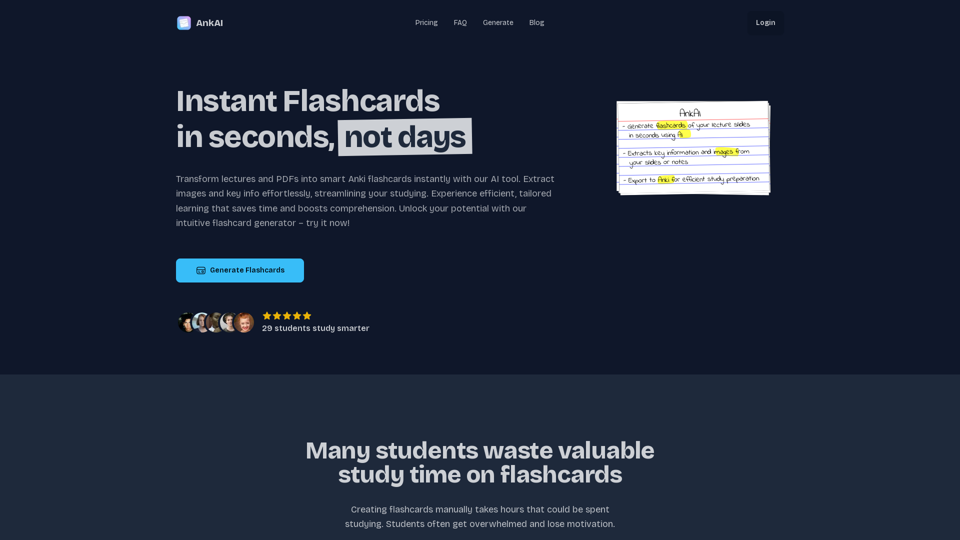
AnkAI is the best tool for easily turning PDFs into Anki flash cards, making your studying process faster and simpler.
0
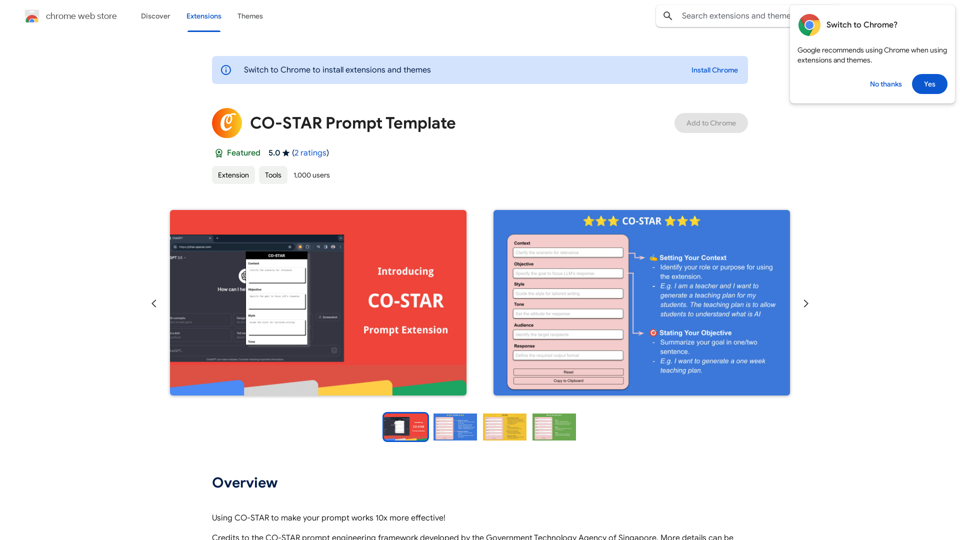
CO-STAR Prompt Template ========================== Task Description Describe the task you want the AI to perform. Be specific and concise. Input Prompt Provide the input prompt that the AI will receive. This can be a question, a statement, or a scenario. Desired Response Describe the desired response from the AI. What type of answer or output are you expecting? Constraints List any constraints or rules that the AI should follow when generating a response. This can include tone, style, or specific keywords to include or avoid. Evaluation Metrics Describe how you will evaluate the AI's response. What metrics or criteria will you use to determine the quality of the response? Example Output Provide an example of what a good response from the AI might look like. This can help clarify the task and provide a target for the AI to aim for.
CO-STAR Prompt Template ========================== Task Description Describe the task you want the AI to perform. Be specific and concise. Input Prompt Provide the input prompt that the AI will receive. This can be a question, a statement, or a scenario. Desired Response Describe the desired response from the AI. What type of answer or output are you expecting? Constraints List any constraints or rules that the AI should follow when generating a response. This can include tone, style, or specific keywords to include or avoid. Evaluation Metrics Describe how you will evaluate the AI's response. What metrics or criteria will you use to determine the quality of the response? Example Output Provide an example of what a good response from the AI might look like. This can help clarify the task and provide a target for the AI to aim for.Using CO-STAR to Make Your Prompt 10 Times More Effective!
193.90 M
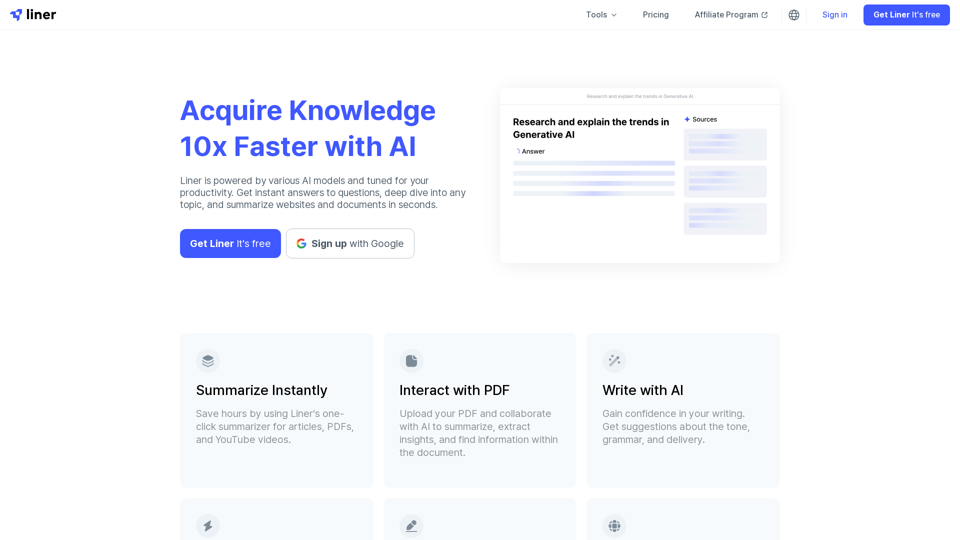
Liner | AI Copilot on Your Workspace, Powered by ChatGPT
Liner | AI Copilot on Your Workspace, Powered by ChatGPTTry Liner. Boost productivity and optimize your workflow with AI Copilot by summarizing articles, generating code, and composing emails.
6.20 M

Kartiv: Automated Visual Content for eCommerce & Marketing Agencies
Kartiv: Automated Visual Content for eCommerce & Marketing AgenciesElevate your brand with Kartiv's AI-powered design solutions. Perfect for eCommerce businesses and marketing agencies.
440
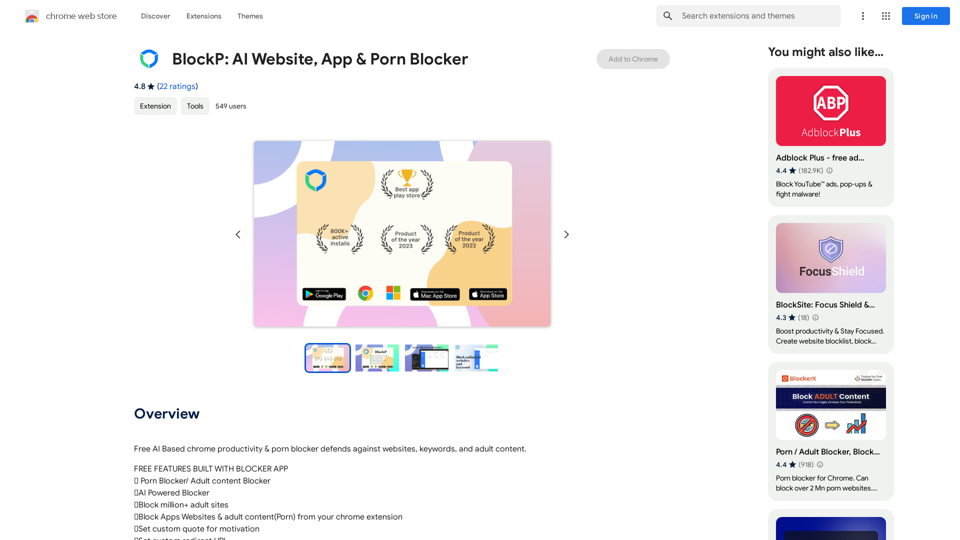
Free AI-Based Chrome Productivity & Porn Blocker Protects Against Websites, Keywords, and Adult Content.
193.90 M
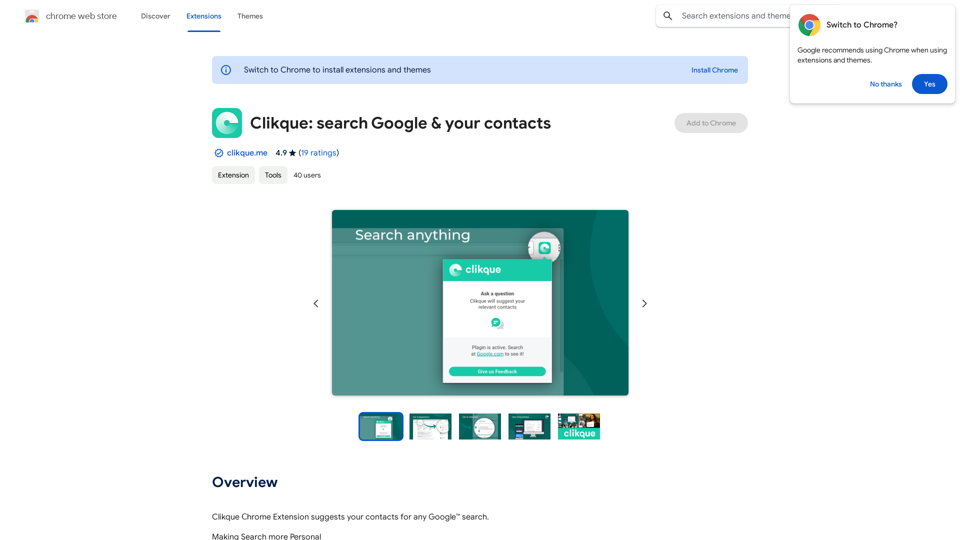
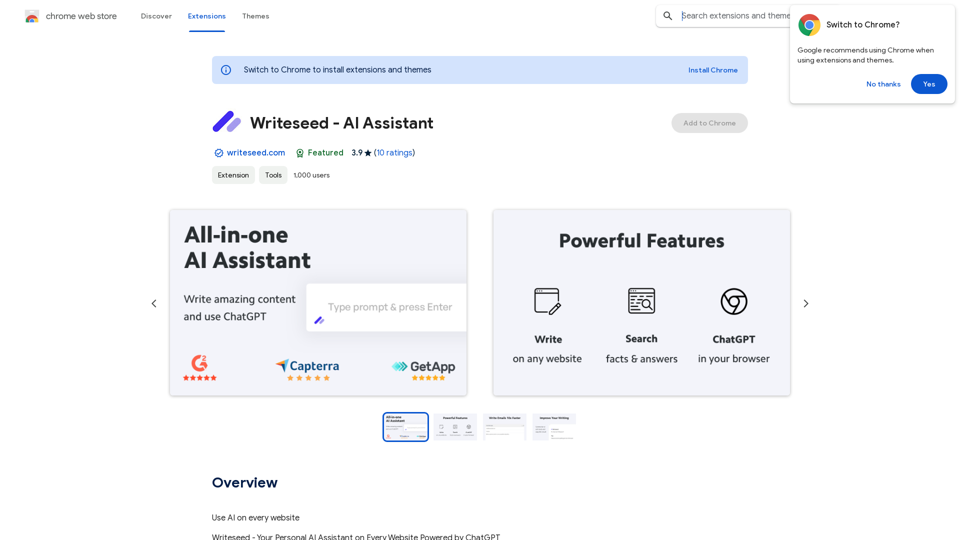
Using AI on Every Website With the rapid advancement of technology, Artificial Intelligence (AI) has become an integral part of our daily lives. From virtual assistants to self-driving cars, AI is revolutionizing the way we live and work. One area where AI can have a significant impact is on websites. Imagine a website that can learn from your behavior, adapt to your needs, and provide personalized experiences. In this article, we'll explore the possibilities of using AI on every website. Enhanced User Experience AI can analyze user behavior, preferences, and interests to provide a tailored experience. For instance, an e-commerce website can use AI to recommend products based on a user's browsing history and purchase behavior. This can lead to increased customer satisfaction, loyalty, and ultimately, revenue. Improved Website Performance AI can help optimize website performance by analyzing user traffic patterns, identifying bottlenecks, and providing insights to improve loading times. This can result in higher search engine rankings, increased conversions, and a better overall user experience. Personalized Content AI-powered content generation can help create personalized content for users based on their interests, preferences, and behavior. This can include customized product recommendations, tailored blog posts, and even personalized email marketing campaigns. Enhanced Security AI-powered security systems can detect and prevent cyber threats in real-time, providing an additional layer of protection for websites and their users. This can include identifying and blocking malicious traffic, detecting phishing attempts, and preventing data breaches. Chatbots and Virtual Assistants AI-powered chatbots and virtual assistants can provide 24/7 customer support, helping users navigate websites, answer questions, and resolve issues. This can lead to increased customer satisfaction, reduced support queries, and improved overall user experience. The Future of Web Development As AI technology continues to evolve, we can expect to see even more innovative applications on websites. From AI-powered design tools to AI-driven website analytics, the possibilities are endless. The future of web development is exciting, and AI is at the forefront of this revolution. Conclusion Using AI on every website can have a transformative impact on the way we interact with the internet. From enhanced user experiences to improved website performance, personalized content, enhanced security, and chatbots, the benefits of AI are undeniable. As technology continues to advance, we can expect to see even more innovative applications of AI on websites. The future is exciting, and AI is leading the way.
193.90 M
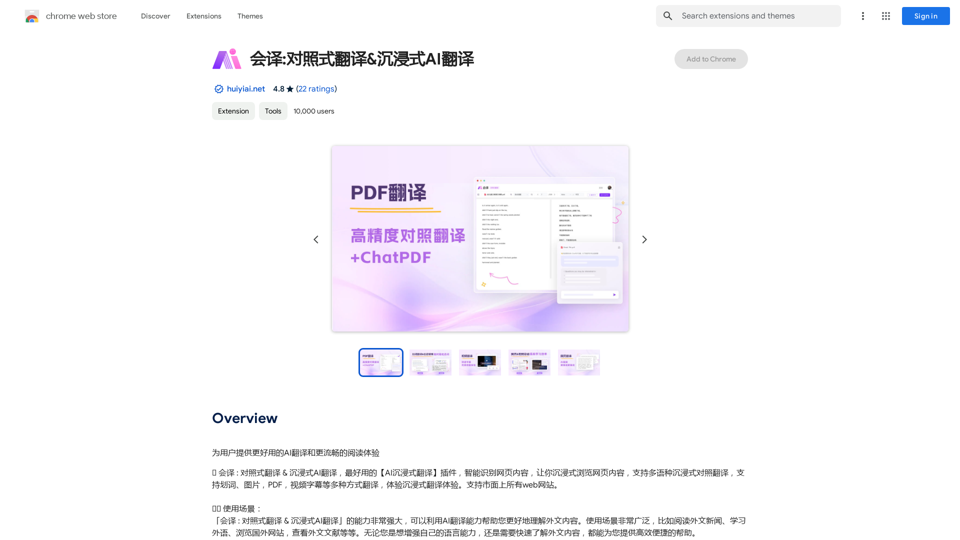
Translation Methods: Comparative Translation & Immersive AI Translation
Translation Methods: Comparative Translation & Immersive AI TranslationProvide users with better AI translation and a more fluent reading experience.
193.90 M