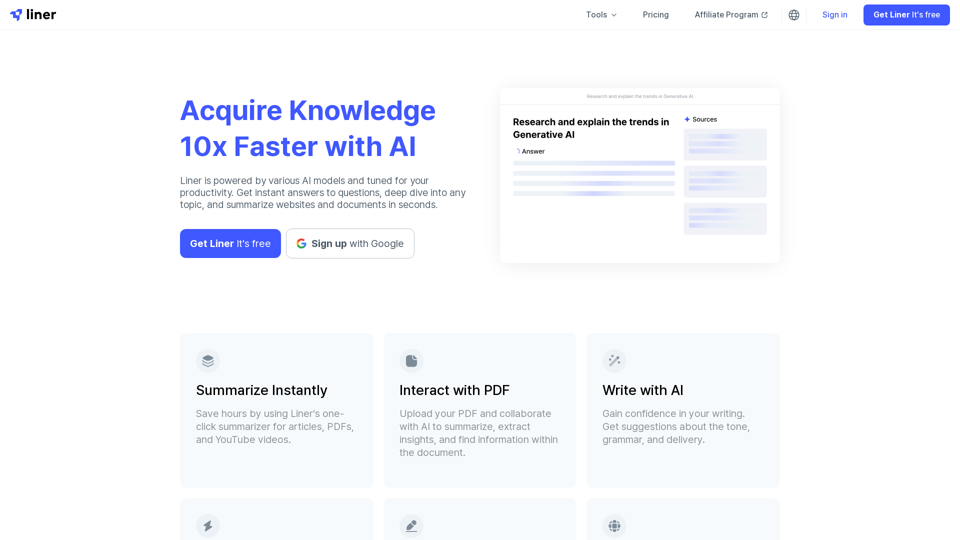
Liner is a productivity AI copilot designed to enhance research efficiency. It offers instant answers, summarizes content, and interacts with various document types. With a user base of over 10 million across 218 countries, Liner has gained significant popularity and trust in the productivity tool market.
Liner | AI Copilot on Your Workspace, Powered by ChatGPT
Try Liner. Boost productivity and optimize your workflow with AI Copilot by summarizing articles, generating code, and composing emails.
Introduction
Feature
Instant Summarization
Liner provides quick summaries for articles, PDFs, and YouTube videos, allowing users to grasp key information rapidly.
PDF Collaboration
Users can upload PDFs and collaborate with AI to extract insights and generate summaries, streamlining document analysis.
AI-Powered Writing Assistance
The tool offers writing suggestions to improve tone, grammar, and delivery, enhancing the overall quality of user-generated content.
Multiple AI Models and Agents
Liner provides access to various AI models and agents, offering versatile solutions for different tasks and requirements.
Content Organization
Users can highlight and organize insightful texts, YouTube videos, and images, creating a personalized knowledge base.
Browser Integration
Liner offers a browser extension for seamless integration with users' browsing experience, enhancing productivity across the web.
Flexible Pricing Options
The tool provides a Basic plan with limited features for free and a Professional plan with unlimited access to advanced features.
FAQ
What is Liner?
Liner is a productivity AI copilot that enhances research efficiency by providing instant answers, summarizing content, and interacting with various document types.
How can I use Liner for free?
Users can access Liner's basic features for free, including the one-click summarizer for articles, PDFs, and YouTube videos.
What features does Liner offer?
Liner offers:
- Instant summarization
- PDF collaboration
- AI-powered writing assistance
- Access to multiple AI models and agents
- Content organization tools
- Browser extension
What is Liner's pricing plan?
Liner offers:
- Basic plan: Limited features, free
- Professional plan: Unlimited access to AI models and agents, additional features like unlimited file uploads and AI calls
What do users say about Liner?
Liner is widely appreciated, with:
- Over 10 million users across 218 countries
- 40 million AI searches per month
- Selected as a "2022 Favorite" on the Chrome Web Store
- Trusted by Forbes
Related Websites
Here are some commonly used prompts that you can use directly in ChatGPT and LLaMA to boost your productivity today. Let's make today productive!
193.90 M
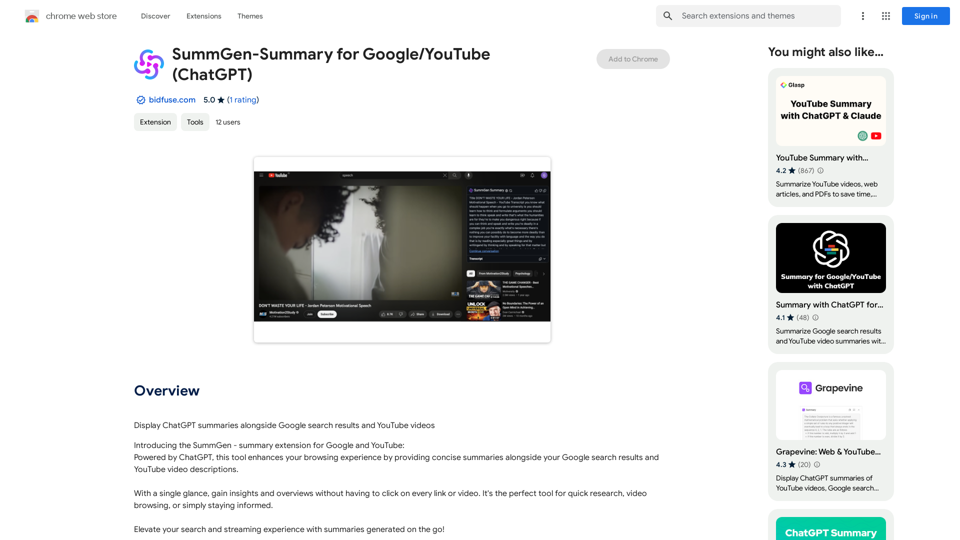
SummGen-Summary for Google/YouTube (ChatGPT) This is a summary of the capabilities and potential uses of SummGen, a text summarization model, specifically in the context of Google and YouTube. * What is SummGen? SummGen is a powerful text summarization model developed by Google DeepMind. It excels at condensing large amounts of text into concise and informative summaries. * How can SummGen be used with Google Search? Imagine searching Google for a complex topic. SummGen could analyze the top search results and generate a brief, clear summary of the key information, saving you time and effort. * Applications for YouTube: * Video Summaries: SummGen could automatically generate summaries of YouTube videos, making it easier for viewers to quickly understand the content. * Closed Captions: SummGen could enhance closed captions by providing more accurate and concise summaries of the spoken words. * Content Discovery: YouTube could use SummGen to create summaries of trending videos, helping users discover new content based on their interests. * Benefits: * Efficiency: SummGen saves time by providing concise summaries of large amounts of text. * Accessibility: Summaries can make information more accessible to people with visual or cognitive impairments. * Improved Understanding: Summaries can help users grasp complex topics more easily. SummGen has the potential to revolutionize how we interact with information on Google and YouTube, making it more efficient, accessible, and understandable.
SummGen-Summary for Google/YouTube (ChatGPT) This is a summary of the capabilities and potential uses of SummGen, a text summarization model, specifically in the context of Google and YouTube. * What is SummGen? SummGen is a powerful text summarization model developed by Google DeepMind. It excels at condensing large amounts of text into concise and informative summaries. * How can SummGen be used with Google Search? Imagine searching Google for a complex topic. SummGen could analyze the top search results and generate a brief, clear summary of the key information, saving you time and effort. * Applications for YouTube: * Video Summaries: SummGen could automatically generate summaries of YouTube videos, making it easier for viewers to quickly understand the content. * Closed Captions: SummGen could enhance closed captions by providing more accurate and concise summaries of the spoken words. * Content Discovery: YouTube could use SummGen to create summaries of trending videos, helping users discover new content based on their interests. * Benefits: * Efficiency: SummGen saves time by providing concise summaries of large amounts of text. * Accessibility: Summaries can make information more accessible to people with visual or cognitive impairments. * Improved Understanding: Summaries can help users grasp complex topics more easily. SummGen has the potential to revolutionize how we interact with information on Google and YouTube, making it more efficient, accessible, and understandable.Display ChatGPT Summaries Alongside Google Search Results and YouTube Videos This feature would allow users to see concise summaries generated by ChatGPT directly integrated with their Google search results and YouTube video pages. Imagine searching for a topic on Google and seeing a ChatGPT-generated summary at the top of the results, providing a quick overview of the key points. Or, watching a YouTube video and having a ChatGPT summary appear below, highlighting the main takeaways. This integration could significantly enhance the user experience by: * Saving time: Quickly grasp the essence of information without having to read through lengthy articles or watch entire videos. * Improving comprehension: ChatGPT summaries can rephrase complex information in a more accessible way. * Encouraging exploration: Summaries can spark curiosity and lead users to explore related content further.
193.90 M
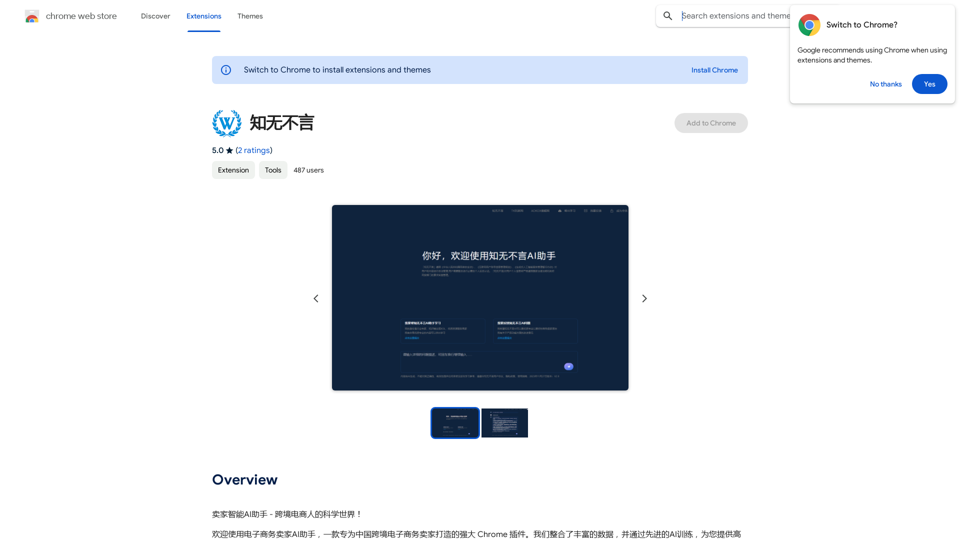
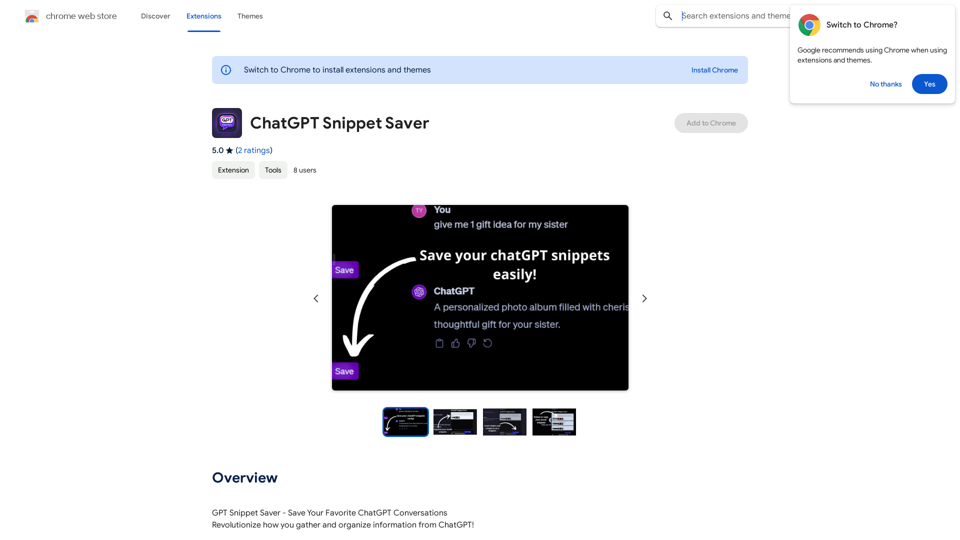
ChatGPT Snippet Saver This is a simple tool to save snippets from your ChatGPT conversations. How to Use: 1. Copy the text snippet you want to save from your ChatGPT conversation. 2. Paste the text into the input box below. 3. Click the "Save Snippet" button. Your snippet will be saved to your local storage. You can access your saved snippets later by clicking the "View Saved Snippets" button.
ChatGPT Snippet Saver This is a simple tool to save snippets from your ChatGPT conversations. How to Use: 1. Copy the text snippet you want to save from your ChatGPT conversation. 2. Paste the text into the input box below. 3. Click the "Save Snippet" button. Your snippet will be saved to your local storage. You can access your saved snippets later by clicking the "View Saved Snippets" button.GPT Snippet Saver - Save Your Favorite ChatGPT Conversations Revolutionize how you gather and organize information from ChatGPT! - Effortlessly capture and store your most valuable ChatGPT interactions. - Organize your saved conversations by topic, date, or any custom tag. - Easily search and retrieve specific snippets from your saved history. - Share your favorite ChatGPT insights with others. - Never lose track of a brilliant idea or helpful response again.
193.90 M
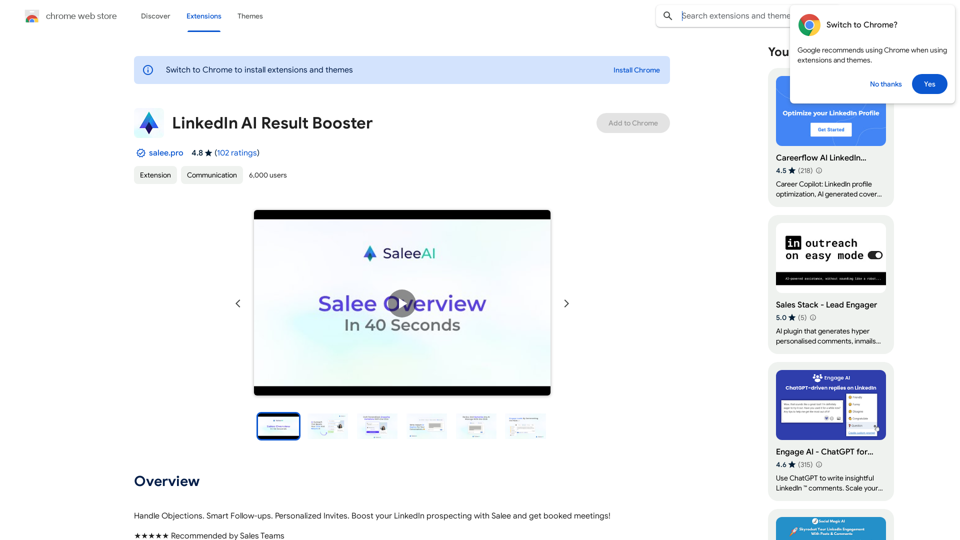
Handle Objections. Smart Follow-ups. Personalized Invites. Boost your LinkedIn prospecting with Salee and get booked meetings!
193.90 M
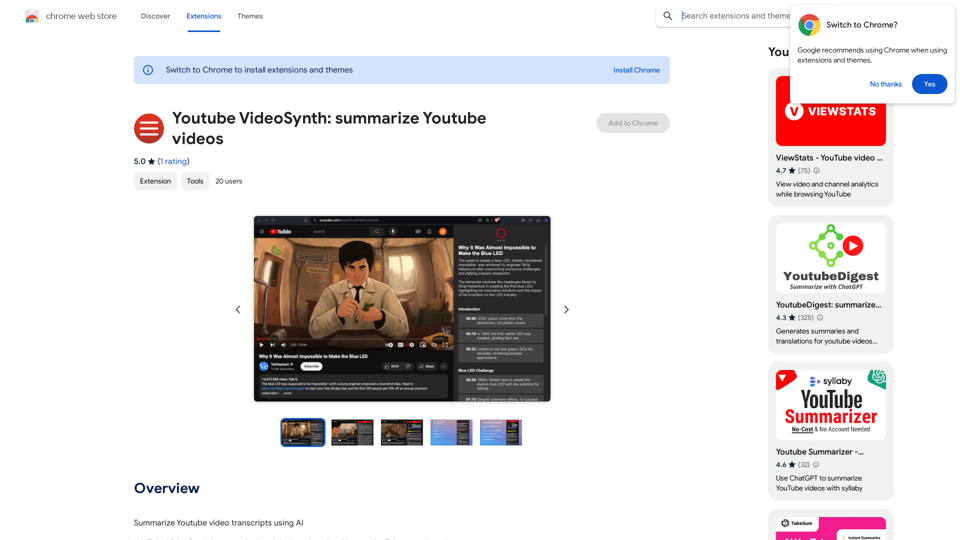
Youtube VideoSynth: Summarize Youtube Videos This tool uses artificial intelligence to create short summaries of YouTube videos. Simply paste the YouTube video URL into the input field, and VideoSynth will generate a concise summary of the video's content.
Youtube VideoSynth: Summarize Youtube Videos This tool uses artificial intelligence to create short summaries of YouTube videos. Simply paste the YouTube video URL into the input field, and VideoSynth will generate a concise summary of the video's content.Summarize YouTube Video Transcripts Using AI This is a powerful tool for quickly understanding the main points of long videos. Here's how it works: 1. Get the Transcript: You'll need a text transcript of the YouTube video. Many videos have automatic captions, or you can use a transcription service. 2. Choose an AI Summarizer: There are many free and paid AI summarization tools available online. Some popular options include: * OpenAI's GPT-3: A powerful language model that can generate high-quality summaries. * Google Cloud AI Platform: Offers a variety of AI services, including text summarization. * Hugging Face Transformers: An open-source library with pre-trained summarization models. 3. Input the Transcript: Paste the transcript into the AI summarizer. 4. Generate the Summary: The AI will analyze the text and generate a concise summary of the video's main points. 5. Review and Edit: Read through the AI-generated summary and make any necessary edits to ensure accuracy and clarity. Let me know if you'd like more details on any of these steps!
193.90 M