Open-source RightAI Tools Directory
  • Discover AI
  • Submit
  • Startup
  • Blog
Open-source RightAI Tools Directory
Discover the best AI tools of 2025 with the RightAI Tools Directory!

Friend Links

AI Anime GeneratorToolsApp AI

Support

Tap4
Privacy policyTerms & ConditionsContact Us
Loading...
loading...

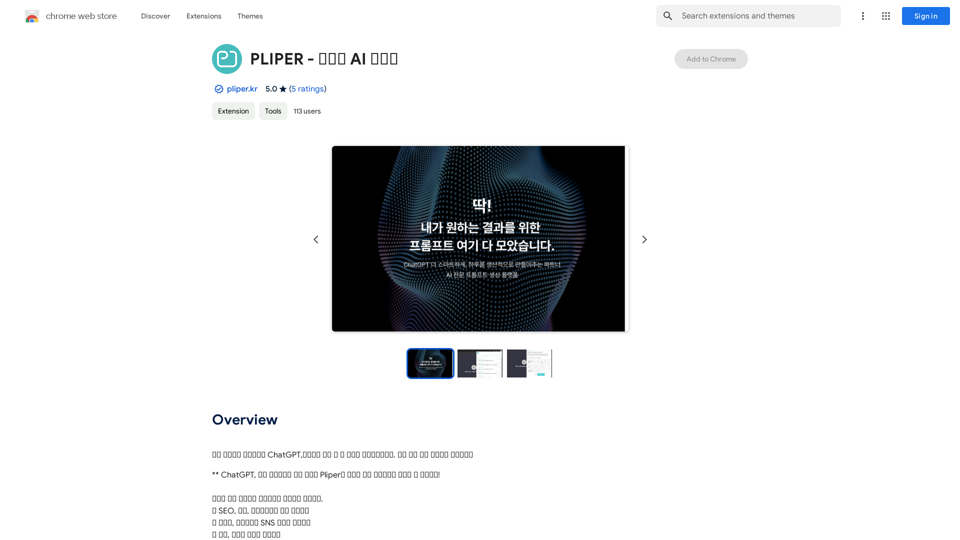
PLIPER - Your AI Partner

Here are some commonly used prompts that you can use directly in ChatGPT and LLaMA to boost your productivity today. Let's make today productive!
Visit Website
PLIPER - Your AI Partner
Visit Website

Introduction

PLIPER is an AI-powered platform offering access to a wide range of AI technologies. It provides tools like ChatGPT, GPT-4o for text generation and image understanding, and Dalle3 for image creation. The platform boasts a collection of over 1000 AI tools across 200+ categories, making it easy for users to discover and utilize various AI technologies for their needs.

Feature

Extensive AI Tool Collection

PLIPER hosts more than 1000 AI tools across 200+ categories, providing users with a comprehensive selection of AI technologies for various applications.

Easy AI Tool Discovery

The platform is designed to help users easily find and access the AI tools they need, streamlining the process of incorporating AI into their workflows.

Free AI Tool Submission

PLIPER allows users to submit AI tools for free, fostering a community-driven approach to expanding the platform's offerings.

Free Daily Usage of GPT-4o

Every user can access GPT-4o for free up to 20 times a day, providing ample opportunity to leverage advanced AI capabilities.

Image Generation with Dalle3

Users can create images using Dalle3's text-to-image generation feature, sharing credits with GPT-4o for a seamless creative experience.

Vast GPT Model Library

PLIPER offers nearly 200,000 GPT models for a wide variety of applications in work, study, and everyday life, accessible without a ChatGPT Plus subscription.

Privacy Protection

PLIPER prioritizes user privacy, ensuring that user data is not used for training purposes and offering the option to delete accounts and associated data at any time.

Subscription Options

For users requiring extended access beyond the free usage limits, PLIPER offers affordable subscription plans.

FAQ

What is PLIPER?

PLIPER is an AI-powered platform that provides access to a vast array of AI technologies for various needs, including ChatGPT, GPT-4o for text generation and image understanding, and Dalle3 for image creation.

How do I use PLIPER?

Every user can utilize GPT-4o for free up to 20 times a day on PLIPER. Subscribing to the platform grants additional benefits and extended access beyond the free usage limits.

Can I generate images using PLIPER?

Yes, with Dalle3's text-to-image generation capability, users can create images, sharing credits with GPT-4o for a seamless creative experience.

How many GPTs are available on PLIPER?

PLIPER offers nearly 200,000 GPT models for a wide variety of applications in work, study, and everyday life. These GPTs can be used freely without a ChatGPT Plus subscription.

Will my information be used for training data?

PLIPER highly values user privacy, and your data will not be used for any training purposes. Users can delete their accounts at any time, and all associated data will be removed.

When would I need a PLIPER subscription?

If the 20 free GPT-4o conversations per day do not meet your needs and you heavily rely on GPT-4o, PLIPER offers affordable subscription options for extended access.

Latest Traffic Insights

  • Monthly Visits

    193.90 M

  • Bounce Rate

    56.27%

  • Pages Per Visit

    2.71

  • Time on Site(s)

    115.91

  • Global Rank

    -

  • Country Rank

    -

Recent Visits

Traffic Sources

  • Social Media:
    0.48%
  • Paid Referrals:
    0.55%
  • Email:
    0.15%
  • Referrals:
    12.81%
  • Search Engines:
    16.21%
  • Direct:
    69.81%
More Data

Related Websites

Youtube Video Summarizer with Mind Map
View Detail

Youtube Video Summarizer with Mind Map

Youtube Video Summarizer with Mind Map

Get YouTube video summaries with visualization mind maps in just one click.

193.90 M
Octoparse VOC - AI Review Research & Analysis 

This is a document outlining the research and analysis conducted on user voice (VOC) data using Octoparse's AI capabilities.
View Detail

Octoparse VOC - AI Review Research & Analysis This is a document outlining the research and analysis conducted on user voice (VOC) data using Octoparse's AI capabilities.

Octoparse VOC - AI Review Research & Analysis This is a document outlining the research and analysis conducted on user voice (VOC) data using Octoparse's AI capabilities.

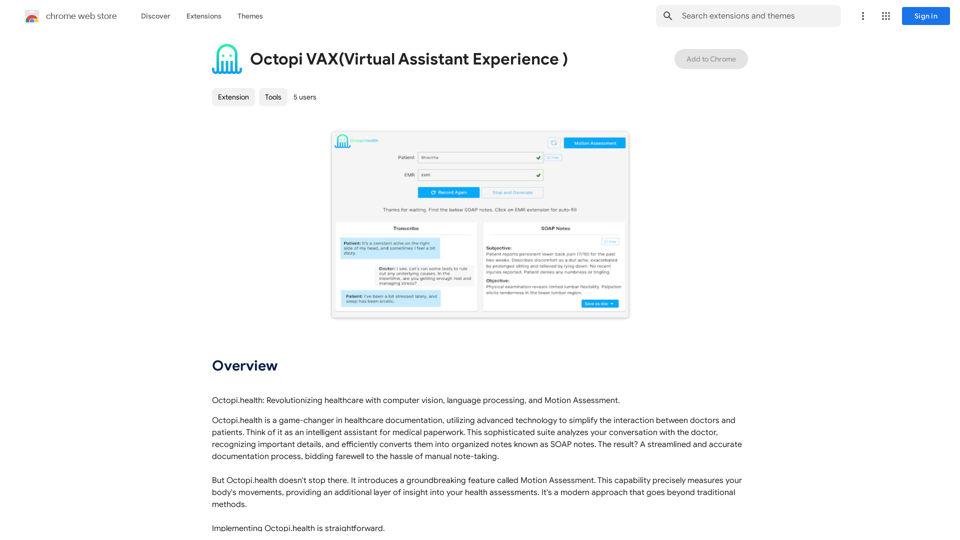
AI Consumer Review Research Extension by Octoparse.

193.90 M
Open ChatGPT in a New Tab

You can open ChatGPT in a new tab by following these steps:

#Method 1: Using the Browser's Context Menu

1. Right-click on the ChatGPT link or button.
2. Select "Open in new tab" or "Open link in new tab" from the context menu.

#Method 2: Using the Keyboard Shortcut

1. Press `Ctrl + Click` (Windows/Linux) or `Cmd + Click` (Mac) on the ChatGPT link or button.

#Method 3: Using the Browser's Toolbar

1. Click on the ChatGPT link or button while holding down the `Ctrl` key (Windows/Linux) or `Cmd` key (Mac).
2. Release the key after the new tab is opened.

By following these methods, you can easily open ChatGPT in a new tab and start chatting without leaving your current page.
View Detail

Open ChatGPT in a New Tab You can open ChatGPT in a new tab by following these steps: #Method 1: Using the Browser's Context Menu 1. Right-click on the ChatGPT link or button. 2. Select "Open in new tab" or "Open link in new tab" from the context menu. #Method 2: Using the Keyboard Shortcut 1. Press `Ctrl + Click` (Windows/Linux) or `Cmd + Click` (Mac) on the ChatGPT link or button. #Method 3: Using the Browser's Toolbar 1. Click on the ChatGPT link or button while holding down the `Ctrl` key (Windows/Linux) or `Cmd` key (Mac). 2. Release the key after the new tab is opened. By following these methods, you can easily open ChatGPT in a new tab and start chatting without leaving your current page.

Open ChatGPT in a New Tab You can open ChatGPT in a new tab by following these steps: #Method 1: Using the Browser's Context Menu 1. Right-click on the ChatGPT link or button. 2. Select "Open in new tab" or "Open link in new tab" from the context menu. #Method 2: Using the Keyboard Shortcut 1. Press `Ctrl + Click` (Windows/Linux) or `Cmd + Click` (Mac) on the ChatGPT link or button. #Method 3: Using the Browser's Toolbar 1. Click on the ChatGPT link or button while holding down the `Ctrl` key (Windows/Linux) or `Cmd` key (Mac). 2. Release the key after the new tab is opened. By following these methods, you can easily open ChatGPT in a new tab and start chatting without leaving your current page.

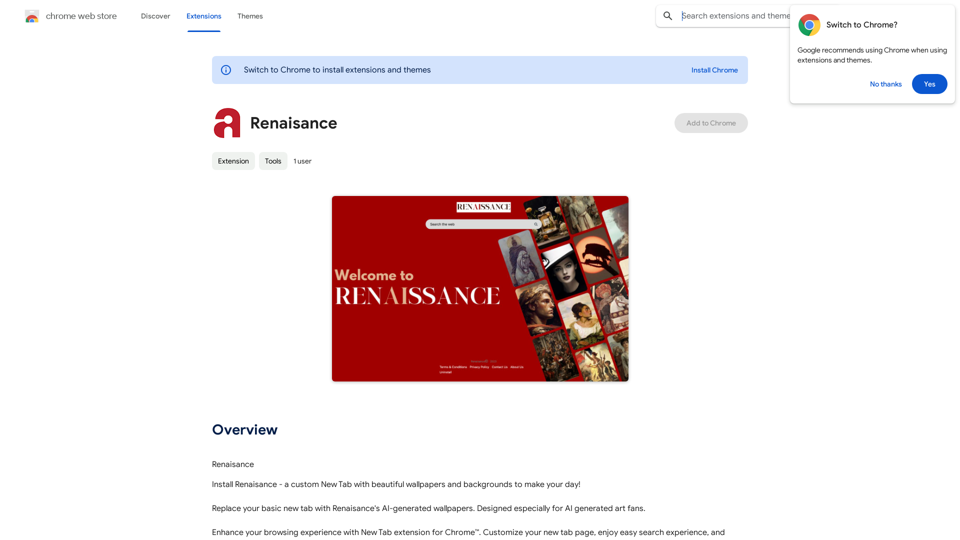
New Tab with Quick ChatGPT Access

193.90 M
Flash Sale Picks - TemuFilter
View Detail

Flash Sale Picks - TemuFilter

Flash Sale Picks - TemuFilter

TemuFilter is an intelligent product selection tool designed specifically for Temu platform merchants. It uses big data analysis and artificial intelligence technology to provide merchants with accurate market trend predictions, popular product recommendations, and competitor analysis, helping merchants seize the opportunity in the fierce market competition and achieve continuous improvement in sales performance.

193.90 M
SwiftSubmit
View Detail

SwiftSubmit

SwiftSubmit

Streamline job applications with our AI extension! Apply to more roles by automatically filling out forms and cover letters in seconds.

193.90 M
Righty: Right-Click for AI Superpowers
View Detail

Righty: Right-Click for AI Superpowers

Righty: Right-Click for AI Superpowers

Right-click to unlock AI abilities in your web browser.

193.90 M
BookSlice - A fun, game-like way to read books for people with busy schedules.
View Detail

BookSlice - A fun, game-like way to read books for people with busy schedules.

BookSlice - A fun, game-like way to read books for people with busy schedules.

Read one book per month, guaranteed, using science-backed techniques.

318
Pangeanic
View Detail

Pangeanic

Pangeanic

Hyper-automate linguistic services: AI assistants with your data, privacy, automatic translation with automatic post-editing, no hallucinations, human fluency

45.58 K