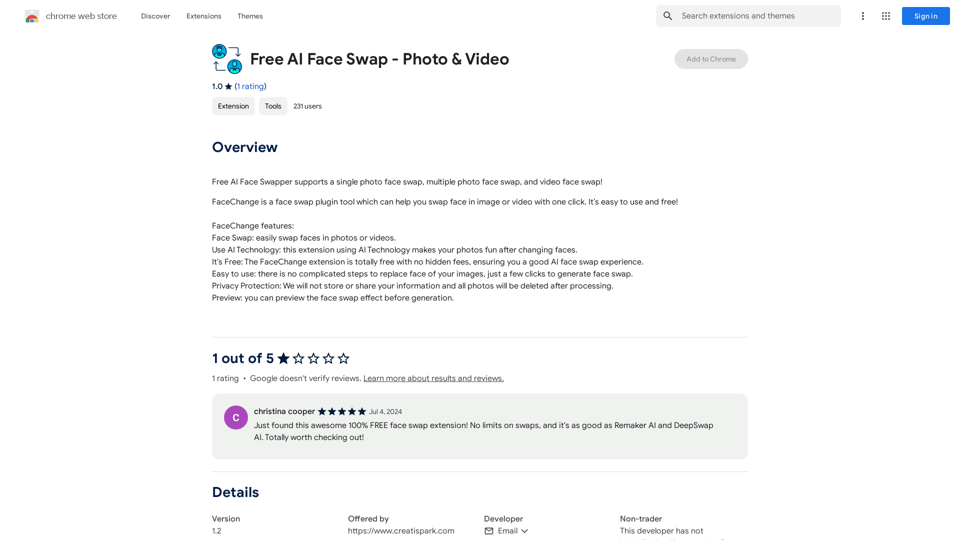
Face Swap is an AI-powered platform that offers advanced face swapping capabilities along with image understanding and text-to-image generation features. Users can easily upload photos or videos to swap faces, creating entertaining memes and transforming visual storytelling. The platform utilizes cutting-edge AI technology to ensure natural-looking and seamless face swaps.
Face Swap - AI Face Swapper
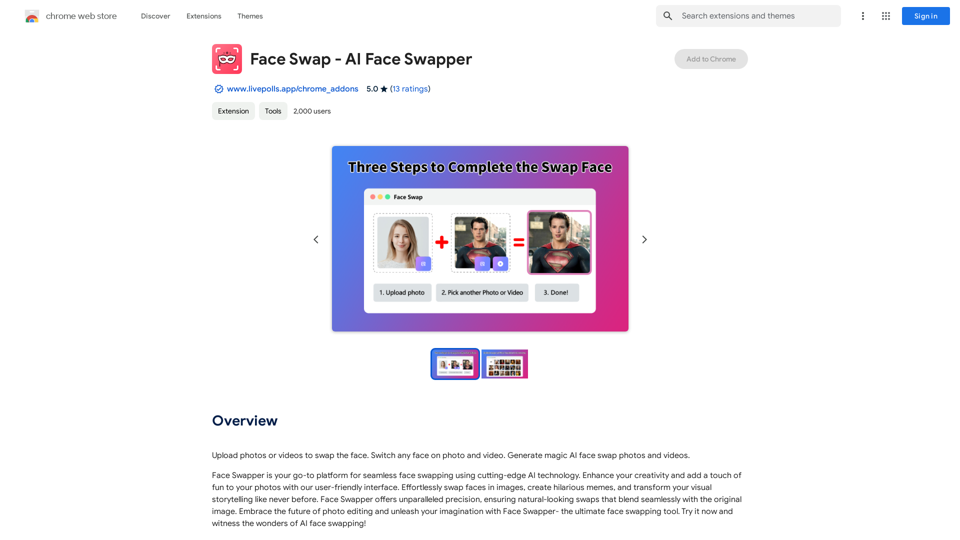
Upload photos or videos to swap the face. Switch any face on photo and video. Generate magic AI face swap photos and videos.
Introduction
Feature
Effortless Face Swapping
Upload photos or videos and swap faces with just a few clicks. Create hilarious memes and transform your visual content effortlessly.
Advanced AI Technology
Cutting-edge AI ensures natural-looking swaps that blend seamlessly with the original image, providing high-quality results.
User-Friendly Interface
Navigate the platform with ease thanks to its intuitive and user-friendly interface, making face swapping accessible to all users.
Versatile Applications
Perfect for creative projects, meme creation, artistic endeavors, and storytelling. Explore the possibilities of AI technology beyond just face swapping.
Multiple AI Technologies
Access a wide range of AI technologies, including image understanding and text-to-image generation, expanding your creative toolkit.
Flexible Pricing Options
Choose between a free version with limited features or a paid subscription offering additional benefits and enhanced capabilities.
FAQ
How do I use Face Swap?
To use Face Swap:
- Upload your photos or videos to the platform
- Select the face you want to swap
- Let the AI generate magic face swap photos and videos for you
What can I create with Face Swap?
Face Swap allows you to:
- Create hilarious memes
- Transform visual storytelling
- Develop unique artistic projects
- Explore various AI-powered creative possibilities
Is Face Swap free to use?
Face Swap offers:
- A free version with limited features
- A paid subscription with additional features and benefits
Choose the option that best suits your needs and creative goals.
Related Websites
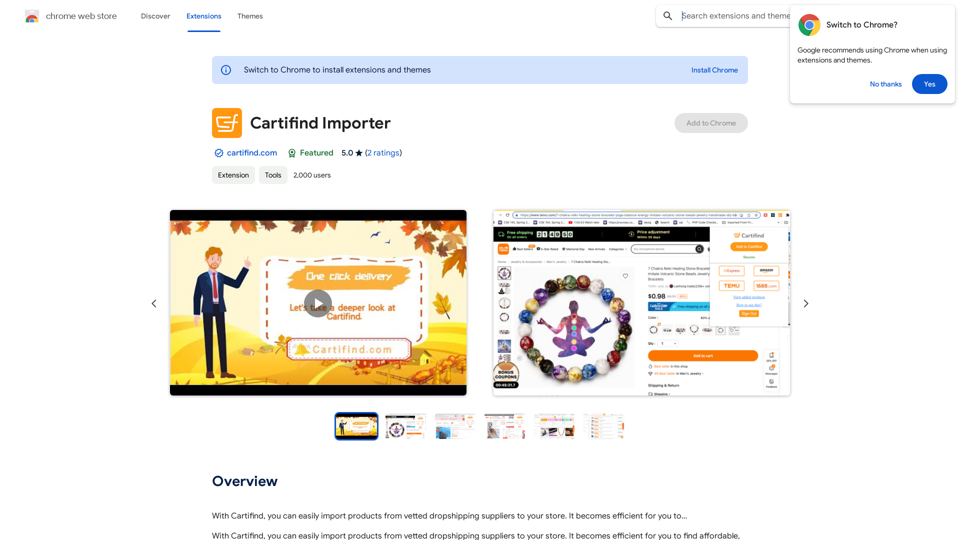
With Cartifind, you can easily import products from vetted dropshipping suppliers to your store. It becomes efficient for you to manage your product catalog, track inventory, and fulfill orders seamlessly.
193.90 M
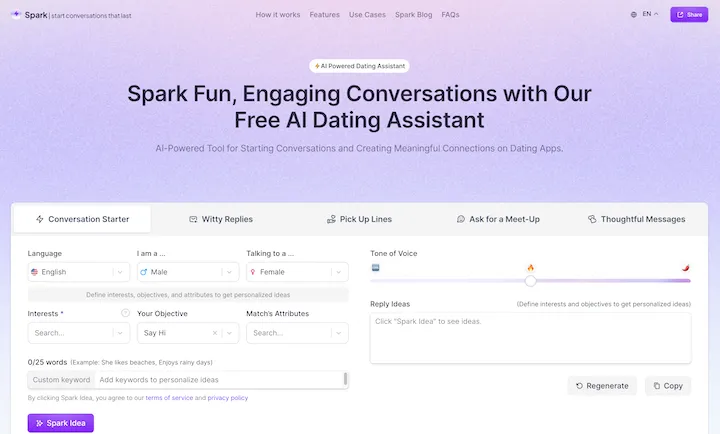
WithSpark.ai - The #1 Free AI Powered Dating Assistant
WithSpark.ai - The #1 Free AI Powered Dating AssistantSpark Fun, Engaging Conversations with Our Free AI Dating Assistant
0

AI Letter Generator: Free AI Letter Writer, Cover Letter
AI Letter Generator: Free AI Letter Writer, Cover LetterAI Letter Generator helps you create professional letters easily with AI. Try our free letter writer, cover letter generator, and more!
0
![AIScraper
This is a Python library for scraping data from websites that use the Amazon Interactive Search (AIS) API.
Features:
* Easy to use: Simply provide a search query and the library will return a list of product results.
* Flexible: You can customize your scraping by specifying filters, such as price range, brand, and category.
* Efficient: The library uses asynchronous requests to speed up the scraping process.
* Reliable: The library is designed to handle rate limits and other website restrictions.
Installation:
```bash
pip install aiscraper
```
Usage:
```python
from aiscraper import AIScraper
Create an instance of the AIScraper class
scraper = AIScraper()
Perform a search for "laptops"
results = scraper.search("laptops")
Print the product titles
for result in results:
print(result["title"])
```
Documentation:
https://github.com/aiscraper/aiscraper](https://static.right-ai.com/tools/2024/7/4/chromewebstore-google-com-detail-aiscraper-mfjniiodgjhlmleaakofgijfccdgppbc-thumbnail-1720072105.png "AIScraper
This is a Python library for scraping data from websites that use the Amazon Interactive Search (AIS) API.
Features:
* Easy to use: Simply provide a search query and the library will return a list of product results.
* Flexible: You can customize your scraping by specifying filters, such as price range, brand, and category.
* Efficient: The library uses asynchronous requests to speed up the scraping process.
* Reliable: The library is designed to handle rate limits and other website restrictions.
Installation:
```bash
pip install aiscraper
```
Usage:
```python
from aiscraper import AIScraper
Create an instance of the AIScraper class
scraper = AIScraper()
Perform a search for \"laptops\"
results = scraper.search(\"laptops\")
Print the product titles
for result in results:
print(result[\"title\"])
```
Documentation:
https://github.com/aiscraper/aiscraper")
AIScraper This is a Python library for scraping data from websites that use the Amazon Interactive Search (AIS) API. Features: * Easy to use: Simply provide a search query and the library will return a list of product results. * Flexible: You can customize your scraping by specifying filters, such as price range, brand, and category. * Efficient: The library uses asynchronous requests to speed up the scraping process. * Reliable: The library is designed to handle rate limits and other website restrictions. Installation: ```bash pip install aiscraper ``` Usage: ```python from aiscraper import AIScraper Create an instance of the AIScraper class scraper = AIScraper() Perform a search for "laptops" results = scraper.search("laptops") Print the product titles for result in results: print(result["title"]) ``` Documentation: https://github.com/aiscraper/aiscraper
AIScraper This is a Python library for scraping data from websites that use the Amazon Interactive Search (AIS) API. Features: * Easy to use: Simply provide a search query and the library will return a list of product results. * Flexible: You can customize your scraping by specifying filters, such as price range, brand, and category. * Efficient: The library uses asynchronous requests to speed up the scraping process. * Reliable: The library is designed to handle rate limits and other website restrictions. Installation: ```bash pip install aiscraper ``` Usage: ```python from aiscraper import AIScraper Create an instance of the AIScraper class scraper = AIScraper() Perform a search for "laptops" results = scraper.search("laptops") Print the product titles for result in results: print(result["title"]) ``` Documentation: https://github.com/aiscraper/aiscraperWeb scraper, powered by AI! Collect structured data from web pages in just a few clicks! What's new 🔹Simplified data collection…
193.90 M
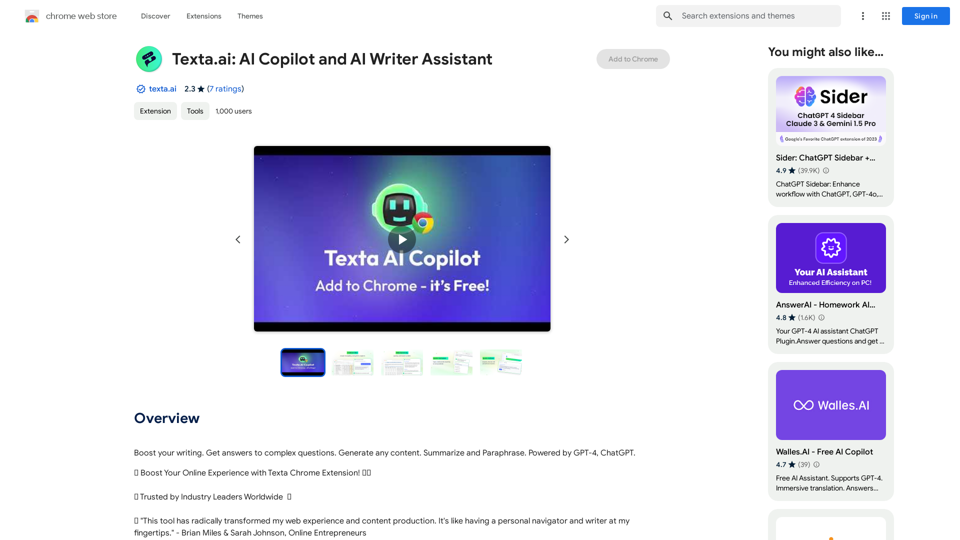
Boost your writing. Get answers to complex questions. Generate any content. Summarize and Paraphrase. Powered by GPT-4, ChatGPT.
193.90 M
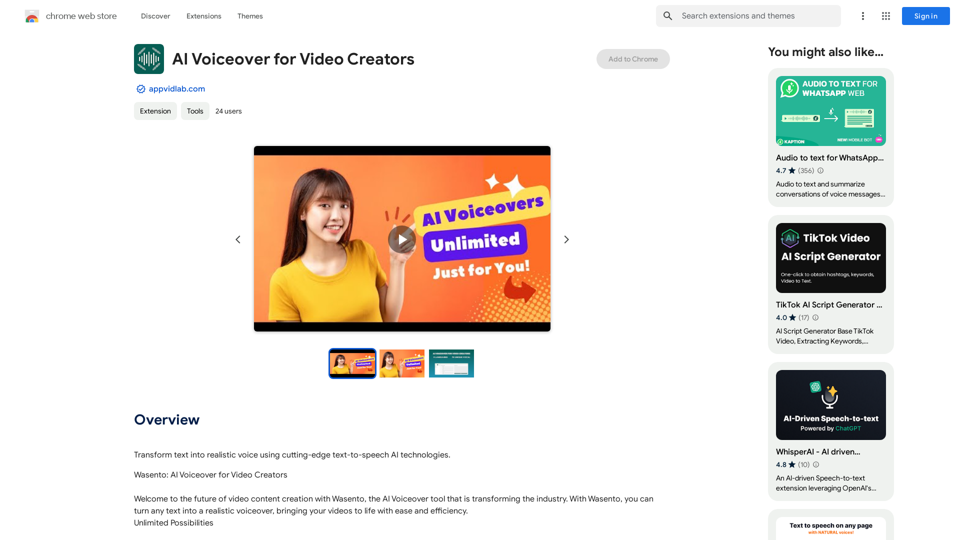
AI Voiceover for Video Creators Elevate Your Videos with Realistic AI Voices Tired of bland, monotone narration? Want to add a professional touch to your videos without breaking the bank? Introducing AI voiceover, the game-changer for video creators! Benefits of Using AI Voiceover: * High-Quality, Natural-Sounding Voices: Choose from a wide range of realistic AI voices, each with unique tones and styles. * Cost-Effective: Say goodbye to expensive voice actors and studios. AI voiceover is affordable and accessible to everyone. * Time-Saving: Generate voiceovers quickly and easily, freeing up your time to focus on other aspects of your video production. * Multilingual Support: Reach a global audience by translating your voiceovers into multiple languages. * Customizable Options: Adjust voice pitch, speed, and emphasis to perfectly match your video's tone and style. Perfect for: * YouTube Videos * Explainer Videos * Corporate Videos * E-Learning Content * Podcasts * And More! Get Started Today! Try our AI voiceover tool and experience the difference.
AI Voiceover for Video Creators Elevate Your Videos with Realistic AI Voices Tired of bland, monotone narration? Want to add a professional touch to your videos without breaking the bank? Introducing AI voiceover, the game-changer for video creators! Benefits of Using AI Voiceover: * High-Quality, Natural-Sounding Voices: Choose from a wide range of realistic AI voices, each with unique tones and styles. * Cost-Effective: Say goodbye to expensive voice actors and studios. AI voiceover is affordable and accessible to everyone. * Time-Saving: Generate voiceovers quickly and easily, freeing up your time to focus on other aspects of your video production. * Multilingual Support: Reach a global audience by translating your voiceovers into multiple languages. * Customizable Options: Adjust voice pitch, speed, and emphasis to perfectly match your video's tone and style. Perfect for: * YouTube Videos * Explainer Videos * Corporate Videos * E-Learning Content * Podcasts * And More! Get Started Today! Try our AI voiceover tool and experience the difference.Use state-of-the-art text-to-speech AI to make your text sound like a real person speaking.
193.90 M
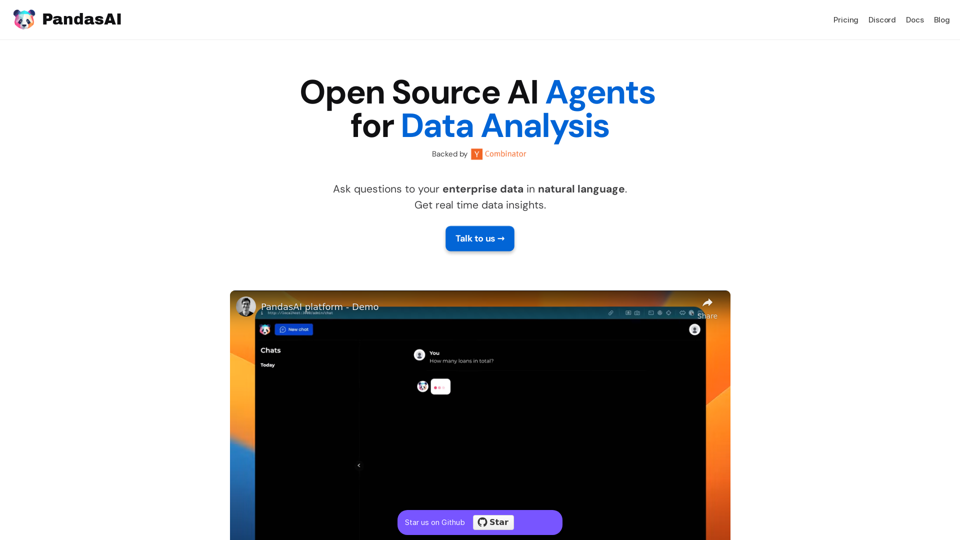
PandasAI is a Python library that integrates generative artificial intelligence capabilities into pandas, making dataframes conversational.
44.27 K