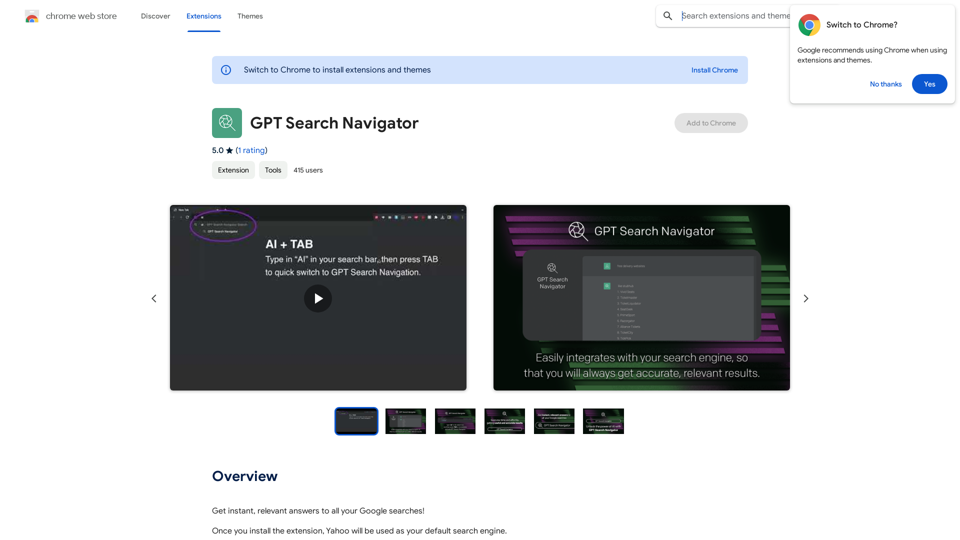
GPT Search Navigator is a browser extension that integrates advanced AI technology into your online browsing experience. It provides instant access to CHATGPT's knowledge, offering personalized and accurate search results. This tool is designed for students, professionals, and anyone seeking efficient learning and exploration.
GPT Search Navigator
Get instant, relevant answers to all your Google searches!
Introduction
Feature
Instant AI-Powered Search
GPT Search Navigator allows users to access CHATGPT's vast knowledge base directly from their browser. By setting Yahoo as the default search engine and using the purple "Ask GPT" button, users can receive personalized and accurate results instantly.
Full Conversation Mode
Users can initiate a comprehensive dialogue with CHATGPT by typing "ai+tab" into the omnibox. This feature enables in-depth exploration of topics and more nuanced interactions with the AI.
Seamless Integration
The extension integrates smoothly with the browser, requiring only Yahoo as the default search engine. This setup ensures a user-friendly experience without complicated configurations.
Enhanced Writing Support
GPT Search Navigator includes Textpanda, a feature that can significantly improve users' writing capabilities. This tool leverages AI to assist in various writing tasks.
Free Access with Optional Upgrades
The extension is free to install and use, with the option for subscription-based services for users who require additional features or capabilities.
FAQ
How do I start using GPT Search Navigator?
To begin using GPT Search Navigator:
- Install the browser extension
- Set Yahoo as your default search engine
- Use the purple "Ask GPT" button for quick queries
- Type "ai+tab" in the omnibox for full conversations with CHATGPT
Is my data used for AI training?
No, your information is not used for any training purposes. You have the option to delete your account at any time, which will remove all your data from the system.
Can I use this extension with search engines other than Yahoo?
No, GPT Search Navigator is specifically designed to work with Yahoo as the default search engine. It is not compatible with other search platforms.
Related Websites
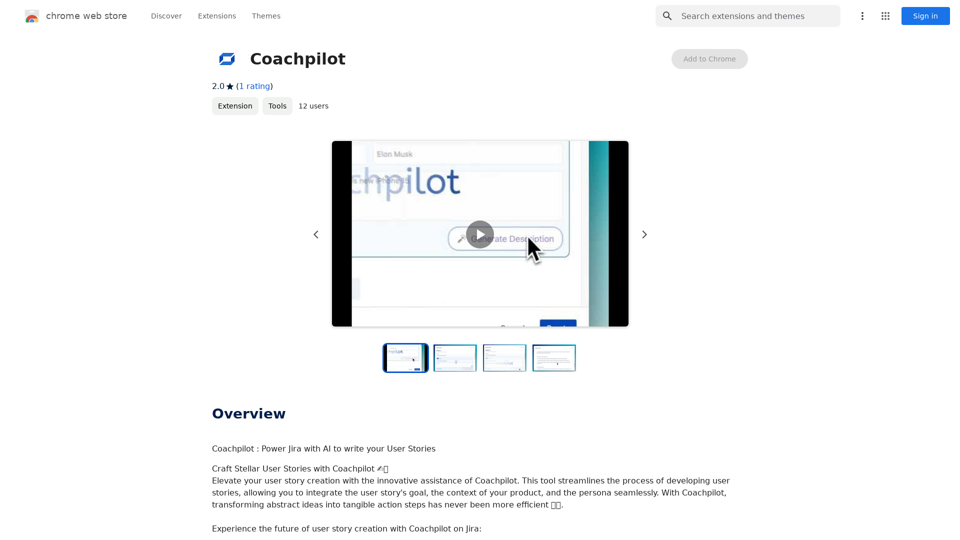
Coachpilot: Use AI to Write User Stories in Jira Coachpilot helps you write better user stories in Jira using the power of artificial intelligence.
193.90 M
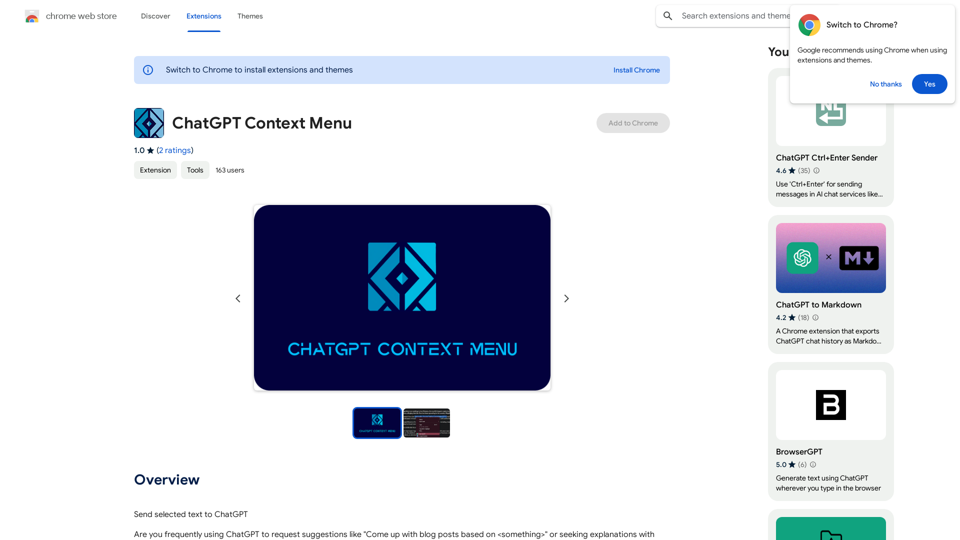
ChatGPT Context Menu * Copy: Copies the selected text. * Paste: Pastes the copied text. * Delete: Deletes the selected text. * Edit: Opens a text editor to modify the selected text. * Generate: Uses ChatGPT to generate new text based on the selected context. * Summarize: Creates a concise summary of the selected text. * Translate: Translates the selected text into another language. * Translate to English: Translates the selected text into English. * Code: Attempts to identify and format the selected text as code. * Help: Provides information about the context menu options.
ChatGPT Context Menu * Copy: Copies the selected text. * Paste: Pastes the copied text. * Delete: Deletes the selected text. * Edit: Opens a text editor to modify the selected text. * Generate: Uses ChatGPT to generate new text based on the selected context. * Summarize: Creates a concise summary of the selected text. * Translate: Translates the selected text into another language. * Translate to English: Translates the selected text into English. * Code: Attempts to identify and format the selected text as code. * Help: Provides information about the context menu options.Please provide the text you would like to send to ChatGPT.
193.90 M
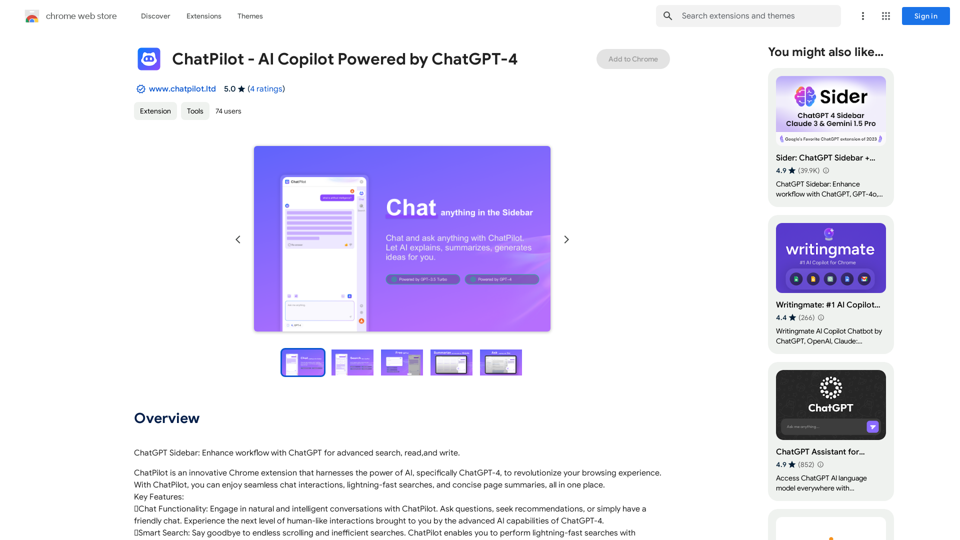
ChatGPT Sidebar: Improve your workflow with ChatGPT for advanced searching, reading, and writing.
193.90 M
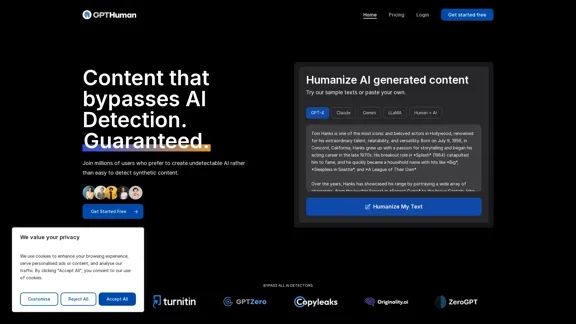
Humanize AI. Create AI Content That Can't Be Detected.
Humanize AI. Create AI Content That Can't Be Detected.The leading AI humanizer that converts machine-generated text into genuine, human-like content. It bypasses all AI detectors, guaranteed.
135.99 K
Hottalks.ai - Enjoy the Ultimate AI Girlfriend Experience
Hottalks.ai - Enjoy the Ultimate AI Girlfriend ExperienceYour dream companion awaits! Uncensored AI chat experience with NSFW AI images. Experience adaptive AI-driven role-plays today.
40.45 K
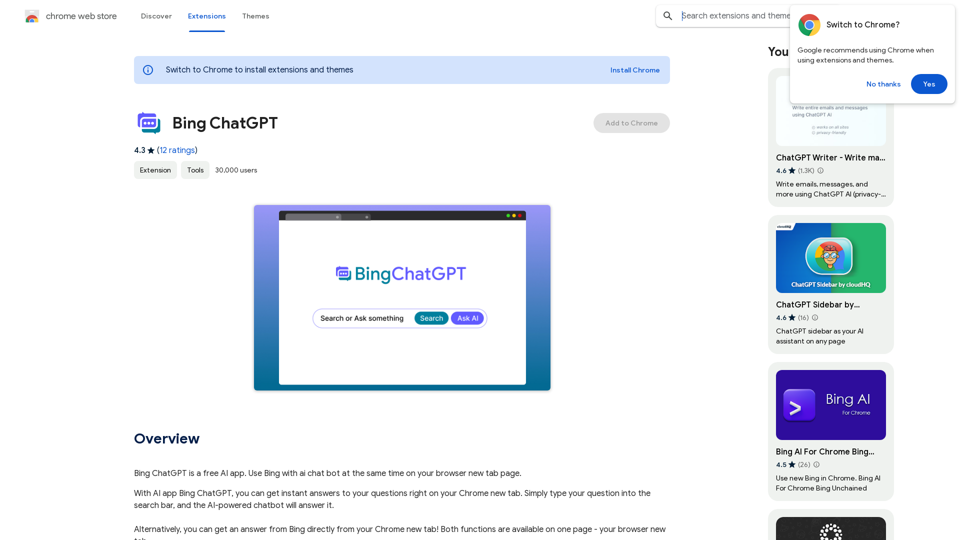
Bing ChatGPT Bing ChatGPT is a conversational AI powered by Microsoft Bing and OpenAI's ChatGPT technology. It's a chatbot that allows users to have natural conversations, ask questions, and get accurate answers.
Bing ChatGPT Bing ChatGPT is a conversational AI powered by Microsoft Bing and OpenAI's ChatGPT technology. It's a chatbot that allows users to have natural conversations, ask questions, and get accurate answers.Bing ChatGPT is a free AI app. Use Bing with an AI chatbot simultaneously on your browser's new tab page.
193.90 M