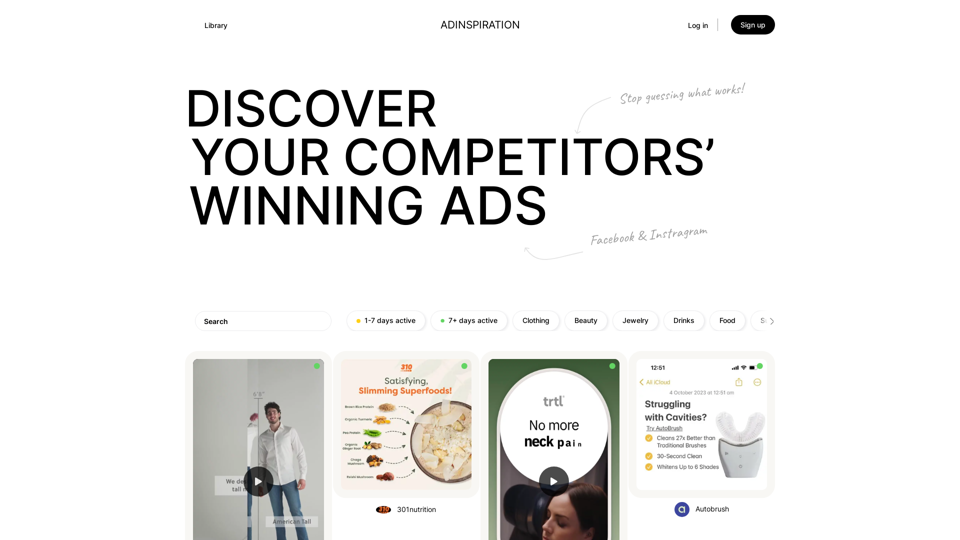
Adinspiration is a powerful platform that provides access to the Facebook Ad Library, allowing users to discover and analyze their competitors' successful advertising strategies. By offering insights into high-performing ads, Adinspiration helps businesses stop guessing and start making data-driven decisions for their ad campaigns.
Adinspiration | Discover your Competitors' Winning Ads from Facebook Ad Library
Boost your Return on Ad Spend (ROAS) with proven Ad Inspiration and winning Facebook & Instagram ad creatives from top brands and your Competitors. Meta Ad library with superpowers
Introduction
Feature
Access to Facebook Ad Library
Adinspiration provides users with access to the extensive Facebook Ad Library, containing a wide range of ads from various industries and niches.
Advanced Filtering and Search
Users can filter and search ads based on specific criteria such as:
- Industry
- Niche
- Ad type
- Performance metrics
This feature enables users to find the most relevant and high-performing ads for their business needs.
Real-time Performance Insights
Adinspiration offers real-time insights into ad performance, including:
- Ad spend
- Reach
- Engagement metrics
These insights help users make informed decisions about their advertising strategies.
User-friendly Interface
The platform provides an intuitive interface for:
- Browsing the Ad Library
- Filtering and searching ads
- Analyzing ad performance
Subscription-based Service
Adinspiration offers a free trial period, followed by a subscription-based service for continued access to its features.
FAQ
Is Adinspiration free to use?
Adinspiration offers a free trial period. After the trial, it becomes a subscription-based service. For detailed pricing information, users need to contact Adinspiration directly.
How do I get started with Adinspiration?
To get started with Adinspiration:
- Sign up for an account using Google or email
- Browse the Ad Library to discover high-performing ads
- Use the filter and search features to find relevant ads for your business
Can I cancel my subscription to Adinspiration?
Yes, users have the flexibility to cancel their subscription to Adinspiration at any time.
What are some helpful tips for using Adinspiration?
- Use the platform to gain inspiration for your own ad campaigns
- Analyze ad performance metrics to identify successful strategies
- Leverage Adinspiration to stay ahead of your competition in the advertising space
Related Websites
Discover SkillSpot.ai, an AI-driven recruitment solution transforming the hiring landscape. Experience AI-guided job listings, intelligent AI Powered candidate screening, and detailed virtual interviews. Embrace efficiency and precision in talent acquisition with our advanced AI tools. Book a demo today!
1.24 K
Help me read | GPT Reading Assistant, a free Chrome browser extension, summarizes any webpage using ChatGPT, supporting the use of GPT-3.5 or GPT-4 models. ...
193.90 M
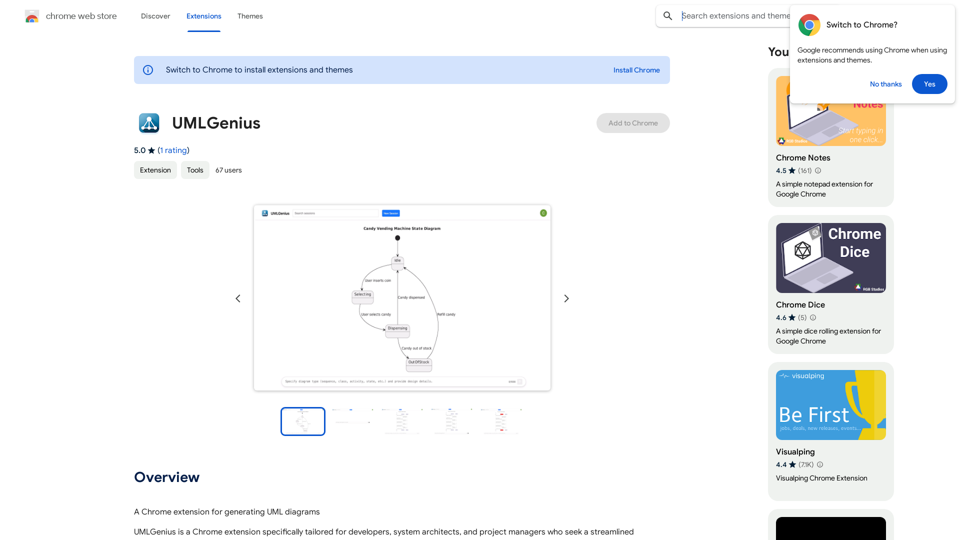
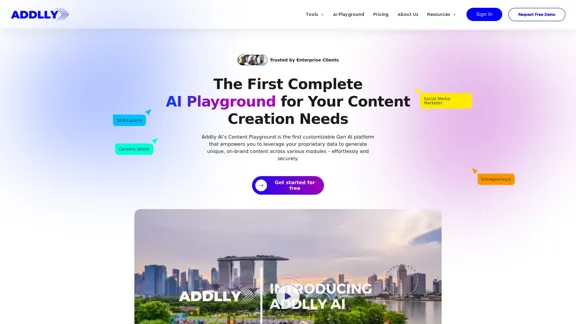
Addlly AI: 1st Complete AI Playground for Content Creation
Addlly AI: 1st Complete AI Playground for Content CreationThe best all-in-one, no-prompt Gen AI Playground for enterprises. Generate SEO blogs, social media posts, ad copy, press releases, newsletters & more.
46.81 K
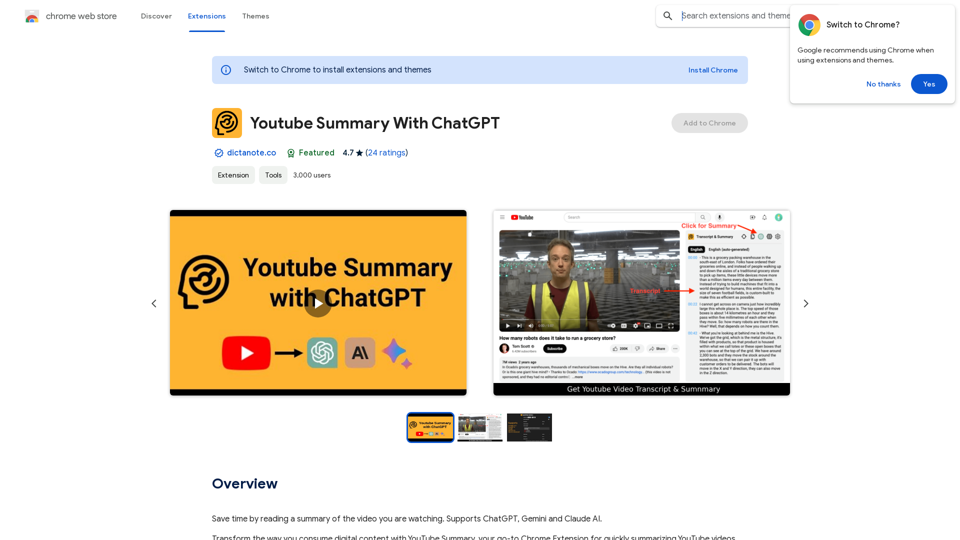
Save time by reading a summary of the video you are watching. Supports ChatGPT, Gemini, and Claude AI.
193.90 M
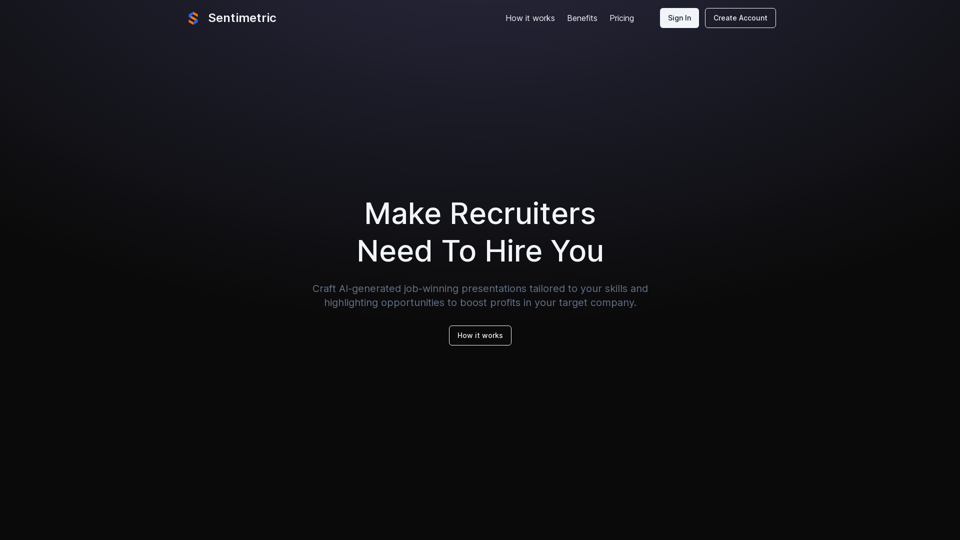
Sentimetric Sentimetric is a method used to measure the sentiment of text data, such as customer reviews, comments, or social media posts. It involves analyzing the emotional tone or attitude conveyed by the text, whether it's positive, negative, or neutral.
Sentimetric Sentimetric is a method used to measure the sentiment of text data, such as customer reviews, comments, or social media posts. It involves analyzing the emotional tone or attitude conveyed by the text, whether it's positive, negative, or neutral.Unlock your career potential with our AI-powered job application presentation builder designed to help you stand out in the competitive job market. Our app goes beyond traditional cover letters and resumes by creating personalized presentations that show recruiters how your skills and experience align with company goals and values. Plus, we provide project ideas with SWOT analyses that will impress every recruiter.
0