Website Optimizer AI is a Chrome extension that leverages ChatGPT GPT-4 to rewrite and improve website content. This AI-driven tool is designed to enhance website copy, making it more engaging and SEO-friendly. It's an ideal solution for marketers, content creators, and website owners looking to optimize their online presence and achieve better results through improved content.
Website Optimizer AI
Improve your website's text with AI. Simply click on any text on a website and receive AI-powered suggestions for making it better.
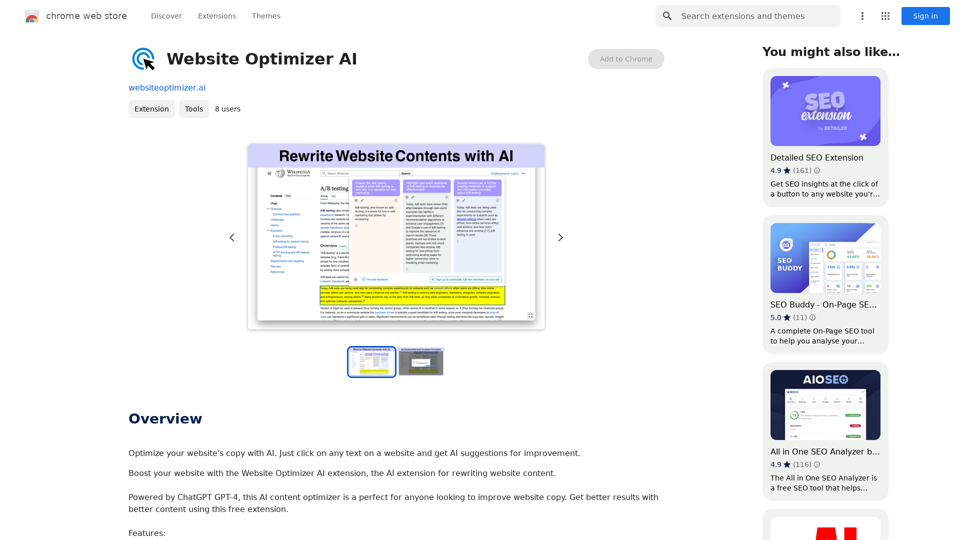
Introduction
Feature
Easy Integration
Website Optimizer AI seamlessly integrates with Chrome, allowing users to instantly transform website text without complex setup processes.
Smart Rewriting
Utilizing GPT-4 technology, the extension revamps text to make it more engaging and SEO-friendly, improving overall content quality.
Customizable Prompts
Users can input custom prompts to ensure AI-generated copy aligns with their brand's unique voice and tone.
Multiple Content Variants
The tool generates various content options at the click of a button, ideal for A/B testing and experimentation to maximize results.
User-Friendly Interface
With a simple click, users can rewrite any part of a website, making content optimization accessible to all skill levels.
Free to Use
Website Optimizer AI is available at no cost, with no subscription fees required.
FAQ
How do I use Website Optimizer AI?
To use Website Optimizer AI, simply click on any text on a website after installing the Chrome extension. The AI will then provide suggestions for improvement.
Can I customize the AI-generated content?
Yes, you can feed custom prompts to the AI to ensure the generated copy matches your brand's tone and style.
Is Website Optimizer AI suitable for SEO improvement?
Absolutely. The tool is designed to make content more SEO-friendly, helping to improve website visibility and ranking.
How can I maximize results with Website Optimizer AI?
Combine the extension with A/B testing and experimentation to find the most effective content variations for your website.
Is there a limit to how much content I can optimize?
There are no mentioned limitations. Users can optimize as much content as they need on their websites.
Related Websites
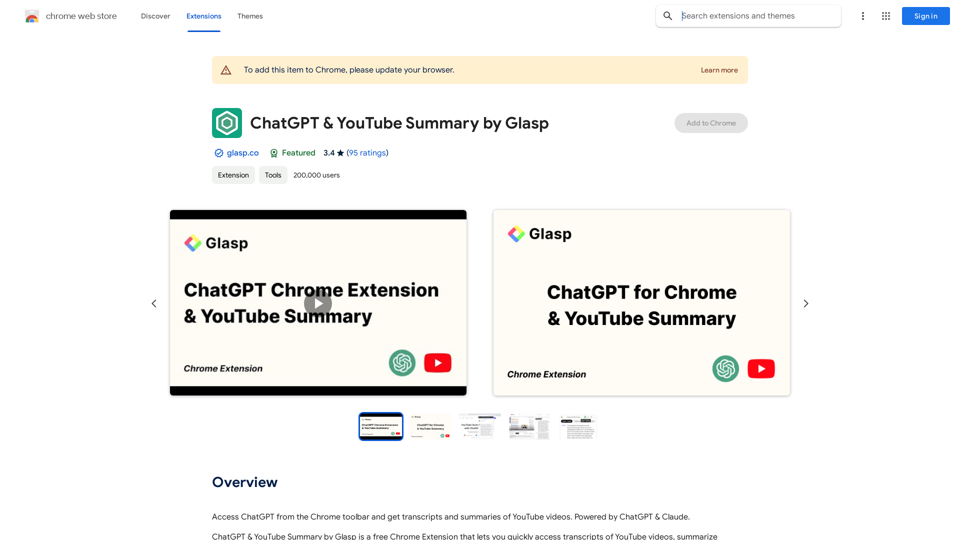
Access ChatGPT from the Chrome toolbar and get transcripts and summaries of YouTube videos. Powered by ChatGPT & Claude.
193.90 M
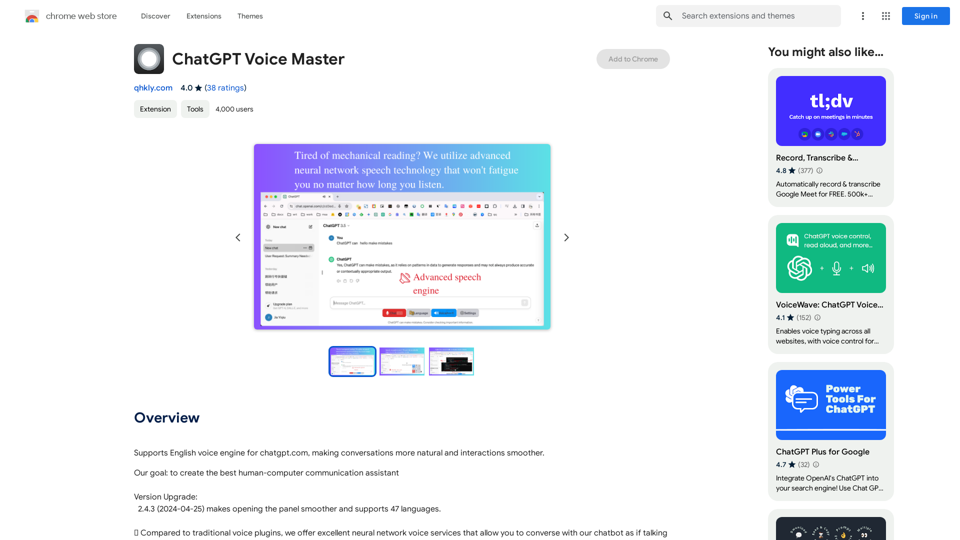
Supports English voice engine for chatgpt.com, making conversations more natural and interactions smoother.
193.90 M
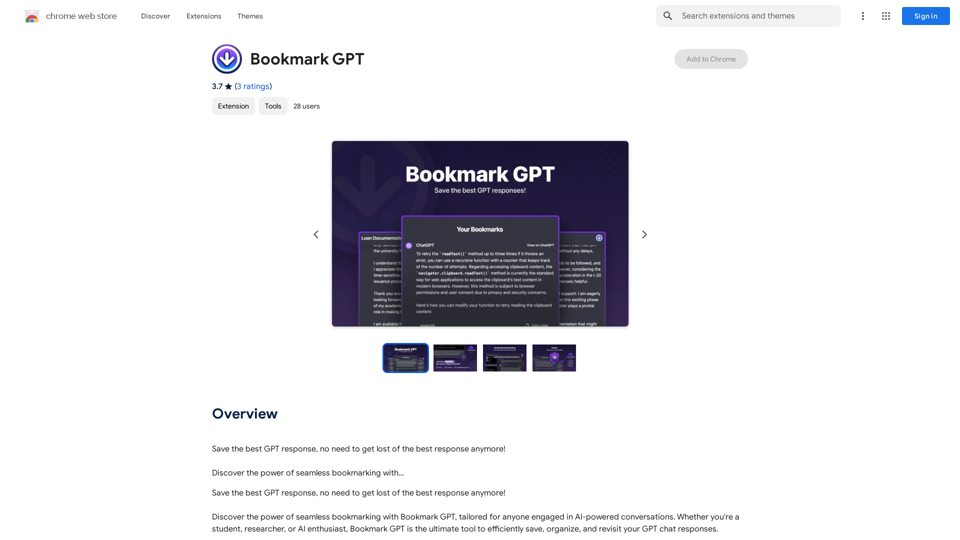
Save the best GPT response, no need to get lost of the best response anymore! Discover the power of seamless bookmarking with...
193.90 M
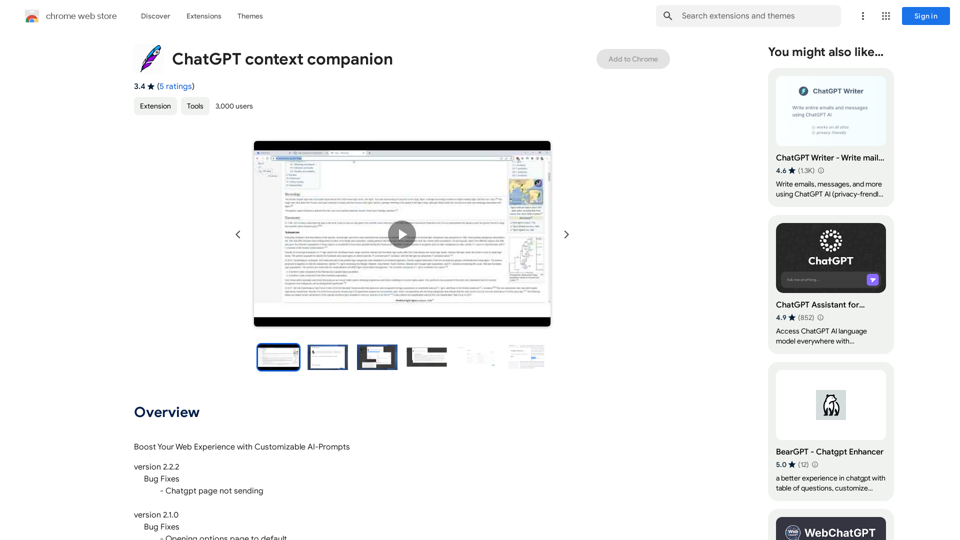
ChatGPT Context Companion The ChatGPT Context Companion is an innovative tool designed to enhance the conversational experience with ChatGPT, a cutting-edge language model. This companion tool provides users with a more comprehensive and engaging interaction by offering real-time suggestions, relevant information, and personalized responses. Key Features * Real-time Suggestions: The Context Companion provides users with relevant suggestions based on the conversation, enabling them to explore new topics, ask follow-up questions, or delve deeper into a subject. * Relevant Information: The tool offers users access to a vast knowledge base, providing them with accurate and up-to-date information on a wide range of topics, from science and history to entertainment and culture. * Personalized Responses: By analyzing the conversation context, the Context Companion generates personalized responses that cater to the user's interests, preferences, and communication style. Benefits * Enhanced Engagement: The ChatGPT Context Companion fosters a more engaging and interactive conversation, encouraging users to explore new ideas, ask questions, and learn from the conversation. * Improved Understanding: By providing users with relevant information and suggestions, the tool helps to clarify complex topics, resolve misunderstandings, and promote a deeper understanding of the subject matter. * Increased Productivity: The Context Companion saves users time and effort by offering quick access to relevant information, enabling them to focus on the conversation and achieve their goals more efficiently. Applications * Education: The ChatGPT Context Companion is an invaluable resource for students, teachers, and researchers, providing them with a wealth of information, suggestions, and insights to support their learning and research endeavors. * Business: The tool is an excellent communication aid for professionals, enabling them to access relevant information, generate ideas, and respond to customer inquiries more effectively. * Entertainment: The Context Companion adds a new dimension to online conversations, making them more engaging, informative, and enjoyable for users.
ChatGPT Context Companion The ChatGPT Context Companion is an innovative tool designed to enhance the conversational experience with ChatGPT, a cutting-edge language model. This companion tool provides users with a more comprehensive and engaging interaction by offering real-time suggestions, relevant information, and personalized responses. Key Features * Real-time Suggestions: The Context Companion provides users with relevant suggestions based on the conversation, enabling them to explore new topics, ask follow-up questions, or delve deeper into a subject. * Relevant Information: The tool offers users access to a vast knowledge base, providing them with accurate and up-to-date information on a wide range of topics, from science and history to entertainment and culture. * Personalized Responses: By analyzing the conversation context, the Context Companion generates personalized responses that cater to the user's interests, preferences, and communication style. Benefits * Enhanced Engagement: The ChatGPT Context Companion fosters a more engaging and interactive conversation, encouraging users to explore new ideas, ask questions, and learn from the conversation. * Improved Understanding: By providing users with relevant information and suggestions, the tool helps to clarify complex topics, resolve misunderstandings, and promote a deeper understanding of the subject matter. * Increased Productivity: The Context Companion saves users time and effort by offering quick access to relevant information, enabling them to focus on the conversation and achieve their goals more efficiently. Applications * Education: The ChatGPT Context Companion is an invaluable resource for students, teachers, and researchers, providing them with a wealth of information, suggestions, and insights to support their learning and research endeavors. * Business: The tool is an excellent communication aid for professionals, enabling them to access relevant information, generate ideas, and respond to customer inquiries more effectively. * Entertainment: The Context Companion adds a new dimension to online conversations, making them more engaging, informative, and enjoyable for users.Boost Your Web Experience with Customizable AI-Prompts
193.90 M
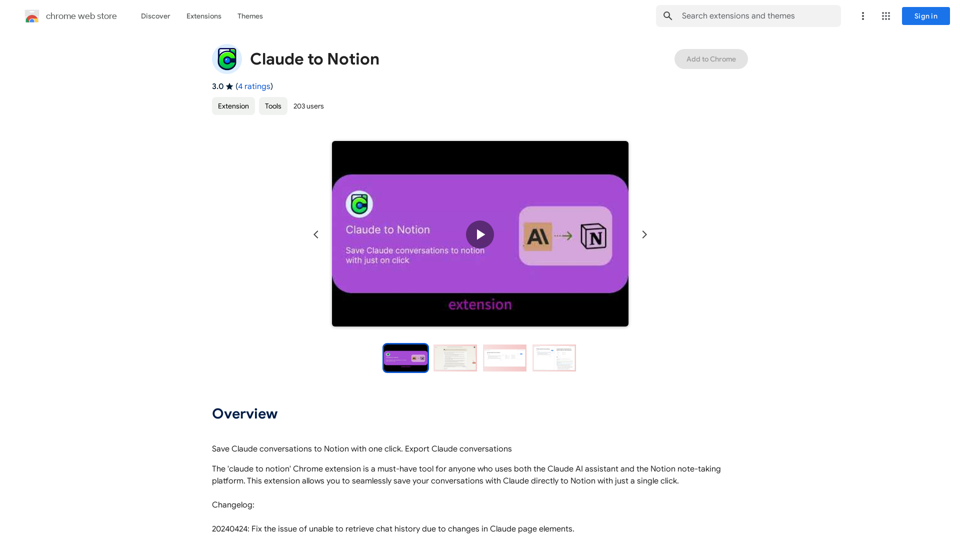
Claude to Notion This is a guide on how to connect Claude, an AI assistant, with Notion, a note-taking and workspace app. Why connect Claude and Notion? * Boost your productivity: Use Claude to generate content, summarize information, and automate tasks directly within Notion. * Enhance your research: Ask Claude questions about your Notion notes and get insightful answers. * Unlock new creative possibilities: Leverage Claude's generative capabilities to brainstorm ideas, write stories, or compose emails within your Notion workspace. How to connect Claude and Notion: 1. API Keys: Obtain an API key for both Claude and Notion. 2. Integration Tool: Explore integration tools like Zapier or Integromat to connect Claude and Notion. These platforms allow you to create workflows that trigger actions in one app based on events in the other. 3. Custom Development: For advanced users, you can develop your own custom integration using the Claude and Notion APIs. This gives you the most flexibility but requires coding knowledge. Example Use Cases: * Meeting Summarization: After a meeting, paste the transcript into Notion and use Claude to generate a concise summary. * Content Creation: Use Claude to write blog posts, articles, or social media captions directly within your Notion pages. * Idea Generation: Brainstorm new ideas for projects or tasks by prompting Claude with specific questions within your Notion workspace. Remember to review the documentation and terms of service for both Claude and Notion to ensure proper usage and security.
Claude to Notion This is a guide on how to connect Claude, an AI assistant, with Notion, a note-taking and workspace app. Why connect Claude and Notion? * Boost your productivity: Use Claude to generate content, summarize information, and automate tasks directly within Notion. * Enhance your research: Ask Claude questions about your Notion notes and get insightful answers. * Unlock new creative possibilities: Leverage Claude's generative capabilities to brainstorm ideas, write stories, or compose emails within your Notion workspace. How to connect Claude and Notion: 1. API Keys: Obtain an API key for both Claude and Notion. 2. Integration Tool: Explore integration tools like Zapier or Integromat to connect Claude and Notion. These platforms allow you to create workflows that trigger actions in one app based on events in the other. 3. Custom Development: For advanced users, you can develop your own custom integration using the Claude and Notion APIs. This gives you the most flexibility but requires coding knowledge. Example Use Cases: * Meeting Summarization: After a meeting, paste the transcript into Notion and use Claude to generate a concise summary. * Content Creation: Use Claude to write blog posts, articles, or social media captions directly within your Notion pages. * Idea Generation: Brainstorm new ideas for projects or tasks by prompting Claude with specific questions within your Notion workspace. Remember to review the documentation and terms of service for both Claude and Notion to ensure proper usage and security.Save Claude conversations to Notion with one click. Export Claude conversations.
193.90 M
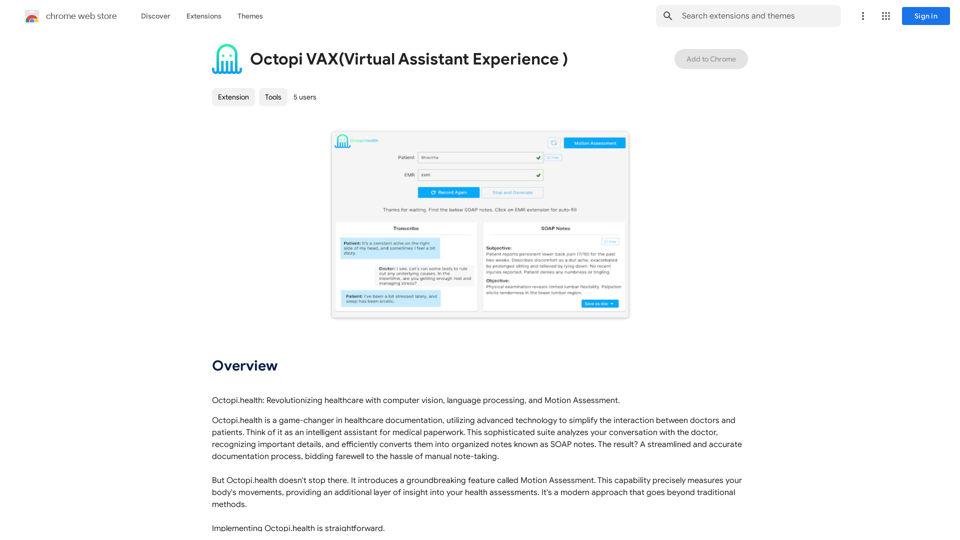
Octopi.health: Revolutionizing healthcare with computer vision, language processing, and Motion Assessment.
193.90 M
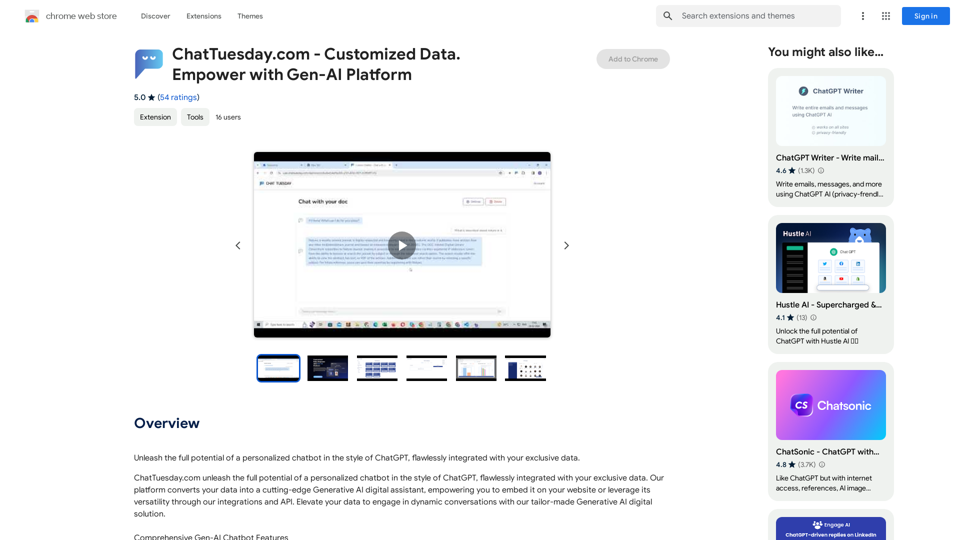
ChatTuesday.com - Customized Data. Empower with Gen-AI Platform
ChatTuesday.com - Customized Data. Empower with Gen-AI PlatformUnlock the full power of a custom-made chatbot, just like ChatGPT, perfectly combined with your unique information.
193.90 M