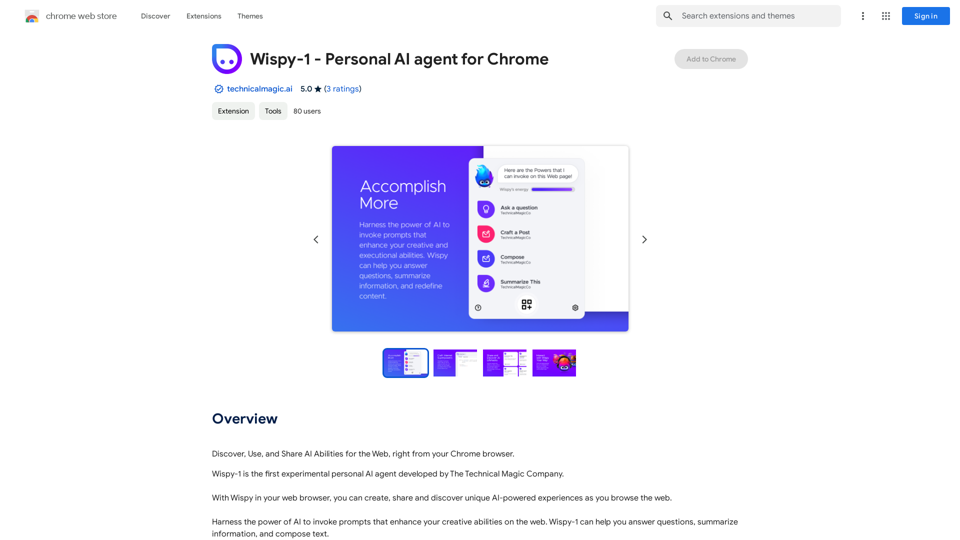
Wispy-1 is a personal AI agent for Chrome that enhances web browsing with AI-powered experiences. It allows users to create, share, and discover unique AI capabilities while browsing. Wispy-1 empowers users to invoke AI prompts, boosting their creative abilities on the web. With a free initial energy allowance and premium options available, Wispy-1 offers a versatile platform for AI-enhanced web interactions.
Wispy-1 - Personal AI Agent for Chrome
Discover, Use, and Share AI Abilities for the Web, right from your Chrome browser.
Introduction
Feature
AI-Powered Web Experiences
Wispy-1 enables users to create, share, and discover unique AI-powered experiences while browsing the web. This feature transforms ordinary web surfing into an interactive and enhanced journey.
Customizable AI Prompts
Users can harness the power of AI to invoke prompts that enhance their creative abilities. This functionality allows for personalized and context-specific AI assistance during web browsing.
Expandable Gallery of Powers
Wispy-1 offers an ever-expanding gallery of powers built by the community. Users can add and explore new abilities, continuously expanding the tool's capabilities to suit various needs.
Flexible Pricing Model
The tool is free to start with an initial energy allowance for invoking AI powers. For more extensive use, premium memberships are available at $4.99/month, catering to different user needs and usage levels.
Easy Installation and Usage
Users can quickly install Wispy-1 from the Chrome Web Store and start exploring its gallery of powers. The tool supports both default and custom powers, allowing for immediate use and personalization.
Versatile Applications
Wispy-1 can be used for various tasks, including:
- Summarizing articles and videos
- Answering questions and composing text
- Creating and editing templated AI prompts
- Sharing and discovering new AI-powered experiences
This versatility makes it a valuable tool for enhancing productivity and creativity across different web-based activities.
FAQ
What is Wispy-1?
Wispy-1 is a personal AI agent for Chrome that allows users to create, share, and discover unique AI-powered experiences while browsing the web. It enhances creative abilities through AI-powered prompts and features an expandable gallery of community-built powers.
How do I get started with Wispy-1?
To get started with Wispy-1:
- Install it from the Chrome Web Store
- Launch Wispy-1 after installation
- Explore the gallery of powers
- Use default powers or add custom ones
- Invoke AI prompts to enhance your browsing experience
Is Wispy-1 free to use?
Wispy-1 offers a free starting option with an initial energy allowance for invoking AI powers. For users requiring more extensive capabilities, premium memberships are available at $4.99/month.
Can I create my own custom powers in Wispy-1?
Yes, Wispy-1 allows users to add and explore new abilities. The tool features an ever-expanding gallery of powers built by the community, enabling users to customize their experience and create powers tailored to their specific needs.
Related Websites
AiReelGenerator.com | Faceless Videos on Autopilot.
AiReelGenerator.com | Faceless Videos on Autopilot.Discover AiReelGenerator, the newest app that automatically makes videos without faces. Just pick a subject, and our AI will make and upload fresh videos to your YouTube, TikTok, Instagram, or Facebook account every day.
196
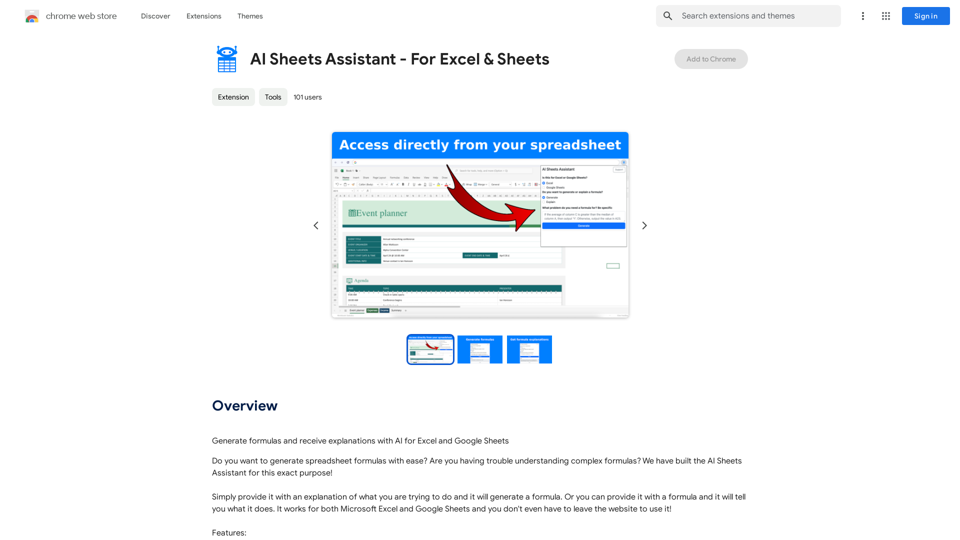
Generate Formulas and Receive Explanations with AI for Excel and Google Sheets This is a powerful tool that can help you with your spreadsheet work! Here's how it works: 1. You describe what you want to achieve. Be as specific as possible. For example, instead of saying "I need a formula to calculate the total," say "I need a formula to calculate the total of sales in column B." 2. The AI will generate a formula for you. It will also provide an explanation of how the formula works. 3. You can copy and paste the formula into your spreadsheet. Here are some examples: * "I need a formula to find the average of the numbers in cells A1 to A10." * Formula: `=AVERAGE(A1:A10)` * Explanation: The `AVERAGE` function calculates the average of a range of cells. In this case, it will calculate the average of the numbers in cells A1 through A10. * "I need a formula to count the number of cells that contain the word 'apple' in column C." * Formula: `=COUNTIF(C:C,"apple")` * Explanation: The `COUNTIF` function counts the number of cells in a range that meet a certain criteria. In this case, it will count the number of cells in column C that contain the word "apple". * "I need a formula to find the largest number in column D." * Formula: `=MAX(D:D)` * Explanation: The `MAX` function returns the largest number in a range of cells. In this case, it will return the largest number in column D. Let me know what you'd like to calculate, and I'll do my best to help!
193.90 M
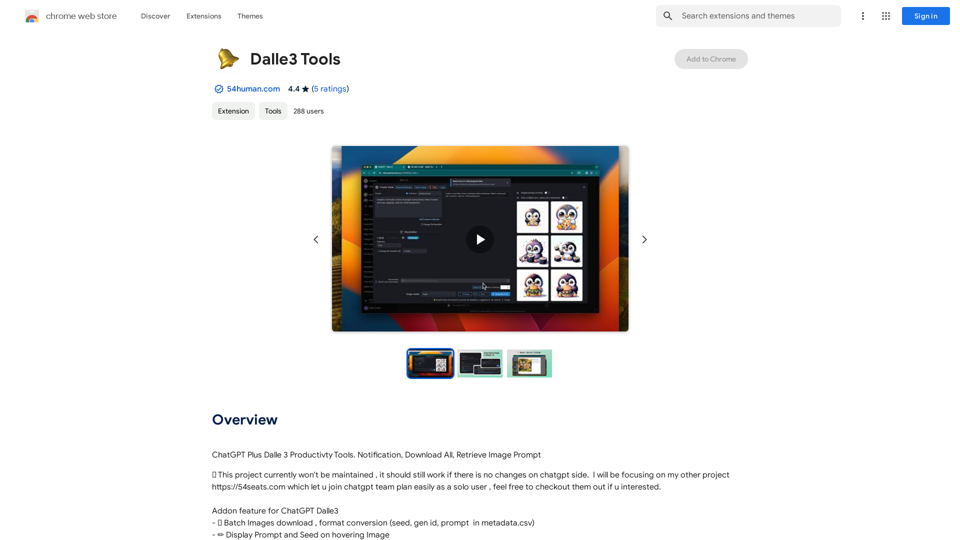
ChatGPT Plus, DALL-E 3, Productivity Tools * Notifications * Download All * Retrieve Image Prompt
193.90 M
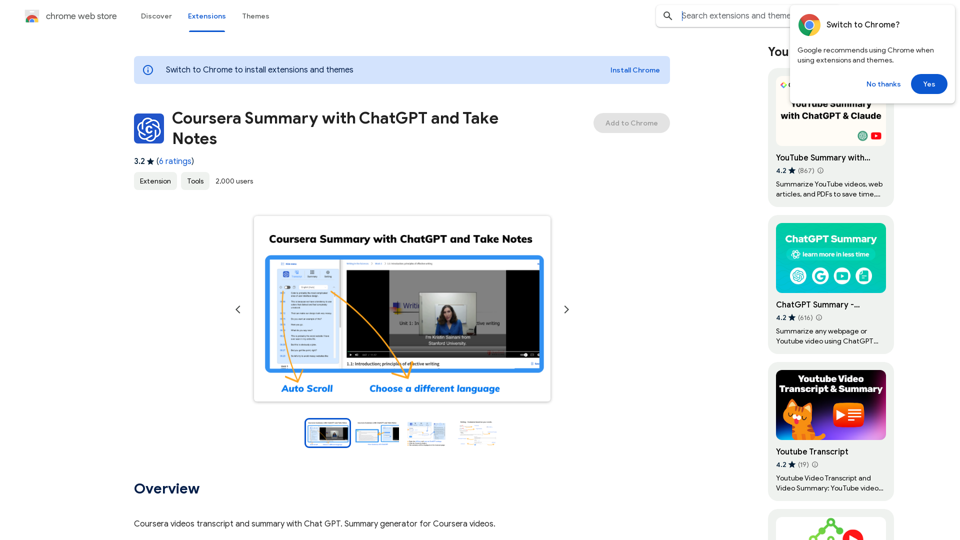
Coursera Summary with ChatGPT and Take Notes ===================================================== What is Coursera? Coursera is an online learning platform that partners with top universities and organizations to offer courses and degree programs in a wide range of fields. What is ChatGPT? ChatGPT is a conversational AI tool that can understand and respond to human input in a human-like way. It can be used to generate text, answer questions, and even create content. How to Use ChatGPT for Coursera Summary? You can use ChatGPT to summarize Coursera courses by: * Providing the course material or lecture notes to ChatGPT * Asking ChatGPT to summarize the key points or main ideas * Reviewing and editing the summary generated by ChatGPT Benefits of Using ChatGPT for Coursera Summary Using ChatGPT for Coursera summary can help you: * Save time by automating the summarization process * Improve understanding and retention of course material * Focus on key concepts and ideas * Enhance learning experience How to Take Notes with ChatGPT? You can use ChatGPT to take notes by: * Providing the course material or lecture notes to ChatGPT * Asking ChatGPT to generate notes or key points * Reviewing and editing the notes generated by ChatGPT * Organizing and structuring the notes for easy reference Benefits of Using ChatGPT for Taking Notes Using ChatGPT for taking notes can help you: * Save time by automating the note-taking process * Improve organization and structure of notes * Enhance understanding and retention of course material * Focus on key concepts and ideas
Coursera Summary with ChatGPT and Take Notes ===================================================== What is Coursera? Coursera is an online learning platform that partners with top universities and organizations to offer courses and degree programs in a wide range of fields. What is ChatGPT? ChatGPT is a conversational AI tool that can understand and respond to human input in a human-like way. It can be used to generate text, answer questions, and even create content. How to Use ChatGPT for Coursera Summary? You can use ChatGPT to summarize Coursera courses by: * Providing the course material or lecture notes to ChatGPT * Asking ChatGPT to summarize the key points or main ideas * Reviewing and editing the summary generated by ChatGPT Benefits of Using ChatGPT for Coursera Summary Using ChatGPT for Coursera summary can help you: * Save time by automating the summarization process * Improve understanding and retention of course material * Focus on key concepts and ideas * Enhance learning experience How to Take Notes with ChatGPT? You can use ChatGPT to take notes by: * Providing the course material or lecture notes to ChatGPT * Asking ChatGPT to generate notes or key points * Reviewing and editing the notes generated by ChatGPT * Organizing and structuring the notes for easy reference Benefits of Using ChatGPT for Taking Notes Using ChatGPT for taking notes can help you: * Save time by automating the note-taking process * Improve organization and structure of notes * Enhance understanding and retention of course material * Focus on key concepts and ideasAutomate Your Learning: Coursera Videos Transcript and Summary with ChatGPT ============================================================ Are you tired of manually taking notes while watching Coursera videos? Do you wish you had a summary of the video to review later? Look no further! With the power of ChatGPT, you can now generate transcripts and summaries of Coursera videos with ease. How it Works --------------- 1. Transcribe the Video: Use a transcription tool to convert the audio from the Coursera video into text. 2. Feed it to ChatGPT: Input the transcript into ChatGPT, and it will generate a concise summary of the video. 3. Review and Refine: Review the summary, refine it as needed, and you're good to go! Benefits ------------ * Save Time: No more manual note-taking or re-watching videos to understand the content. * Improve Retention: A summary of the video helps you retain information better and review it quickly. * Enhance Learning: Focus on understanding the concepts rather than taking notes. Get Started -------------- Try it out today and take your learning to the next level!
193.90 M