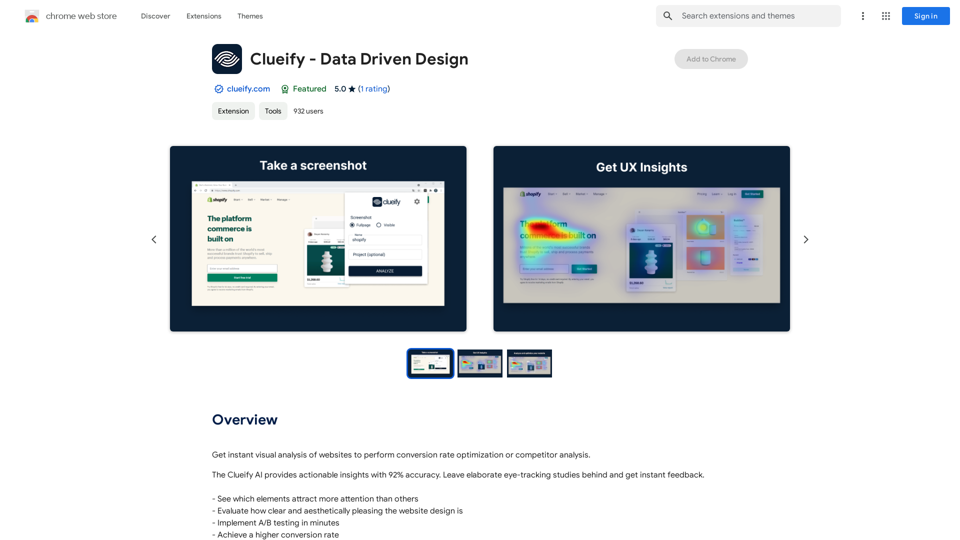
AI Letter Generator is a versatile online tool designed to simplify the process of creating professional letters using artificial intelligence. This free platform offers a wide range of letter types, including cover letters, business letters, personal letters, and thank you notes, catering to various communication needs.
AI Letter Generator: Free AI Letter Writer, Cover Letter
AI Letter Generator helps you create professional letters easily with AI. Try our free letter writer, cover letter generator, and more!

Introduction
Feature
-
Multiple Letter Types
- Supports various letter formats:
- Business Letters
- Cover Letters
- Personal Letters
- Thank You Letters
- Recommendation Letters
- Supports various letter formats:
-
Secure and Confidential
- Prioritizes user privacy and data security
- Ensures all created letters are processed securely
- Protects user information and maintains confidentiality
-
Multi-Language Support
- Enables letter creation in multiple languages
- Supports English, Spanish, French, and other languages
- Generates accurate and well-crafted letters in the chosen language
-
Professional Formatting
- Offers various fonts, styles, and layouts
- Allows customization to match the tone and purpose of the letter
- Ensures a professional appearance for all generated letters
-
Time-Saving
- Automates the letter creation process
- Eliminates struggles with wording and formatting
- Allows users to focus on more important tasks
-
Free Core Features
- Provides access to essential features at no cost
- Allows creation, editing, and exporting of high-quality letters
- No subscription fees required for basic functionality
How to Use?
-
Choose the appropriate letter type for your needs (e.g., cover letter, business letter, personal letter).
-
Provide clear and specific prompts to the AI, including details like recipient name, purpose, and key points to cover.
-
Specify the desired tone (formal, informal, friendly) when generating your letter.
-
Utilize the professional formatting options to enhance the appearance of your letter.
-
Take advantage of the multi-language support if writing to international recipients.
-
Review and personalize the AI-generated content to ensure it accurately reflects your intentions.
-
Use the appropriate salutations and closings based on the letter type and recipient.
FAQ
What types of letters can I generate with this tool?
AI Letter Generator supports multiple letter types, including business letters, cover letters, personal letters, thank you letters, and recommendation letters. Each type is designed for specific communication needs and contexts.
How should I start my letter?
The opening depends on the letter type:
- Business letters: "Dear [Recipient's Name]"
- Cover letters: "Dear Hiring Manager,"
- Personal letters: "Hi [Recipient's Name]"
- Thank you letters: "Dear [Recipient's Name]"
- Recommendation letters: "To Whom It May Concern"
How should I end my letter?
Appropriate closings vary by letter type:
- Business and cover letters: "Sincerely," or "Best regards,"
- Personal letters: "Best wishes," or "Warm regards,"
- Thank you letters: "Sincerely," or "With gratitude,"
- Recommendation letters: "Sincerely," or "Best regards,"
How do I write prompts for the AI to generate a letter?
To write effective prompts:
- Clearly state the letter type
- Include important details (recipient, purpose, specific points)
- Indicate the desired tone
- Add any personal touches or customization
Example: "Write a formal business letter to a potential client introducing our company's services."
Price
The AI Letter Generator offers a free plan with core features. For additional AI Text to Image functionality, there are two paid options:
| Plan | Usage | Price | Average Cost per Use |
|---|---|---|---|
| 50 times | Use AI functions 50 times | $25 | $0.4 |
| 120 times | Use AI functions 120 times | $50 | $0.4 |
The price is for reference only, please refer to the latest official data for actual information.
Evaluation
-
AI Letter Generator offers a comprehensive solution for various letter-writing needs, making it accessible to a wide range of users, from job seekers to business professionals.
-
The multi-language support and professional formatting options add significant value, allowing users to create polished letters in different languages.
-
The free core features provide a great starting point for users, though the pricing for additional AI functions seems reasonable.
-
The emphasis on security and confidentiality is commendable, addressing potential concerns about data privacy.
-
While the tool offers great convenience, users should be cautious about over-relying on AI-generated content and ensure they personalize the letters to maintain authenticity.
-
The testimonials suggest high user satisfaction, but it would be beneficial to see more diverse feedback, including potential areas for improvement.
-
The FAQ section is informative, but could be expanded to address more specific concerns or edge cases that users might encounter.
Related Websites

Lingban AI Assistant - GPT Chat, Web Translation, Bilingual Comparison, Intelligent Writing, AI Full-Network Search, AI Article Reading, Real-Time Internet Connection
Lingban AI Assistant - GPT Chat, Web Translation, Bilingual Comparison, Intelligent Writing, AI Full-Network Search, AI Article Reading, Real-Time Internet ConnectionLingban AI Assistant is your personal AI assistant on any webpage. It can help you translate various webpages, provide bilingual comparisons, offer creative inspiration, and answer your questions in chat conversations.
193.90 M
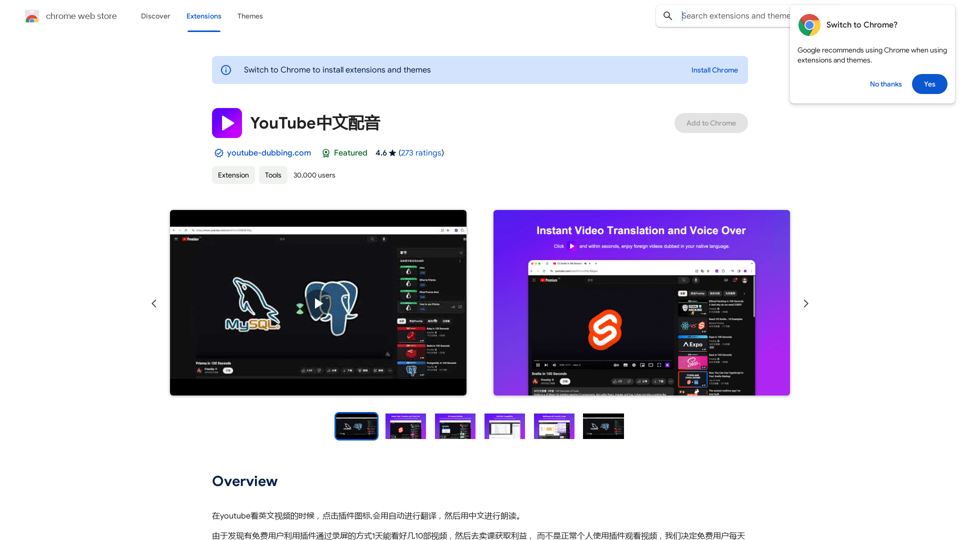
When watching English videos on YouTube, click the plugin icon, and it will automatically translate and then read aloud in Chinese.
193.90 M
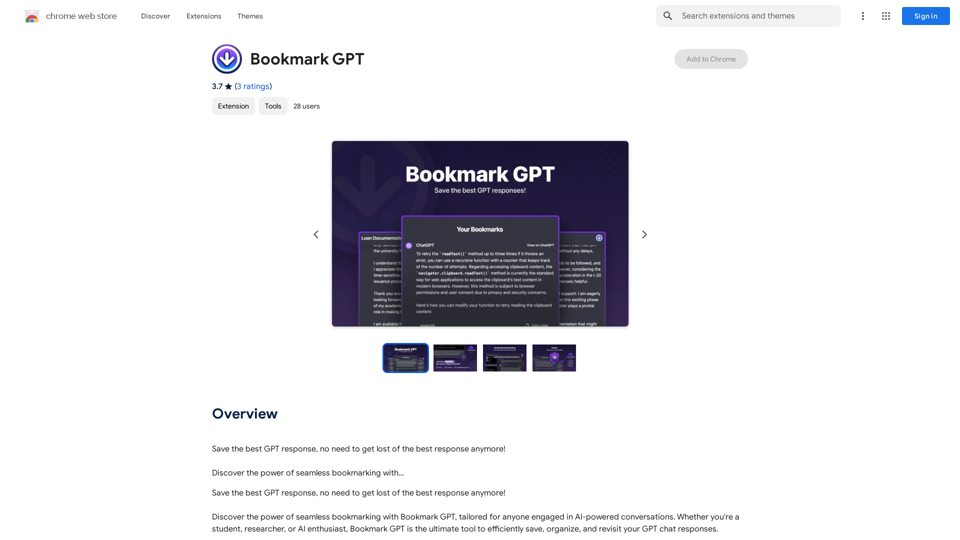
Save the best GPT response, no need to get lost of the best response anymore! Discover the power of seamless bookmarking with...
193.90 M
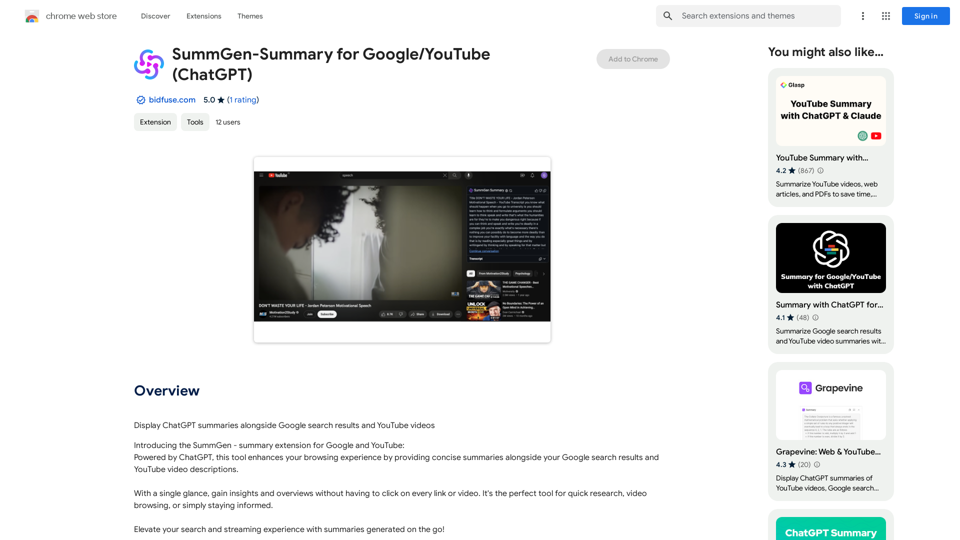
SummGen-Summary for Google/YouTube (ChatGPT) This is a summary of the capabilities and potential uses of SummGen, a text summarization model, specifically in the context of Google and YouTube. * What is SummGen? SummGen is a powerful text summarization model developed by Google DeepMind. It excels at condensing large amounts of text into concise and informative summaries. * How can SummGen be used with Google Search? Imagine searching Google for a complex topic. SummGen could analyze the top search results and generate a brief, clear summary of the key information, saving you time and effort. * Applications for YouTube: * Video Summaries: SummGen could automatically generate summaries of YouTube videos, making it easier for viewers to quickly understand the content. * Closed Captions: SummGen could enhance closed captions by providing more accurate and concise summaries of the spoken words. * Content Discovery: YouTube could use SummGen to create summaries of trending videos, helping users discover new content based on their interests. * Benefits: * Efficiency: SummGen saves time by providing concise summaries of large amounts of text. * Accessibility: Summaries can make information more accessible to people with visual or cognitive impairments. * Improved Understanding: Summaries can help users grasp complex topics more easily. SummGen has the potential to revolutionize how we interact with information on Google and YouTube, making it more efficient, accessible, and understandable.
SummGen-Summary for Google/YouTube (ChatGPT) This is a summary of the capabilities and potential uses of SummGen, a text summarization model, specifically in the context of Google and YouTube. * What is SummGen? SummGen is a powerful text summarization model developed by Google DeepMind. It excels at condensing large amounts of text into concise and informative summaries. * How can SummGen be used with Google Search? Imagine searching Google for a complex topic. SummGen could analyze the top search results and generate a brief, clear summary of the key information, saving you time and effort. * Applications for YouTube: * Video Summaries: SummGen could automatically generate summaries of YouTube videos, making it easier for viewers to quickly understand the content. * Closed Captions: SummGen could enhance closed captions by providing more accurate and concise summaries of the spoken words. * Content Discovery: YouTube could use SummGen to create summaries of trending videos, helping users discover new content based on their interests. * Benefits: * Efficiency: SummGen saves time by providing concise summaries of large amounts of text. * Accessibility: Summaries can make information more accessible to people with visual or cognitive impairments. * Improved Understanding: Summaries can help users grasp complex topics more easily. SummGen has the potential to revolutionize how we interact with information on Google and YouTube, making it more efficient, accessible, and understandable.Display ChatGPT Summaries Alongside Google Search Results and YouTube Videos This feature would allow users to see concise summaries generated by ChatGPT directly integrated with their Google search results and YouTube video pages. Imagine searching for a topic on Google and seeing a ChatGPT-generated summary at the top of the results, providing a quick overview of the key points. Or, watching a YouTube video and having a ChatGPT summary appear below, highlighting the main takeaways. This integration could significantly enhance the user experience by: * Saving time: Quickly grasp the essence of information without having to read through lengthy articles or watch entire videos. * Improving comprehension: ChatGPT summaries can rephrase complex information in a more accessible way. * Encouraging exploration: Summaries can spark curiosity and lead users to explore related content further.
193.90 M
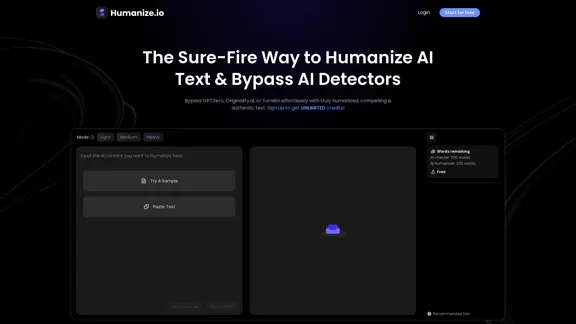
Meet Humanize.io, the best AI tool to make your AI content sound more human. Try our AI humanizer for free now!
164.25 K