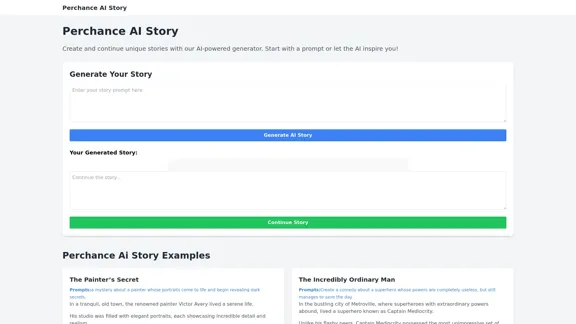
Perchance AI Story is an innovative AI-powered story generator that allows users to create and continue unique narratives. This tool offers a seamless way for both aspiring writers and creative enthusiasts to explore storytelling with the assistance of artificial intelligence.
Perchance AI Story
Perchance AI Story is a website that supports multiple languages and can continue to write stories.
Introduction
Feature
-
AI-Powered Story Generation
- Users can start with a prompt or let the AI inspire them
- Generates unique stories based on user input or random prompts
-
Story Continuation
- Option to continue the generated story, allowing for extended narratives
- Enables users to build upon the AI-generated content
-
Diverse Story Prompts
- Offers a wide range of creative prompts across various genres
- Examples include love stories, horror tales, comedies, and fantasies
-
Genre Flexibility
- Supports multiple genres including mystery, comedy, romance, and sci-fi
- Allows users to experiment with different storytelling styles
-
Interactive User Interface
- Simple and intuitive design for easy story generation
- Clear buttons for generating and continuing stories
-
Example Stories
- Provides sample stories to showcase the AI's capabilities
- Demonstrates the tool's versatility in creating engaging narratives
FAQ
How does Perchance AI Story work?
Perchance AI Story uses artificial intelligence to generate unique stories based on user prompts or randomly generated ideas. Users can input their own story concepts or use the provided prompts, and the AI will create a narrative accordingly.
Can I continue a story after it's been generated?
Yes, Perchance AI Story offers a "Continue Story" feature that allows users to extend the generated narrative. This enables you to build upon the initial AI-created content and develop the story further.
What types of stories can I create with Perchance AI Story?
The tool supports a wide range of genres and styles, including mystery, comedy, romance, horror, fantasy, and science fiction. Users can create diverse stories from love tales between seasons to adventures of time-traveling pirates.
Is Perchance AI Story suitable for professional writers?
While Perchance AI Story can be a valuable tool for inspiration and overcoming writer's block, it's primarily designed for creative exploration and fun. Professional writers might find it useful for generating ideas, but the tool is not intended to replace human creativity and writing skills.
Evaluation
-
Perchance AI Story offers an engaging and accessible platform for creative writing, making it easy for users to generate unique stories across various genres. Its user-friendly interface and diverse prompt options cater to both novice and experienced storytellers.
-
The ability to continue stories is a standout feature, allowing users to build upon the AI-generated content and potentially create more complex narratives. This interactivity enhances the user experience and encourages creativity.
-
While the tool demonstrates impressive versatility in generating stories across different genres, the quality and coherence of the generated content may vary. Users should be prepared to edit and refine the AI-generated stories for more polished results.
-
The provided example stories and prompts serve as good starting points and showcase the tool's capabilities. However, more advanced writers might find the generated content somewhat simplistic or lacking in depth.
-
As an AI-powered tool, Perchance AI Story could benefit from more advanced features such as character development options, plot structure guidance, or theme exploration to provide a more comprehensive storytelling experience.
-
Overall, Perchance AI Story is a fun and innovative tool for sparking creativity and exploring storytelling possibilities. It's particularly valuable for overcoming writer's block or generating quick story ideas, but should be viewed as a complementary tool rather than a replacement for human creativity in writing.
Related Websites
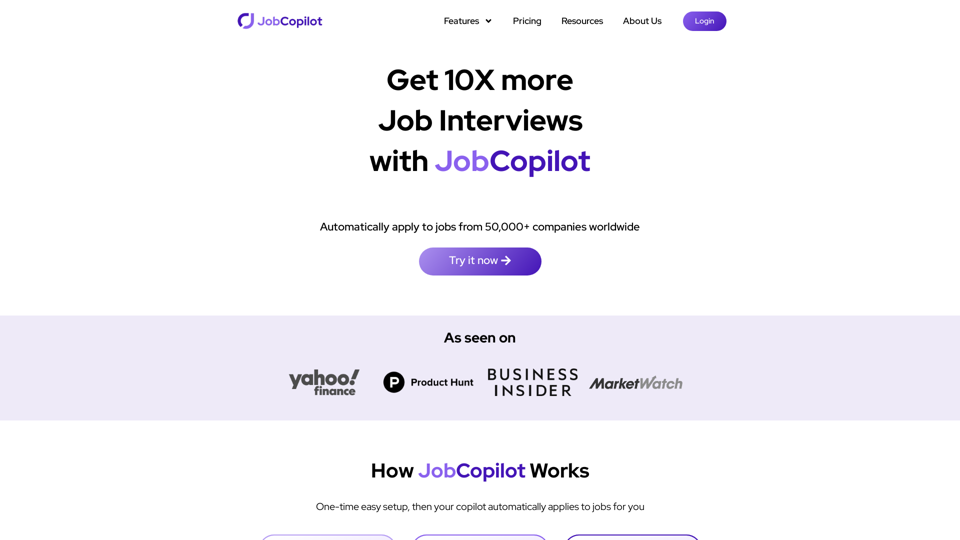
Get 10X more Job Interviews with JobCopilot. Automatically apply to jobs from 50,000+ companies worldwide. Try it today!
576.84 K
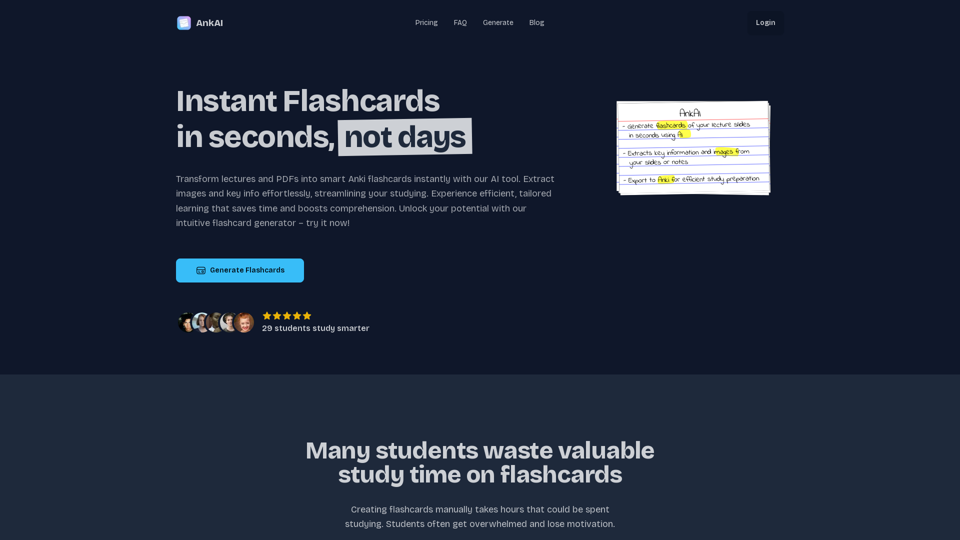
AnkAI is the best tool for easily turning PDFs into Anki flash cards, making your studying process faster and simpler.
0
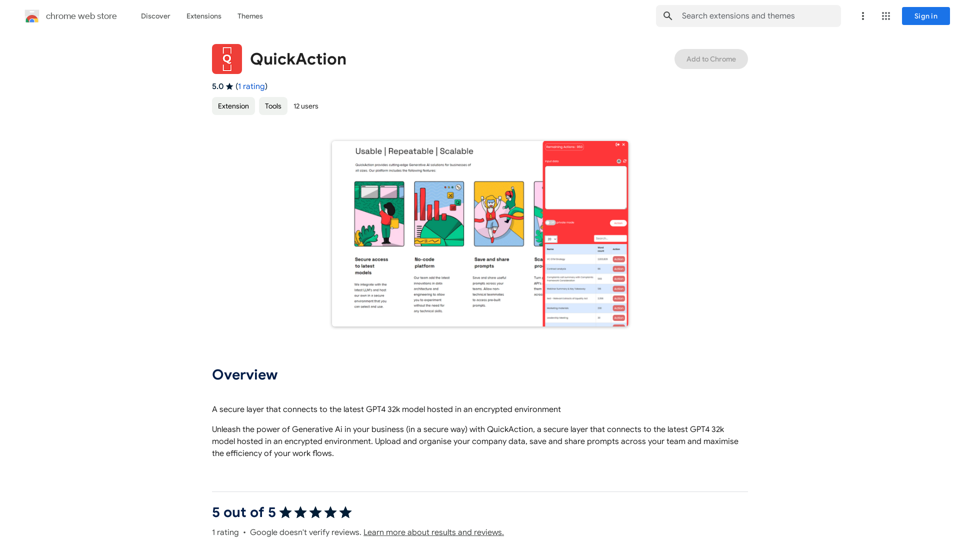
A secure layer connecting to the latest GPT-4 32k model hosted in an encrypted environment.
193.90 M
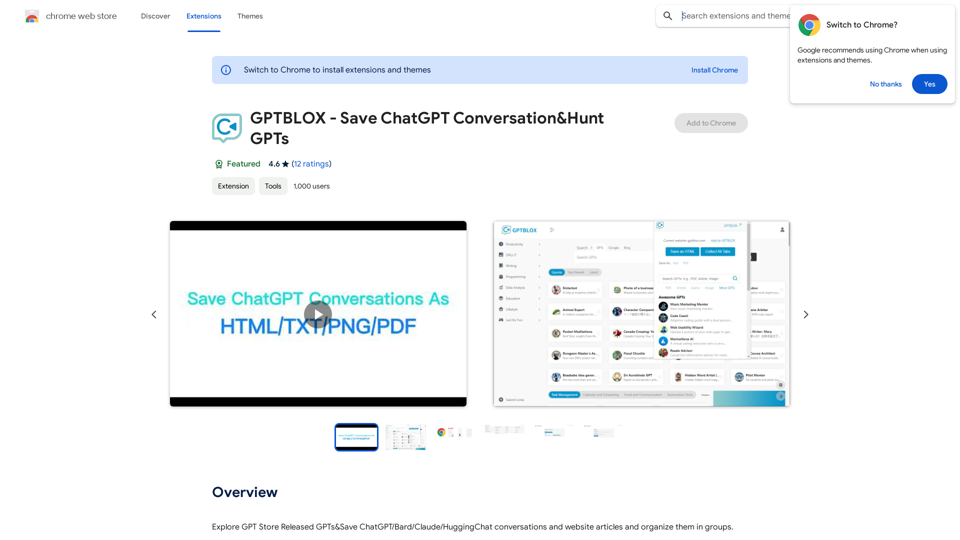
Discover the Power of GPT Store: Explore, Save, and Organize Conversations and Articles Explore the vast collection of GPTs released by the GPT Store, featuring conversations and articles from popular AI models like ChatGPT, Bard, Claude, and HuggingChat. This innovative platform allows you to: * Save conversations: Preserve valuable interactions with AI models for future reference or sharing. * Organize content: Categorize and group conversations and articles by topic, theme, or project, making it easy to access and review relevant information. Unlock the full potential of the GPT Store and streamline your workflow with its intuitive conversation and article management system.
193.90 M
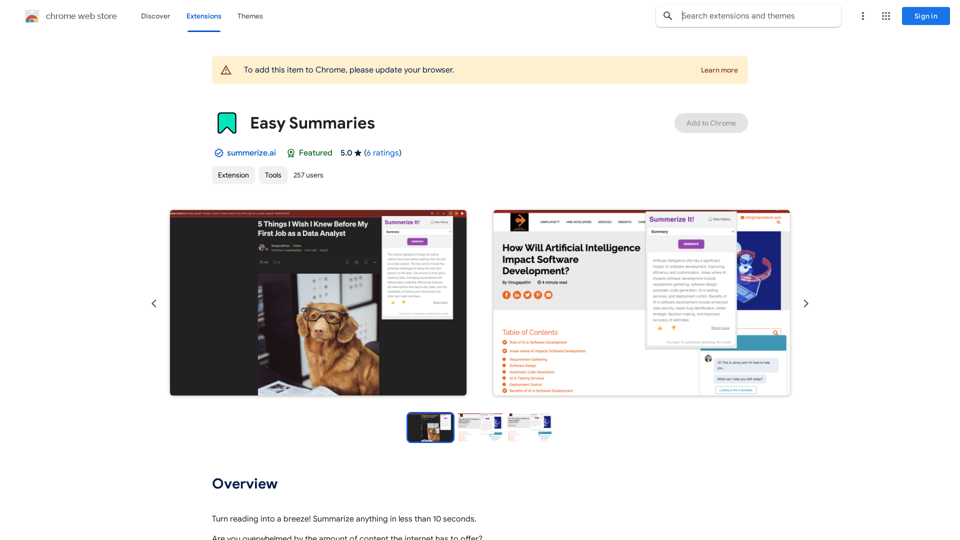
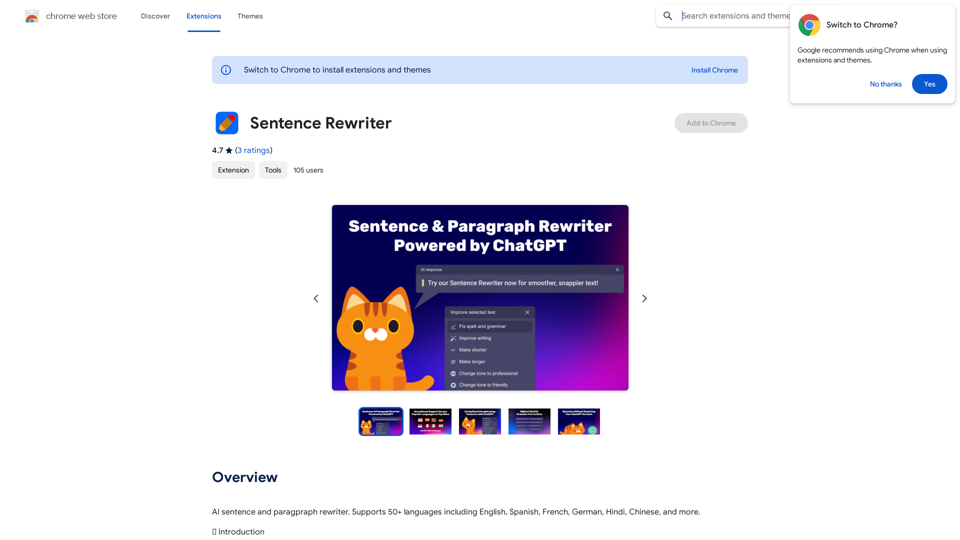
AI sentence and paragraph rewriter. Supports 50+ languages including English, Spanish, French, German, Hindi, Chinese, and more.
193.90 M