MOJi辞書 Plugin is a browser extension offering a comprehensive Japanese dictionary and learning tool. With over 1 million entries, it provides an extensive collection of words, phrases, and grammar explanations to assist users in learning and improving their Japanese language skills. The plugin offers features such as easy search, advanced dictionary, furigana support, and a pop-up dictionary, making it a versatile tool for Japanese language learners and enthusiasts.
MOJi Dictionary Plugin
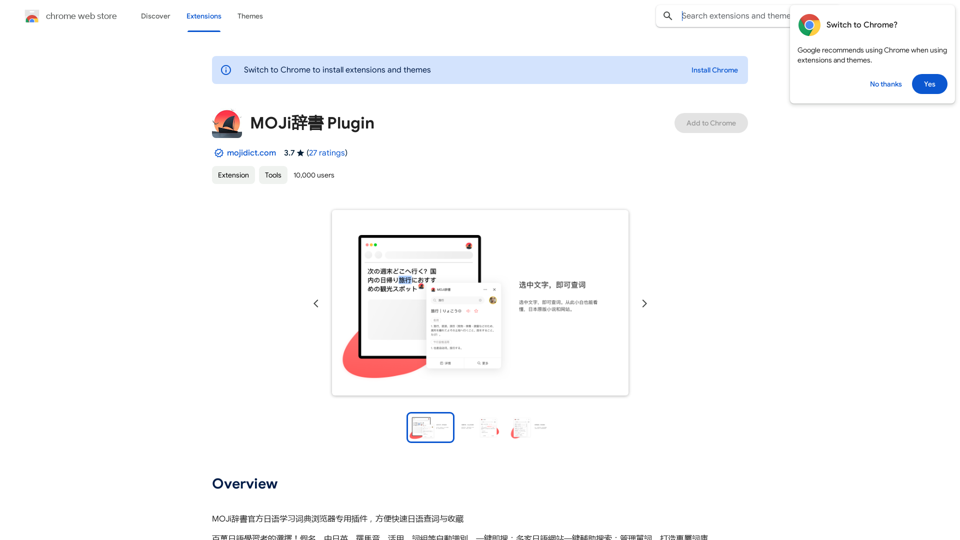
MOJi Dictionary is an official Japanese learning dictionary browser extension that makes it easy and fast to look up and save Japanese words.
Introduction
Feature
Easy Search
- Automatic search for words and phrases in Japanese, English, and other languages
- Cloud-based high-precision prediction results
- Support for multiple search engines and online dictionaries
Advanced Dictionary
- Vast array of words, phrases, and grammar explanations
- Detailed information on Japanese vocabulary, including kanji, hiragana, and katakana
- English translations and example sentences
Furigana Support
- Automatic addition of furigana to kanji characters
- Multi-language support (Japanese, English, Chinese)
Pop-up Dictionary
- Displays dictionary entries when double-clicking text on web pages
- Instant access to word definitions, translations, and example sentences
Premium Features
- Advanced dictionary access
- Furigana customization
- Enhanced pop-up dictionary functionality
FAQ
What is MOJi辞書 Plugin?
MOJi辞書 Plugin is a browser extension that provides a comprehensive Japanese dictionary and learning tool, offering over 1 million entries of words, phrases, and grammar explanations to help users learn and improve their Japanese language skills.
How do I use the MOJi辞書 Plugin?
To use the MOJi辞書 Plugin:
- Install it from the Chrome Web Store
- Click the plugin icon in the browser's top right corner
- Use the search bar to find words and phrases
- Browse dictionary entries to learn new vocabulary
- Utilize the furigana feature for kanji characters
- Access the pop-up dictionary by double-clicking text on web pages
Is the MOJi辞書 Plugin free?
Yes, the MOJi辞書 Plugin is free to use. However, it also offers optional premium features and subscription plans for individuals and institutions who want access to advanced functionality.
Related Websites
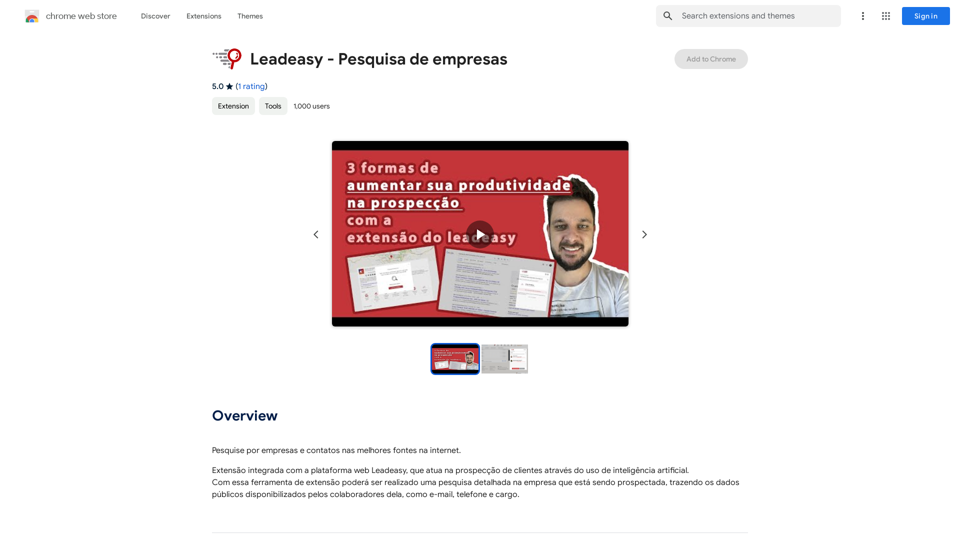
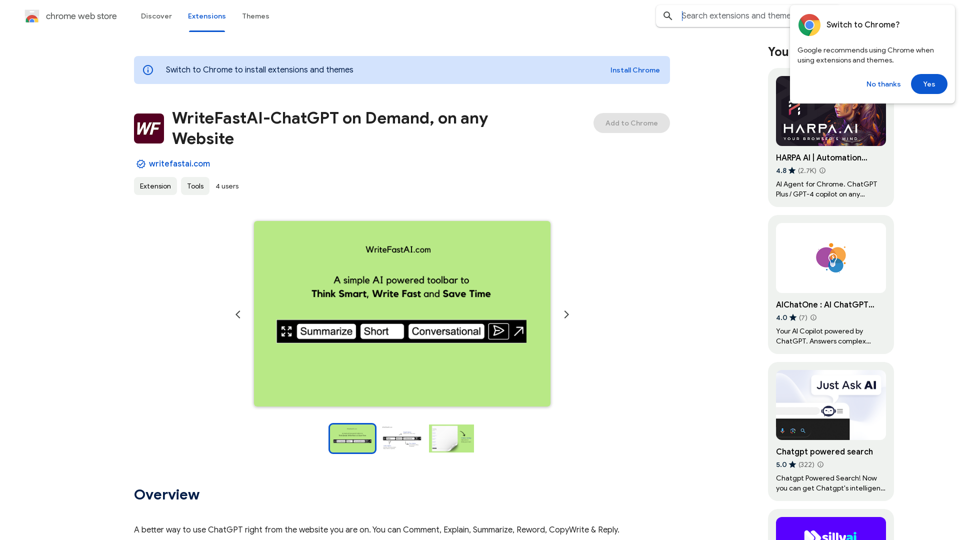
WriteFastAI-ChatGPT on Demand, on Any Website This is a powerful idea! Imagine being able to seamlessly integrate the capabilities of both FastAI and ChatGPT directly into any website. Here's a breakdown of what this could mean: * On-Demand AI Assistance: Users could access powerful AI tools like text generation, summarization, question answering, and more, right from the website they're already using. * Personalized Experiences: Websites could leverage AI to tailor content and interactions to individual user preferences, creating a more engaging and relevant experience. * Increased Efficiency: Businesses could automate tasks, generate reports, and analyze data faster and more accurately with the help of AI. Making it a Reality: This vision requires a combination of: * API Integration: FastAI and ChatGPT both offer APIs that allow developers to integrate their functionalities into applications. * Web Development Expertise: Developers would need to build the necessary infrastructure to connect the APIs to the website and handle user interactions. * Data Management: Websites would need to manage and secure the data used by the AI models. Potential Applications: The possibilities are endless! Here are just a few examples: * E-commerce: AI-powered chatbots could provide personalized product recommendations and customer support. * Education: Websites could offer interactive learning experiences with AI-powered tutors and personalized feedback. * News and Media: AI could be used to generate summaries of articles, create personalized news feeds, and even write original content. Let me know if you'd like to explore any of these applications in more detail!
WriteFastAI-ChatGPT on Demand, on Any Website This is a powerful idea! Imagine being able to seamlessly integrate the capabilities of both FastAI and ChatGPT directly into any website. Here's a breakdown of what this could mean: * On-Demand AI Assistance: Users could access powerful AI tools like text generation, summarization, question answering, and more, right from the website they're already using. * Personalized Experiences: Websites could leverage AI to tailor content and interactions to individual user preferences, creating a more engaging and relevant experience. * Increased Efficiency: Businesses could automate tasks, generate reports, and analyze data faster and more accurately with the help of AI. Making it a Reality: This vision requires a combination of: * API Integration: FastAI and ChatGPT both offer APIs that allow developers to integrate their functionalities into applications. * Web Development Expertise: Developers would need to build the necessary infrastructure to connect the APIs to the website and handle user interactions. * Data Management: Websites would need to manage and secure the data used by the AI models. Potential Applications: The possibilities are endless! Here are just a few examples: * E-commerce: AI-powered chatbots could provide personalized product recommendations and customer support. * Education: Websites could offer interactive learning experiences with AI-powered tutors and personalized feedback. * News and Media: AI could be used to generate summaries of articles, create personalized news feeds, and even write original content. Let me know if you'd like to explore any of these applications in more detail!A better way to use ChatGPT right from the website you are on. You can comment, explain, summarize, reword, copywrite, and reply.
193.90 M
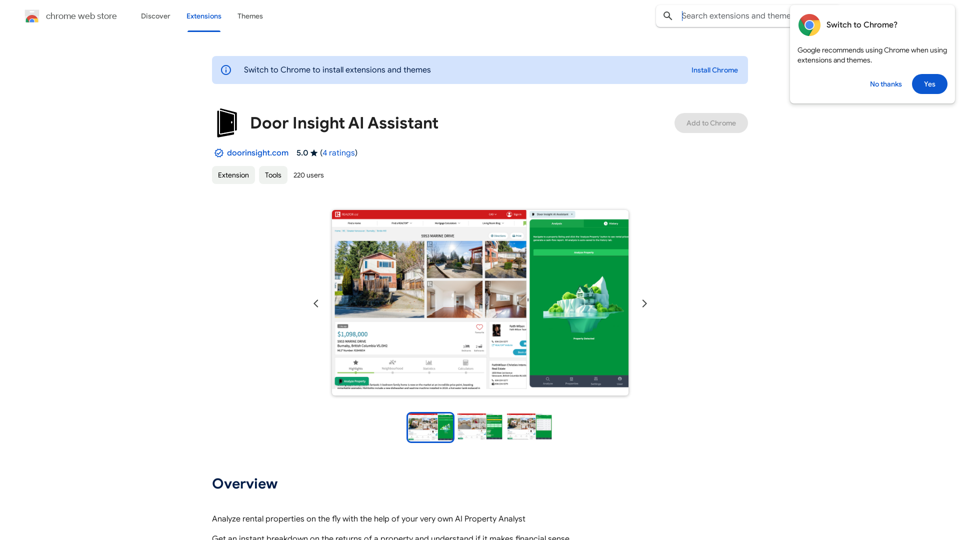
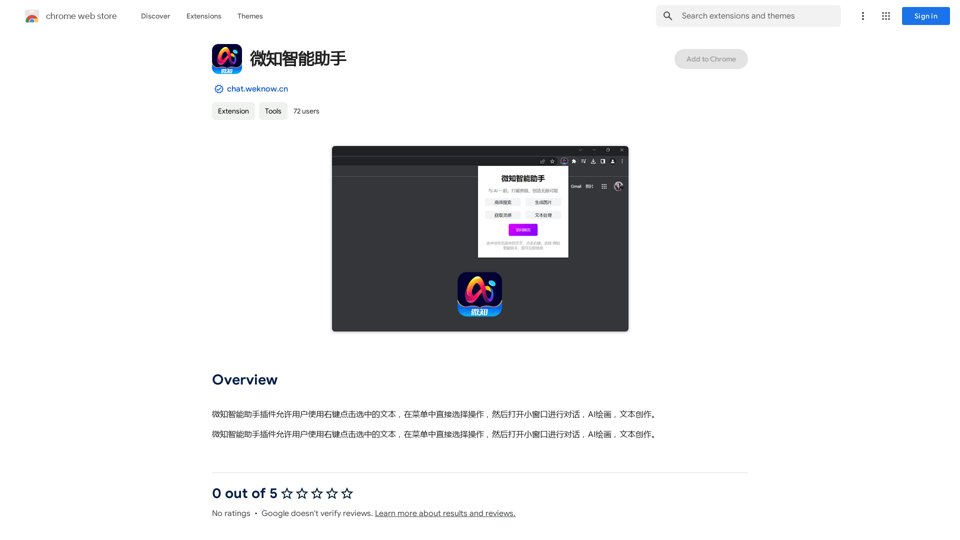
The Wechat Intelligent Assistant plugin allows users to right-click on selected text, choose an operation from the menu, and then open a small window for conversation, AI drawing, and text creation.
193.90 M
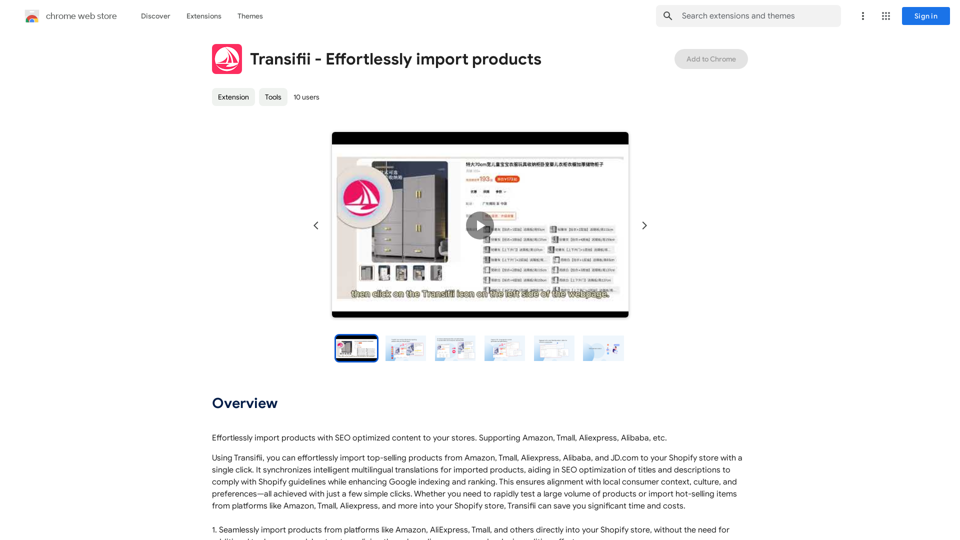
Effortlessly import products with SEO-optimized content to your stores. We support Amazon, Tmall, Aliexpress, Alibaba, and more.
193.90 M