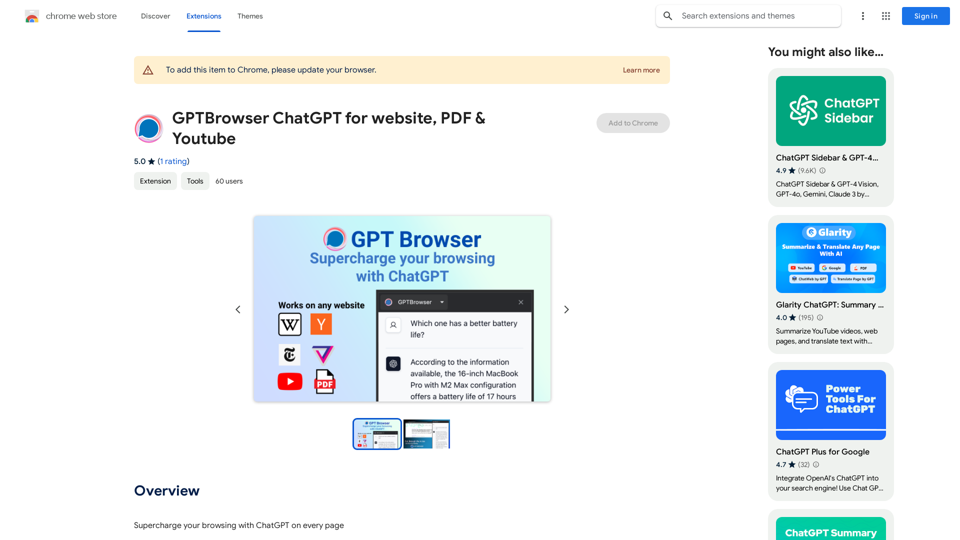
GPTBrowser Web Assistant is an AI-powered Chrome extension that integrates ChatGPT's intelligence directly into your web browsing experience. It offers context-aware support, intelligent summaries, and dynamic search capabilities for any website you visit, enhancing efficiency and user experience.
GPTBrowser: ChatGPT for websites, PDFs & YouTube
Boost your web experience with ChatGPT integrated into every website you visit.
Introduction
Feature
Context-Aware Conversations
GPTBrowser understands the content of the webpage you're viewing, providing relevant answers and support based on the context.
Intelligent Summaries
Quickly generate coherent summaries of long articles, papers, or webpages with a single command, saving time and improving comprehension.
Dynamic Search
Ask ChatGPT to search through webpage content for specific information, receiving instant, pinpointed results.
Past Conversation Memory
The extension retains the context of previous interactions, ensuring smoother and more efficient conversations without repetition.
Easy Installation and Activation
Install GPTBrowser as a Chrome extension and activate it with a simple click on any webpage where you need assistance.
User-Friendly Design
Intuitive interface makes it accessible for users of all technical backgrounds, from tech-savvy millennials to computer novices.
FAQ
How does GPTBrowser work?
GPTBrowser utilizes AI technology to comprehend and assist with your browsing experience, offering context-aware support and intelligent features.
Is GPTBrowser free?
Yes, GPTBrowser is free to use, with optional paid upgrades available for enhanced features.
Can I use GPTBrowser on multiple devices?
Yes, GPTBrowser is compatible with multiple devices and browsers, allowing for a seamless experience across your digital ecosystem.
Related Websites
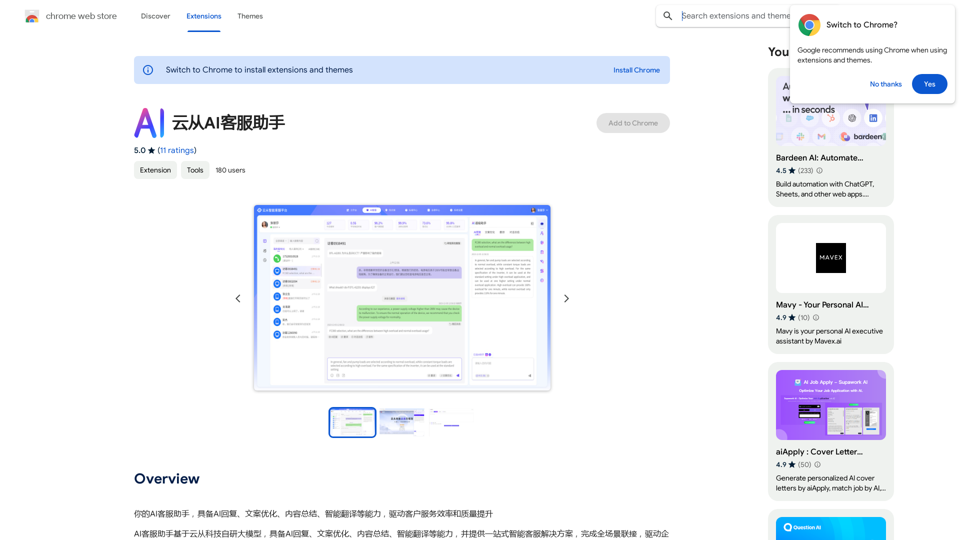
Your AI customer service assistant has the capabilities of AI replies, copywriting optimization, content summarization, and intelligent translation, driving improvements in customer service efficiency and quality.
193.90 M
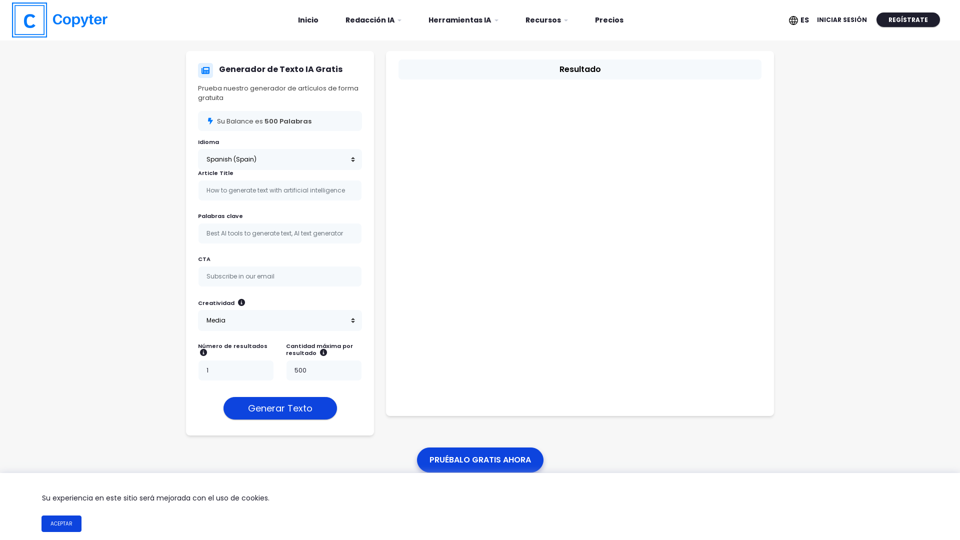
The High-Quality AI Text Generator. Writes texts with artificial intelligence for articles, essays, ecommerce, social media, blogs, and much more 🤖
38.49 K
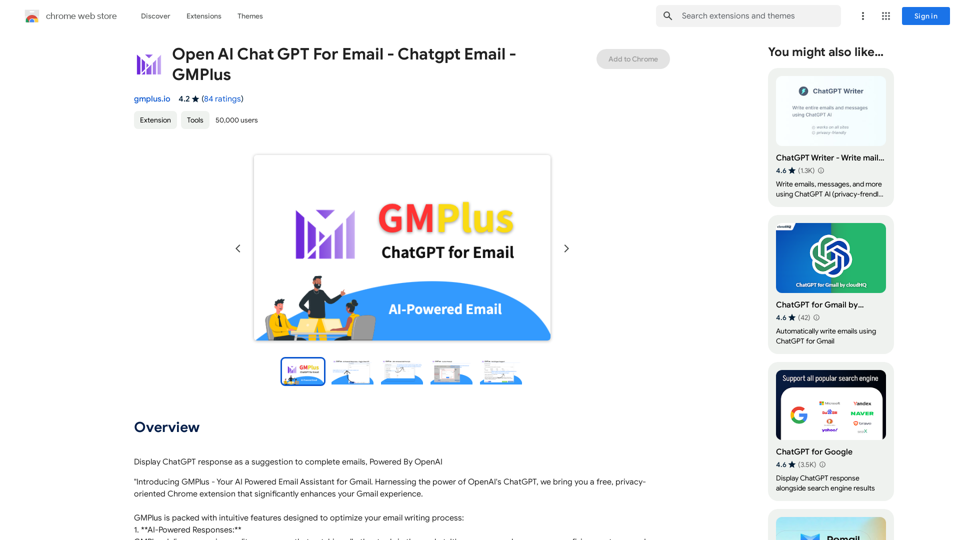
Email Completion Suggestions ============================= Powered by OpenAI, this feature provides intelligent suggestions to complete your emails, saving you time and effort. How it Works --------------- 1. Start Writing: Begin composing your email as you normally would. 2. AI Takes Over: Our AI engine, powered by OpenAI, kicks in and analyzes the context of your email. 3. Suggestions Appear: Relevant and contextual suggestions will appear, helping you complete your email quickly and efficiently. Benefits ------------ * Save Time: Get suggestions in real-time, reducing the time spent on writing emails. * Improve Quality: Enhance the clarity and coherence of your emails with AI-driven suggestions. * Boost Productivity: Focus on more important tasks while our AI handles the email completion. Get Started -------------- Try our email completion suggestions today and experience the power of AI-driven productivity!
193.90 M
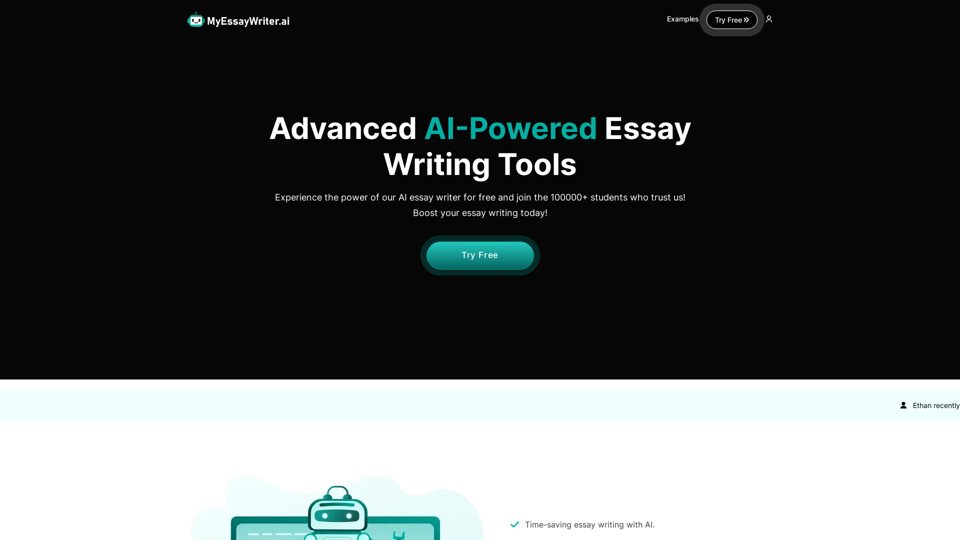
AI Essay Writer & Free AI Writing Tools | Essay Generator
AI Essay Writer & Free AI Writing Tools | Essay GeneratorEnhance your essay writing skills with our AI Essay Writer. Begin creating essays today using our AI Essay Writing Tools | No Registration Needed
121.36 K
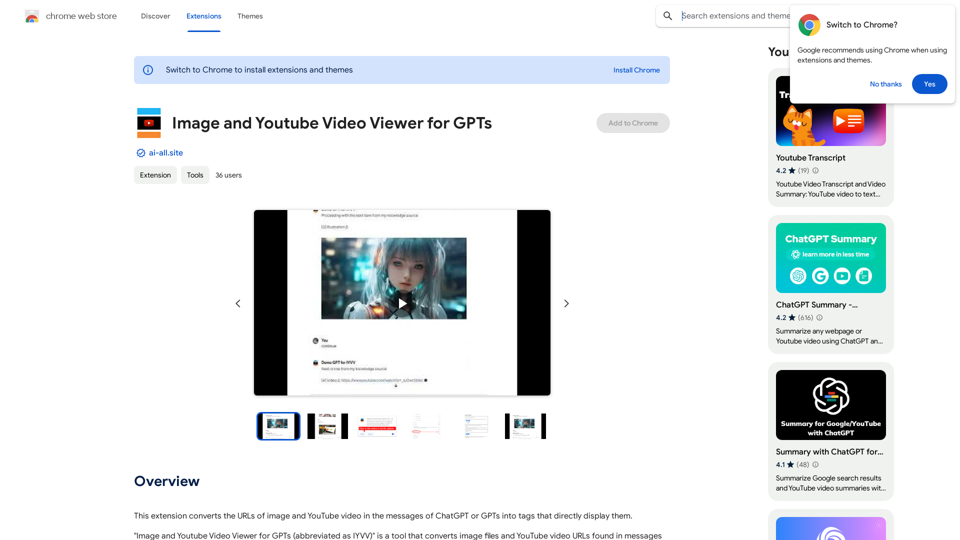
This extension changes the links for images and YouTube videos in ChatGPT or GPT messages into tags that show the images and videos directly.
193.90 M
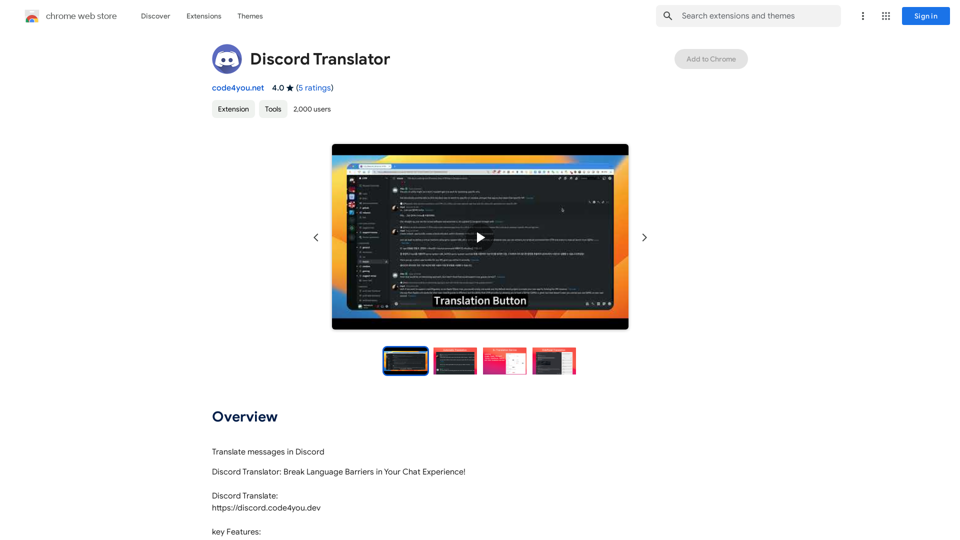
Translate Messages in Discord ============================= What is the "Translate" feature in Discord? The "Translate" feature in Discord allows users to translate messages in real-time, making it easier for people who speak different languages to communicate with each other. How to use the "Translate" feature in Discord? #1. Enable the "Translate" feature To enable the "Translate" feature, you need to go to the "User Settings" and click on the "Language" tab. Then, toggle the switch next to "Translator" to the "On" position. #2. Set your preferred language After enabling the "Translate" feature, you need to set your preferred language. You can do this by clicking on the "Language" dropdown menu and selecting your preferred language from the list. #3. Translate messages Once you've set your preferred language, you can start translating messages. To translate a message, simply hover over the message and click on the "Translate" button that appears. #4. View translated messages After clicking the "Translate" button, the message will be translated into your preferred language. You can view the translated message below the original message. Benefits of the "Translate" feature in Discord The "Translate" feature in Discord has several benefits, including: * Improved communication: The "Translate" feature helps to break down language barriers, making it easier for people who speak different languages to communicate with each other. * Increased accessibility: The "Translate" feature makes Discord more accessible to people who may not speak the dominant language of a server or community. * Enhanced collaboration: The "Translate" feature enables people to collaborate more effectively, even if they speak different languages.
193.90 M
The Empress Tarot Card: Symbolism, Interpretations, and Significance The Empress is the third card in the Major Arcana of the tarot deck. This powerful and nurturing figure represents feminine energy, abundance, creativity, and fertility. Here's a comprehensive look at the Empress card: Symbolism: 1. The Empress herself: A regal woman seated on a throne, often depicted as pregnant or holding a scepter. 2. Crown: Usually adorned with 12 stars, representing the zodiac and her connection to the celestial realm. 3. Venus symbol: Often visible on her shield or clothing, emphasizing love and beauty. 4. Lush surroundings: Abundant nature, trees, and flowing water symbolize fertility and growth. 5. Wheat or grain: Represents the harvest and abundance. 6. Cushions and comfort: Signify luxury, comfort, and nurturing. Interpretations: Upright: 1. Fertility and creation 2. Nurturing and motherhood 3. Abundance and prosperity 4. Beauty and sensuality 5. Connection with nature 6. Creativity and artistic expression 7. Feminine power and energy Reversed: 1. Creative block or stagnation 2. Neglect of self-care or others 3. Codependency or overprotectiveness 4. Lack of growth or progress 5. Infertility or reproductive issues 6. Materialism or vanity 7. Disconnection from nature or intuition Significance in Tarot Readings: 1. Personal Growth: The Empress encourages embracing one's nurturing side and creative potential. 2. Relationships: Indicates a time of love, care, and emotional fulfillment in partnerships. 3. Career: Suggests a period of growth, abundance, and creative breakthroughs in professional endeavors. 4. Health: Often associated with pregnancy, fertility, and overall well-being. 5. Spirituality: Represents a connection to the divine feminine and the nurturing aspects of the universe. 6. Finances: Indicates a time of material abundance and prosperity. 7. Decision Making: Encourages trusting intuition and embracing a nurturing approach to problem-solving. The Empress in Combinations: - With The Emperor: Balance of masculine and feminine energies, strong partnerships. - With The High Priestess: Powerful feminine wisdom and intuition. - With The Star: Hope, inspiration, and creative renewal. - With Pentacle cards: Material abundance and financial growth. The Empress is a card of creation, nurturing, and abundance. When it appears in a reading, it often signals a time of growth, fertility (literal or metaphorical), and the blossoming of creative or nurturing energies. It reminds the querent to connect with their feminine side, regardless of gender, and to embrace the abundance that surrounds them.
0