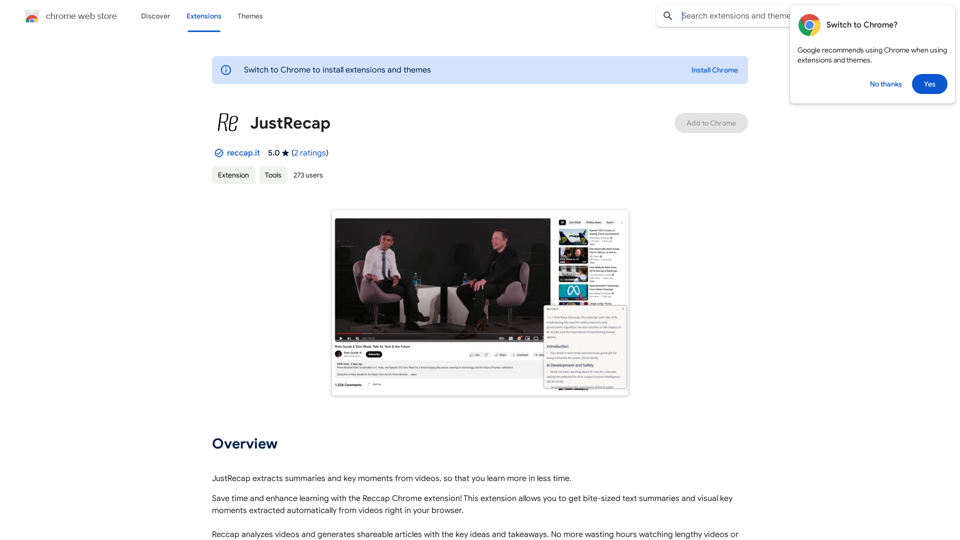
Reccap is a Chrome extension designed to enhance video learning efficiency. It automatically extracts summaries and key moments from videos, allowing users to grasp essential information quickly. This tool bridges the gap between visual and textual learning, offering a unique approach to content consumption that saves time and improves retention.
JustRecap
JustRecap extracts summaries and key moments from videos so you can learn more in less time.
Introduction
Feature
One-Click Summary Extraction
Reccap provides instant access to bite-sized text summaries and visual key moments from videos with just a single click, streamlining the learning process.
Dual-Format Learning
Users can benefit from both summarized text and visual frames highlighting key points, enhancing information retention and catering to diverse learning preferences.
Flexible Learning Experience
Seamless Switching Between Reading and Watching
Reccap allows users to effortlessly alternate between text summaries and video content, accommodating various learning styles and preferences.
Focused Content Delivery
The extension offers a consolidated set of concise takeaways, helping users concentrate on the most crucial information without getting overwhelmed by excessive details.
Time-Efficient Learning
By providing quick access to core content, Reccap enables users to learn more efficiently and get to the essence of the material faster.
Subscription Model
While basic features are available to all users, a subscription grants additional benefits and extended access beyond free usage limits.
FAQ
What is Reccap?
Reccap is a Chrome extension that automatically extracts summaries and key moments from videos, enabling users to learn more efficiently in less time.
How does Reccap work?
Reccap analyzes video content and generates concise text summaries and visual key moments, which users can access with a single click directly in their browser.
What are the main benefits of using Reccap?
Key Benefits of Reccap:
| Benefit | Description |
|---|---|
| Time-saving | Quickly access core content without watching entire videos |
| Improved retention | Pair summarized text with visual frames for better information recall |
| Flexible learning | Switch between reading and watching to suit individual learning styles |
| Focused learning | Concentrate on essential information with concise takeaways |
Is Reccap free to use?
Reccap offers basic features for free, but also provides a subscription model with additional benefits and extended access beyond free usage limits.
How can I get started with Reccap?
To begin using Reccap, simply install the Chrome extension and start extracting summaries and key moments from videos you watch in your browser.
Related Websites
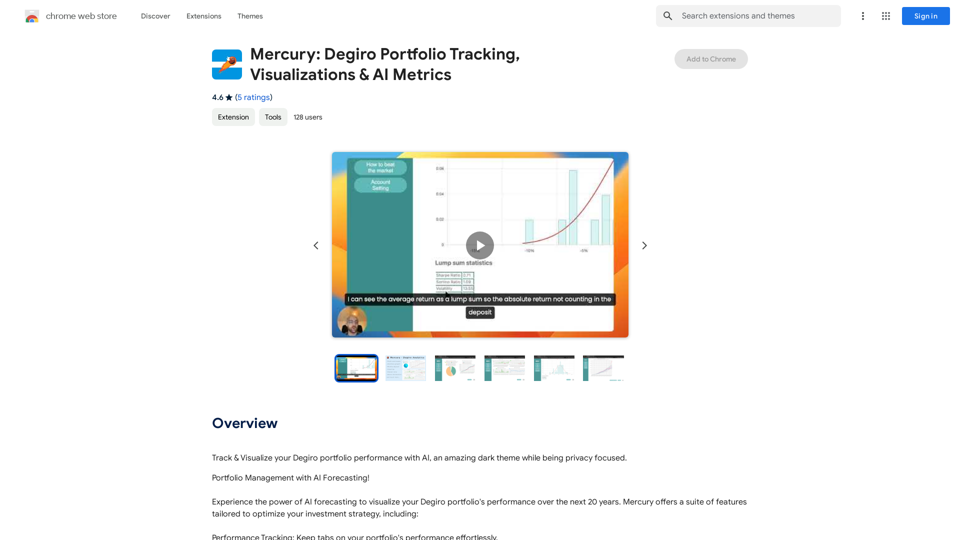
Mercury: Degiro Portfolio Tracking, Visualizations & AI Metrics
Mercury: Degiro Portfolio Tracking, Visualizations & AI MetricsTrack and visualize your Degiro portfolio performance with AI, featuring an amazing dark theme and a focus on privacy.
193.90 M
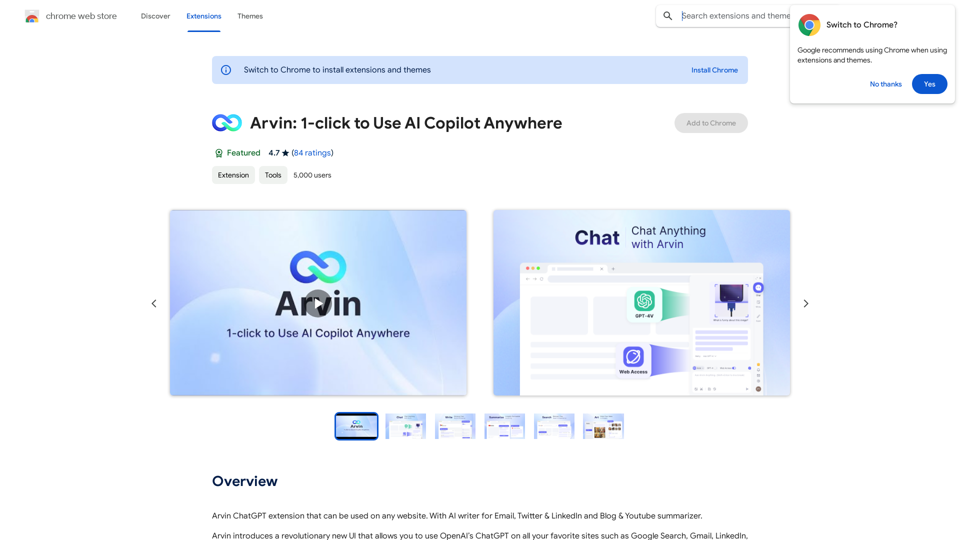
The Arvin ChatGPT extension is a versatile tool that can be used on any website, offering a range of features to enhance your online experience. These features include an AI writer for crafting emails, Twitter posts, and LinkedIn updates, as well as a summarizer for blogs and YouTube videos.
193.90 M
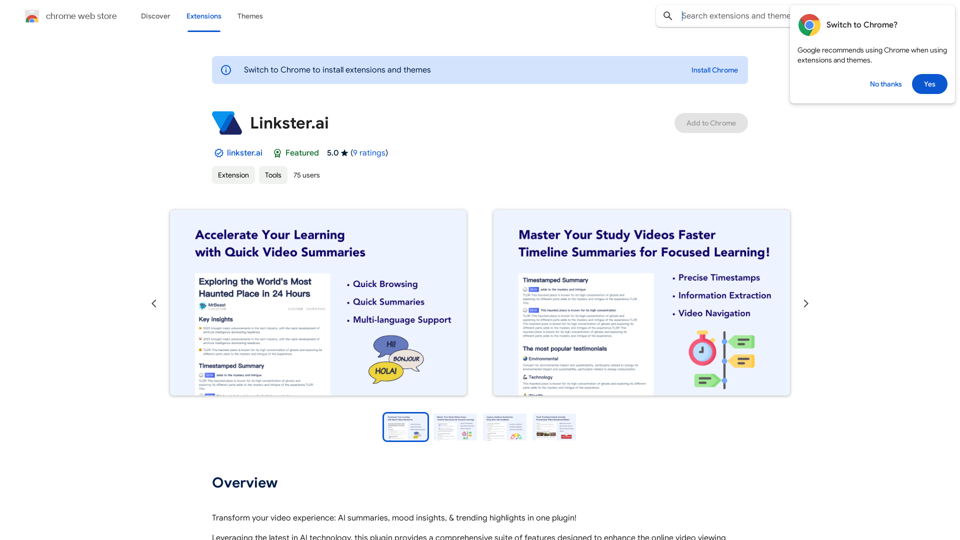
Transform your video experience: AI summaries, mood insights, & trending highlights in one plugin!
193.90 M
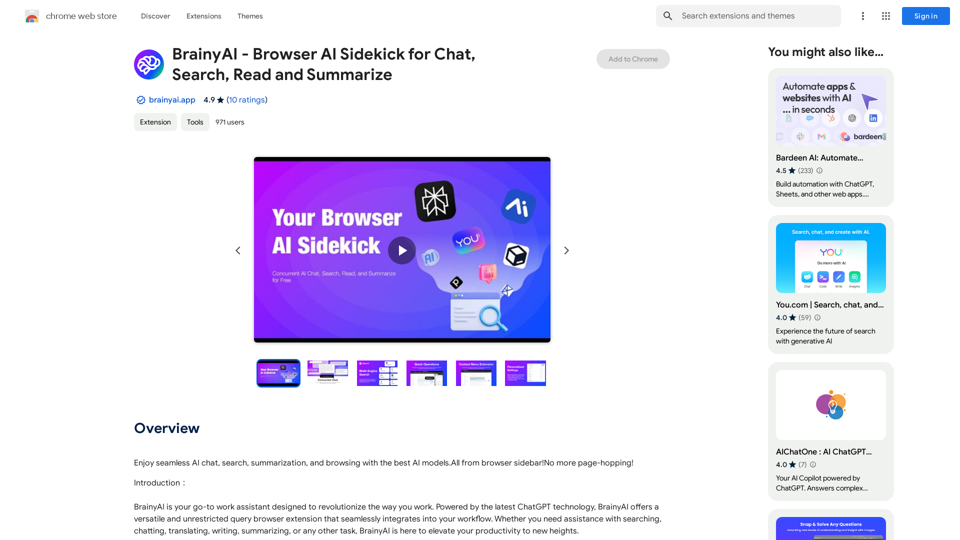
BrainyAI - Browser AI Sidekick for Chat, Search, Read, and Summarize
BrainyAI - Browser AI Sidekick for Chat, Search, Read, and SummarizeEnjoy seamless AI chat, search, summarization, and browsing with the best AI models. All from your browser sidebar! No more page-hopping!
193.90 M
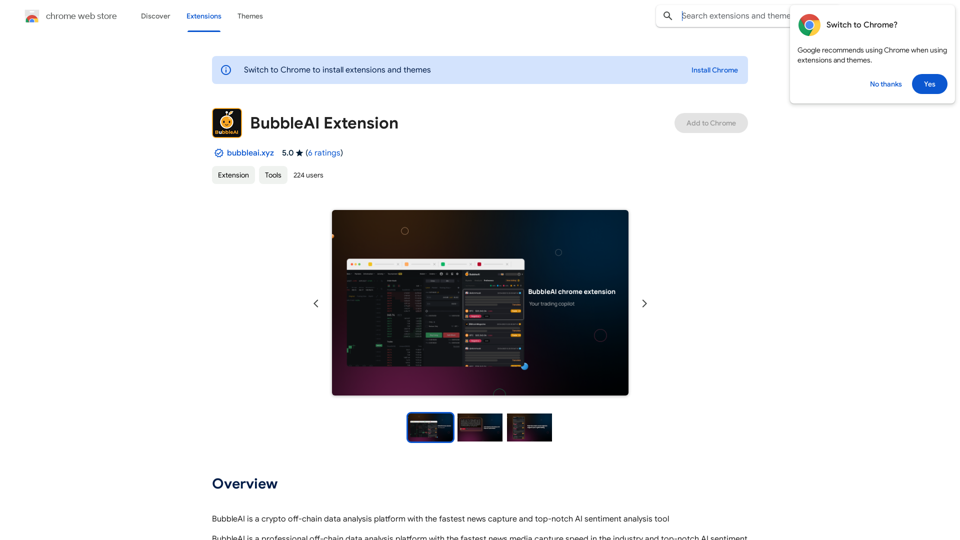
BubbleAI is a cryptocurrency off-chain data analysis platform with the fastest news capture and a top-notch AI sentiment analysis tool.
193.90 M