Invisibility is an AI-driven platform offering access to a vast array of AI technologies for various needs, including text generation and image understanding. It provides instant AI interaction and exploration of AI-powered tools to support diverse tasks. Invisibility combines state-of-the-art models in one platform, eliminating the need for multiple subscriptions and offering a seamless experience for users.
Invisibility The ability to become unseen.
Your Invisible AI - Invisibility is The ChatGPT Replacement for Mac
Introduction
Feature
ScreenShare Functionality
Users can choose specific apps for Invisibility to view or share their entire screen, providing flexibility in how they interact with the platform.
Keyboard Shortcuts
Invisibility offers simple keyboard shortcuts for all functions, allowing users to navigate and interact with the platform quickly and efficiently.
All-in-One Subscription Model
Invisibility combines all state-of-the-art models in one platform, eliminating the need for multiple subscriptions and tools.
Vast AI Model Library
The platform offers access to nearly 200,000 AI models for a wide variety of applications in work, study, and everyday life, available for free use without subscription.
Text-to-Image Generation
Users can create images using Invisibility's text-to-image generation capability, sharing credits with GPT-4o for a seamless creative experience.
Free and Paid Plans
Invisibility offers a free plan with limited features and a paid subscription plan with additional benefits and extended access.
Privacy Protection
Invisibility prioritizes user privacy, ensuring that user data is not used for training purposes and can be completely removed upon account deletion.
FAQ
What is Invisibility?
Invisibility is an AI-driven platform that provides access to a vast array of AI technologies for various needs, including text generation and image understanding. It offers instant AI interaction and exploration of AI-powered tools to support diverse tasks.
How do I use Invisibility?
Every user can utilize Invisibility's AI services for free, with the option to subscribe for additional benefits and extended access beyond the free usage limits. Users can leverage daily free uses to explore a vast range of AI-powered tools for various tasks.
Can I generate images using Invisibility?
Yes, Invisibility offers text-to-image generation capability, allowing users to create images. This feature shares credits with GPT-4o for a seamless creative experience.
How many AI models are available on Invisibility?
Invisibility offers nearly 200,000 AI models for a wide variety of applications in work, study, and everyday life. These AI models can be used freely without the need for a subscription.
Will my information be used for training data?
No, Invisibility highly values user privacy. Your data will not be used for any training purposes. If needed, you can delete your account at any time, and all your data will be removed as well.
Related Websites
Chatgpt PDF =============== Ask your PDF ----------------
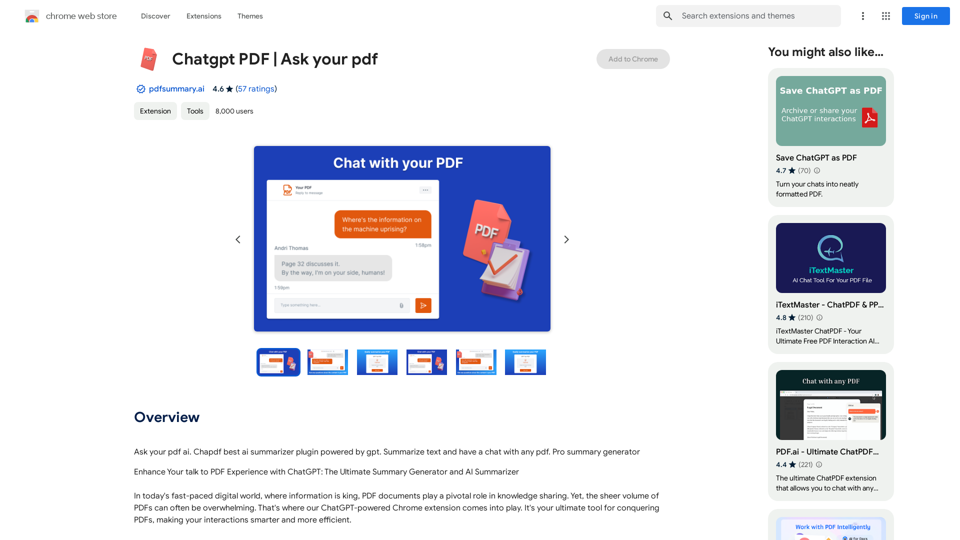
Chatgpt PDF =============== Ask your PDF ----------------Ask Your PDF AI Chapdf: Best AI Summarizer Plugin Powered by GPT Summarize Text and Have a Chat with Any PDF Pro Summary Generator
193.90 M
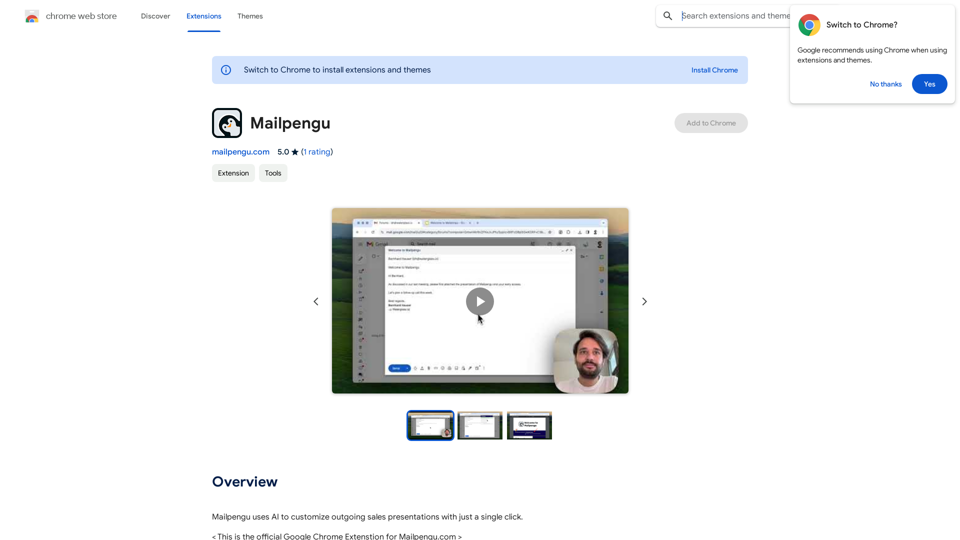
Mailpengu uses artificial intelligence to customize outgoing sales presentations with just one click.
193.90 M
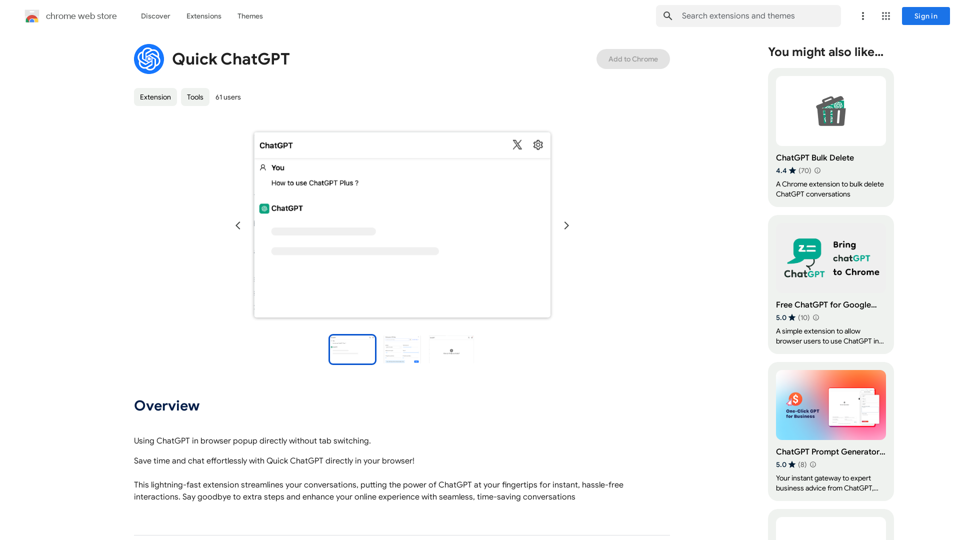
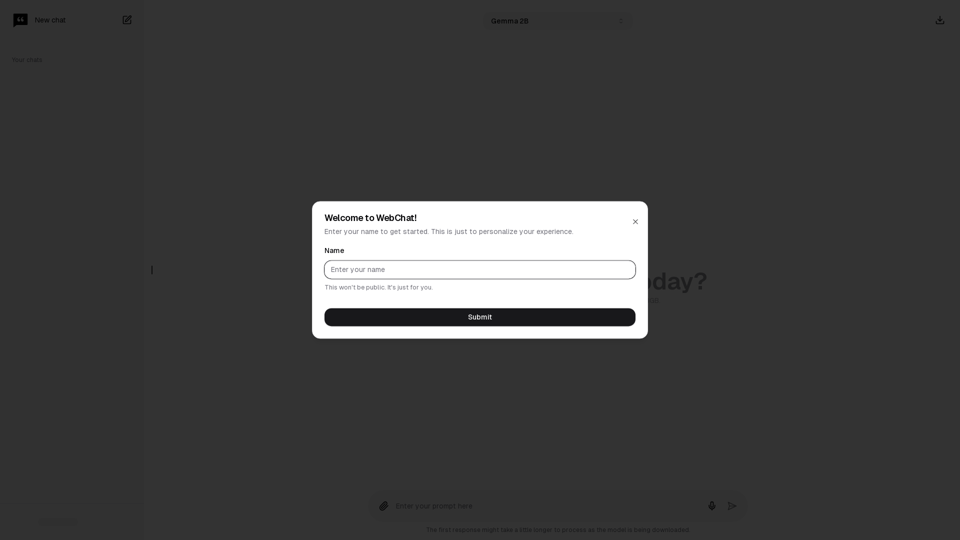
Chat with Web-LLM Models in the Browser You can interact with Web-LLM models directly in your web browser without requiring any additional setup or installation. This allows you to easily experiment with and explore the capabilities of these models. Getting Started To get started, simply open a web browser and navigate to the Web-LLM model's website or platform. Once you're on the website, you can usually find a chat interface or text input field where you can enter your prompts or questions. How it Works When you enter a prompt or question, the Web-LLM model processes your input and generates a response. This response is then displayed in the chat interface or output field, allowing you to read and interact with the model's output. Benefits The benefits of chatting with Web-LLM models in the browser include: * Convenience: No need to install any software or set up any development environments. * Accessibility: Anyone with a web browser can interact with the model, regardless of their technical expertise. * Ease of use: The chat interface provides a user-friendly way to interact with the model, making it easy to experiment and explore its capabilities. Use Cases Some potential use cases for chatting with Web-LLM models in the browser include: * Research and development: Quickly experiment with different models and prompts to explore their capabilities and limitations. * Education and learning: Use the chat interface to teach students about AI and language models, or to provide interactive learning experiences. * Creative writing and ideation: Use the model as a tool to generate ideas, write stories, or create poetry. Overall, chatting with Web-LLM models in the browser provides a convenient and accessible way to interact with these powerful language models, and can be a valuable tool for a wide range of applications.
2.59 K
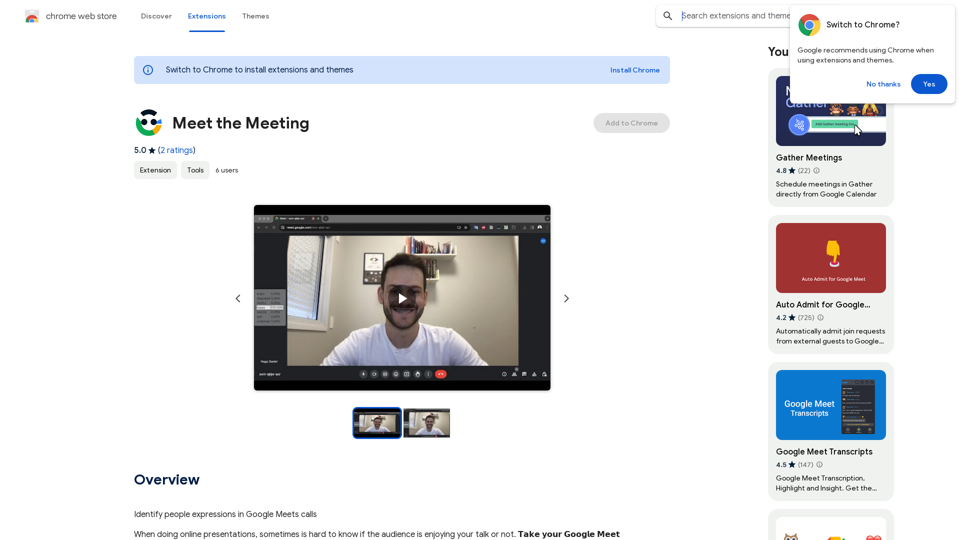
Identifying People Expressions in Google Meets Calls This is a complex task with several challenges: * Technical Limitations: Google Meets doesn't currently offer an API to directly access facial expressions of participants. * Privacy Concerns: Analyzing facial expressions raises significant privacy issues. Users should have control over whether their expressions are being tracked and used. * Accuracy: Even with access to facial data, accurately interpreting expressions can be difficult due to variations in lighting, angles, and individual differences. Possible Approaches (with limitations): * User-Submitted Data: Participants could manually indicate their emotions during the call, which could be collected and analyzed. This relies on user honesty and may not capture subtle expressions. * Third-Party Tools: Some external tools might analyze video feeds and attempt to detect expressions. However, their accuracy and privacy practices should be carefully evaluated. * Future Developments: Google or other companies might develop features that allow for more ethical and accurate expression analysis in the future. It's important to remember that facial expressions are just one aspect of communication, and relying solely on them can be misleading.
193.90 M
Claude AI Claude AI is an artificial intelligence model that can understand and respond to human input in a conversational manner. It is trained on a massive dataset of text from the internet and can generate human-like responses to a wide range of topics and questions. Claude AI is designed to be highly engaging and can even exhibit a sense of humor, making it a popular choice for chatbots and virtual assistants.
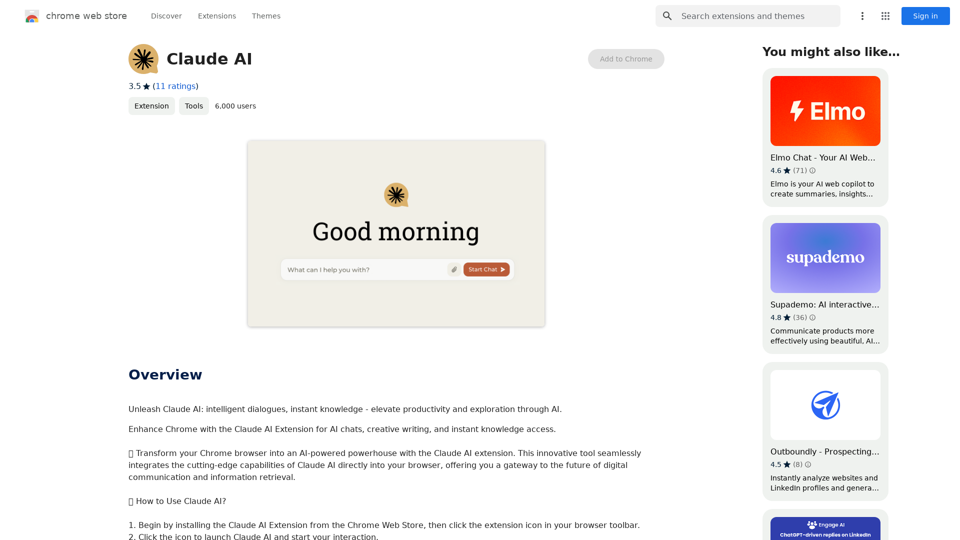
Claude AI Claude AI is an artificial intelligence model that can understand and respond to human input in a conversational manner. It is trained on a massive dataset of text from the internet and can generate human-like responses to a wide range of topics and questions. Claude AI is designed to be highly engaging and can even exhibit a sense of humor, making it a popular choice for chatbots and virtual assistants.Unleash Claude AI: Intelligent Dialogues, Instant Knowledge - Elevate Productivity and Exploration through AI.
193.90 M
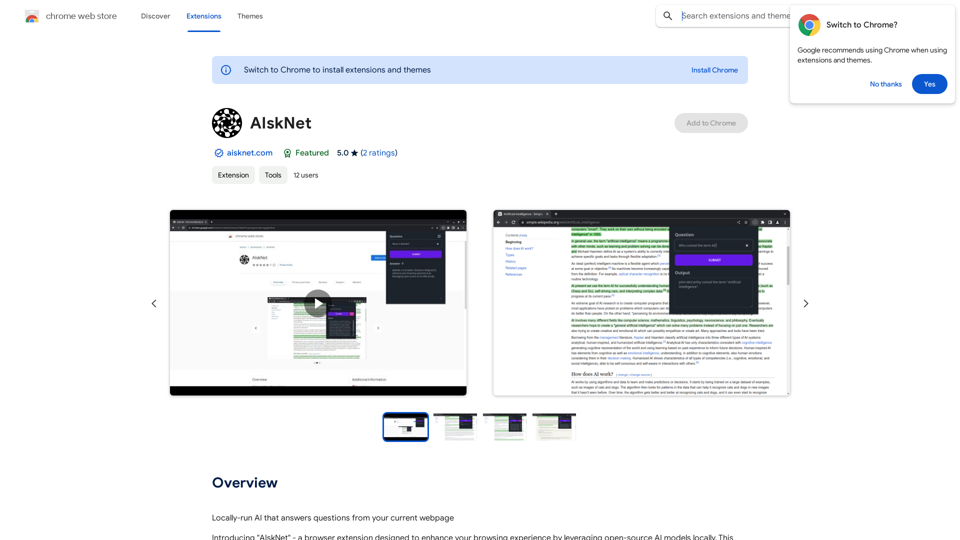
AI that runs on your computer and answers questions about the web page you are currently viewing.
193.90 M