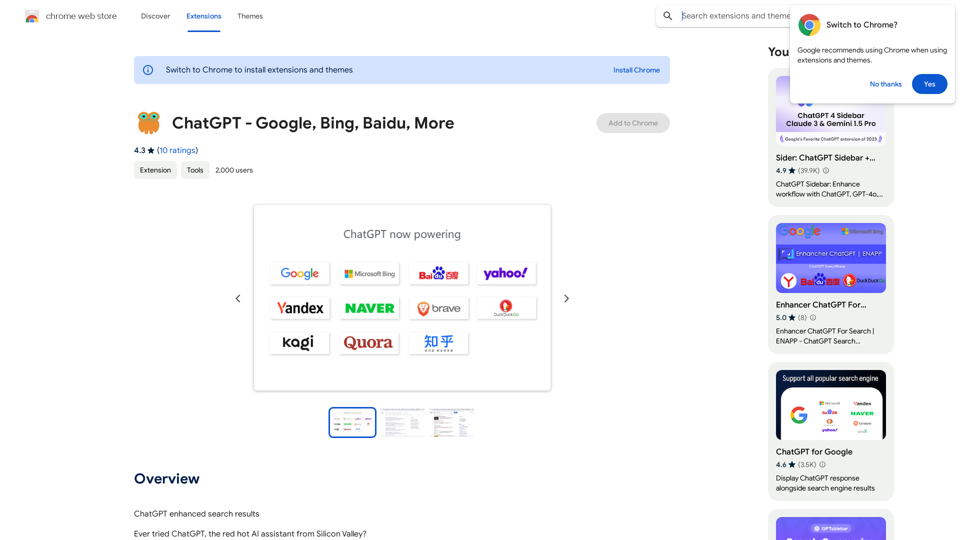
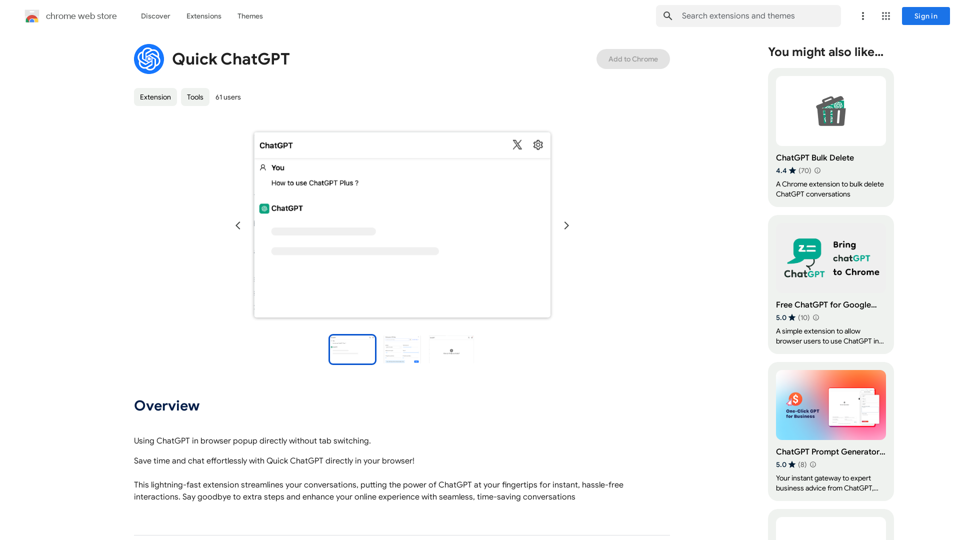
Quick ChatGPT is a browser extension designed to enhance user experience by providing direct access to ChatGPT within the browser. This tool eliminates the need for tab switching, streamlines conversations, and saves time for users. It's a simple yet effective solution for those who frequently use ChatGPT and want to optimize their workflow.
Fast ChatGPT
Using ChatGPT in a browser popup window without having to switch tabs.
Introduction
Feature
Seamless Integration with Browser
Quick ChatGPT integrates directly into your browser, allowing for instant access to ChatGPT without the need to open new tabs or navigate away from your current page.
Time-Saving Functionality
By eliminating the need for tab switching, Quick ChatGPT significantly reduces the time spent on accessing ChatGPT, enhancing overall productivity.
Easy Installation and Use
The extension is simple to install and requires no additional setup. Users can start chatting with ChatGPT immediately after installation.
Privacy-Focused Design
Quick ChatGPT prioritizes user privacy. The developers have committed to not collecting, using, or selling user data, ensuring that conversations remain secure and private.
Chrome Compatibility
Currently, Quick ChatGPT is exclusively compatible with Google Chrome, catering to a large user base of this popular browser.
FAQ
What is Quick ChatGPT?
Quick ChatGPT is an AI-driven browser extension that provides direct access to ChatGPT within your browser, eliminating the need for tab switching and saving time.
How do I use Quick ChatGPT?
Simply install the extension in your Google Chrome browser and start chatting with ChatGPT directly. No account creation or additional setup is required.
Is my information safe with Quick ChatGPT?
Yes, the developers have stated that they do not collect, use, or sell user data. Your conversations are kept private and secure.
Is Quick ChatGPT free?
Yes, the Quick ChatGPT extension is free to use.
Which browsers support Quick ChatGPT?
Currently, Quick ChatGPT is only compatible with Google Chrome.
How can I uninstall Quick ChatGPT?
To uninstall Quick ChatGPT, go to the Chrome Web Store and click on the "Remove" button for the extension.
Related Websites
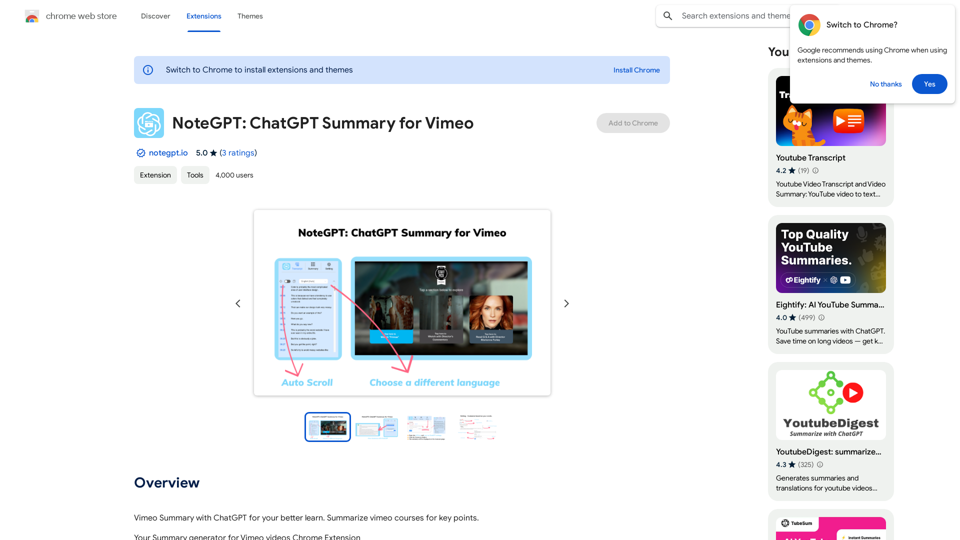
NoteGPT: ChatGPT Summary for Vimeo =============== What is NoteGPT? NoteGPT is an AI-powered note-taking tool that utilizes the capabilities of ChatGPT to assist users in summarizing and organizing their video content on Vimeo. Key Features * Automatic Summarization: NoteGPT can automatically generate a concise summary of Vimeo videos, saving users time and effort. * Customizable Notes: Users can add their own notes and tags to the generated summary, making it easy to review and reference later. * Organization: NoteGPT allows users to organize their video content by categorizing and tagging their notes, making it simple to find specific information. Benefits * Time-Saving: NoteGPT's automatic summarization feature saves users time and effort, allowing them to focus on more important tasks. * Improved Productivity: With NoteGPT, users can quickly review and reference their video content, improving their overall productivity. * Enhanced Learning: NoteGPT's customizable notes and organization features enable users to engage more effectively with their video content, leading to enhanced learning and retention. Use Cases * Education: NoteGPT is ideal for students and educators who need to review and summarize video lectures and online courses. * Business: NoteGPT can be used by professionals to summarize and organize video content for meetings, training sessions, and presentations. * Personal Development: Individuals can use NoteGPT to summarize and review video content for personal development, such as language learning or skill-building.
NoteGPT: ChatGPT Summary for Vimeo =============== What is NoteGPT? NoteGPT is an AI-powered note-taking tool that utilizes the capabilities of ChatGPT to assist users in summarizing and organizing their video content on Vimeo. Key Features * Automatic Summarization: NoteGPT can automatically generate a concise summary of Vimeo videos, saving users time and effort. * Customizable Notes: Users can add their own notes and tags to the generated summary, making it easy to review and reference later. * Organization: NoteGPT allows users to organize their video content by categorizing and tagging their notes, making it simple to find specific information. Benefits * Time-Saving: NoteGPT's automatic summarization feature saves users time and effort, allowing them to focus on more important tasks. * Improved Productivity: With NoteGPT, users can quickly review and reference their video content, improving their overall productivity. * Enhanced Learning: NoteGPT's customizable notes and organization features enable users to engage more effectively with their video content, leading to enhanced learning and retention. Use Cases * Education: NoteGPT is ideal for students and educators who need to review and summarize video lectures and online courses. * Business: NoteGPT can be used by professionals to summarize and organize video content for meetings, training sessions, and presentations. * Personal Development: Individuals can use NoteGPT to summarize and review video content for personal development, such as language learning or skill-building.Vimeo Summary with ChatGPT for Better Learning ===================================================== What is Vimeo? --------------- Vimeo is a video-hosting platform that allows users to upload, share, and view videos. It is popular among creative professionals, businesses, and individuals who want to showcase their videos in a high-quality format. How Can ChatGPT Help with Vimeo Courses? ----------------------------------------- ChatGPT is an AI-powered language model that can assist with summarizing Vimeo courses by: * Identifying key points: ChatGPT can analyze the video content and extract the most important information, making it easier to understand and retain. * Generating summaries: ChatGPT can create concise summaries of the video courses, saving time and effort. * Improving learning: By providing a clear and concise summary, ChatGPT can help learners focus on the essential concepts and improve their understanding of the material. Benefits of Using ChatGPT for Vimeo Courses --------------------------------------------- * Time-saving: ChatGPT can quickly summarize long video courses, saving learners time and effort. * Improved comprehension: ChatGPT's summaries can help learners understand complex concepts more easily. * Enhanced retention: By providing a concise summary, ChatGPT can help learners retain information better. How to Use ChatGPT for Vimeo Courses ----------------------------------------- 1. Upload the video course: Upload the Vimeo course to ChatGPT. 2. Analyze the content: ChatGPT will analyze the video content and extract key points. 3. Generate a summary: ChatGPT will create a concise summary of the video course. 4. Review and learn: Review the summary and use it to learn and retain the information. Conclusion ---------- ChatGPT can be a valuable tool for summarizing Vimeo courses, making it easier to learn and retain information. By using ChatGPT, learners can save time, improve comprehension, and enhance retention.
193.90 M
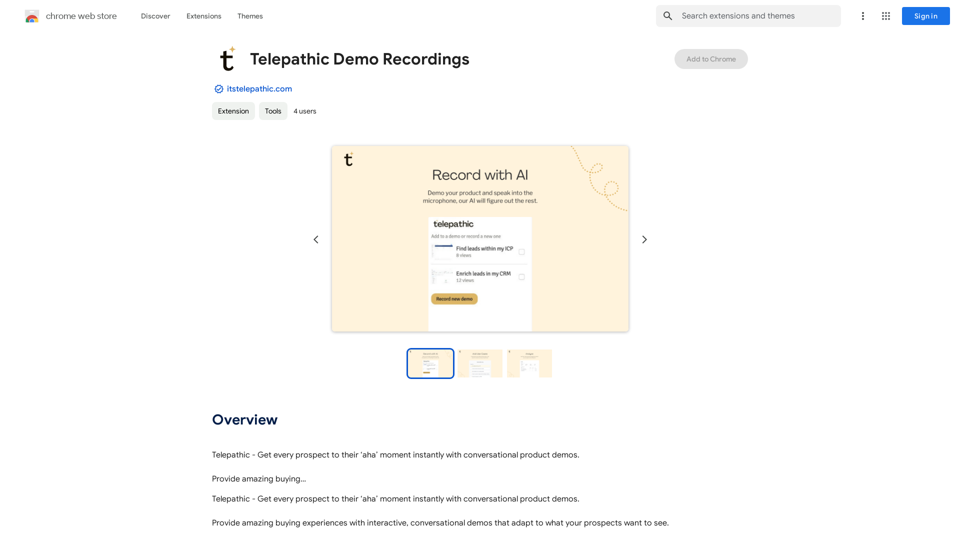
Telepathic - Instantly help every prospect reach their "aha" moment with conversational product demos. Provide an amazing buying…
193.90 M
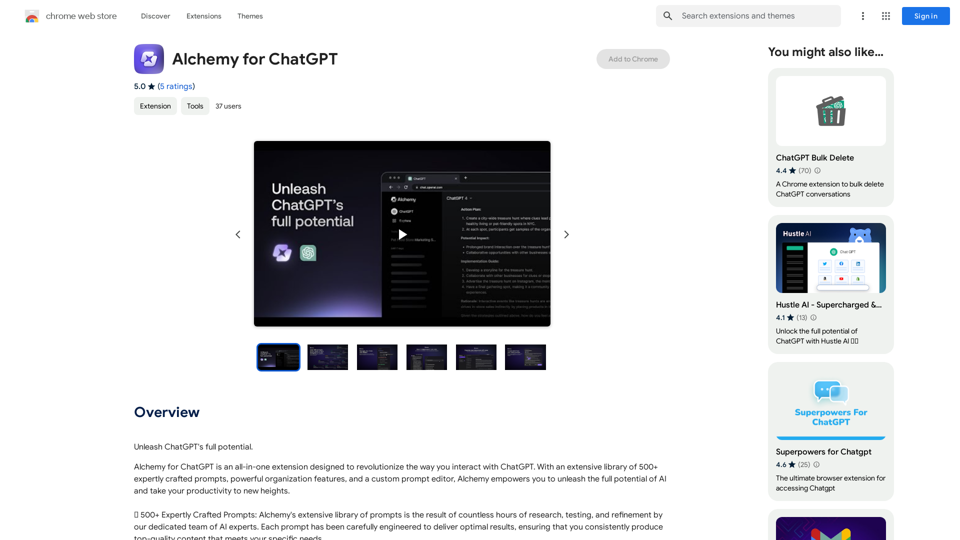
Alchemy for ChatGPT Introduction Alchemy is a powerful framework for building and deploying large language models (LLMs) like ChatGPT. It provides a comprehensive set of tools and resources to streamline the entire LLM development lifecycle, from training to deployment and monitoring. Key Features * Modular Design: Alchemy is built with a modular architecture, allowing developers to easily customize and extend its functionality. * Fine-Tuning Capabilities: Alchemy offers robust fine-tuning capabilities, enabling users to adapt pre-trained LLMs to specific tasks and domains. * Deployment Flexibility: Alchemy supports deployment across various platforms, including cloud, on-premise, and edge devices. * Monitoring and Evaluation: Alchemy provides tools for monitoring LLM performance and evaluating their effectiveness. Benefits * Accelerated Development: Alchemy's modularity and pre-built components significantly reduce development time and effort. * Improved Accuracy: Fine-tuning capabilities allow for higher accuracy and performance on specific tasks. * Scalability and Reliability: Alchemy's deployment flexibility ensures scalability and reliability for diverse applications. * Cost-Effectiveness: Alchemy's efficient resource utilization and streamlined workflows contribute to cost savings. Use Cases Alchemy can be used in a wide range of applications, including: * Chatbots and Conversational AI: * Text Generation and Summarization: * Code Generation and Debugging: * Data Analysis and Insights: * Personalized Learning and Education: Conclusion Alchemy is a powerful and versatile framework that empowers developers to build, deploy, and manage LLMs effectively. Its comprehensive features, benefits, and diverse use cases make it an ideal choice for organizations looking to leverage the transformative potential of LLMs.
Alchemy for ChatGPT Introduction Alchemy is a powerful framework for building and deploying large language models (LLMs) like ChatGPT. It provides a comprehensive set of tools and resources to streamline the entire LLM development lifecycle, from training to deployment and monitoring. Key Features * Modular Design: Alchemy is built with a modular architecture, allowing developers to easily customize and extend its functionality. * Fine-Tuning Capabilities: Alchemy offers robust fine-tuning capabilities, enabling users to adapt pre-trained LLMs to specific tasks and domains. * Deployment Flexibility: Alchemy supports deployment across various platforms, including cloud, on-premise, and edge devices. * Monitoring and Evaluation: Alchemy provides tools for monitoring LLM performance and evaluating their effectiveness. Benefits * Accelerated Development: Alchemy's modularity and pre-built components significantly reduce development time and effort. * Improved Accuracy: Fine-tuning capabilities allow for higher accuracy and performance on specific tasks. * Scalability and Reliability: Alchemy's deployment flexibility ensures scalability and reliability for diverse applications. * Cost-Effectiveness: Alchemy's efficient resource utilization and streamlined workflows contribute to cost savings. Use Cases Alchemy can be used in a wide range of applications, including: * Chatbots and Conversational AI: * Text Generation and Summarization: * Code Generation and Debugging: * Data Analysis and Insights: * Personalized Learning and Education: Conclusion Alchemy is a powerful and versatile framework that empowers developers to build, deploy, and manage LLMs effectively. Its comprehensive features, benefits, and diverse use cases make it an ideal choice for organizations looking to leverage the transformative potential of LLMs.Unlock the full capabilities of ChatGPT.
193.90 M
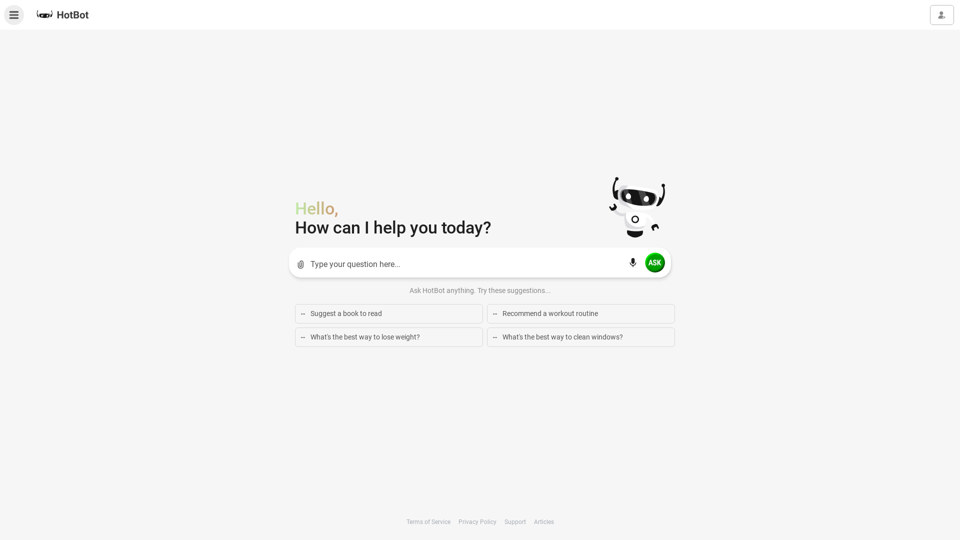
HotBot: Smarter Answers. AI Made Easy. Ask Your Question Now.
HotBot: Smarter Answers. AI Made Easy. Ask Your Question Now.HotBot is AI made simple. We made searching the web better in 1996, and now we're making AI easier in 2024. Just type in your question and receive your answer, all powered by ChatGPT 4. HotBot is totally free to use and no sign-up is required.
708.64 K
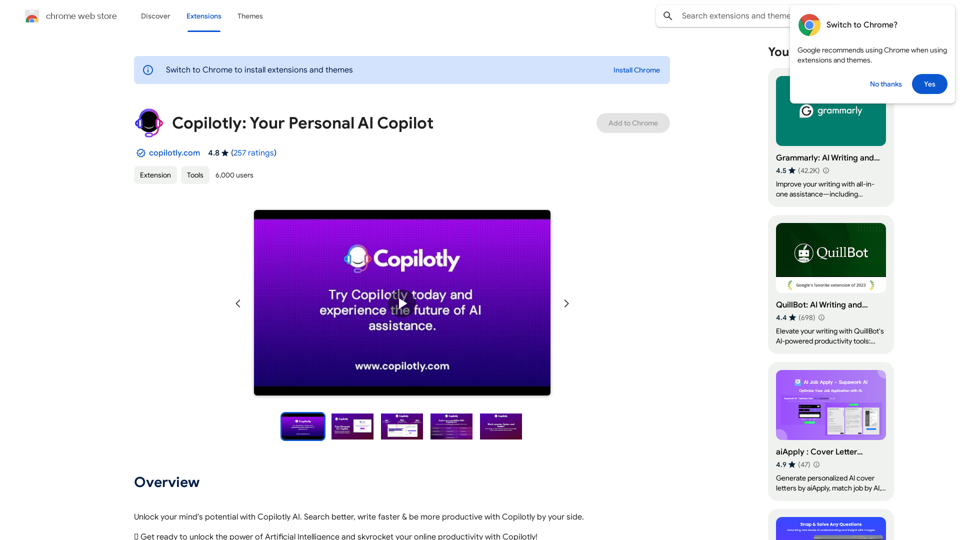
Unlock your mind's potential with Copilotly AI. Search better, write faster & be more productive with Copilotly by your side.
193.90 M

Discover the meaning and stories behind song lyrics. The song says that each verse has a story to tell.
90.21 K