Open-source RightAI Tools Directory
  • Discover AI
  • Submit
  • Startup
  • Blog
Open-source RightAI Tools Directory
Discover the best AI tools of 2025 with the RightAI Tools Directory!

Friend Links

AI Anime GeneratorToolsApp AI

Support

Tap4
Privacy policyTerms & ConditionsContact Us
Loading...
loading...

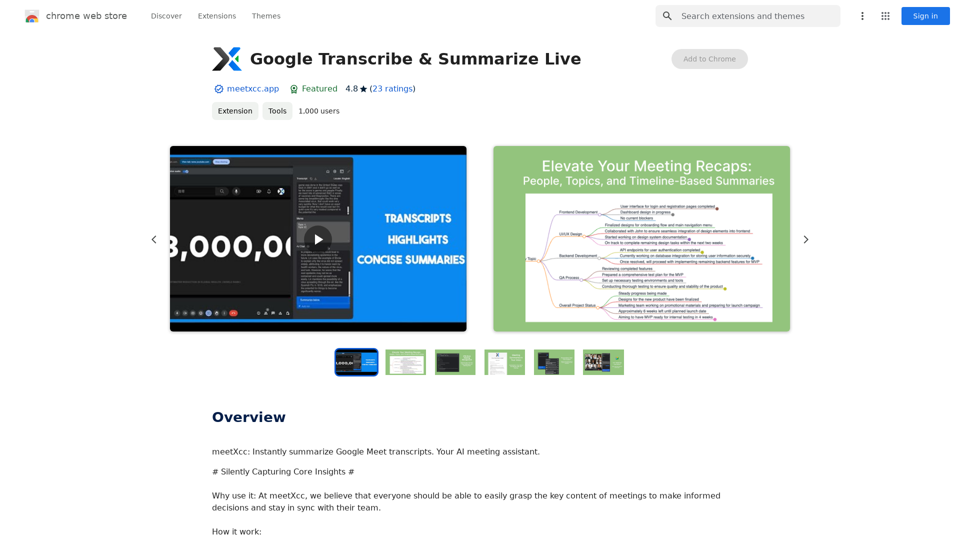
Google Transcribe & Summarize Live Automatically transcribe and summarize live audio and video streams in real-time using Google's AI technology.

meetXcc: Instantly summarize Google Meet transcripts. Your AI meeting assistant.
Visit Website
Google Transcribe & Summarize Live

Automatically transcribe and summarize live audio and video streams in real-time using Google's AI technology.
Visit Website

Introduction

meetXcc is a Chrome extension designed to enhance meeting productivity through automatic transcription, intelligent summarization, and visualization. It helps users capture key meeting content, facilitates action-taking, and improves team synchronization. This tool is particularly useful for professionals across various fields, including recruiters, executives, engineers, counselors, and more.

Feature

Automatic Transcription

  • Real-time speech-to-text conversion for Google Meet meetings
  • Multi-speaker recognition and transcription
  • Instant meeting assistance with real-time summaries
  • Note-taking and key point highlighting during transcription

Intelligent Summarization and Visualization

  • AI-generated comprehensive meeting summaries
  • Multi-perspective summaries (people, topic, timeline)
  • Customizable summary length and detail
  • Mind map view for meeting structure overview

Easy Sharing

  • One-click export of transcripts and sharing links
  • Direct email sending of meeting records
  • Cloud storage and cross-device synchronization
  • Customizable sharing permissions

Versatile Use Cases

meetXcc caters to various professionals:

ProfessionBenefits
RecruitersRecord interviews, make informed decisions
ExecutivesGrasp key points, demonstrate leadership
EngineersRecord technical details, track progress
CounselorsDocument sessions, provide quality service
Legal ProfessionalsAccurate record-keeping, avoid disputes
TeachersRecord classroom content, save time on notes
PhysiciansDocument patient symptoms and records
Project ManagersTrack resolutions and assignments
Sales ProfessionalsUnderstand customer needs, follow up efficiently
ResearchersOrganize ideas, improve research efficiency

FAQ

What is meetXcc?

meetXcc is a Chrome extension that enhances meeting productivity through automatic transcription, intelligent summarization, and visualization. It helps users capture key meeting content, take action, and stay synchronized with their team.

What are the main features of meetXcc?

The main features of meetXcc include:

  1. Automatic transcription of Google Meet meetings
  2. Intelligent summarization and visualization of meeting content
  3. Easy sharing and export of meeting records
  4. Cloud storage and synchronization for cross-device access

Who can benefit from using meetXcc?

meetXcc is beneficial for a wide range of professionals, including recruiters, executives, engineers, counselors, legal professionals, teachers, physicians, project managers, sales professionals, and researchers. It helps them accurately record and analyze meeting content, improving their efficiency and decision-making processes.

What do users say about meetXcc?

Users praise meetXcc for its accuracy, speed, and time-saving capabilities. They find it particularly useful for transcribing interviews, meetings, and lectures, allowing them to focus on the task at hand rather than manual note-taking.

Latest Traffic Insights

  • Monthly Visits

    193.90 M

  • Bounce Rate

    56.27%

  • Pages Per Visit

    2.71

  • Time on Site(s)

    115.91

  • Global Rank

    -

  • Country Rank

    -

Recent Visits

Traffic Sources

  • Social Media:
    0.48%
  • Paid Referrals:
    0.55%
  • Email:
    0.15%
  • Referrals:
    12.81%
  • Search Engines:
    16.21%
  • Direct:
    69.81%
More Data

Related Websites

EasyGen - Chrome Web Store
View Detail

EasyGen - Chrome Web Store

EasyGen - Chrome Web Store

EasyGen is a powerful and user-friendly text generation tool that leverages advanced language models to create high-quality content across various domains. It offers a seamless interface for users to input prompts and generate coherent, contextually relevant text for a wide range of applications, including creative writing, content marketing, and academic research. Key features of EasyGen include: 1. Multiple language model options 2. Customizable generation parameters 3. Fine-tuning capabilities for specific use cases 4. Integration with popular writing and productivity tools 5. Real-time collaboration features EasyGen aims to streamline the content creation process, helping users save time and effort while maintaining high standards of quality and creativity. Whether you're a professional writer, marketer, or researcher, EasyGen provides the tools and flexibility needed to enhance your productivity and unlock new possibilities in text generation.

193.90 M
Reliv
View Detail

Reliv

Reliv

Automate QA Tests in Just 5 Minutes

0
LearnHouse - The modern Open source learning platform for everyone.
View Detail

LearnHouse - The modern Open source learning platform for everyone.

LearnHouse - The modern Open source learning platform for everyone.

LearnHouse is an open source platform that makes it easy for anyone to provide world-class educational content and it offers a variety of content types : Dynamic Pages, Videos, Documents & more.

12
Open ChatGPT in a New Tab

You can open ChatGPT in a new tab by following these steps:

#Method 1: Using the Browser's Context Menu

1. Right-click on the ChatGPT link or button.
2. Select "Open in new tab" or "Open link in new tab" from the context menu.

#Method 2: Using the Keyboard Shortcut

1. Press `Ctrl + Click` (Windows/Linux) or `Cmd + Click` (Mac) on the ChatGPT link or button.

#Method 3: Using the Browser's Toolbar

1. Click on the ChatGPT link or button while holding down the `Ctrl` key (Windows/Linux) or `Cmd` key (Mac).
2. Release the key after the new tab is opened.

By following these methods, you can easily open ChatGPT in a new tab and start chatting without leaving your current page.
View Detail

Open ChatGPT in a New Tab You can open ChatGPT in a new tab by following these steps: #Method 1: Using the Browser's Context Menu 1. Right-click on the ChatGPT link or button. 2. Select "Open in new tab" or "Open link in new tab" from the context menu. #Method 2: Using the Keyboard Shortcut 1. Press `Ctrl + Click` (Windows/Linux) or `Cmd + Click` (Mac) on the ChatGPT link or button. #Method 3: Using the Browser's Toolbar 1. Click on the ChatGPT link or button while holding down the `Ctrl` key (Windows/Linux) or `Cmd` key (Mac). 2. Release the key after the new tab is opened. By following these methods, you can easily open ChatGPT in a new tab and start chatting without leaving your current page.

Open ChatGPT in a New Tab You can open ChatGPT in a new tab by following these steps: #Method 1: Using the Browser's Context Menu 1. Right-click on the ChatGPT link or button. 2. Select "Open in new tab" or "Open link in new tab" from the context menu. #Method 2: Using the Keyboard Shortcut 1. Press `Ctrl + Click` (Windows/Linux) or `Cmd + Click` (Mac) on the ChatGPT link or button. #Method 3: Using the Browser's Toolbar 1. Click on the ChatGPT link or button while holding down the `Ctrl` key (Windows/Linux) or `Cmd` key (Mac). 2. Release the key after the new tab is opened. By following these methods, you can easily open ChatGPT in a new tab and start chatting without leaving your current page.

New Tab with Quick ChatGPT Access

193.90 M
French Fry AI
View Detail

French Fry AI

French Fry AI

French Fry AI

193.90 M
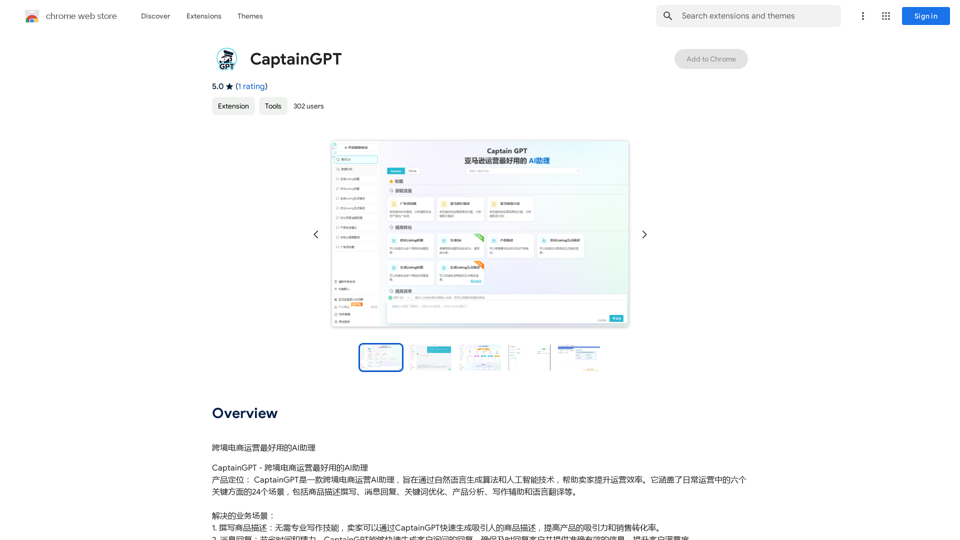
CaptainGPT
View Detail

CaptainGPT

CaptainGPT

Best AI Assistant for Cross-Border E-commerce Operations

193.90 M
Wonder AI - Your GPT Writing Assistant
View Detail

Wonder AI - Your GPT Writing Assistant

Wonder AI - Your GPT Writing Assistant

Wonder AI: The AI Writing Assistant That Makes Your Content Stand Out Wonder AI is an AI writing assistant that uses the power of artificial intelligence to help you create high-quality, engaging content that resonates with your audience.

193.90 M
Ikigai Ads Companion
View Detail

Ikigai Ads Companion

Ikigai Ads Companion

Track the success of your TikTok ads as they run and get helpful tips to improve them.

193.90 M