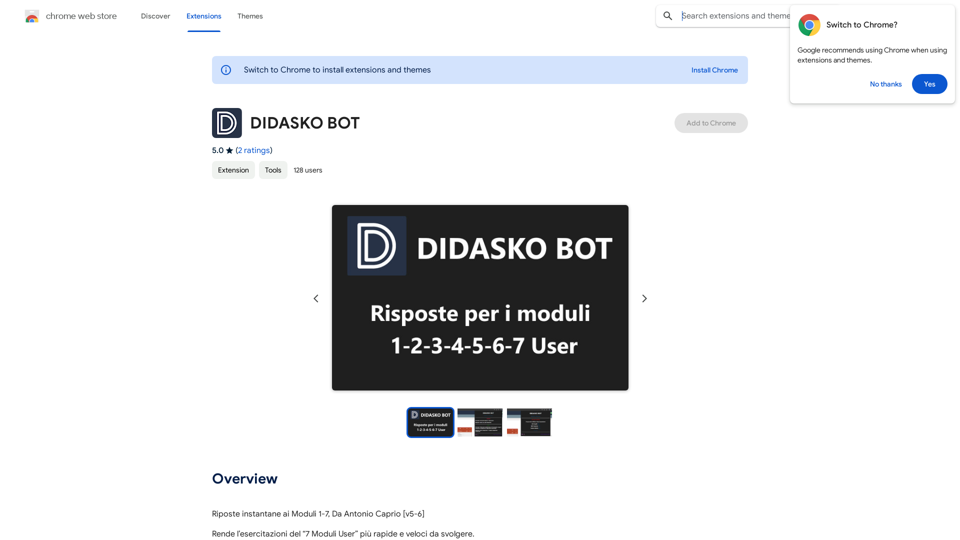
Riposte instantane ai Moduli 1-7 is an innovative browser extension designed to streamline the process of completing exercises and quizzes for "7 Moduli User" exercises. This tool automates question-answering, adapts to different modules, and offers customizable settings to enhance efficiency and user experience.
DIDASKO BOT
Instantaneous Responses to Modules 1-7, by Antonio Caprio [v5-6]
Introduction
Feature
Intelligent Module Recognition
The extension automatically identifies which of the 7 modules is being used, optimizing its performance for each specific module.
Adaptive Resource Management
Adjusts resource consumption based on the active module, ensuring efficient operation while automatically responding to questions.
Customizable Settings
Users can personalize their experience with additional features:
- GIF/Image display during loading or errors (primarily cat-themed)
- Module indicator showing which of the 7 modules is currently active
- "NEXT Question" functionality to reveal hidden questions and answers
- "Incognito" mode for discreet solution viewing without opening the app menu
Automated Question Answering
Streamlines the exercise completion process by automatically providing answers to questions.
User-Friendly Interface
Easy installation and configuration process, making it accessible for all users.
Free of Charge
Available at no cost, making it accessible to all users.
FAQ
How do I get started with Riposte instantane ai Moduli 1-7?
To begin using Riposte instantane ai Moduli 1-7:
- Install the extension in your browser
- Follow the configuration prompts to set up according to your preferences
- The extension will then automatically start responding to questions and providing answers
What are some tips for maximizing the use of this extension?
To get the most out of Riposte instantane ai Moduli 1-7:
- Customize the settings to align with your specific needs
- Utilize the "NEXT Question" feature to access additional questions and answers
- Leverage the "Incognito" mode for quick, discreet access to answers
Is Riposte instantane ai Moduli 1-7 compatible with all "7 Moduli User" exercises?
Yes, the extension is designed to work with all "7 Moduli User" exercises, adapting its functionality to each specific module for optimal performance.
Related Websites
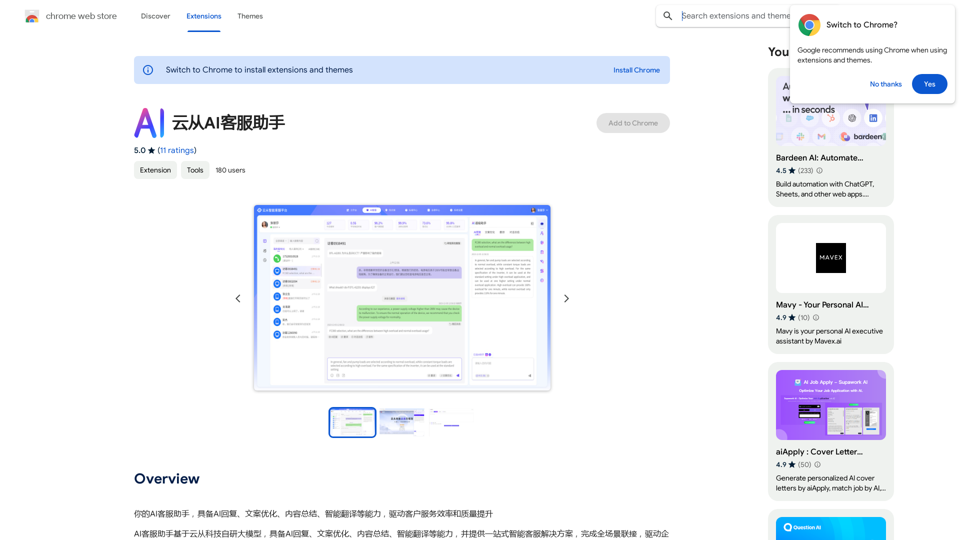
Your AI customer service assistant has the capabilities of AI replies, copywriting optimization, content summarization, and intelligent translation, driving improvements in customer service efficiency and quality.
193.90 M
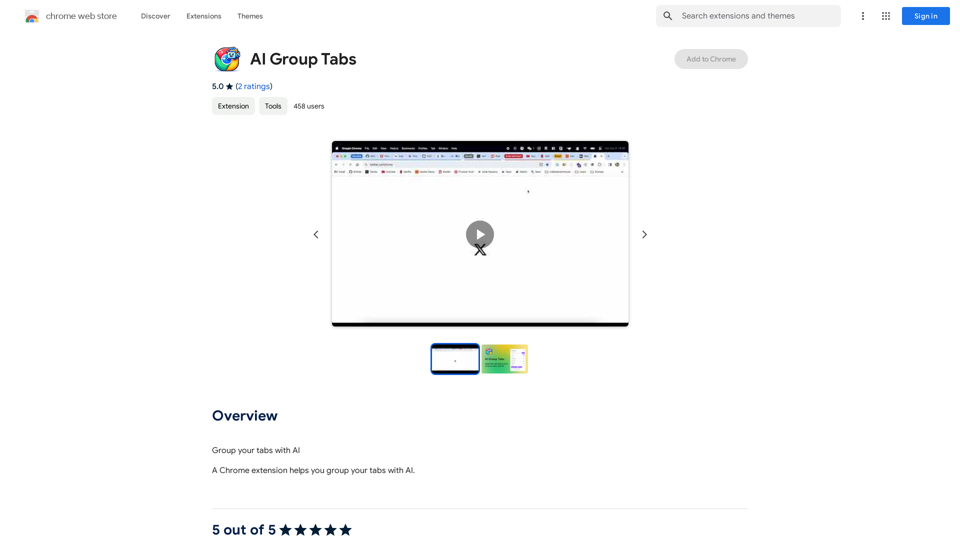
Group your tabs with AI This is a simple and effective way to organize your browser tabs using artificial intelligence. Here's how it works: * Select multiple tabs: Choose the tabs you want to group together. * AI grouping: Our AI will analyze the content of the selected tabs and suggest relevant groups. * Customize groups: You can adjust the suggested groups or create your own. * Save and access: Save your grouped tabs for easy access later. Let AI help you stay organized and productive!
193.90 M
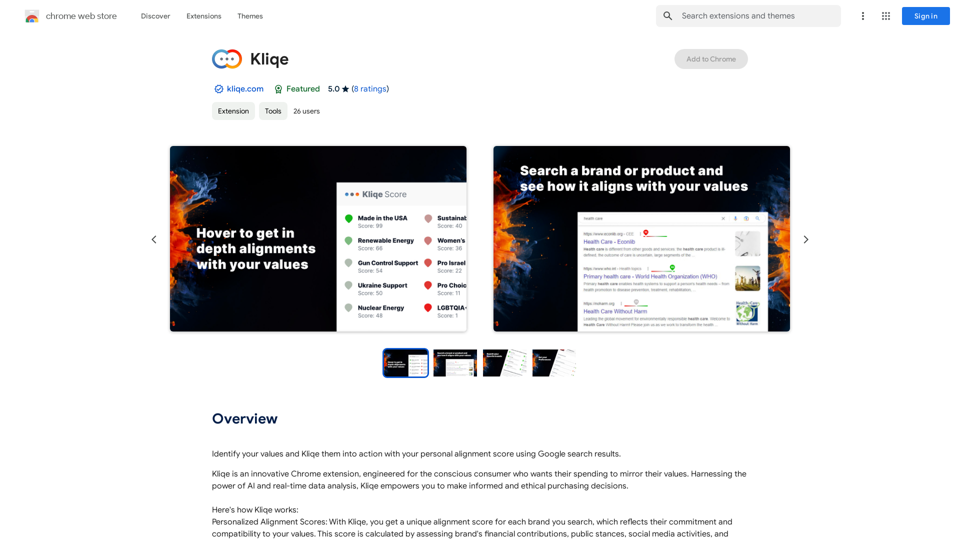
Discover your core beliefs and put them into practice with your unique alignment score, powered by Google search data.
193.90 M
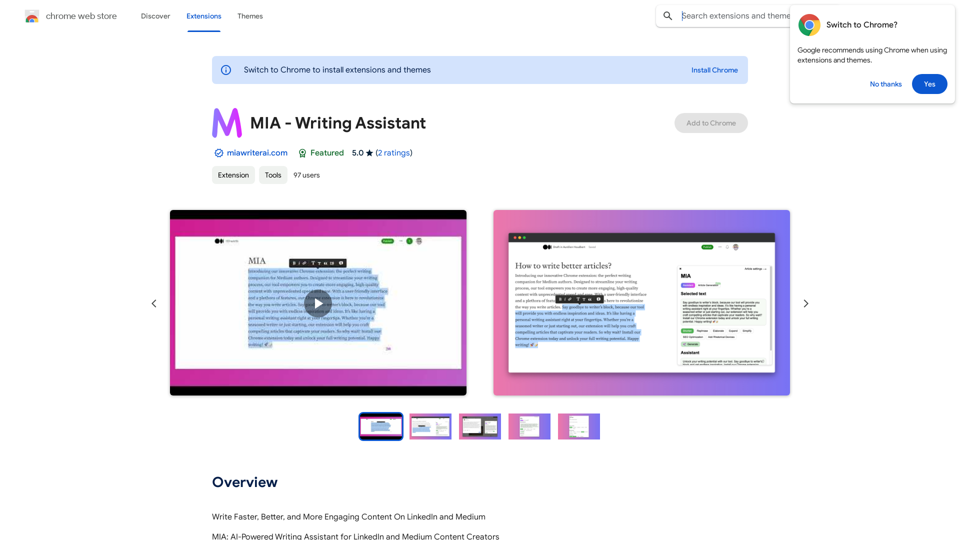
Write Faster, Better, and More Engaging Content On LinkedIn and Medium Tired of staring at a blank page? We've all been there. But what if you could write compelling content for LinkedIn and Medium with ease? Here's how: * Find Your Niche: What are you passionate about? What do you know a lot about? Focus your writing on topics that genuinely interest you. * Craft a Killer Headline: Your headline is your first impression. Make it catchy, clear, and benefit-driven. * Structure for Success: Use headings, subheadings, and bullet points to break up your text and make it easy to read. * Tell a Story: People connect with stories. Weave narratives into your content to make it more engaging. * Keep it Concise: Get to the point quickly. People have short attention spans, so respect their time. * Use Visuals: Images, videos, and infographics can break up text and make your content more visually appealing. * Proofread Carefully: Typos and grammatical errors can damage your credibility. Always proofread your work before publishing. * Promote Your Content: Share your articles on social media and engage with your audience in the comments. By following these tips, you can write faster, better, and more engaging content for LinkedIn and Medium.
193.90 M
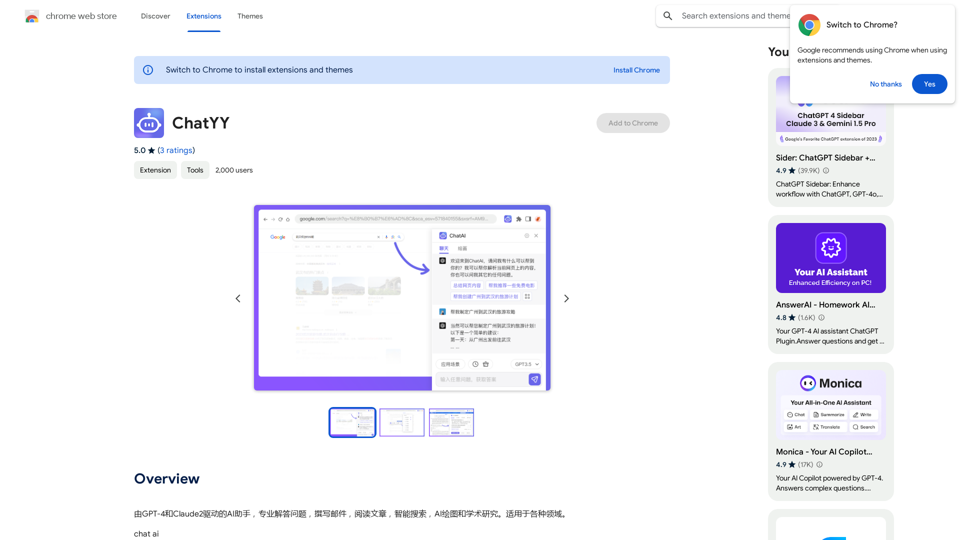
Driven by GPT-4 and Claude2, this AI assistant is capable of professionally answering questions, composing emails, reading articles, conducting intelligent searches, creating AI-generated graphics, and assisting with academic research. It is applicable to various fields.
193.90 M
WriteFastAI-ChatGPT on Demand, on Any Website This is a powerful idea! Imagine being able to seamlessly integrate the capabilities of both FastAI and ChatGPT directly into any website. Here's a breakdown of what this could mean: * On-Demand AI Assistance: Users could access powerful AI tools like text generation, summarization, question answering, and more, right from the website they're already using. * Personalized Experiences: Websites could leverage AI to tailor content and interactions to individual user preferences, creating a more engaging and relevant experience. * Increased Efficiency: Businesses could automate tasks, generate reports, and analyze data faster and more accurately with the help of AI. Making it a Reality: This vision requires a combination of: * API Integration: FastAI and ChatGPT both offer APIs that allow developers to integrate their functionalities into applications. * Web Development Expertise: Developers would need to build the necessary infrastructure to connect the APIs to the website and handle user interactions. * Data Management: Websites would need to manage and secure the data used by the AI models. Potential Applications: The possibilities are endless! Here are just a few examples: * E-commerce: AI-powered chatbots could provide personalized product recommendations and customer support. * Education: Websites could offer interactive learning experiences with AI-powered tutors and personalized feedback. * News and Media: AI could be used to generate summaries of articles, create personalized news feeds, and even write original content. Let me know if you'd like to explore any of these applications in more detail!
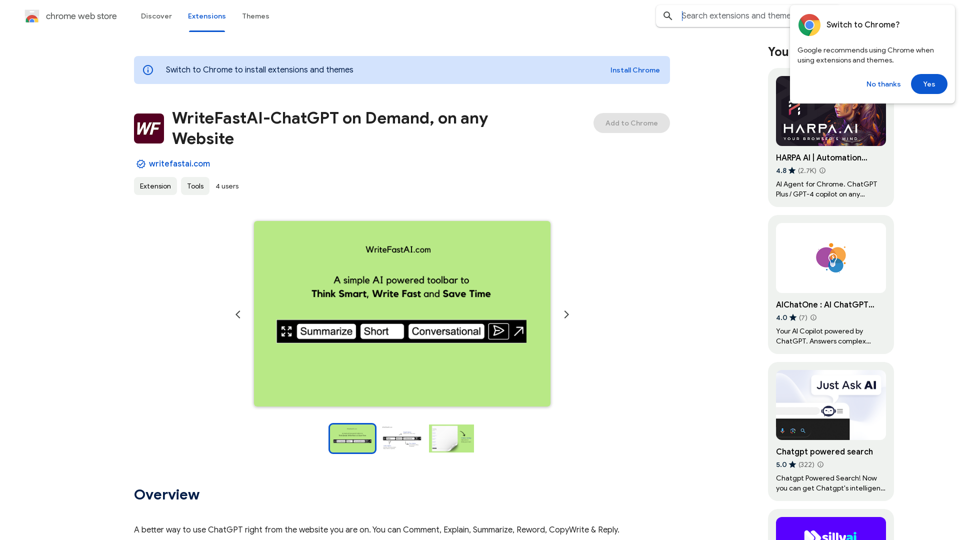
WriteFastAI-ChatGPT on Demand, on Any Website This is a powerful idea! Imagine being able to seamlessly integrate the capabilities of both FastAI and ChatGPT directly into any website. Here's a breakdown of what this could mean: * On-Demand AI Assistance: Users could access powerful AI tools like text generation, summarization, question answering, and more, right from the website they're already using. * Personalized Experiences: Websites could leverage AI to tailor content and interactions to individual user preferences, creating a more engaging and relevant experience. * Increased Efficiency: Businesses could automate tasks, generate reports, and analyze data faster and more accurately with the help of AI. Making it a Reality: This vision requires a combination of: * API Integration: FastAI and ChatGPT both offer APIs that allow developers to integrate their functionalities into applications. * Web Development Expertise: Developers would need to build the necessary infrastructure to connect the APIs to the website and handle user interactions. * Data Management: Websites would need to manage and secure the data used by the AI models. Potential Applications: The possibilities are endless! Here are just a few examples: * E-commerce: AI-powered chatbots could provide personalized product recommendations and customer support. * Education: Websites could offer interactive learning experiences with AI-powered tutors and personalized feedback. * News and Media: AI could be used to generate summaries of articles, create personalized news feeds, and even write original content. Let me know if you'd like to explore any of these applications in more detail!A better way to use ChatGPT right from the website you are on. You can comment, explain, summarize, reword, copywrite, and reply.
193.90 M
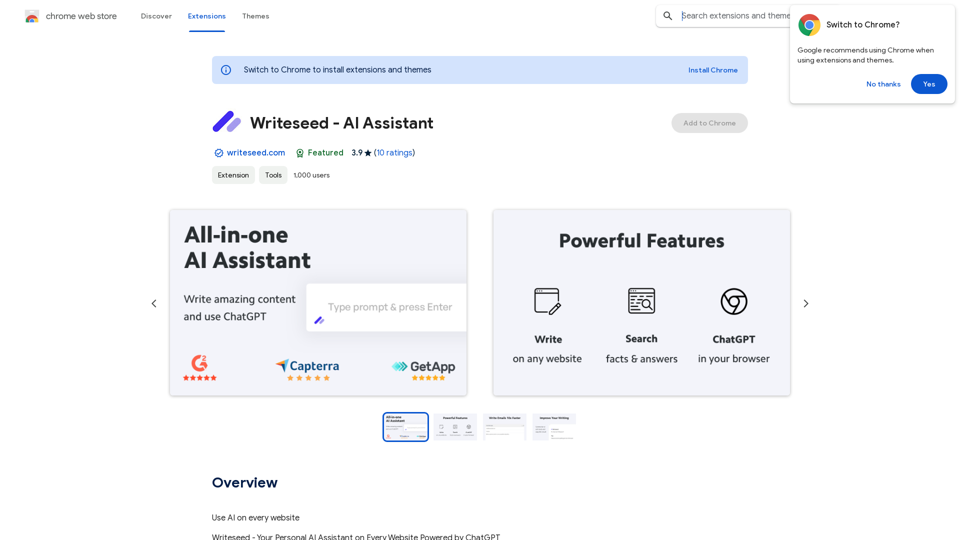
Using AI on Every Website With the rapid advancement of technology, Artificial Intelligence (AI) has become an integral part of our daily lives. From virtual assistants to self-driving cars, AI is revolutionizing the way we live and work. One area where AI can have a significant impact is on websites. Imagine a website that can learn from your behavior, adapt to your needs, and provide personalized experiences. In this article, we'll explore the possibilities of using AI on every website. Enhanced User Experience AI can analyze user behavior, preferences, and interests to provide a tailored experience. For instance, an e-commerce website can use AI to recommend products based on a user's browsing history and purchase behavior. This can lead to increased customer satisfaction, loyalty, and ultimately, revenue. Improved Website Performance AI can help optimize website performance by analyzing user traffic patterns, identifying bottlenecks, and providing insights to improve loading times. This can result in higher search engine rankings, increased conversions, and a better overall user experience. Personalized Content AI-powered content generation can help create personalized content for users based on their interests, preferences, and behavior. This can include customized product recommendations, tailored blog posts, and even personalized email marketing campaigns. Enhanced Security AI-powered security systems can detect and prevent cyber threats in real-time, providing an additional layer of protection for websites and their users. This can include identifying and blocking malicious traffic, detecting phishing attempts, and preventing data breaches. Chatbots and Virtual Assistants AI-powered chatbots and virtual assistants can provide 24/7 customer support, helping users navigate websites, answer questions, and resolve issues. This can lead to increased customer satisfaction, reduced support queries, and improved overall user experience. The Future of Web Development As AI technology continues to evolve, we can expect to see even more innovative applications on websites. From AI-powered design tools to AI-driven website analytics, the possibilities are endless. The future of web development is exciting, and AI is at the forefront of this revolution. Conclusion Using AI on every website can have a transformative impact on the way we interact with the internet. From enhanced user experiences to improved website performance, personalized content, enhanced security, and chatbots, the benefits of AI are undeniable. As technology continues to advance, we can expect to see even more innovative applications of AI on websites. The future is exciting, and AI is leading the way.
193.90 M