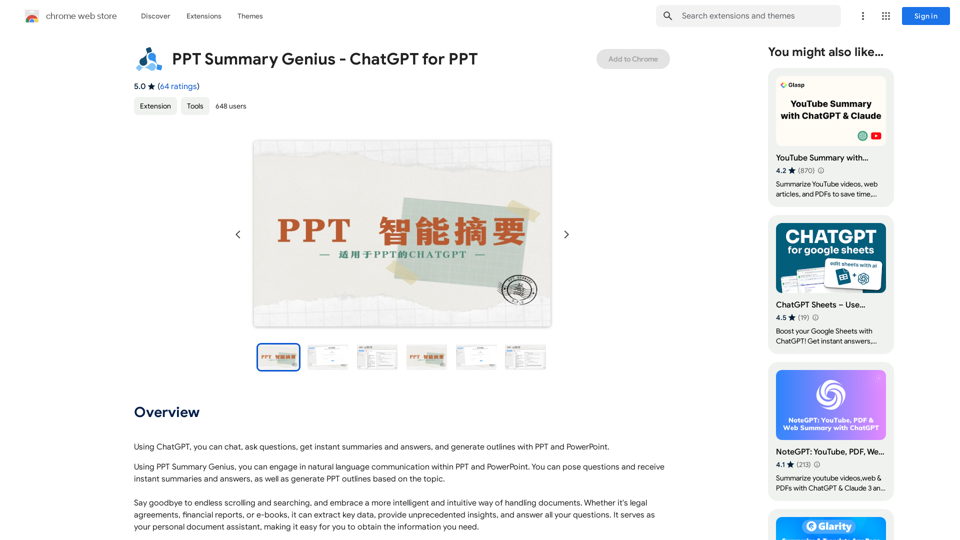
PPT Summary Genius is a Chrome extension that leverages ChatGPT to enhance interactions with PowerPoint presentations. It offers features like chatting with documents, generating instant summaries, providing answers, and creating outlines for PPT and PowerPoint. This tool facilitates natural language communication within presentations, making it easier to extract key data, gain insights, and address questions efficiently.
PPT Summary Genius - ChatGPT for PPT Turn your boring presentations into engaging masterpieces! * Summarize lengthy PPTs: ChatGPT can condense your slides into concise summaries, perfect for quick reviews or sharing key points. * Generate compelling narratives: Transform your data and bullet points into captivating stories that resonate with your audience. * Craft impactful introductions and conclusions: Start strong and leave a lasting impression with ChatGPT's help. * Overcome writer's block: Struggling with slide content? ChatGPT can provide creative ideas and help you overcome creative hurdles. * Tailor your message: Adjust the tone and style of your presentation to match your audience and purpose. Boost your productivity and create presentations that truly shine!
Using ChatGPT, you can chat, ask questions, get instant summaries and answers, and generate outlines for presentations in PPT and PowerPoint format.
Introduction
Feature
Chat with Documents
PPT Summary Genius allows users to engage in conversations with various document types, including legal agreements, financial reports, and e-books. It can:
- Extract key data
- Provide unique insights
- Answer questions related to the document content
- Act as a personal document assistant
Generate PPT Outlines
The extension offers outline generation capabilities:
- Creates PPT outlines based on user-specified topics
- Allows real-time modifications during chat sessions
- Enables users to add content and enhance outline information
- Serves as a valuable tool for PPT creation
Easy-to-Use Interface
PPT Summary Genius boasts a user-friendly design:
- Simple installation process
- Seamless integration with PPT and PowerPoint
- Instant access to summaries and answers
- Outline generation based on user input
Free of Charge
The extension is available at no cost:
- No subscription fees
- Unlimited usage
- Accessible to all users regardless of budget
FAQ
Is PPT Summary Genius compatible with all document types?
Yes, PPT Summary Genius can be used with various document types, including:
- Legal agreements
- Financial reports
- E-books
- PowerPoint presentations
How do I create PPT outlines using PPT Summary Genius?
To generate PPT outlines:
- Install the Chrome extension
- Open a PPT or PowerPoint document
- Start a chat session with the document
- Input your desired topic
- The extension will generate an outline based on your input
- Modify and enhance the outline as needed during the chat
What are some helpful tips for using PPT Summary Genius?
Here are some tips to maximize the use of PPT Summary Genius:
- Use it to quickly extract key data and insights from documents
- Engage in natural language communication with your documents for better understanding
- Modify and enhance generated outlines to create high-quality presentations
- Utilize the tool for various document types to improve productivity
Related Websites
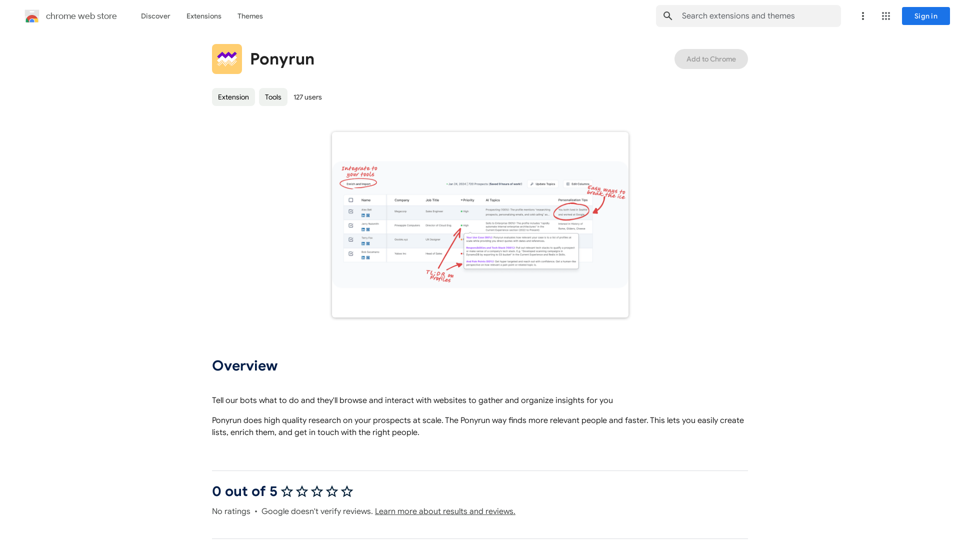
Give our bots instructions, and they will explore and engage with websites to collect and arrange useful information for you.
193.90 M

ChatsNow is an AI assistant that uses OpenAI's GPT-4 and GPT-3.5, as well as Claude2, to provide various services, such as chat, translation, and Vision.
193.90 M
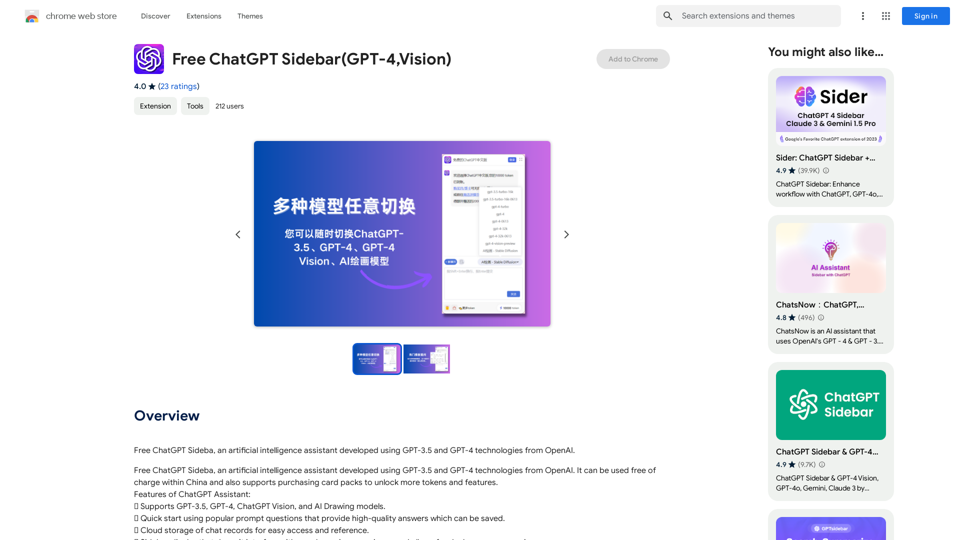
Free ChatGPT Sideba, an artificial intelligence assistant developed using GPT-3.5 and GPT-4 technologies from OpenAI.
193.90 M
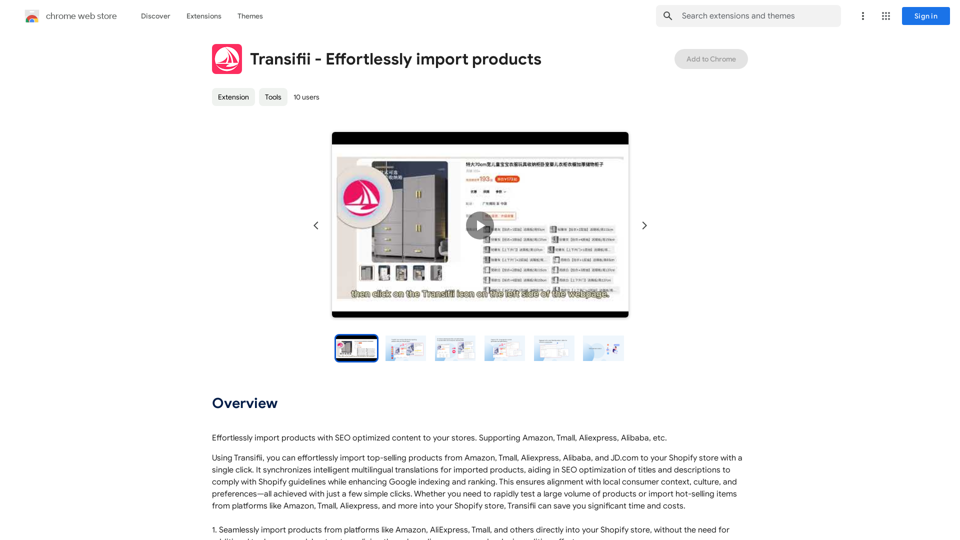
Effortlessly import products with SEO-optimized content to your stores. We support Amazon, Tmall, Aliexpress, Alibaba, and more.
193.90 M
The Power of React and TypeScript for Building Interactive Chrome Extensions React and TypeScript are a powerful combination for developing engaging and robust Chrome extensions. Here's why: * React's Component-Based Architecture: React's component-based approach makes building complex UIs for your extensions manageable and reusable. * TypeScript's Static Typing: TypeScript's type system catches errors early in development, leading to more reliable and maintainable code. * Improved Developer Experience: Both React and TypeScript offer excellent tooling and a strong community, making development smoother and more enjoyable. By leveraging these technologies, you can create Chrome extensions that are: * Interactive and User-Friendly: React's declarative style and virtual DOM enable smooth and responsive user interfaces. * Scalable and Maintainable: TypeScript's type safety and React's component structure promote code organization and extensibility. * Bug-Free and Reliable: TypeScript's static typing helps prevent runtime errors, resulting in more robust extensions. Let's explore how to harness the power of React and TypeScript to build your next amazing Chrome extension!
193.90 M