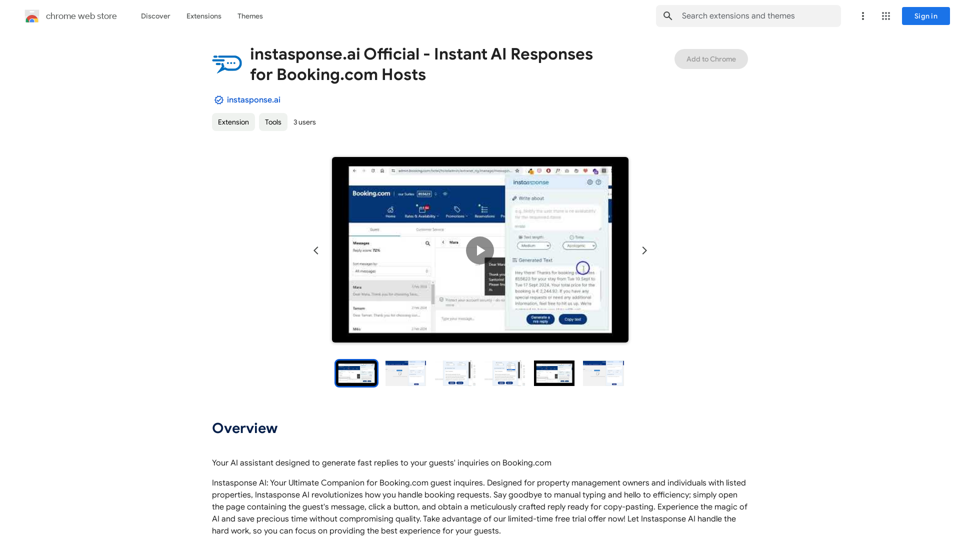
instasponse.ai is an AI-powered platform designed to provide instant responses for Booking.com hosts. It streamlines the process of handling booking requests for property management owners and individuals with listed properties. By simply opening the guest's message page and clicking a button, users can obtain a meticulously crafted reply ready for copy-pasting, eliminating the need for manual typing and significantly improving efficiency.
instasponse.ai Official - Instant AI Responses for Booking.com Hosts
I am an AI assistant designed to quickly answer your guests' questions on Booking.com.
Introduction
Feature
AI-Powered Responses
instasponse.ai utilizes advanced AI technology to generate quick and efficient replies to guest inquiries, ensuring prompt and professional communication.
User-Friendly Interface
The platform offers a simple and intuitive user experience. Users can easily access AI-generated responses with just a few clicks, making the process of replying to guests seamless and time-efficient.
Free Trial and Subscription Options
instasponse.ai provides a limited-time free trial, allowing users to experience the benefits of AI-powered responses without any initial commitment. Additionally, subscription plans are available for extended access and additional features.
Daily Free Usage
Every user can access up to 20 free AI-powered responses per day, making the service accessible to a wide range of hosts.
Privacy Protection
instasponse.ai prioritizes user privacy. User information is not used for training purposes, and account deletion is available with complete data removal.
Multiple AI Models
The platform offers access to various AI models, including GPT-4o, catering to a wide range of applications in work, study, and daily life.
FAQ
How do I use instasponse.ai?
To use instasponse.ai, simply open the page containing the guest's message, click a button, and obtain a reply ready for copy-pasting. The platform is designed for ease of use and efficiency.
Can instasponse.ai generate images?
No, instasponse.ai is primarily designed for generating text-based responses and does not offer image generation capabilities.
How many free responses can I get per day?
Every user can utilize instasponse.ai's AI-powered responses for free up to 20 times a day. Subscribing to the platform grants additional benefits and extended access beyond the free usage limits.
Is my data used for training purposes?
No, instasponse.ai highly values user privacy. Your data will not be used for any training purposes. If needed, you can delete your account at any time, and all your data will be removed as well.
When should I consider a subscription?
If the 20 free GPT-4o conversations per day do not meet your needs and you heavily rely on GPT-4o, subscribing to instasponse.ai's affordable products would be beneficial.
Related Websites
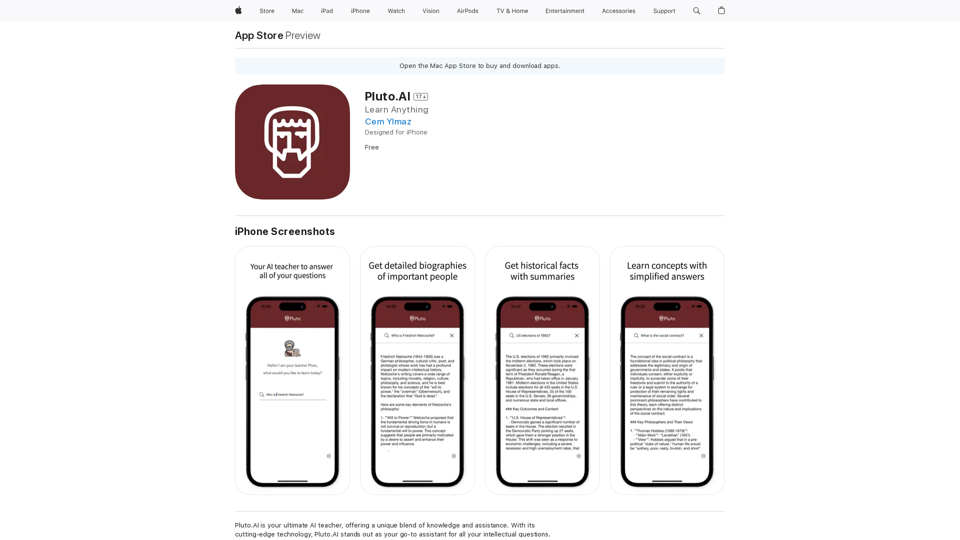
Pluto.AI is your ultimate AI teacher, offering a unique blend of knowledge and assistance. With its cutting-edge technology, Pluto.AI stands out as your go-to assistant for learning and growth.
124.77 M
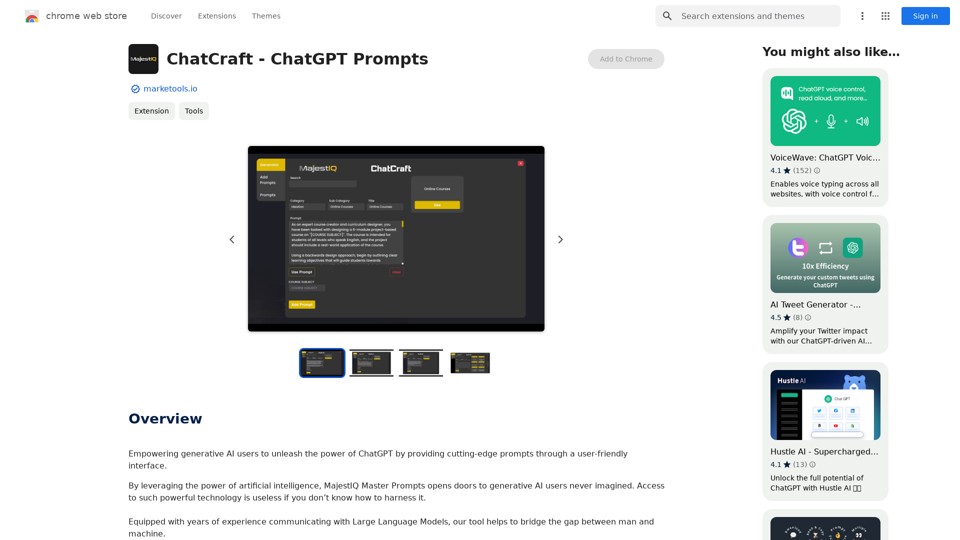
ChatCraft - ChatGPT Prompts What is ChatCraft? ChatCraft is a tool that helps you generate creative and effective prompts for ChatGPT. Why Use ChatCraft? * Unlock ChatGPT's Potential: Get more insightful, engaging, and surprising responses from ChatGPT. * Save Time and Effort: Quickly brainstorm and refine prompts without getting stuck. * Explore New Ideas: Discover unique angles and perspectives for your ChatGPT interactions. How to Use ChatCraft: 1. Choose a Category: Select from a range of categories like storytelling, code generation, dialogue writing, and more. 2. Provide Input: Give ChatCraft some context or keywords related to your desired outcome. 3. Generate Prompts: ChatCraft will generate a variety of tailored prompts for you to use with ChatGPT. 4. Experiment and Refine: Try out different prompts and see what works best for your needs. Let ChatCraft be your guide to unlocking the full potential of ChatGPT!
ChatCraft - ChatGPT Prompts What is ChatCraft? ChatCraft is a tool that helps you generate creative and effective prompts for ChatGPT. Why Use ChatCraft? * Unlock ChatGPT's Potential: Get more insightful, engaging, and surprising responses from ChatGPT. * Save Time and Effort: Quickly brainstorm and refine prompts without getting stuck. * Explore New Ideas: Discover unique angles and perspectives for your ChatGPT interactions. How to Use ChatCraft: 1. Choose a Category: Select from a range of categories like storytelling, code generation, dialogue writing, and more. 2. Provide Input: Give ChatCraft some context or keywords related to your desired outcome. 3. Generate Prompts: ChatCraft will generate a variety of tailored prompts for you to use with ChatGPT. 4. Experiment and Refine: Try out different prompts and see what works best for your needs. Let ChatCraft be your guide to unlocking the full potential of ChatGPT!Helping users of generative AI get the most out of ChatGPT by giving them easy-to-use, advanced prompts.
193.90 M
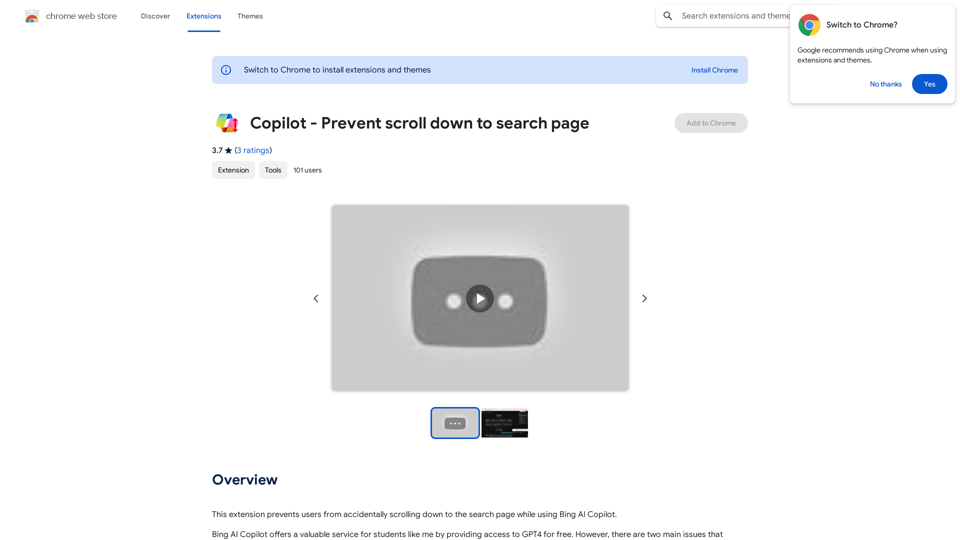
This extension stops users from accidentally scrolling down to the search page when using Bing AI Copilot.
193.90 M
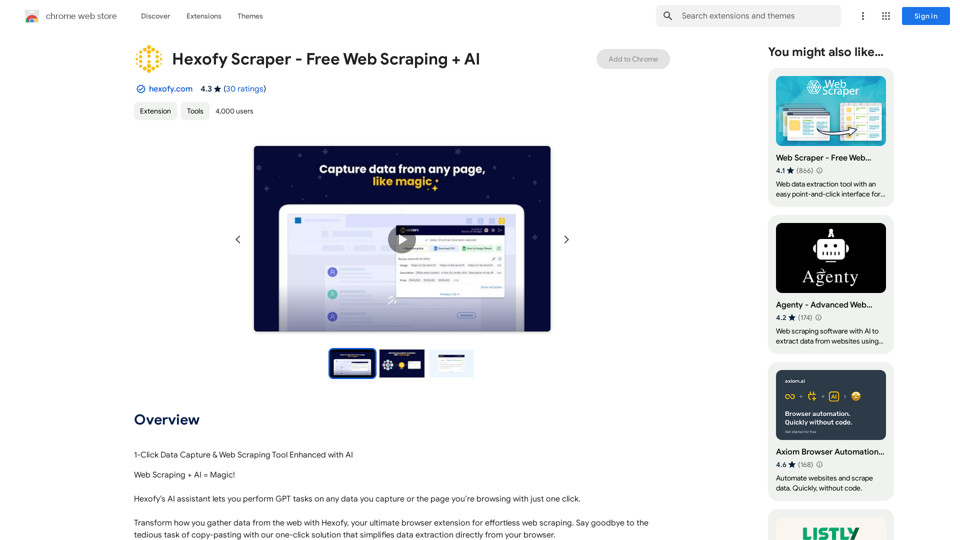
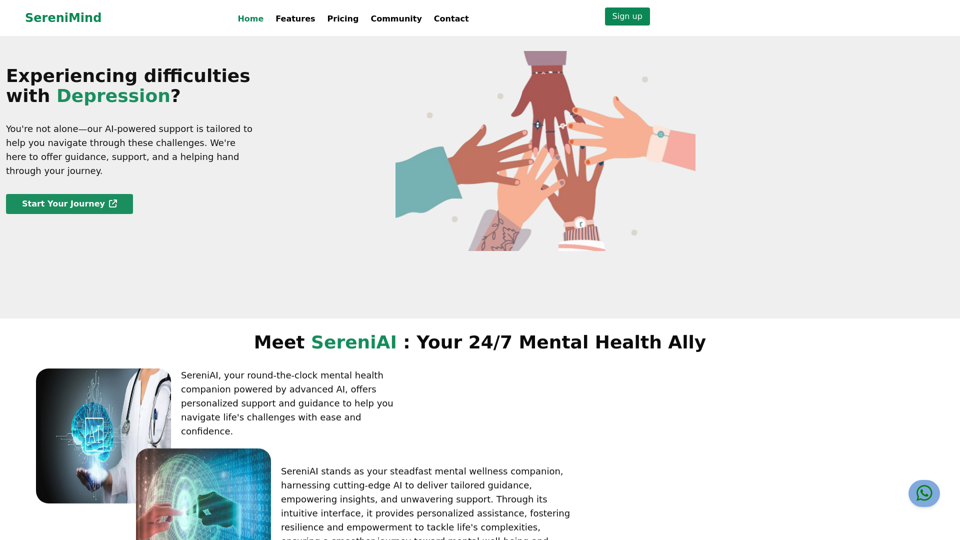
Best Mental Health Services in Nigeria | SereniMind
Best Mental Health Services in Nigeria | SereniMindSereniMind is a top mental health platform in Nigeria, offering accessible online counseling services across Africa. Our expert counselors provide personalized mental health support to help you overcome challenges like depression, anxiety, and stress. Join SereniMind today for a path to better mental well-being.
88
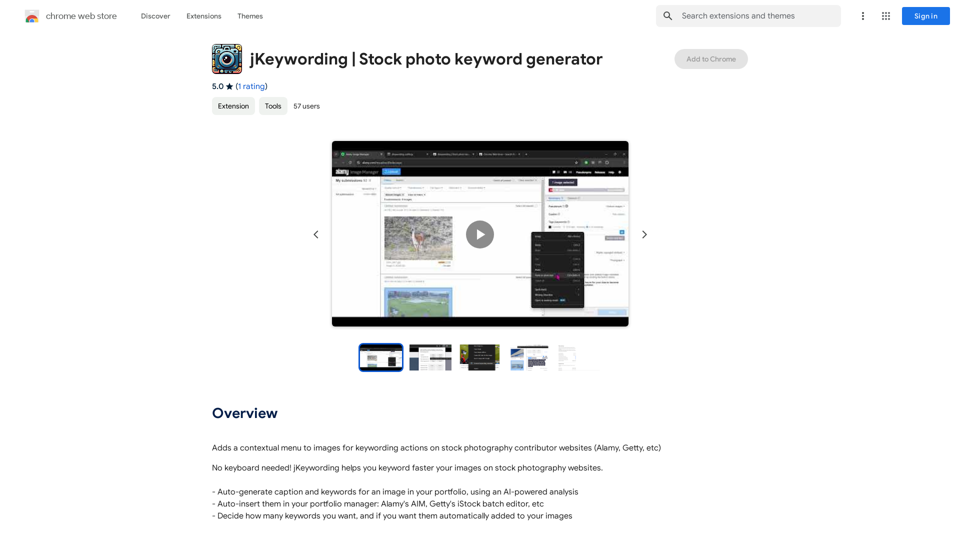
Adds a right-click menu to images, allowing users to easily add keywords to stock photos on websites like Alamy and Getty.
193.90 M
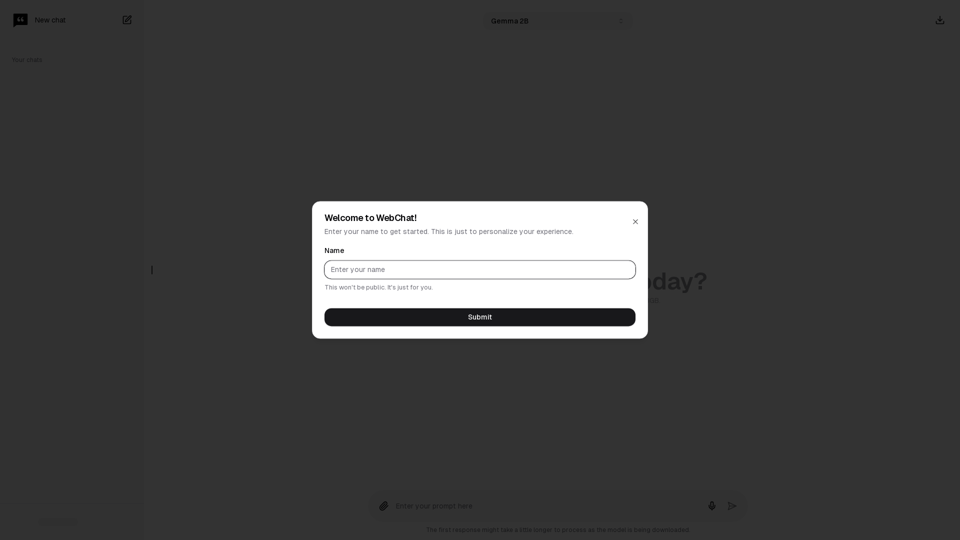
Chat with Web-LLM Models in the Browser You can interact with Web-LLM models directly in your web browser without requiring any additional setup or installation. This allows you to easily experiment with and explore the capabilities of these models. Getting Started To get started, simply open a web browser and navigate to the Web-LLM model's website or platform. Once you're on the website, you can usually find a chat interface or text input field where you can enter your prompts or questions. How it Works When you enter a prompt or question, the Web-LLM model processes your input and generates a response. This response is then displayed in the chat interface or output field, allowing you to read and interact with the model's output. Benefits The benefits of chatting with Web-LLM models in the browser include: * Convenience: No need to install any software or set up any development environments. * Accessibility: Anyone with a web browser can interact with the model, regardless of their technical expertise. * Ease of use: The chat interface provides a user-friendly way to interact with the model, making it easy to experiment and explore its capabilities. Use Cases Some potential use cases for chatting with Web-LLM models in the browser include: * Research and development: Quickly experiment with different models and prompts to explore their capabilities and limitations. * Education and learning: Use the chat interface to teach students about AI and language models, or to provide interactive learning experiences. * Creative writing and ideation: Use the model as a tool to generate ideas, write stories, or create poetry. Overall, chatting with Web-LLM models in the browser provides a convenient and accessible way to interact with these powerful language models, and can be a valuable tool for a wide range of applications.
2.59 K