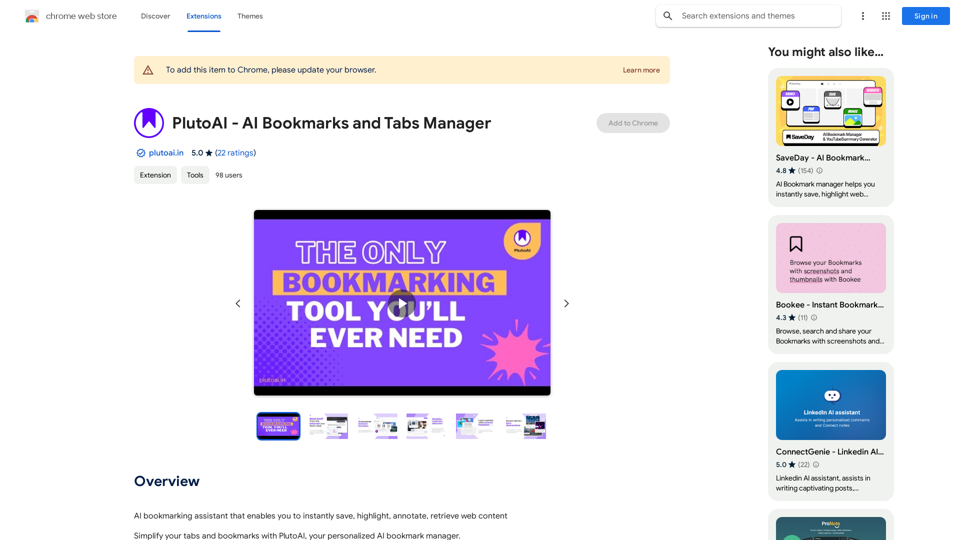
PlutoAI is an AI-powered bookmarking assistant that revolutionizes web content management. It allows users to effortlessly save, highlight, annotate, and retrieve online information. By simplifying tabs and bookmarks, PlutoAI provides seamless access to saved content from anywhere on the web, enhancing productivity and organization for users.
PlutoAI - AI Bookmarks and Tabs Manager
An AI-powered bookmarking assistant that lets you quickly save, highlight, add notes to, and find web pages.
Introduction
Feature
Manage Browser Tabs and Sessions
- One-click save and resume browser sessions
- Pick up exactly where you left off
Smart Tags and Categories
- Automatic categorization and tagging of bookmarks
- Organize by topic, theme, or key elements
- Never lose an article again
Full-text and Filter Search
- Comprehensive search functionality
- Find content using text, tags, and filters
AI-Powered Content Summaries
- Get quick TLDRs and summaries
- Learn key points in under 30 seconds
Personalized Content Recommendations
- Enjoy tailored content suggestions
- 100% match to your interests and preferences
Smart Alerts with Zero Distractions
- Receive reminders for incomplete articles/videos
- Stay on track with your reading and watching
FAQ
Is PlutoAI free to use?
Yes, PlutoAI is a free extension that can be used without any subscription or payment.
How do I get started with PlutoAI?
Simply install the PlutoAI extension, and you can start using it immediately. It's designed for easy adoption and quick integration into your browsing habits.
Can I customize PlutoAI to suit my needs?
Yes, PlutoAI offers customization options. You can adjust its settings and preferences to tailor the experience to your specific requirements.
Is my data safe with PlutoAI?
PlutoAI prioritizes data security and handles user information with care. You can trust the platform to keep your data safe and secure while using its services.
Related Websites
Article Summary with ChatGPT and Take Notes This is a guide on how to use ChatGPT to summarize articles and take notes effectively. Step 1: Provide ChatGPT with the Article Copy and paste the full text of the article into the ChatGPT interface. Step 2: Craft Your Prompt Tell ChatGPT what you want it to do. Here are some examples: * Summarize: "Please summarize this article in 200 words." * Key Points: "What are the main points of this article?" * Bullet Points: "Summarize the key findings of this article in bullet points." * Notes: "Take notes on this article, focusing on the author's arguments and supporting evidence." Step 3: Review and Refine ChatGPT will generate a summary, key points, bullet points, or notes based on your prompt. * Read carefully: Make sure the output accurately reflects the article's content. * Edit as needed: You can ask ChatGPT to rephrase sections or provide more detail. * Add your own insights: Don't just copy ChatGPT's output. Use it as a starting point and add your own thoughts, questions, and connections. Tips for Effective Use: * Be specific: The more specific your prompt, the better the output will be. * Experiment with different prompts: Try various phrasing to see what works best. * Use ChatGPT as a tool: It's a powerful aid, but it's not a replacement for critical reading and thinking.
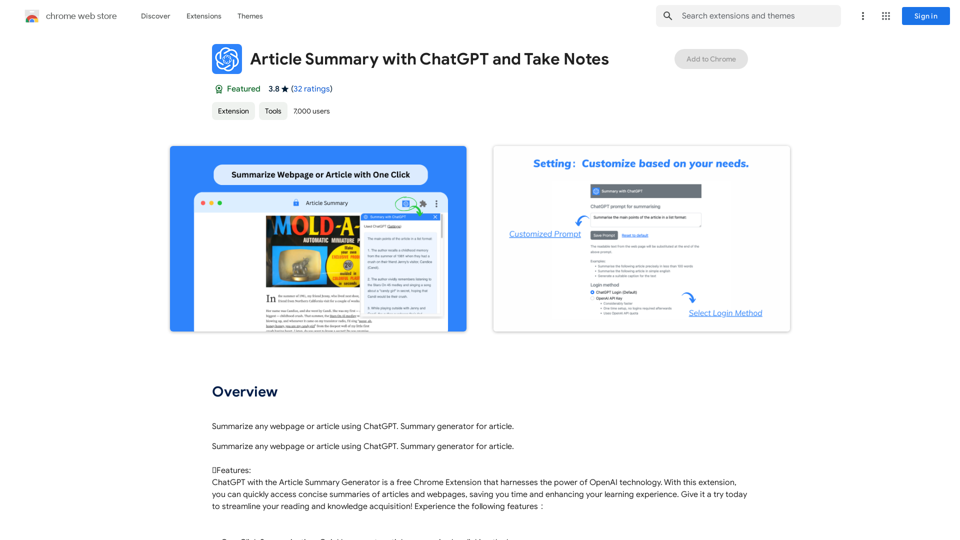
Article Summary with ChatGPT and Take Notes This is a guide on how to use ChatGPT to summarize articles and take notes effectively. Step 1: Provide ChatGPT with the Article Copy and paste the full text of the article into the ChatGPT interface. Step 2: Craft Your Prompt Tell ChatGPT what you want it to do. Here are some examples: * Summarize: "Please summarize this article in 200 words." * Key Points: "What are the main points of this article?" * Bullet Points: "Summarize the key findings of this article in bullet points." * Notes: "Take notes on this article, focusing on the author's arguments and supporting evidence." Step 3: Review and Refine ChatGPT will generate a summary, key points, bullet points, or notes based on your prompt. * Read carefully: Make sure the output accurately reflects the article's content. * Edit as needed: You can ask ChatGPT to rephrase sections or provide more detail. * Add your own insights: Don't just copy ChatGPT's output. Use it as a starting point and add your own thoughts, questions, and connections. Tips for Effective Use: * Be specific: The more specific your prompt, the better the output will be. * Experiment with different prompts: Try various phrasing to see what works best. * Use ChatGPT as a tool: It's a powerful aid, but it's not a replacement for critical reading and thinking.I can do that! Please provide me with the URL of the webpage or article you'd like me to summarize. I'll do my best to create a concise and easy-to-understand summary for you.
193.90 M
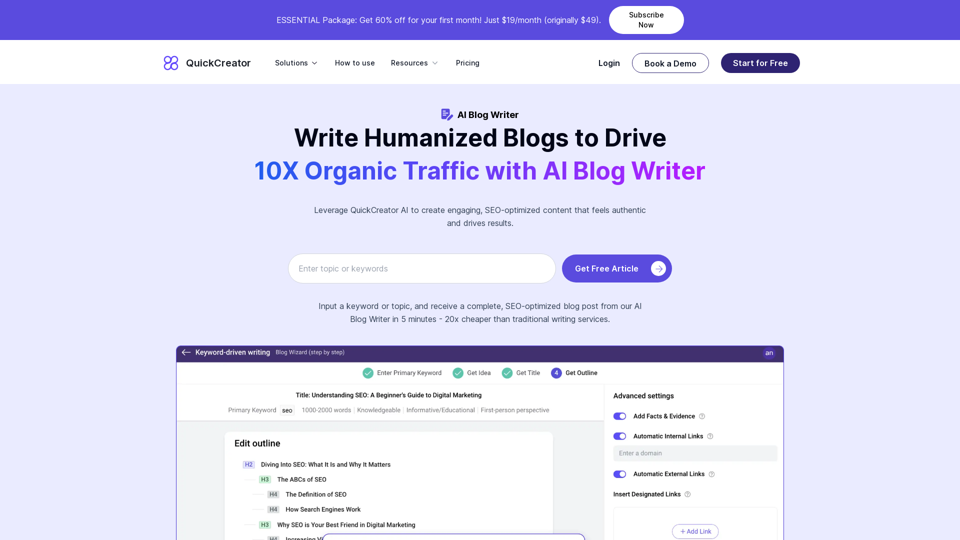
AI Blog Writer - Create Humanized, SEO-Optimized Blogs | QuickCreator
AI Blog Writer - Create Humanized, SEO-Optimized Blogs | QuickCreatorElevate your content with AI Blog Writer by QuickCreator. Generate engaging, human-like blog posts using real-time data and verified citations. Try it for Free.
97.34 K
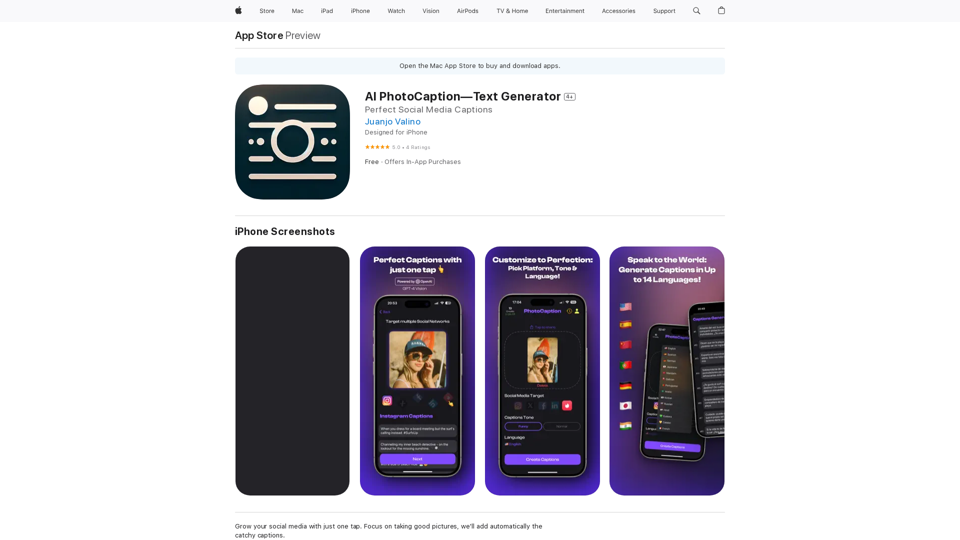
AI Photo Caption - Text Generator on the App Store
AI Photo Caption - Text Generator on the App StoreWelcome to PhotoCaption AI – where your photos speak a thousand words in multiple languages! Do you often find yourself struggling to come up with the perfect caption for your amazing photos?
654.73 K
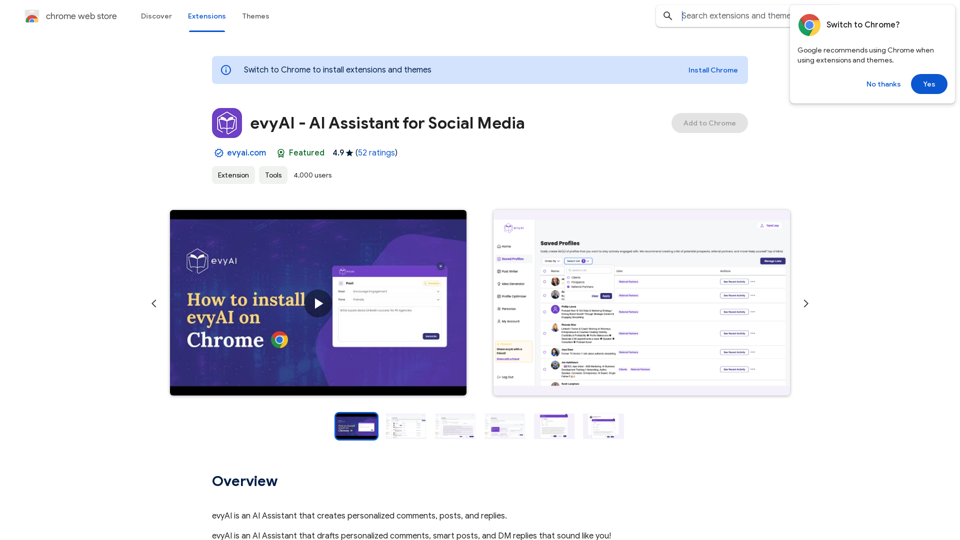
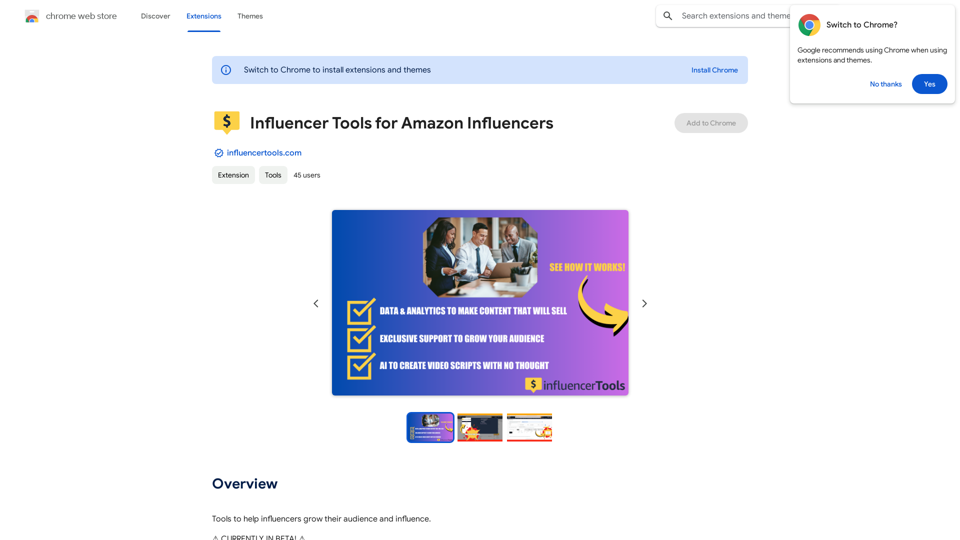
Influencer Tools for Amazon Influencers This guide explores essential tools to help Amazon influencers succeed. 1. Content Creation Tools: * Canva: Design eye-catching graphics, videos, and social media posts. * Lumen5: Create engaging videos from blog posts or scripts. * InShot: Edit and enhance videos for mobile devices. 2. Product Research Tools: * Jungle Scout: Analyze product trends, competition, and sales data. * Helium 10: Discover profitable products, track keywords, and optimize listings. * Viral Launch: Identify trending products and conduct market research. 3. Social Media Management Tools: * Buffer: Schedule and manage social media posts across multiple platforms. * Hootsuite: Monitor brand mentions, engage with followers, and track social media performance. * Later: Plan and visualize Instagram content. 4. Analytics and Tracking Tools: * Amazon Influencer Program Dashboard: Track your performance, earnings, and audience engagement. * Google Analytics: Monitor website traffic and user behavior. * UTM Parameters: Track the effectiveness of your marketing campaigns. 5. Email Marketing Tools: * Mailchimp: Create and send email newsletters to your subscribers. * ConvertKit: Build an email list and automate your marketing workflows. * Klaviyo: Segment your audience and personalize email campaigns.
Influencer Tools for Amazon Influencers This guide explores essential tools to help Amazon influencers succeed. 1. Content Creation Tools: * Canva: Design eye-catching graphics, videos, and social media posts. * Lumen5: Create engaging videos from blog posts or scripts. * InShot: Edit and enhance videos for mobile devices. 2. Product Research Tools: * Jungle Scout: Analyze product trends, competition, and sales data. * Helium 10: Discover profitable products, track keywords, and optimize listings. * Viral Launch: Identify trending products and conduct market research. 3. Social Media Management Tools: * Buffer: Schedule and manage social media posts across multiple platforms. * Hootsuite: Monitor brand mentions, engage with followers, and track social media performance. * Later: Plan and visualize Instagram content. 4. Analytics and Tracking Tools: * Amazon Influencer Program Dashboard: Track your performance, earnings, and audience engagement. * Google Analytics: Monitor website traffic and user behavior. * UTM Parameters: Track the effectiveness of your marketing campaigns. 5. Email Marketing Tools: * Mailchimp: Create and send email newsletters to your subscribers. * ConvertKit: Build an email list and automate your marketing workflows. * Klaviyo: Segment your audience and personalize email campaigns.Tools to help influencers grow their audience and influence.
193.90 M

Life is tiring, but the future "will be better" - Pokkoa AI x I Ching Insight Discovery
Life is tiring, but the future "will be better" - Pokkoa AI x I Ching Insight DiscoveryUnleash the Power of AI I Ching for Insight Discovery and Detailed Guidance
0