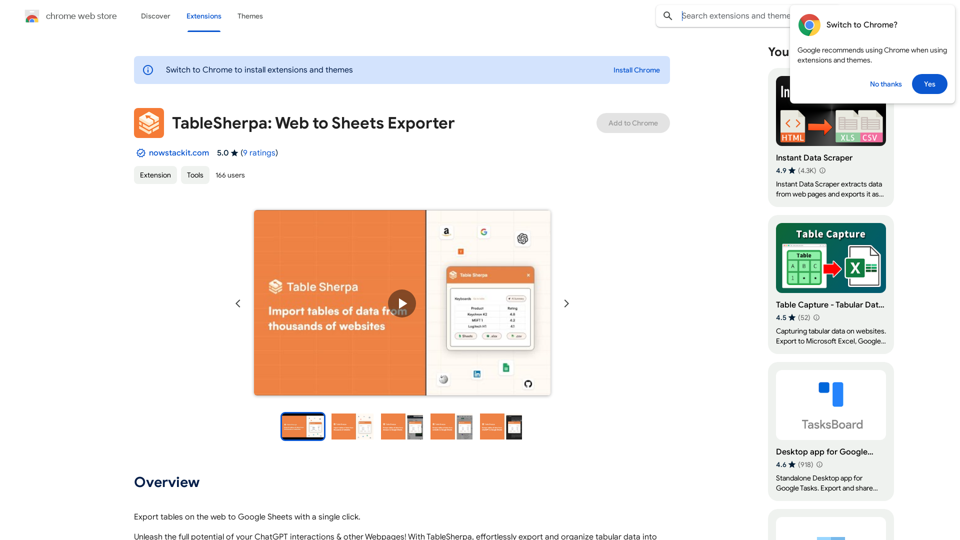
Web Assistant - ChatGPT everywhere is an innovative AI-powered browser extension that seamlessly integrates ChatGPT's capabilities into your web browsing experience. This tool transforms how users interact with online content by providing AI assistance for tasks such as summarizing text, writing support, and extracting important information from conversations. Available across various platforms and websites, it offers a convenient right-click activation feature, making AI assistance accessible throughout your online activities.
Web Assistant - ChatGPT Everywhere
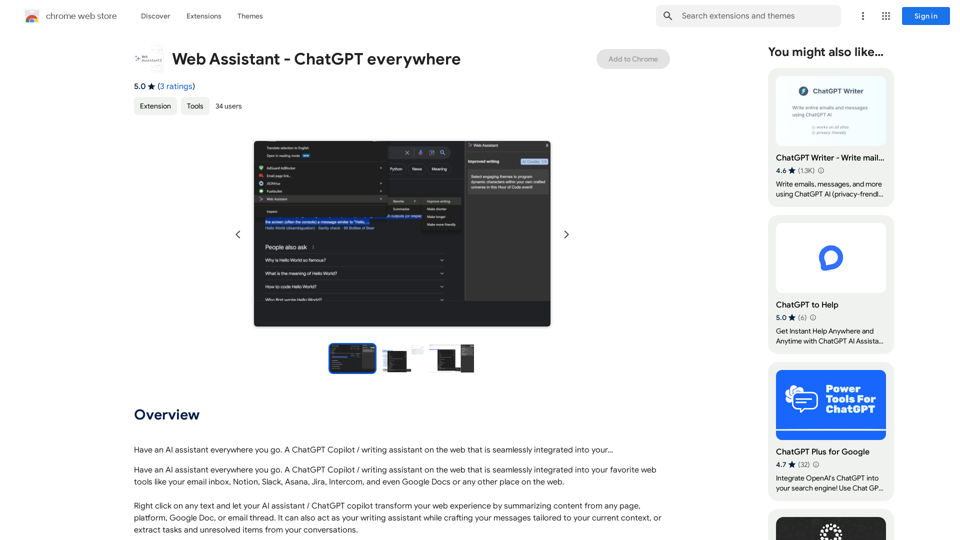
Have an AI assistant everywhere you go. A ChatGPT Copilot / writing assistant on the web that is seamlessly integrated into your...
Introduction
Feature
AI Assistant Accessibility
- Available on numerous platforms (email, Notion, Slack, Asana, Jira, Intercom, Google Docs)
- Seamless integration with web browsing experience
- Accessible anywhere on the web
Easy Activation
- Right-click activation on any text
- Drawer appears from the right side of the screen
- Brings AI/ChatGPT capabilities directly to the user
Versatile AI Capabilities
- Content summarization
- Writing assistance
- Task and unresolved item extraction from conversations
- Generative AI to simplify tasks and enhance capabilities
User-Friendly Installation and Use
- Simple installation from Chrome Web Store
- Customizable settings for personalized experience
- Free extension with unlimited access to AI features
FAQ
How does Web Assistant - ChatGPT everywhere function?
Web Assistant integrates ChatGPT's AI capabilities directly into your web browsing experience, allowing you to access AI-powered features anywhere online through a simple right-click activation.
Is there a cost associated with using Web Assistant - ChatGPT everywhere?
No, Web Assistant - ChatGPT everywhere is a free extension that provides unlimited access to its AI-powered features at no cost to the user.
What is the process for activating the Web Assistant?
To activate the Web Assistant, simply right-click on any text while browsing. This action will prompt a drawer to appear from the right side of your screen, giving you immediate access to the AI assistant's capabilities.
Related Websites
Explore 73,530 free non-fiction book summaries with audio. 12 key takeaways in 10 minutes each. 10x more books than any other site. Every imaginable topic.
1.14 M
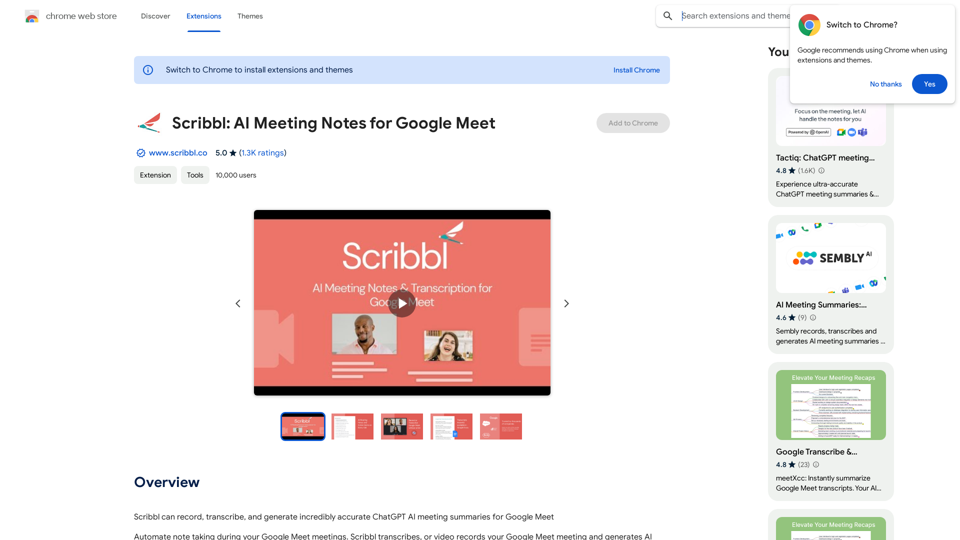
Scribbl can record, transcribe, and generate extremely accurate ChatGPT AI meeting summaries for Google Meet.
193.90 M
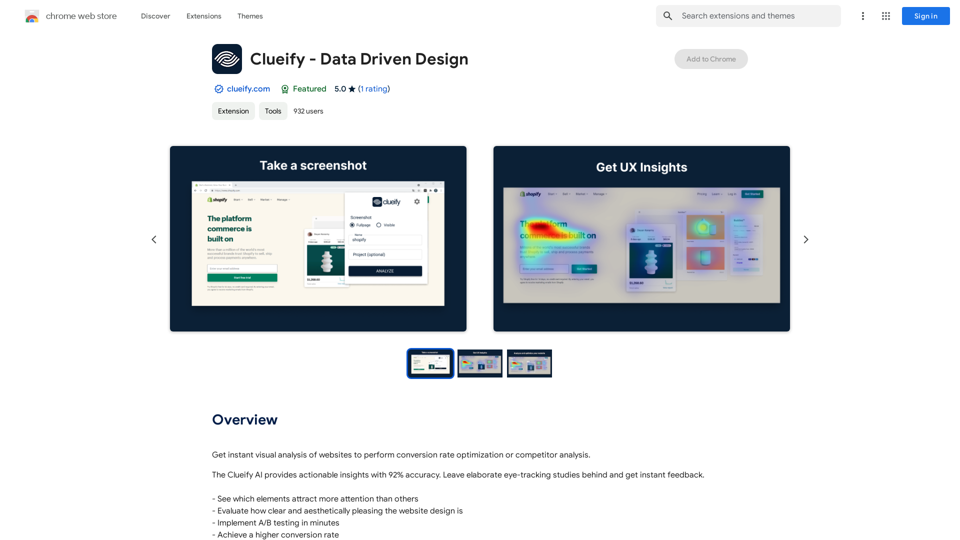
Get instant visual analysis of websites to perform conversion rate optimization or competitor analysis.
193.90 M
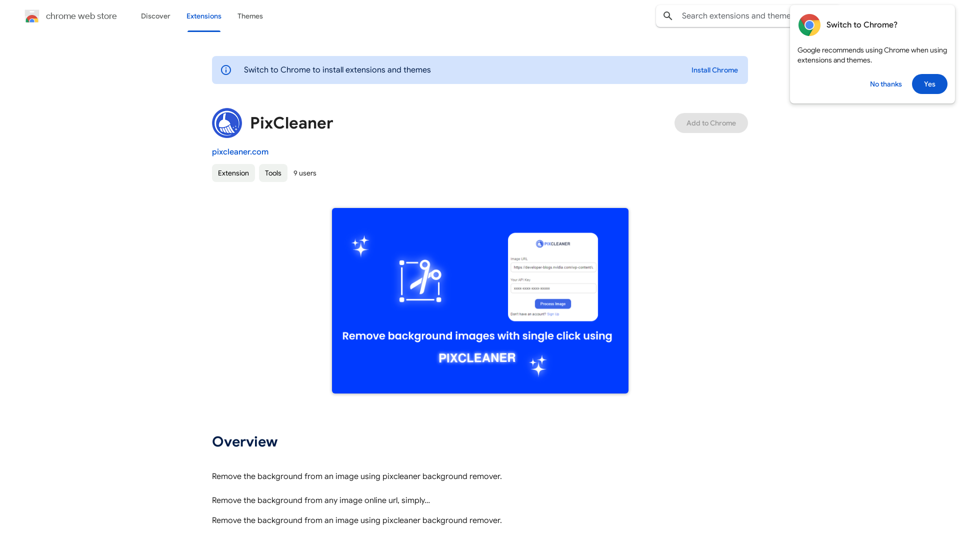
Remove the background from an image using pixcleaner background remover. Remove the background from any image online URL, simply...
193.90 M
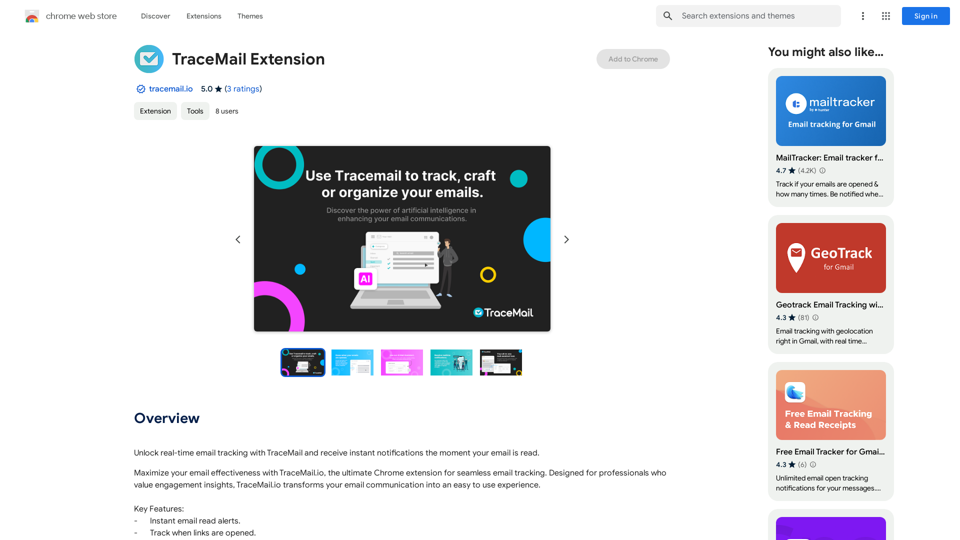
Track your emails in real-time with TraceMail and get instant notifications when someone opens them.
193.90 M
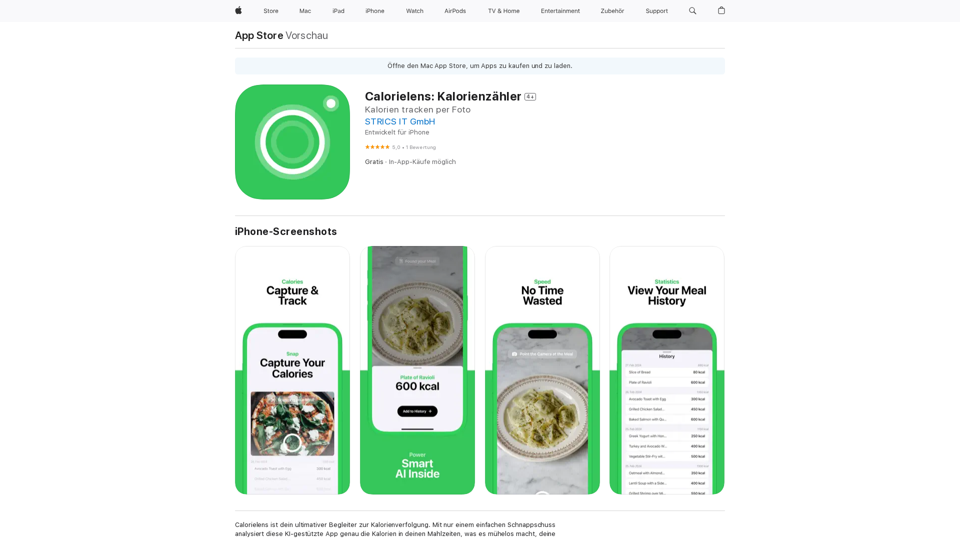
CalorieLens is your ultimate companion for calorie tracking. With just a simple snapshot, this AI-powered app accurately analyzes the calories in…
124.77 M