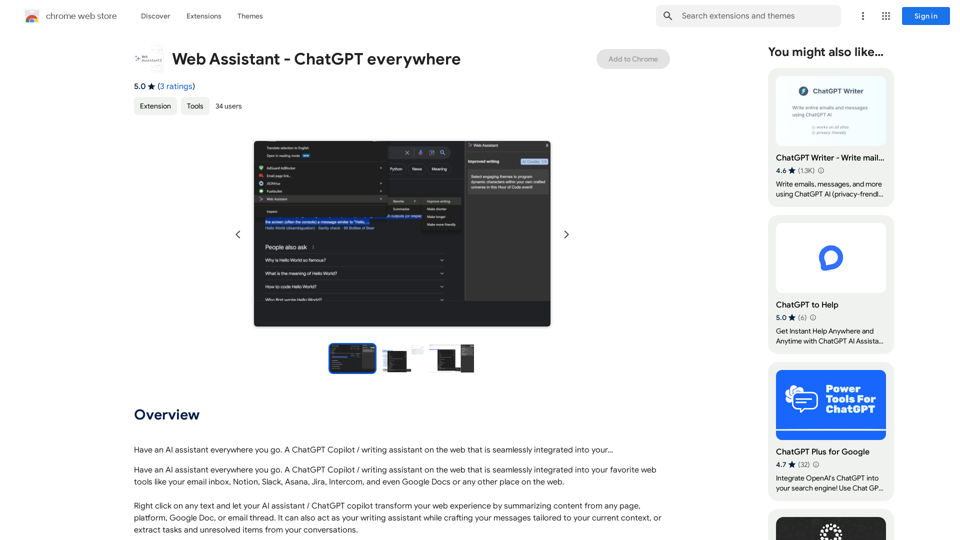
Web Assistant - ChatGPT everywhere is an innovative AI-powered browser extension that seamlessly integrates ChatGPT's capabilities into your web browsing experience. This tool transforms how users interact with online content by providing AI assistance for tasks such as summarizing text, writing support, and extracting important information from conversations. Available across various platforms and websites, it offers a convenient right-click activation feature, making AI assistance accessible throughout your online activities.
Web Assistant - ChatGPT Everywhere
Have an AI assistant everywhere you go. A ChatGPT Copilot / writing assistant on the web that is seamlessly integrated into your...
Introduction
Feature
AI Assistant Accessibility
- Available on numerous platforms (email, Notion, Slack, Asana, Jira, Intercom, Google Docs)
- Seamless integration with web browsing experience
- Accessible anywhere on the web
Easy Activation
- Right-click activation on any text
- Drawer appears from the right side of the screen
- Brings AI/ChatGPT capabilities directly to the user
Versatile AI Capabilities
- Content summarization
- Writing assistance
- Task and unresolved item extraction from conversations
- Generative AI to simplify tasks and enhance capabilities
User-Friendly Installation and Use
- Simple installation from Chrome Web Store
- Customizable settings for personalized experience
- Free extension with unlimited access to AI features
FAQ
How does Web Assistant - ChatGPT everywhere function?
Web Assistant integrates ChatGPT's AI capabilities directly into your web browsing experience, allowing you to access AI-powered features anywhere online through a simple right-click activation.
Is there a cost associated with using Web Assistant - ChatGPT everywhere?
No, Web Assistant - ChatGPT everywhere is a free extension that provides unlimited access to its AI-powered features at no cost to the user.
What is the process for activating the Web Assistant?
To activate the Web Assistant, simply right-click on any text while browsing. This action will prompt a drawer to appear from the right side of your screen, giving you immediate access to the AI assistant's capabilities.
Related Websites
TextFlip: ChatGPT Rewriter, AI Humanizer, Chat PDF and Summarizer
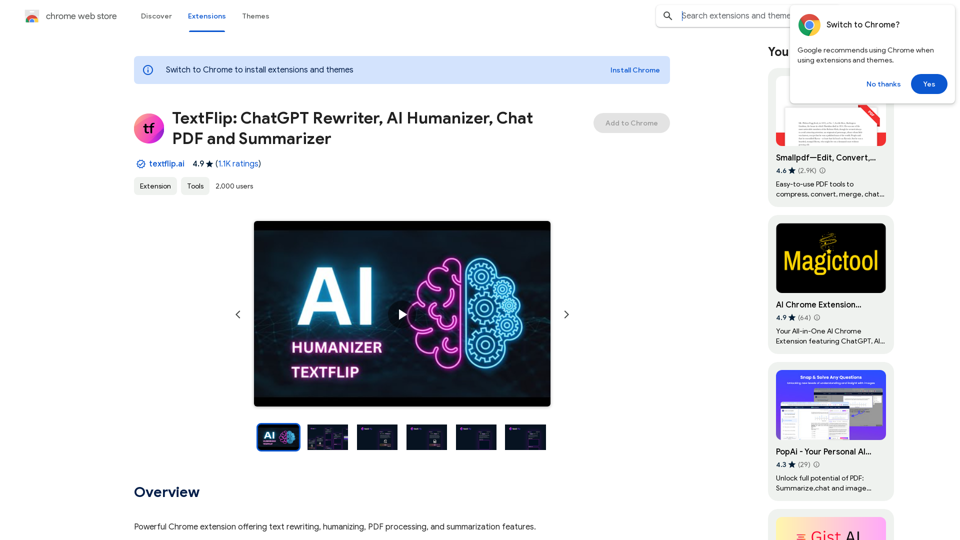
TextFlip: ChatGPT Rewriter, AI Humanizer, Chat PDF and SummarizerPowerful Chrome extension offering text rewriting, making it sound more natural, PDF processing, and summarization features.
193.90 M
ChatShelf - Save ChatGPT to Notion ChatShelf is a tool that lets you save your ChatGPT conversations directly into Notion. It's a simple way to keep track of your AI interactions and use them later. Just copy the link to your ChatGPT conversation and paste it into ChatShelf. It will then extract the conversation and create a Notion page for you.
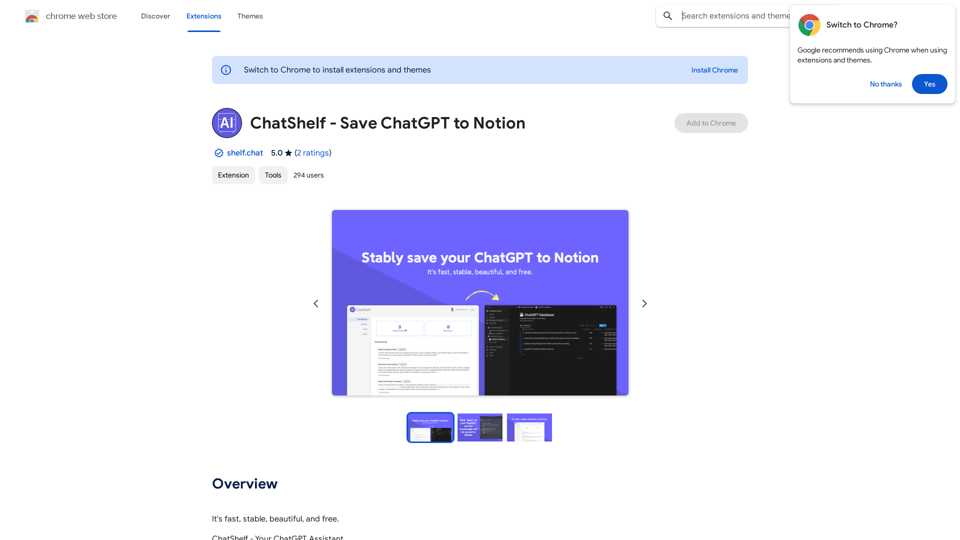
ChatShelf - Save ChatGPT to Notion ChatShelf is a tool that lets you save your ChatGPT conversations directly into Notion. It's a simple way to keep track of your AI interactions and use them later. Just copy the link to your ChatGPT conversation and paste it into ChatShelf. It will then extract the conversation and create a Notion page for you.It's fast, stable, beautiful, and free.
193.90 M
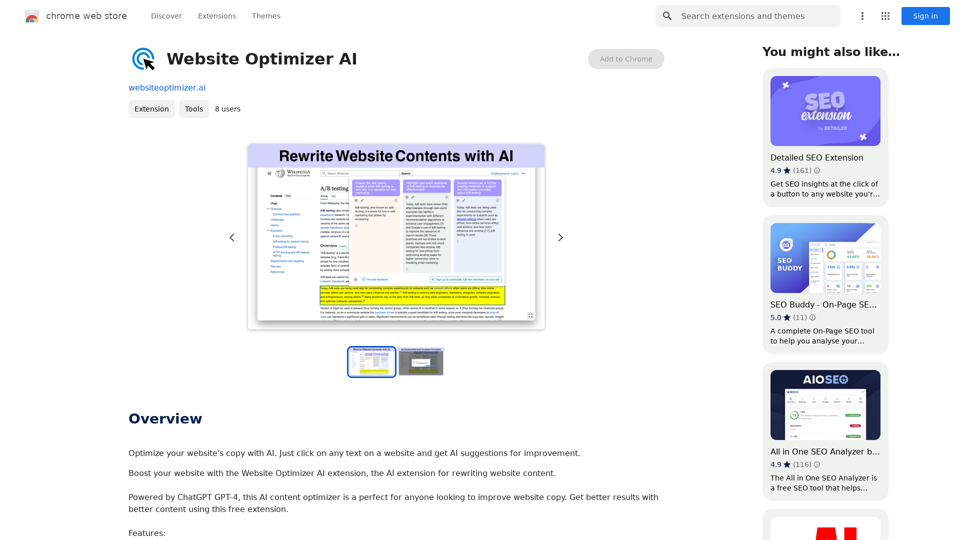
Improve your website's text with AI. Simply click on any text on a website and receive AI-powered suggestions for making it better.
193.90 M

With just one URL link, you can quickly generate videos in multiple styles using AI. It supports secondary editing and ensures controllable results.
193.90 M

CleanerPro, our AI-powered image editor, transforms e-commerce visuals by enabling effortless removal of logos, text, and unwanted elements with just one click.
0
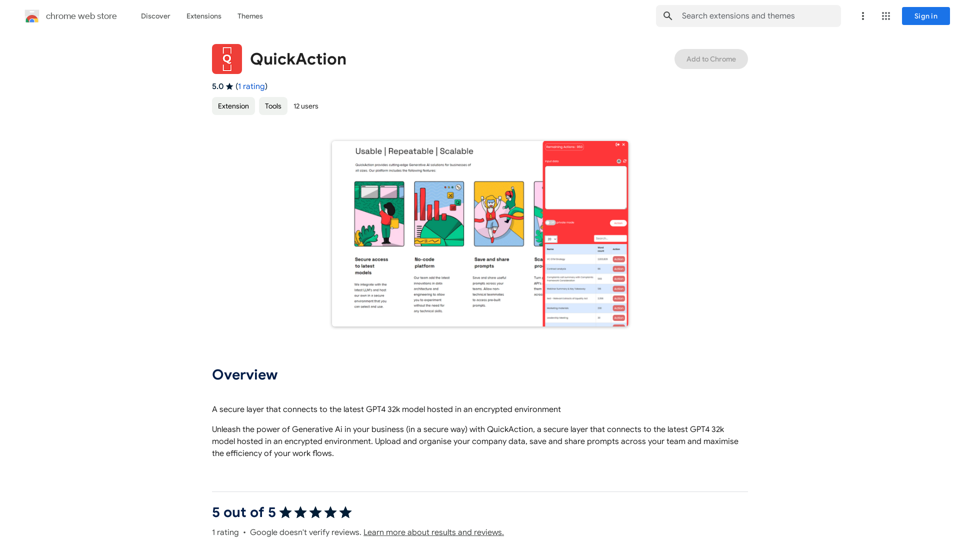
A secure layer connecting to the latest GPT-4 32k model hosted in an encrypted environment.
193.90 M
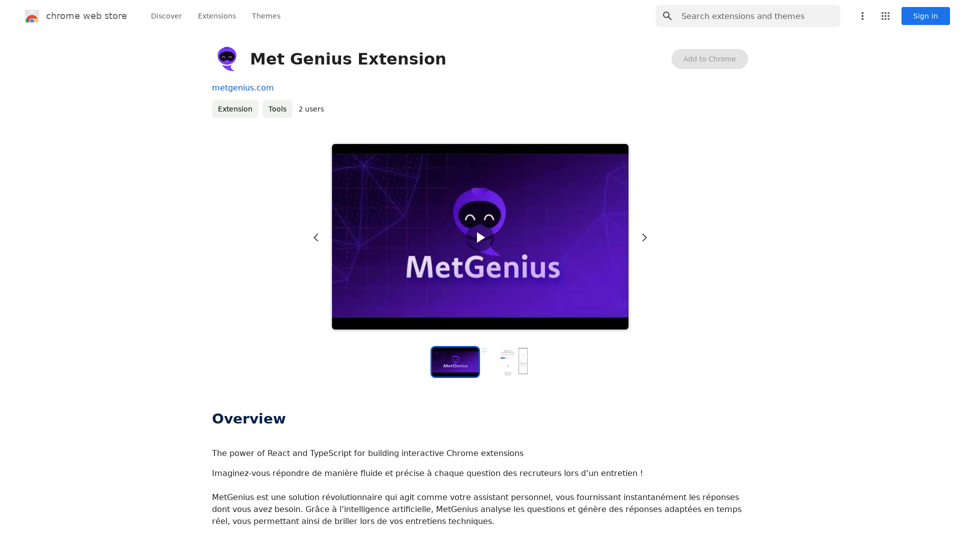
The Power of React and TypeScript for Building Interactive Chrome Extensions React and TypeScript are a powerful combination for developing engaging and robust Chrome extensions. Here's why: * React's Component-Based Architecture: React's component-based approach makes building complex UIs for your extensions manageable and reusable. * TypeScript's Static Typing: TypeScript's type system catches errors early in development, leading to more reliable and maintainable code. * Improved Developer Experience: Both React and TypeScript offer excellent tooling and a strong community, making development smoother and more enjoyable. By leveraging these technologies, you can create Chrome extensions that are: * Interactive and User-Friendly: React's declarative style and virtual DOM enable smooth and responsive user interfaces. * Scalable and Maintainable: TypeScript's type safety and React's component structure promote code organization and extensibility. * Bug-Free and Reliable: TypeScript's static typing helps prevent runtime errors, resulting in more robust extensions. Let's explore how to harness the power of React and TypeScript to build your next amazing Chrome extension!
193.90 M