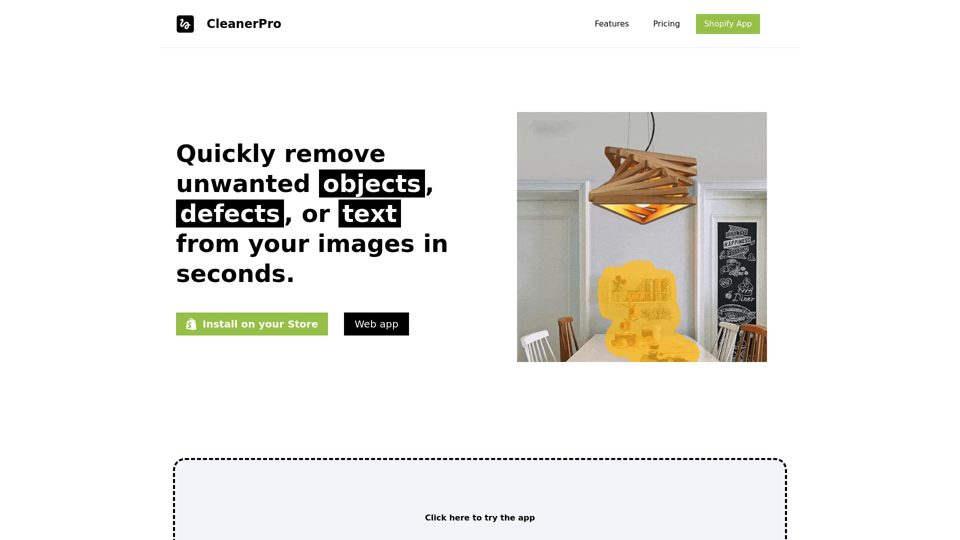
CleanerPro is an AI-powered image editor tailored for Shopify stores. It enables users to swiftly remove unwanted objects, defects, or text from images within seconds. This tool is designed to enhance e-commerce visuals, offering a range of features to create clean, professional-looking images for marketing, websites, and social media.
CleanerPro - The Best Image Editor for Shopify
CleanerPro, our AI-powered image editor, transforms e-commerce visuals by enabling effortless removal of logos, text, and unwanted elements with just one click.
Introduction
Feature
Draw to Remove Objects
- Upload an image and use a pencil tool to remove unwanted elements
- AI instantly delivers a clean, flawless image with one click
- Remove text, logos, people, defects, or any undesired objects
Remove Background
- Easily eliminate backgrounds for a clean, professional look
- Simple and fast process using AI technology
- Ideal for marketing, websites, and social media
Upscale Images Resolution
- Enhance image clarity and detail with higher resolution
- Create stunning, professional-looking photos
- Perfect for various digital marketing purposes
Compress Images Weight
- Reduce file sizes without compromising quality
- Improve website loading speed and performance
- Maintain image sharpness while optimizing for quicker loading
Flexible Pricing Plans
| Plan | Price | Features |
|---|---|---|
| Starter | $5/month | 100 images/month, Draw to remove objects, Compress images |
| Pro | $10/month | 250 images/month, All Starter features + Remove background, Upscale images resolution |
| Company | $15/month | 500 images/month, All Pro features |
Easy Integration
- Install the Shopify app
- Choose a suitable plan
- Start editing images with AI-powered features
FAQ
Will my information be used for your training data?
No, CleanerPro highly values user privacy, and your data will not be used for any training purposes.
Can I cancel my subscription?
Yes, you can cancel your subscription at any time, and all your data will be removed as well.
How do I get started with CleanerPro?
Simply install the Shopify app, choose a plan that suits your needs, and start editing your images with AI-powered features.
Related Websites
The Power of React and TypeScript for Building Interactive Chrome Extensions React and TypeScript are a powerful combination for developing engaging and robust Chrome extensions. Here's why: * React's Component-Based Architecture: React's component-based approach makes building complex UIs for your extensions manageable and reusable. * TypeScript's Static Typing: TypeScript's type system catches errors early in development, leading to more reliable and maintainable code. * Improved Developer Experience: Both React and TypeScript offer excellent tooling and a strong community, making development smoother and more enjoyable. By leveraging these technologies, you can create Chrome extensions that are: * Interactive and User-Friendly: React's declarative style and virtual DOM enable smooth and responsive user interfaces. * Scalable and Maintainable: TypeScript's type safety and React's component structure promote code organization and extensibility. * Bug-Free and Reliable: TypeScript's static typing helps prevent runtime errors, resulting in more robust extensions. Let's explore how to harness the power of React and TypeScript to build your next amazing Chrome extension!
193.90 M
Converting JPG Images to Text Converting a JPG image to text is a process known as Optical Character Recognition (OCR). This technology enables you to extract text from images, scanned documents, and photos. Here's how to do it: Method 1: Online OCR Tools You can use online OCR tools to convert JPG images to text. Here are the steps: 1. Upload your JPG image: Go to an online OCR tool website, such as Online OCR Tools or OCR.space, and upload your JPG image. 2. Select the language: Choose the language of the text in your image. 3. Click on "Convert": The tool will convert the image to text. 4. Download the text: You can download the extracted text as a Word document, PDF, or plain text file. Method 2: Google Drive You can also use Google Drive to convert JPG images to text. Here's how: 1. Upload your JPG image: Upload your JPG image to Google Drive. 2. Right-click on the image: Right-click on the uploaded image and select "Open with" > "Google Docs". 3. The image will be converted: Google Docs will automatically convert the image to text. 4. Edit and download: You can edit the extracted text and download it as a Word document or PDF. Method 3: Adobe Acrobat If you have Adobe Acrobat installed on your computer, you can use it to convert JPG images to text. Here's how: 1. Open Adobe Acrobat: Open Adobe Acrobat on your computer. 2. Create a new document: Create a new document and click on "Tools" > "Recognize Text". 3. Select the image: Select the JPG image you want to convert. 4. Click on "Recognize": Adobe Acrobat will convert the image to text. 5. Edit and save: You can edit the extracted text and save it as a Word document or PDF. These are the three methods to convert JPG images to text. Choose the method that works best for you!
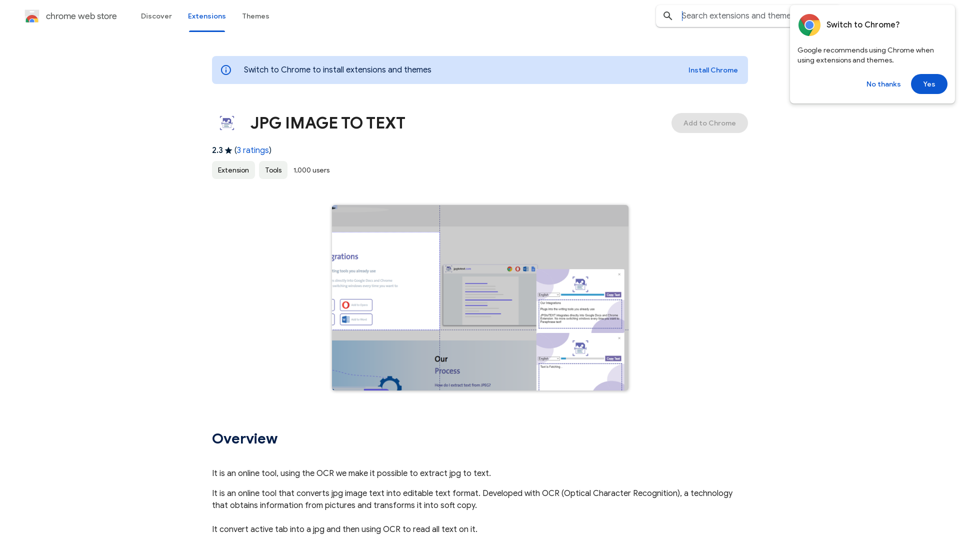
Converting JPG Images to Text Converting a JPG image to text is a process known as Optical Character Recognition (OCR). This technology enables you to extract text from images, scanned documents, and photos. Here's how to do it: Method 1: Online OCR Tools You can use online OCR tools to convert JPG images to text. Here are the steps: 1. Upload your JPG image: Go to an online OCR tool website, such as Online OCR Tools or OCR.space, and upload your JPG image. 2. Select the language: Choose the language of the text in your image. 3. Click on "Convert": The tool will convert the image to text. 4. Download the text: You can download the extracted text as a Word document, PDF, or plain text file. Method 2: Google Drive You can also use Google Drive to convert JPG images to text. Here's how: 1. Upload your JPG image: Upload your JPG image to Google Drive. 2. Right-click on the image: Right-click on the uploaded image and select "Open with" > "Google Docs". 3. The image will be converted: Google Docs will automatically convert the image to text. 4. Edit and download: You can edit the extracted text and download it as a Word document or PDF. Method 3: Adobe Acrobat If you have Adobe Acrobat installed on your computer, you can use it to convert JPG images to text. Here's how: 1. Open Adobe Acrobat: Open Adobe Acrobat on your computer. 2. Create a new document: Create a new document and click on "Tools" > "Recognize Text". 3. Select the image: Select the JPG image you want to convert. 4. Click on "Recognize": Adobe Acrobat will convert the image to text. 5. Edit and save: You can edit the extracted text and save it as a Word document or PDF. These are the three methods to convert JPG images to text. Choose the method that works best for you!It is an online tool that uses Optical Character Recognition (OCR) to make it possible to extract text from images in JPG format.
193.90 M
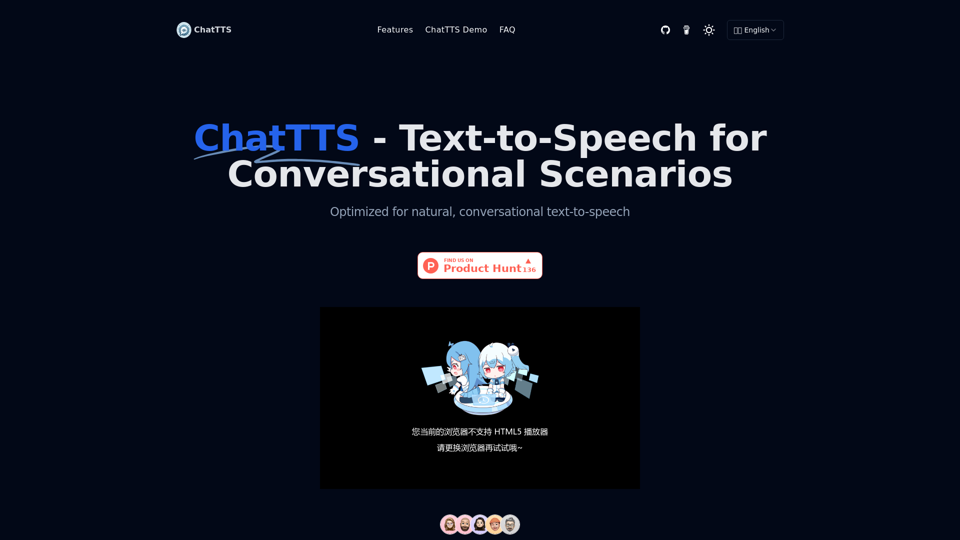
ChatTTS is a voice generation model on GitHub at 2noise/chattts. Chat TTS is specifically designed for conversational scenarios. It is ideal for applications such as dialogue tasks for large language model assistants, as well as conversational audio and video introductions. The model supports both Chinese and English, demonstrating high quality and naturalness in speech synthesis. This level of performance is achieved through training on approximately 100,000 hours of Chinese and English data. Additionally, the project team plans to open-source a basic model trained with 40,000 hours of data, which will aid the academic and developer communities in further research and development.
23.26 K

TurboLearn AI quickly makes complete notes, interactive flashcards, and custom quizzes from your lectures. Made to help you learn better and remember more, TurboLearn AI changes to fit your specific learning needs. Make the most of your study time today!
292.80 K
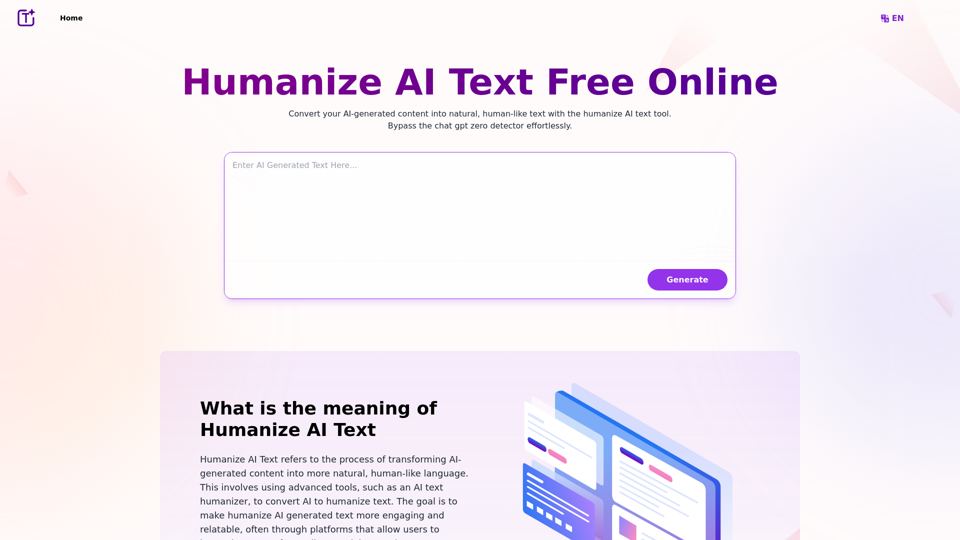
Experience the power of our AI text humanizer to convert AI text into human-like text effortlessly. Humanize AI text for free online to create engaging and undetectable content. Perfect for humanizing AI text from ChatGPT.
337.20 K
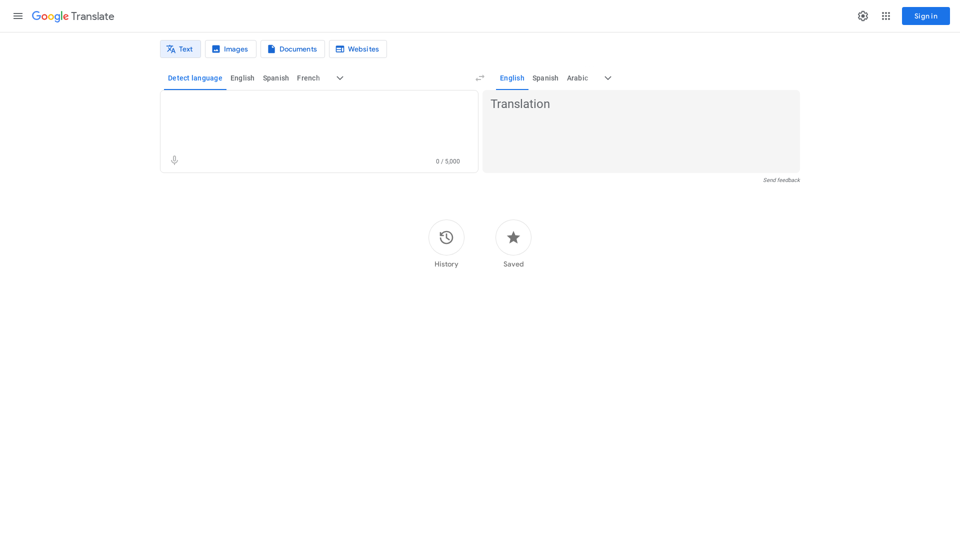
Google's service, provided at no cost, instantly translates words, phrases, and web pages between English and more than 100 other languages.
598.01 M
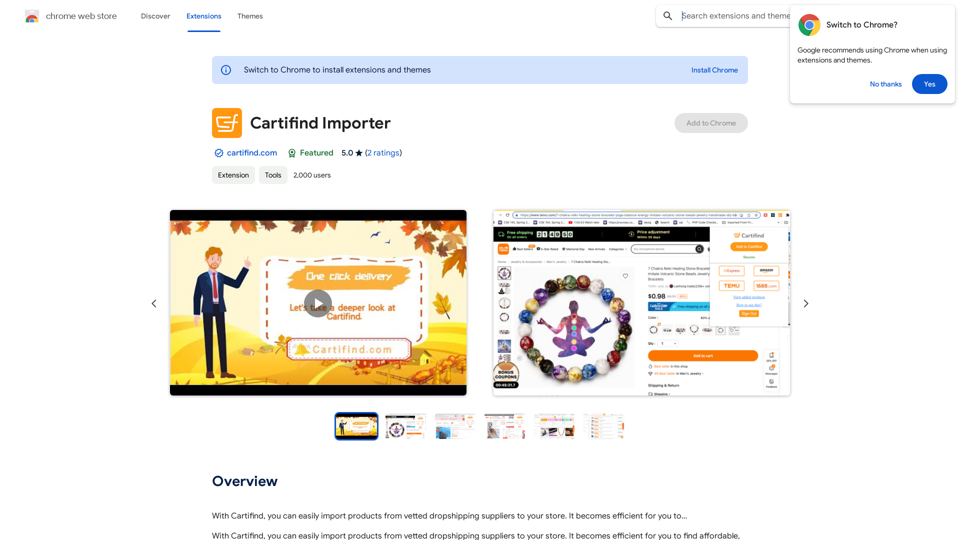
With Cartifind, you can easily import products from vetted dropshipping suppliers to your store. It becomes efficient for you to manage your product catalog, track inventory, and fulfill orders seamlessly.
193.90 M