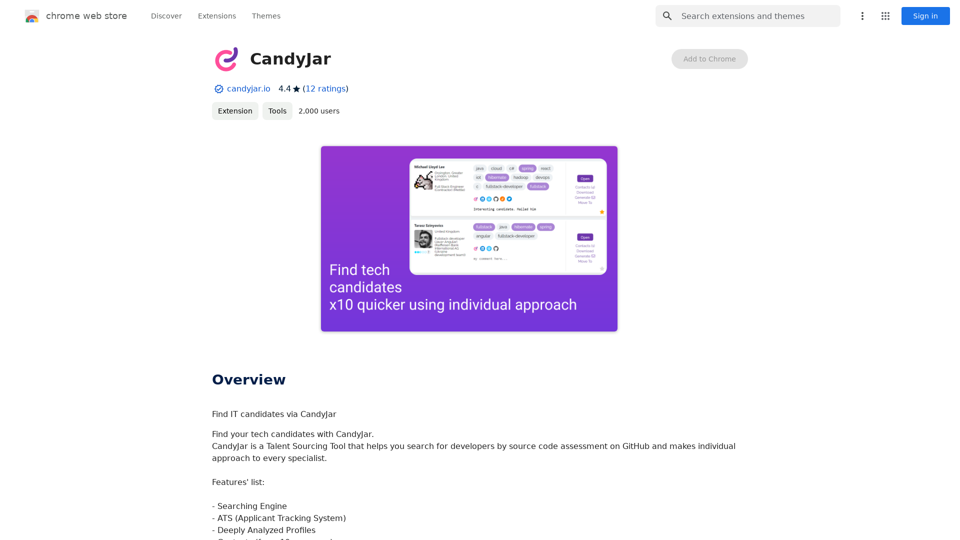
CandyJar is a comprehensive Talent Sourcing Tool designed to revolutionize the way companies find and recruit developers. By leveraging GitHub's source code assessment capabilities, CandyJar offers a unique approach to identifying and evaluating potential candidates. The platform provides a personalized experience for each specialist, ensuring a more efficient and effective recruitment process.
Candy Jar
Find IT candidates via CandyJar
Introduction
Feature
Powerful Searching Engine
CandyJar's advanced searching engine enables users to find the most suitable candidates for their projects with precision and ease.
Applicant Tracking System (ATS)
Streamline your recruitment process with an integrated ATS that helps manage and track candidates throughout the hiring journey.
In-depth Candidate Profiles
Access deeply analyzed profiles that provide comprehensive information about each candidate's skills, experience, and interests.
Extensive Contact Network
Tap into a vast network of contacts sourced from over 10 platforms, including GitHub and LinkedIn.
AI-powered Message Generator
Automate and personalize your outreach process with an intelligent message generator, crafting tailored communications for each candidate.
PDF CV Export
Easily export candidate profiles in PDF format for convenient sharing and reference.
Similar Candidate Recommendations
Receive suggestions for candidates with similar profiles based on your search criteria, saving time and expanding your talent pool.
Candidate Ranking System
Efficiently identify top candidates with a ranking system based on skills, experience, and project fit.
Gmail Integration
Seamlessly integrate CandyJar with your Gmail account to streamline candidate communication.
Technology Prompts
Receive assistance in identifying required technologies and skills for your project through helpful prompts.
FAQ
How can I start using CandyJar?
CandyJar offers free access to its searching engine and ATS features for all users. Subscribing to the platform unlocks additional benefits and extends access beyond free usage limits.
Is there a limit to the number of candidates available on CandyJar?
CandyJar boasts a growing network of over 2,000 candidates, providing a wide range of talent options for recruiters.
How does CandyJar protect user privacy?
CandyJar prioritizes user privacy and does not collect or use personal data. Users have the option to delete their accounts at any time, which removes all associated data.
When should I consider a CandyJar subscription?
If the free features do not meet your recruitment needs and you find yourself relying heavily on CandyJar's services, subscribing to their affordable products may be beneficial.
Can CandyJar help with understanding technical requirements?
Yes, CandyJar's prompts feature assists users in identifying and understanding the technologies and skills required for their projects.
Related Websites
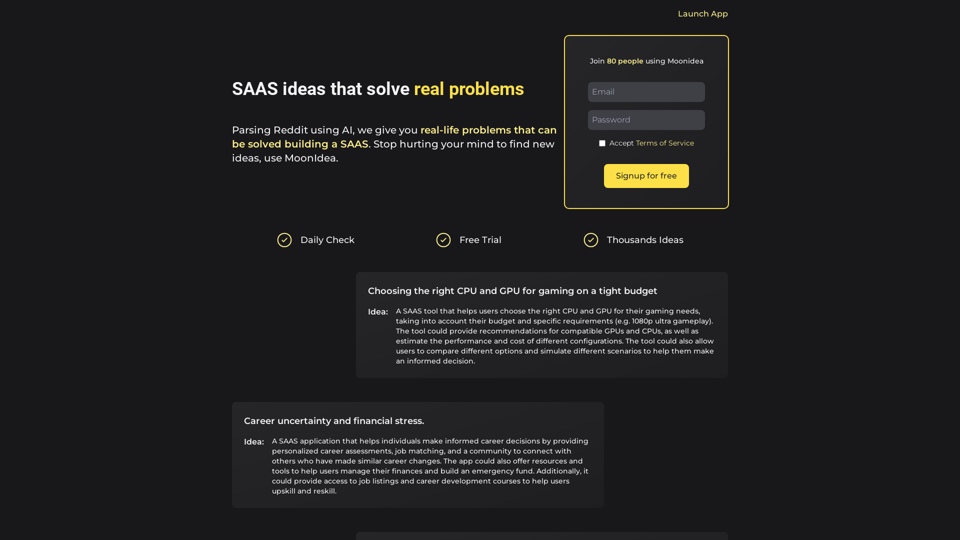
Moonidea AI-powered SaaS idea generation using Reddit threads.
Moonidea AI-powered SaaS idea generation using Reddit threads.Moonidea is an AI-powered software-as-a-service (SaaS) idea generation platform. It uses Reddit discussions to find real-world problems that could be solved by creating a new SaaS product.
0
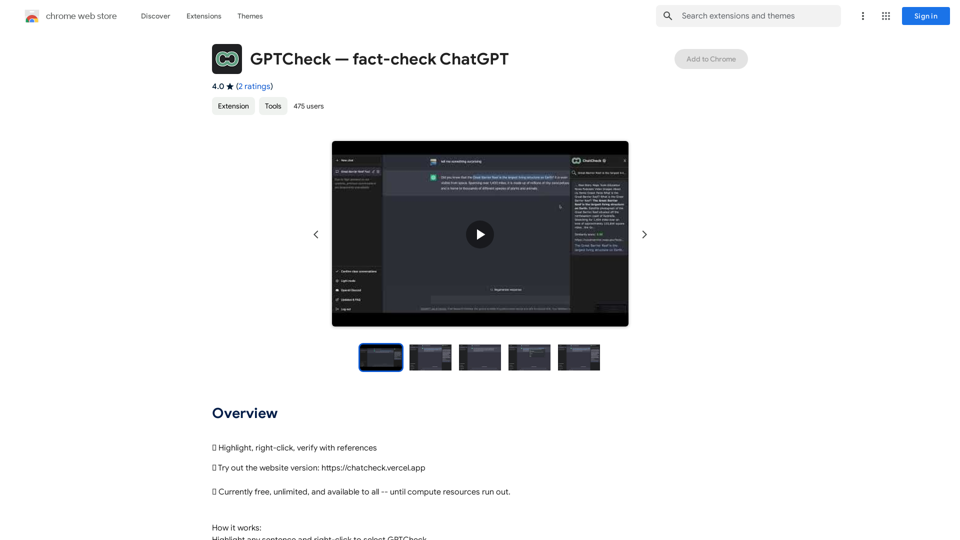
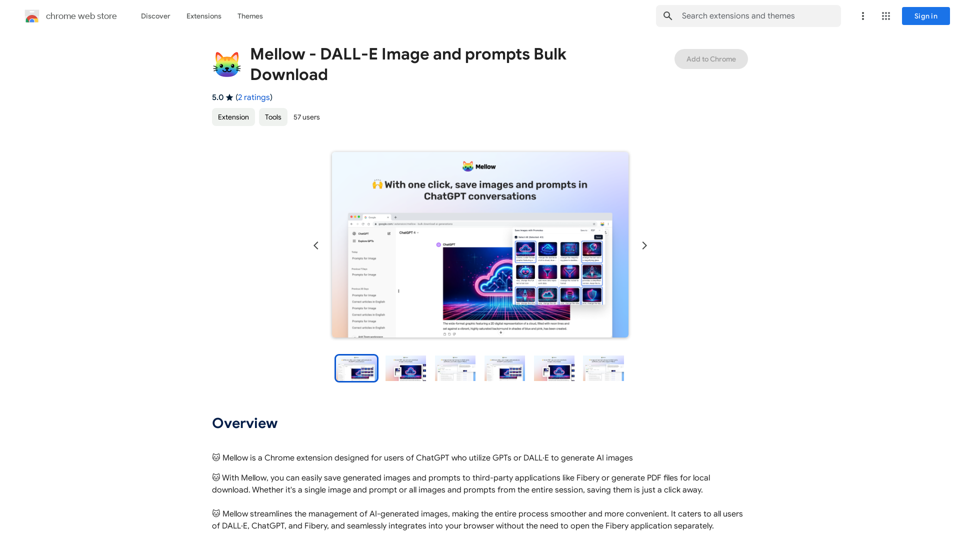
Mellow - DALL-E Image and Prompts Bulk Download This is a tool to download images and prompts from Mellow, a platform for creating and sharing DALL-E images.
Mellow - DALL-E Image and Prompts Bulk Download This is a tool to download images and prompts from Mellow, a platform for creating and sharing DALL-E images.🐱 Mellow is a Chrome extension designed for users of ChatGPT who use GPTs or DALL·E to create AI images.
193.90 M
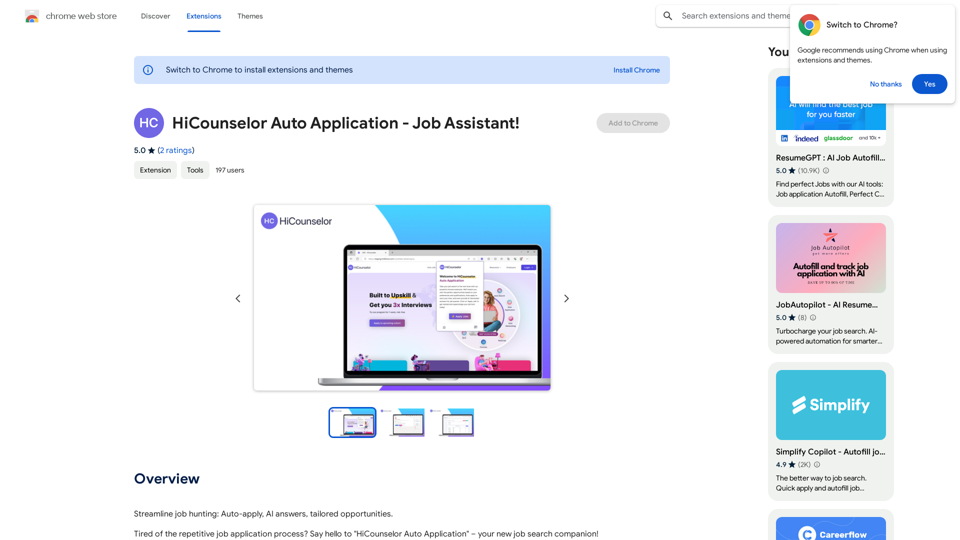
Find your dream job faster: Apply automatically, get AI-powered answers, and discover personalized opportunities.
193.90 M
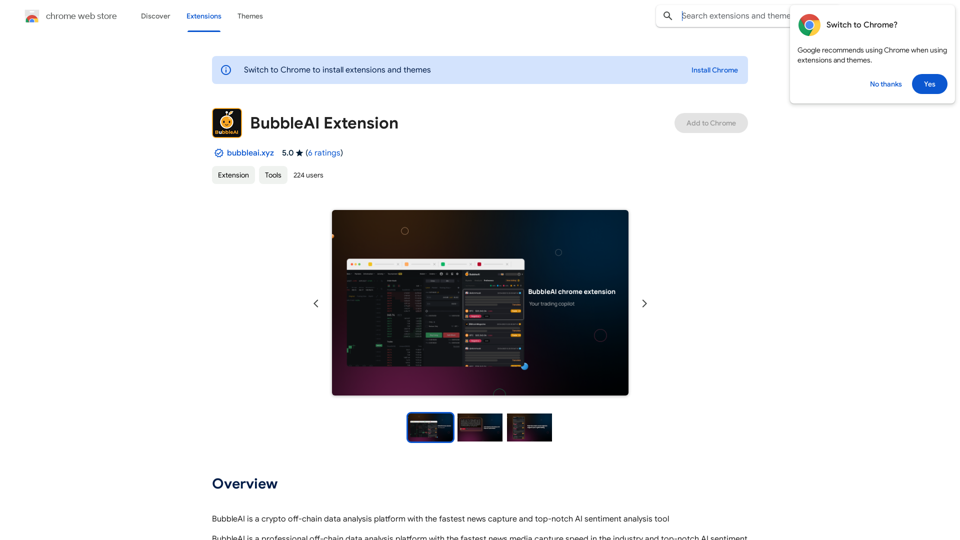
BubbleAI is a cryptocurrency off-chain data analysis platform with the fastest news capture and a top-notch AI sentiment analysis tool.
193.90 M
MyMap transforms your textual concepts into visual representations such as mind maps and presentations through a straightforward chat interface. It's perfect for students, educators, and professionals, requiring no design expertise. This tool saves you time by enabling effortless, collaborative visual creation.
1.04 M