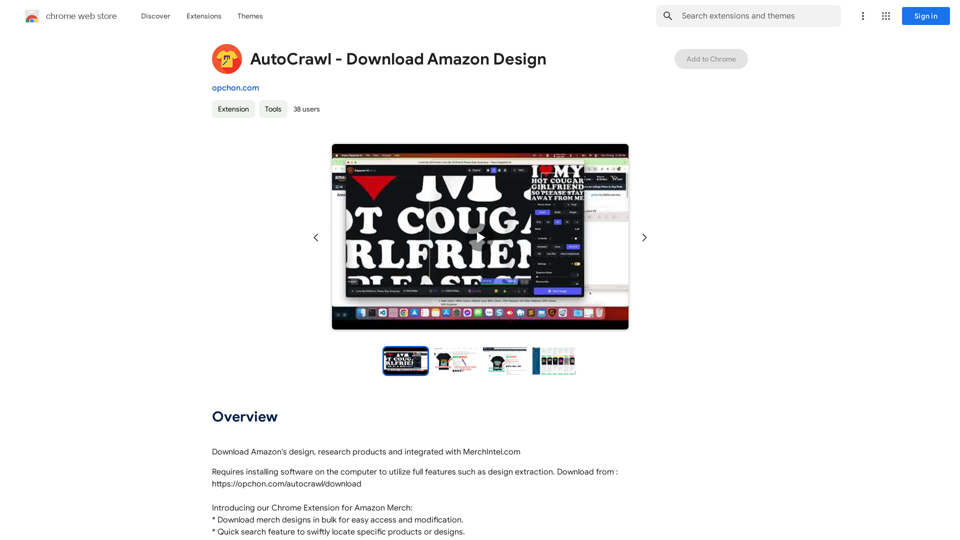
AutoCrawl is a Chrome extension designed to enhance the workflow and design process for Amazon Merch sellers. This powerful tool offers features such as bulk design downloads, quick search functionality, and market insights, all seamlessly integrated into the Amazon Merch seller dashboard. With its user-friendly interface and intuitive navigation, AutoCrawl aims to streamline operations and provide valuable data for sellers in the competitive Amazon Merch marketplace.
AutoCrawl - Download Amazon Designs This is a tool to help you download designs from Amazon product pages. Here's how it works: 1. Paste the Amazon product URL: Put the link to the Amazon product page you want to download designs from. 2. Select the design type: Choose the type of design you want to download (e.g., images, logos, patterns). 3. Click "Download": The tool will automatically extract and download the selected designs. Features: * Easy to use: Just paste the URL and click a button. * Multiple design types: Download images, logos, patterns, and more. * Fast and efficient: Quickly download multiple designs at once. Disclaimer: * Use this tool responsibly and ethically. * Respect copyright laws and only download designs for personal use.
Download Amazon's design templates, research products, and integrate them with MerchIntel.com.
Introduction
Feature
Bulk Design Downloads
AutoCrawl enables users to download multiple merch designs simultaneously, facilitating easy access and modification of designs.
Quick Search Functionality
The extension provides a swift search feature, allowing sellers to quickly locate specific products or designs within their inventory.
Market Insights
AutoCrawl offers the ability to count similar products on Amazon Merch, providing valuable market insights to inform selling strategies.
Seamless Dashboard Integration
The extension integrates smoothly with the Amazon Merch seller dashboard, ensuring a cohesive user experience.
User-Friendly Interface
AutoCrawl boasts an intuitive and easy-to-navigate interface, making it accessible for sellers of all experience levels.
BSR and Date Optimization
The extension moves the Best Sellers Rank (BSR) and Date First Available information closer to the price, improving at-a-glance product assessment.
FAQ
What is AutoCrawl?
AutoCrawl is a Chrome extension designed to assist Amazon Merch sellers in optimizing their workflow and design process. It offers features such as bulk design downloads, quick search functionality, and market insights.
How do I use AutoCrawl?
To use AutoCrawl, download and install the extension from the Chrome Web Store. Once installed, access its features by clicking on the extension icon in your Chrome toolbar.
Is AutoCrawl free?
Yes, AutoCrawl is a free Chrome extension. However, to utilize its full range of features, users need to install additional software on their computer.
Related Websites
AI Emoji Maker This is a fun tool that lets you create your own custom emojis using artificial intelligence! Just type in a description of the emoji you want, and our AI will generate some unique options for you to choose from. You can then customize your emoji further by adjusting its colors, size, and other features. Share your creations with friends and family, or use them to add a personal touch to your online conversations. Let your creativity flow and make some awesome emojis!
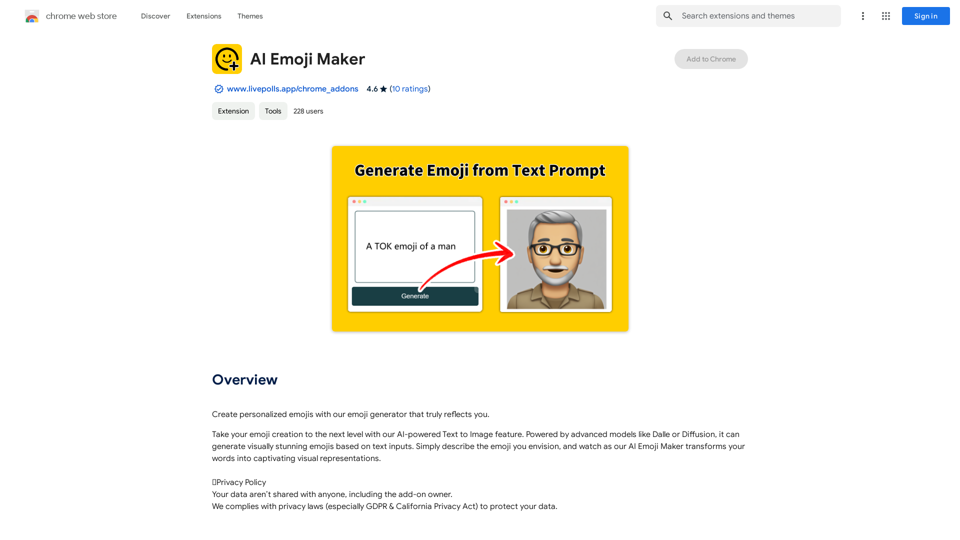
AI Emoji Maker This is a fun tool that lets you create your own custom emojis using artificial intelligence! Just type in a description of the emoji you want, and our AI will generate some unique options for you to choose from. You can then customize your emoji further by adjusting its colors, size, and other features. Share your creations with friends and family, or use them to add a personal touch to your online conversations. Let your creativity flow and make some awesome emojis!Make your own unique emojis with our emoji creator that shows off your personality!
193.90 M
ChatGPT Partner - Your Artificial Intelligence Assistant
ChatGPT Partner - Your Artificial Intelligence AssistantYour GPT-4 AI assistant. It can answer any complex questions and also help you find answers in search engines.
193.90 M
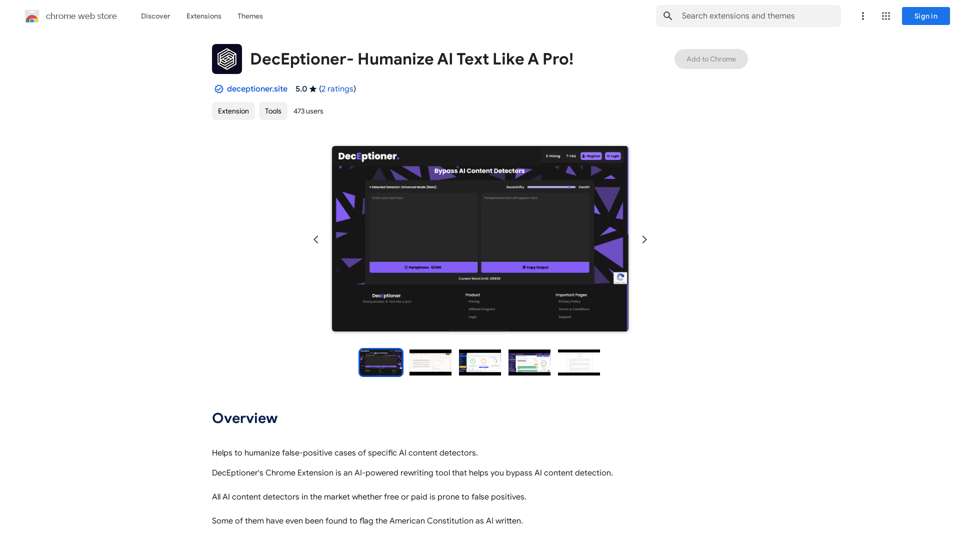
Helps to make false-positive cases of specific AI content detectors seem less like mistakes.
193.90 M
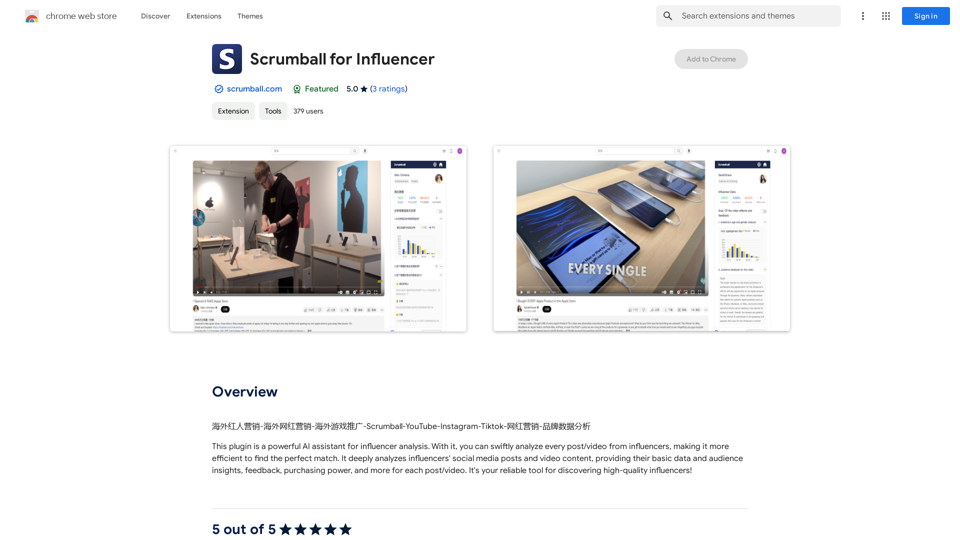
Overseas Influencer Marketing - Overseas Internet Celebrity Marketing - Overseas Game Promotion - Scrumball - YouTube - Instagram - Tiktok - Internet Celebrity Marketing - Brand Data Analysis
193.90 M
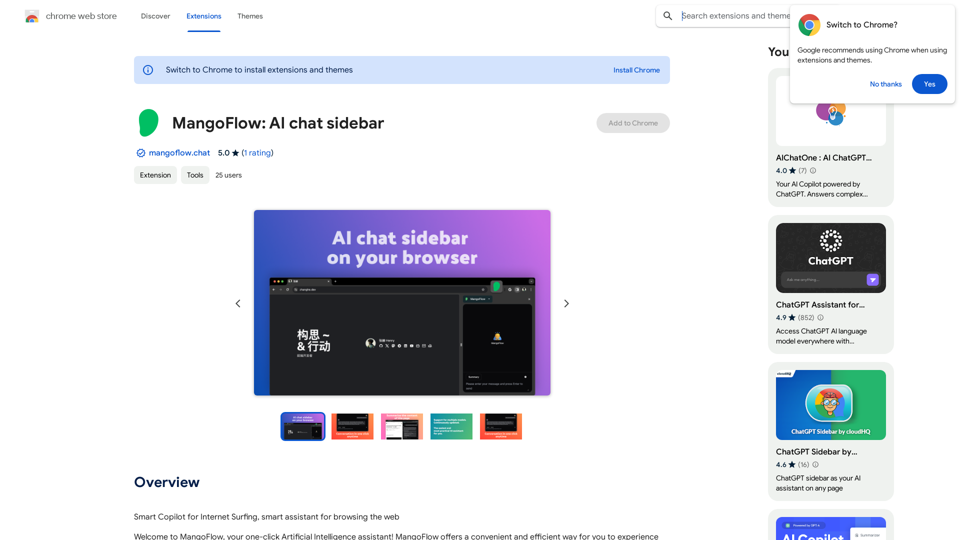
Automate your job applications with our 1-Click Autofill Solution. Just upload your resume. Powered by ChatGPT-4.
193.90 M