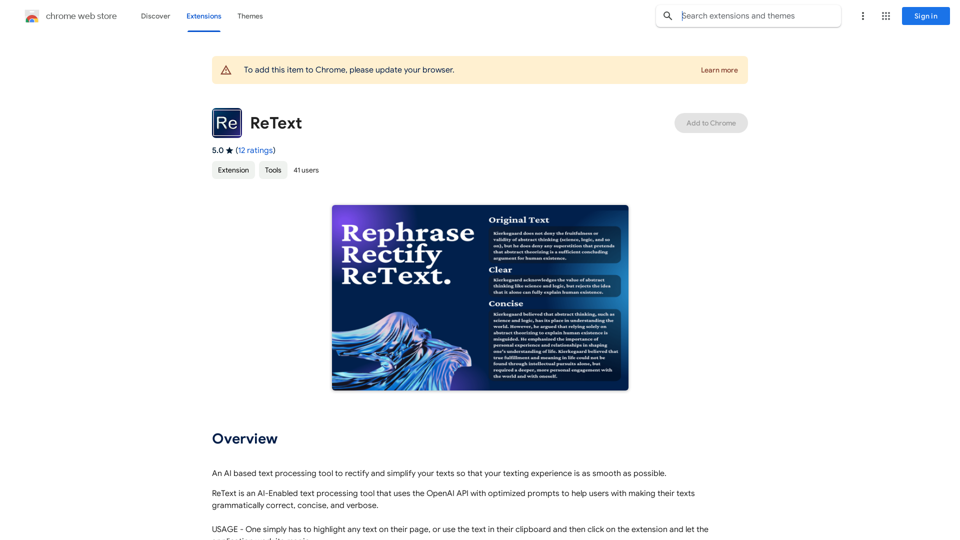
ReText is an AI-powered text processing tool that leverages the OpenAI API with optimized prompts. It assists users in improving their text by making it grammatically correct, concise, and verbose. As a Chrome extension, ReText is designed to enhance the texting experience by rectifying and simplifying texts efficiently.
ReText
An AI-powered text processing tool to fix and simplify your text, making your texting experience as easy as possible.
Introduction
Feature
AI-Driven Text Processing
ReText utilizes artificial intelligence to process and enhance text, enabling users to communicate more effectively. The AI analyzes the input and provides improved output based on grammar, conciseness, and verbosity.
Optimized Prompts
The tool comes equipped with pre-configured prompts, eliminating the need for users to devise their own. These optimized prompts ensure effective results and streamline the text improvement process.
Resource-Efficient Chrome Extension
As a lightweight Chrome extension, ReText operates efficiently without consuming excessive system resources. This design allows for seamless integration into users' browsing experience.
User-Friendly Interface
ReText offers a simple three-step process for text improvement:
- Highlight the desired text on the page or use clipboard content
- Click the ReText extension icon
- Receive the processed and improved text output
Free Version Available
ReText provides a free version that allows users to process text up to a certain limit, making it accessible to a wide range of users.
Privacy-Focused
The tool prioritizes user privacy by not utilizing user data for training purposes, ensuring that personal information remains secure.
FAQ
How can I maximize my use of ReText?
To get the most out of ReText:
- Utilize the free version to process text within the given limits
- Take advantage of the optimized prompts for effective results
- Experiment with various types of texts to explore the tool's capabilities
- Use ReText for editing to enhance communication effectiveness
What types of text can I process with ReText?
ReText can handle various types of text, including:
- Emails
- Social media posts
- Academic papers
- Business documents
- Creative writing
Is my data safe when using ReText?
Yes, ReText prioritizes user privacy. The tool does not use any user data for training purposes, ensuring that your information remains confidential.
How do I get started with ReText?
Getting started with ReText is simple:
- Install the ReText Chrome extension
- Highlight text on a webpage or copy text to your clipboard
- Click the ReText extension icon
- Review and use the improved text output
Related Websites
Volcano Translation - Screenshot and Webpage Translation
Volcano Translation - Screenshot and Webpage TranslationByteDance production, out of the box, no configuration required, completely free and ad-free.
193.90 M
GPT Stats * Parameters: 175 Billion * Trainers: * Dataset: Massive dataset of text and code * Method: Supervised fine-tuning * Capabilities: * Text Generation * Text Summarization * Language Translation * Code Generation * Question Answering * Dialogue Generation * Limitations: * Can sometimes generate incorrect or biased information * Lacks real-world knowledge and common sense * Can be fooled by adversarial examples
GPT Stats * Parameters: 175 Billion * Trainers: * Dataset: Massive dataset of text and code * Method: Supervised fine-tuning * Capabilities: * Text Generation * Text Summarization * Language Translation * Code Generation * Question Answering * Dialogue Generation * Limitations: * Can sometimes generate incorrect or biased information * Lacks real-world knowledge and common sense * Can be fooled by adversarial examplesSearch for conversations with GPT and other content.
193.90 M

Home - Dittin AI - An Inclusive, Open, and Democratized AI Chatbot Community
Home - Dittin AI - An Inclusive, Open, and Democratized AI Chatbot CommunityDittin AI is a free, open, and inclusive AI Chatbot community that allows you to create any beloved character you desire, or share the AI Chatbots you have created with the community and enjoy immersive AI role-playing.
0
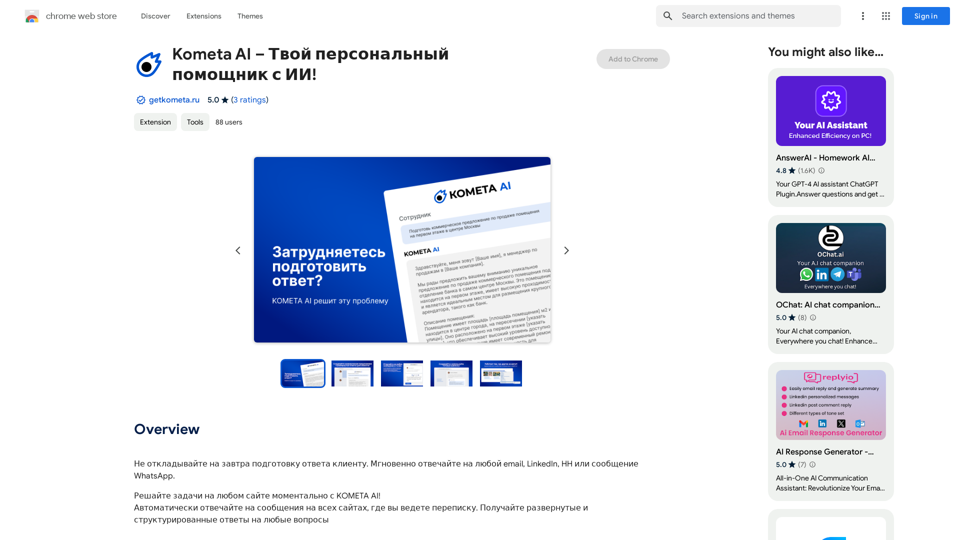
Don't delay preparing a response to a client. Respond immediately to any email, LinkedIn, HH, or WhatsApp message.
193.90 M
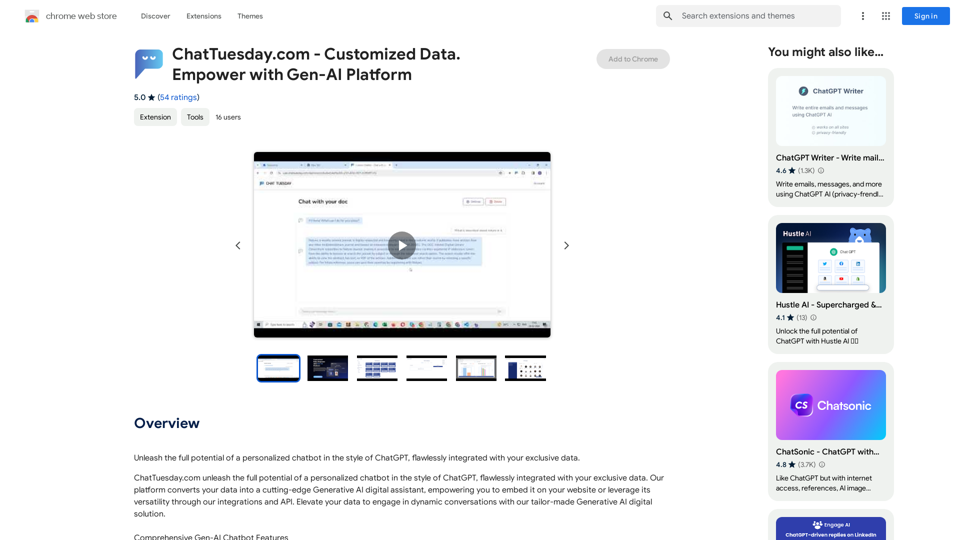
ChatTuesday.com - Customized Data. Empower with Gen-AI Platform
ChatTuesday.com - Customized Data. Empower with Gen-AI PlatformUnlock the full power of a custom-made chatbot, just like ChatGPT, perfectly combined with your unique information.
193.90 M
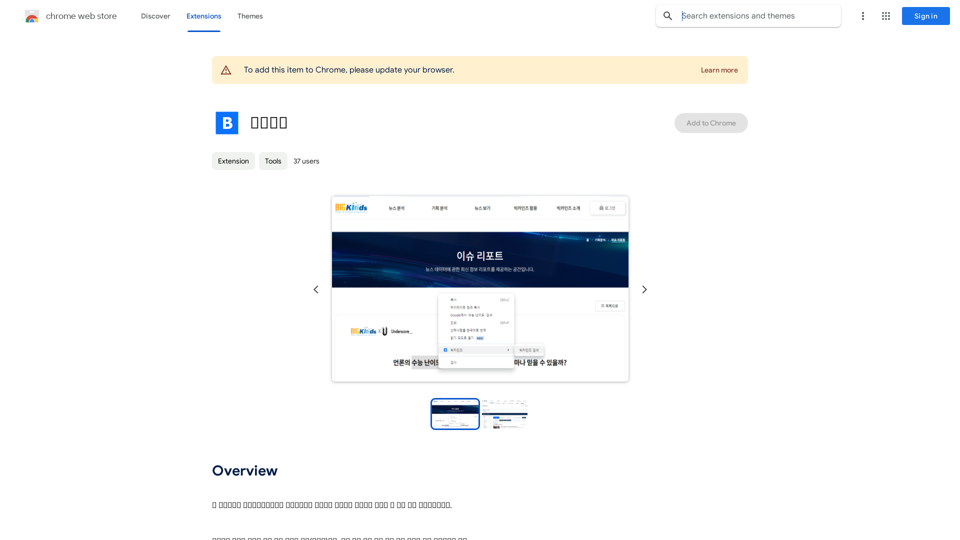
This program is an extension program that allows you to easily use the services provided by the Korea Press Foundation's Bigkinds. Select (drag) a sentence or paragraph that appears in your browser, and through a pop-up window, you can search for the corresponding word or sentence on Bigkinds,...
193.90 M
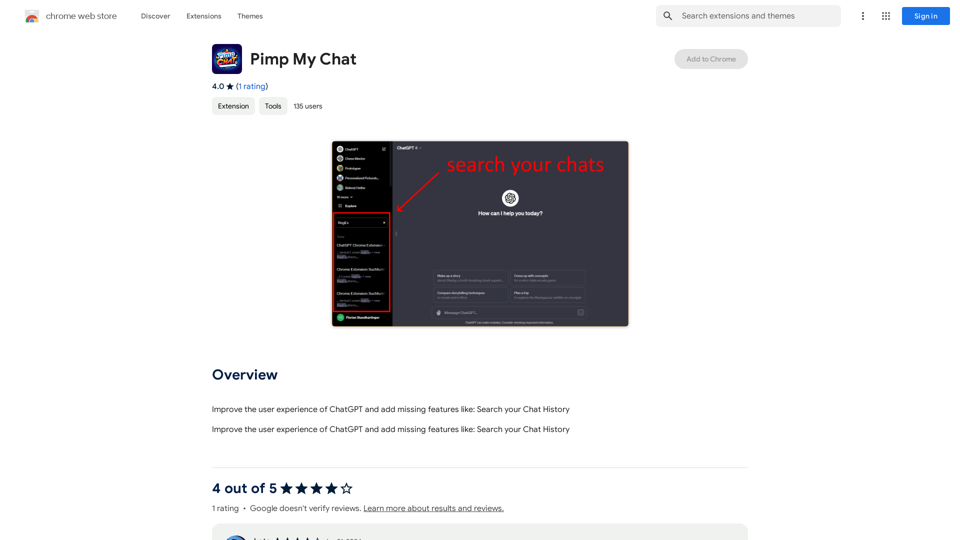
ChatGPT Improvements: Enhanced User Experience: * Seamless Chat History Search: Easily find past conversations and specific messages within your chat history. New Features: * Search your Chat History: A dedicated search bar allows you to quickly locate past interactions, saving time and effort.
193.90 M