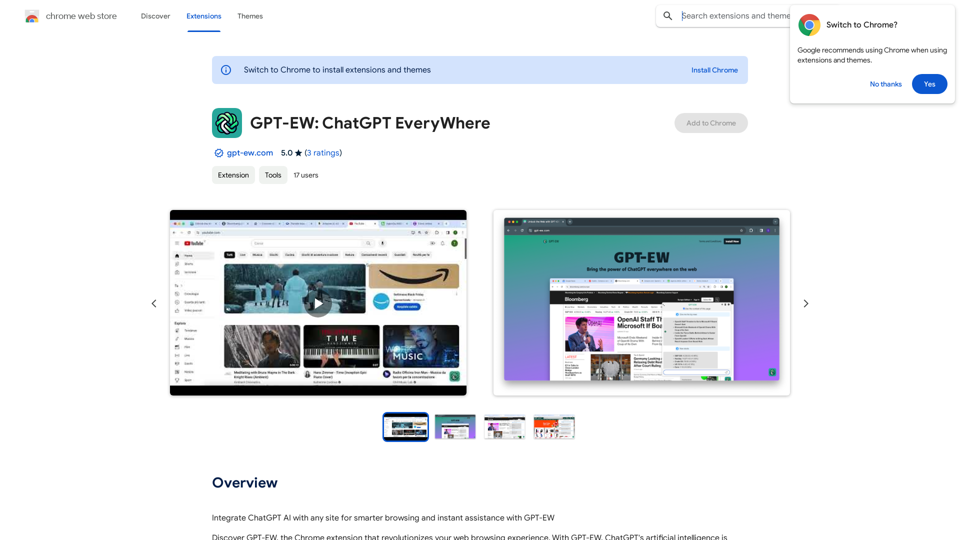
GPT-EW is a Chrome extension that integrates ChatGPT's AI capabilities into every website, offering instant and personalized assistance. It allows users to retrieve and synthesize information from the current site, creating a seamless browsing experience. The extension enhances productivity, online learning, and overall web interaction through its AI-based features.
GPT-EW: ChatGPT Everywhere
Add ChatGPT AI to Any Website for Smarter Browsing and Instant Help with GPT-EW
Imagine having ChatGPT's powerful AI right there on any website you visit.
That's what GPT-EW makes possible!
It lets you seamlessly integrate ChatGPT into your favorite sites, giving you:
* Smarter Browsing: Get instant answers to your questions about the content on the page.
* Instant Assistance: Have ChatGPT help you summarize articles, translate text, or even write emails based on the information you're reading.
GPT-EW unlocks a whole new level of interactivity and intelligence for your online experience.
Introduction
Feature
Seamless ChatGPT Integration
GPT-EW integrates ChatGPT's artificial intelligence into every website you visit, providing instant and personalized assistance for a more intuitive browsing experience.
Contextual AI Interactions
The extension offers AI-based interactions contextualized to the site you are visiting, enhancing your understanding and engagement with the content.
Content Generation
GPT-EW can generate both textual and visual content on request, making it a versatile tool for various online tasks and creative projects.
Enhanced Productivity
By providing instant assistance and information retrieval, GPT-EW significantly enhances productivity and streamlines online workflows.
User-Friendly Interface
The extension features a simple and intuitive user interface, making it easy for users of all levels to navigate and utilize its capabilities.
Privacy Protection
GPT-EW respects user privacy, ensuring that all conversations and interactions remain private and secure.
Multi-Device Compatibility
The extension is compatible with multiple devices and browsers, allowing for a consistent experience across different platforms.
Flexible Pricing Options
GPT-EW offers both free and paid versions, with in-app purchases available for accessing more powerful features.
FAQ
Is GPT-EW free to use?
Yes, GPT-EW offers a free version with limited features. You can upgrade to a paid subscription for additional benefits.
Is my data private with GPT-EW?
Yes, GPT-EW respects your privacy and keeps your conversations private.
Can I use GPT-EW on multiple devices?
Yes, GPT-EW is compatible with multiple devices and browsers.
How do I uninstall GPT-EW?
To uninstall GPT-EW, simply go to your Chrome extensions page and click "Remove" next to the extension.
Related Websites
Searchable ChatGPT: Search GPT Conversation History With the rapid development of artificial intelligence technology, ChatGPT has become an essential tool for people to communicate and interact with AI. However, as the conversation history grows, it becomes increasingly difficult to find specific conversations or topics. To address this issue, we propose the concept of Searchable ChatGPT, which enables users to search their GPT conversation history efficiently. Key Features 1. Keyword Search Users can input specific keywords or phrases to search for relevant conversations in their chat history. The system will then display a list of conversations that match the search criteria, allowing users to quickly find the information they need. 2. Contextual Search In addition to keyword search, users can also search for conversations based on context. For example, they can search for conversations related to a specific topic, such as "travel" or "cooking." The system will then display a list of conversations that are relevant to the specified context. 3. Conversation Filtering To further refine the search results, users can apply filters to narrow down the list of conversations. For instance, they can filter conversations by date, time, or even the emotions expressed during the conversation. 4. Conversation Analytics Searchable ChatGPT also provides users with conversation analytics, which offer insights into their conversation patterns and preferences. This feature can help users identify areas for improvement and optimize their communication with ChatGPT. Benefits 1. Improved Productivity Searchable ChatGPT saves users time and effort by allowing them to quickly find specific conversations or topics in their chat history. 2. Enhanced User Experience By providing users with a more efficient way to search and analyze their conversations, Searchable ChatGPT enhances the overall user experience and encourages more effective communication with ChatGPT. 3. Better Decision Making With access to conversation analytics, users can make more informed decisions by identifying patterns and trends in their conversations with ChatGPT. Conclusion Searchable ChatGPT is a powerful tool that revolutionizes the way users interact with ChatGPT. By providing a robust search function, contextual search, conversation filtering, and conversation analytics, Searchable ChatGPT improves productivity, enhances the user experience, and enables better decision making.
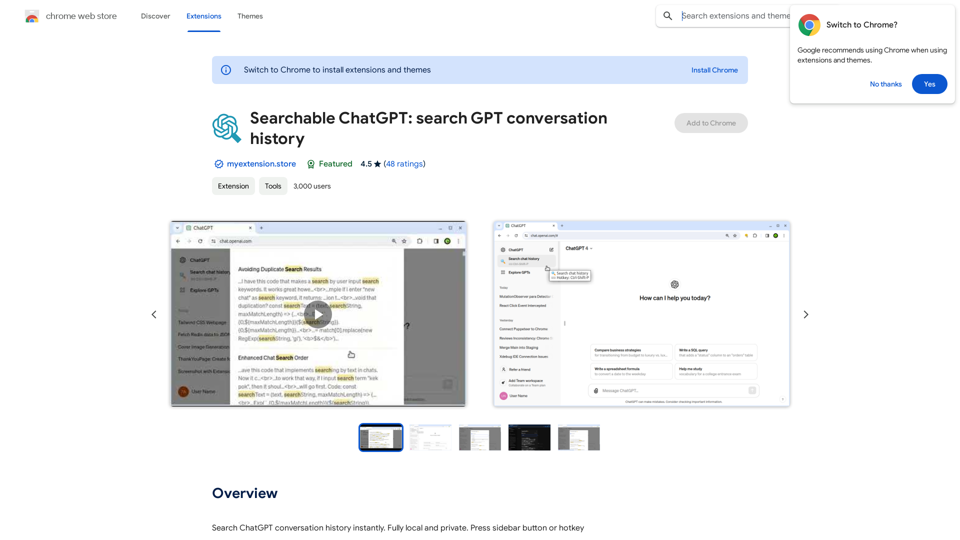
Searchable ChatGPT: Search GPT Conversation History With the rapid development of artificial intelligence technology, ChatGPT has become an essential tool for people to communicate and interact with AI. However, as the conversation history grows, it becomes increasingly difficult to find specific conversations or topics. To address this issue, we propose the concept of Searchable ChatGPT, which enables users to search their GPT conversation history efficiently. Key Features 1. Keyword Search Users can input specific keywords or phrases to search for relevant conversations in their chat history. The system will then display a list of conversations that match the search criteria, allowing users to quickly find the information they need. 2. Contextual Search In addition to keyword search, users can also search for conversations based on context. For example, they can search for conversations related to a specific topic, such as "travel" or "cooking." The system will then display a list of conversations that are relevant to the specified context. 3. Conversation Filtering To further refine the search results, users can apply filters to narrow down the list of conversations. For instance, they can filter conversations by date, time, or even the emotions expressed during the conversation. 4. Conversation Analytics Searchable ChatGPT also provides users with conversation analytics, which offer insights into their conversation patterns and preferences. This feature can help users identify areas for improvement and optimize their communication with ChatGPT. Benefits 1. Improved Productivity Searchable ChatGPT saves users time and effort by allowing them to quickly find specific conversations or topics in their chat history. 2. Enhanced User Experience By providing users with a more efficient way to search and analyze their conversations, Searchable ChatGPT enhances the overall user experience and encourages more effective communication with ChatGPT. 3. Better Decision Making With access to conversation analytics, users can make more informed decisions by identifying patterns and trends in their conversations with ChatGPT. Conclusion Searchable ChatGPT is a powerful tool that revolutionizes the way users interact with ChatGPT. By providing a robust search function, contextual search, conversation filtering, and conversation analytics, Searchable ChatGPT improves productivity, enhances the user experience, and enables better decision making.Search ChatGPT conversation history instantly. Fully local and private. Press sidebar button or hotkey
193.90 M
Coursera Summary with ChatGPT and Take Notes ===================================================== What is Coursera? Coursera is an online learning platform that partners with top universities and organizations to offer courses and degree programs in a wide range of fields. What is ChatGPT? ChatGPT is a conversational AI tool that can understand and respond to human input in a human-like way. It can be used to generate text, answer questions, and even create content. How to Use ChatGPT for Coursera Summary? You can use ChatGPT to summarize Coursera courses by: * Providing the course material or lecture notes to ChatGPT * Asking ChatGPT to summarize the key points or main ideas * Reviewing and editing the summary generated by ChatGPT Benefits of Using ChatGPT for Coursera Summary Using ChatGPT for Coursera summary can help you: * Save time by automating the summarization process * Improve understanding and retention of course material * Focus on key concepts and ideas * Enhance learning experience How to Take Notes with ChatGPT? You can use ChatGPT to take notes by: * Providing the course material or lecture notes to ChatGPT * Asking ChatGPT to generate notes or key points * Reviewing and editing the notes generated by ChatGPT * Organizing and structuring the notes for easy reference Benefits of Using ChatGPT for Taking Notes Using ChatGPT for taking notes can help you: * Save time by automating the note-taking process * Improve organization and structure of notes * Enhance understanding and retention of course material * Focus on key concepts and ideas
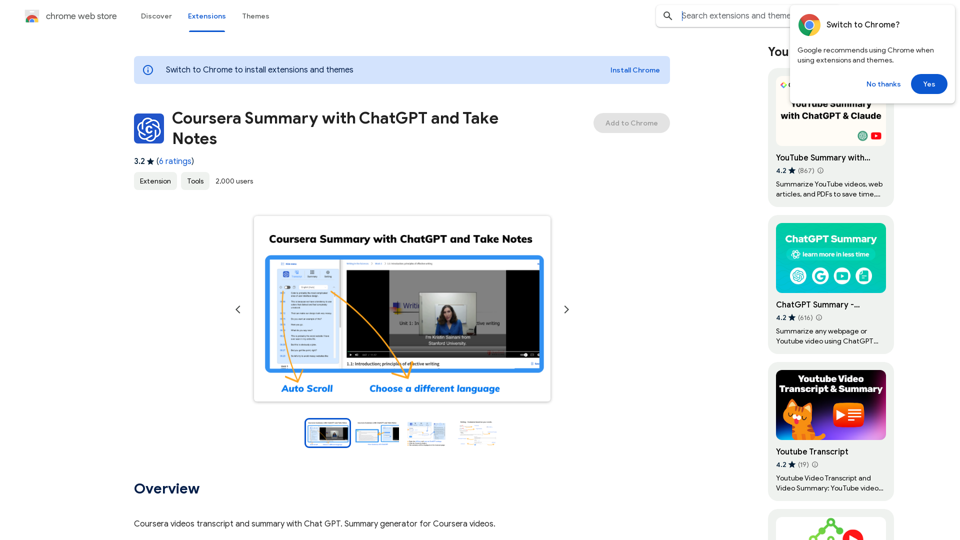
Coursera Summary with ChatGPT and Take Notes ===================================================== What is Coursera? Coursera is an online learning platform that partners with top universities and organizations to offer courses and degree programs in a wide range of fields. What is ChatGPT? ChatGPT is a conversational AI tool that can understand and respond to human input in a human-like way. It can be used to generate text, answer questions, and even create content. How to Use ChatGPT for Coursera Summary? You can use ChatGPT to summarize Coursera courses by: * Providing the course material or lecture notes to ChatGPT * Asking ChatGPT to summarize the key points or main ideas * Reviewing and editing the summary generated by ChatGPT Benefits of Using ChatGPT for Coursera Summary Using ChatGPT for Coursera summary can help you: * Save time by automating the summarization process * Improve understanding and retention of course material * Focus on key concepts and ideas * Enhance learning experience How to Take Notes with ChatGPT? You can use ChatGPT to take notes by: * Providing the course material or lecture notes to ChatGPT * Asking ChatGPT to generate notes or key points * Reviewing and editing the notes generated by ChatGPT * Organizing and structuring the notes for easy reference Benefits of Using ChatGPT for Taking Notes Using ChatGPT for taking notes can help you: * Save time by automating the note-taking process * Improve organization and structure of notes * Enhance understanding and retention of course material * Focus on key concepts and ideasAutomate Your Learning: Coursera Videos Transcript and Summary with ChatGPT ============================================================ Are you tired of manually taking notes while watching Coursera videos? Do you wish you had a summary of the video to review later? Look no further! With the power of ChatGPT, you can now generate transcripts and summaries of Coursera videos with ease. How it Works --------------- 1. Transcribe the Video: Use a transcription tool to convert the audio from the Coursera video into text. 2. Feed it to ChatGPT: Input the transcript into ChatGPT, and it will generate a concise summary of the video. 3. Review and Refine: Review the summary, refine it as needed, and you're good to go! Benefits ------------ * Save Time: No more manual note-taking or re-watching videos to understand the content. * Improve Retention: A summary of the video helps you retain information better and review it quickly. * Enhance Learning: Focus on understanding the concepts rather than taking notes. Get Started -------------- Try it out today and take your learning to the next level!
193.90 M

LunaAI’s Dream Machine is an advanced AI-powered video generator by Luma Labs that creates high-quality, realistic videos quickly.
446.29 K
SEO2 - Legal AI Like Nothing Else on the Market. - AI.Law - ai.law
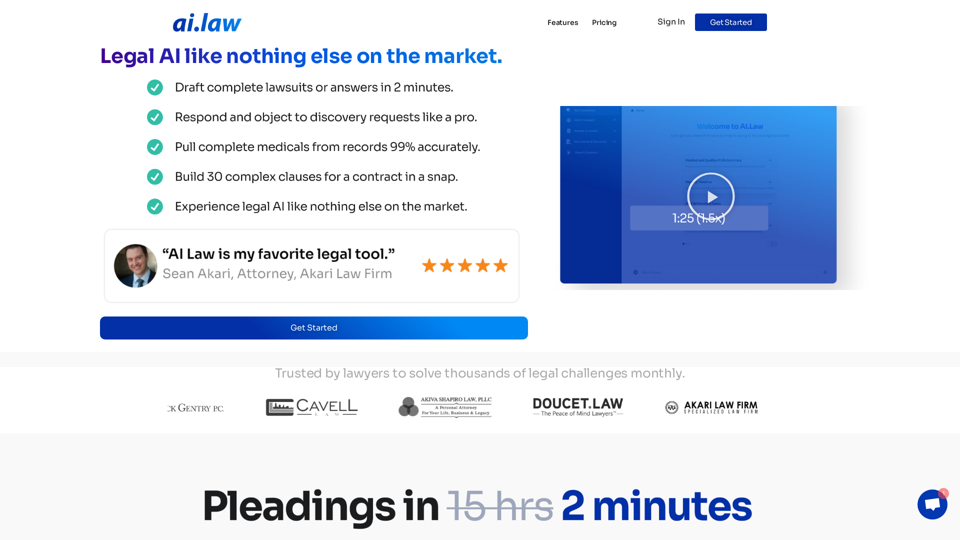
SEO2 - Legal AI Like Nothing Else on the Market. - AI.Law - ai.lawLegal AI like nothing else on the market. Get Started “>”>Trusted by lawyers to solve thousands of legal challenges monthly. AI Law provides you with top-quality legal work without the hassle. No more drafting from scratch—just high-quality results. Complaint Drafting Draft pleadings without the hassle of hours of research. AI Law will assemble a complete lawsuit […]
15.50 K
ChatGPT Prompt Generator - AI Mind This is a tool to help you generate creative and effective prompts for ChatGPT. Features: * Diverse Prompt Types: Explore various prompt categories like story writing, dialogue, code generation, and more. * Customization Options: Tailor your prompts with specific details, tone, style, and length preferences. * Inspiration & Examples: Discover a library of pre-made prompts and examples to spark your imagination. * AI-Powered Suggestions: Get intelligent suggestions and refinements for your prompts based on your input. How it Works: 1. Choose a Prompt Type: Select the type of output you desire from ChatGPT. 2. Provide Input: Enter your desired keywords, themes, or specific instructions. 3. Customize Settings: Adjust parameters like tone, style, length, and format. 4. Generate Prompt: Click "Generate" to receive a unique and optimized prompt tailored to your needs. Start Creating! Let your imagination run wild and explore the possibilities of ChatGPT with our AI-powered prompt generator.
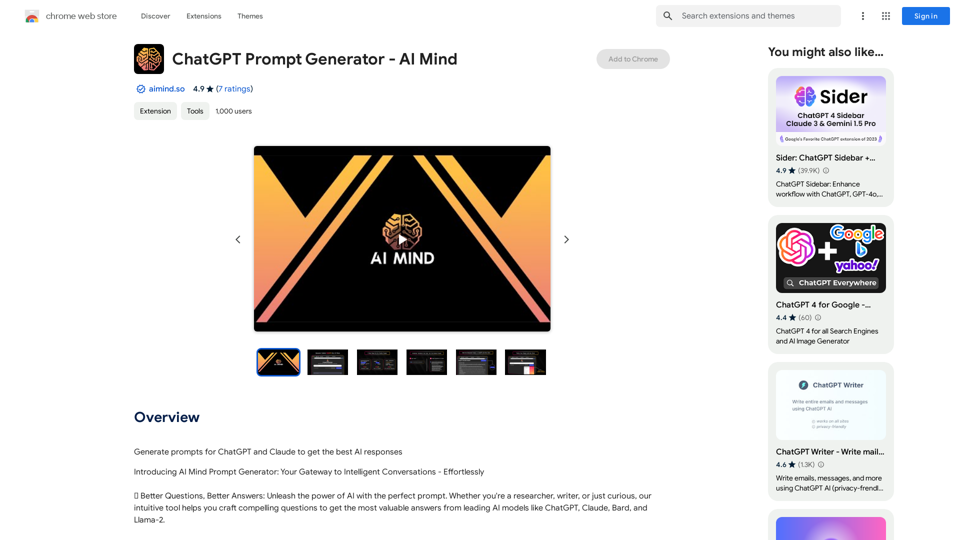
ChatGPT Prompt Generator - AI Mind This is a tool to help you generate creative and effective prompts for ChatGPT. Features: * Diverse Prompt Types: Explore various prompt categories like story writing, dialogue, code generation, and more. * Customization Options: Tailor your prompts with specific details, tone, style, and length preferences. * Inspiration & Examples: Discover a library of pre-made prompts and examples to spark your imagination. * AI-Powered Suggestions: Get intelligent suggestions and refinements for your prompts based on your input. How it Works: 1. Choose a Prompt Type: Select the type of output you desire from ChatGPT. 2. Provide Input: Enter your desired keywords, themes, or specific instructions. 3. Customize Settings: Adjust parameters like tone, style, length, and format. 4. Generate Prompt: Click "Generate" to receive a unique and optimized prompt tailored to your needs. Start Creating! Let your imagination run wild and explore the possibilities of ChatGPT with our AI-powered prompt generator.Generate prompts for ChatGPT and Claude to get the best AI responses
193.90 M