ChatGPT Enhanced is a Chrome browser extension that enhances the functionality of ChatGPT. It introduces features like text-to-speech capability and improved functionality, making ChatGPT more versatile and user-friendly. The extension requires an OpenAI API Key to operate, integrating seamlessly with the existing ChatGPT interface.
ChatGPT Plus
Bringing the ChatGPT app's features to the browser
Introduction
Feature
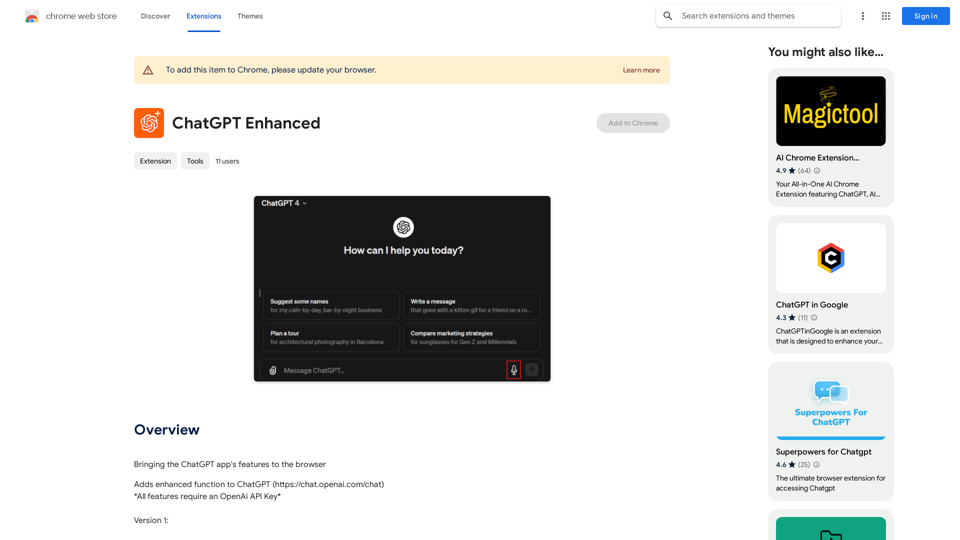
Microphone Integration
ChatGPT Enhanced adds a microphone button to the ChatGPT interface, enabling text-to-speech functionality powered by OpenAI's Whisper-1 technology.
Enhanced Functionality
The extension introduces additional features to ChatGPT, enhancing its capabilities and making it a more powerful tool for users.
Easy Setup
Users can quickly install the extension on their Chrome browser and set up their OpenAI API Key following simple prompts.
Browser Compatibility
ChatGPT Enhanced is designed specifically for the Chrome browser, ensuring optimal performance and integration.
FAQ
Is an OpenAI API Key required?
Yes, an OpenAI API Key is necessary to use ChatGPT Enhanced.
Which browsers support ChatGPT Enhanced?
ChatGPT Enhanced is currently only compatible with the Chrome browser.
Is ChatGPT Enhanced free?
The pricing information for ChatGPT Enhanced is not specified on the Chrome Web Store page.
How can I troubleshoot issues with ChatGPT Enhanced?
If you encounter problems, try updating your browser to the latest version or restart it. For further assistance, contact the developer for support.
Related Websites
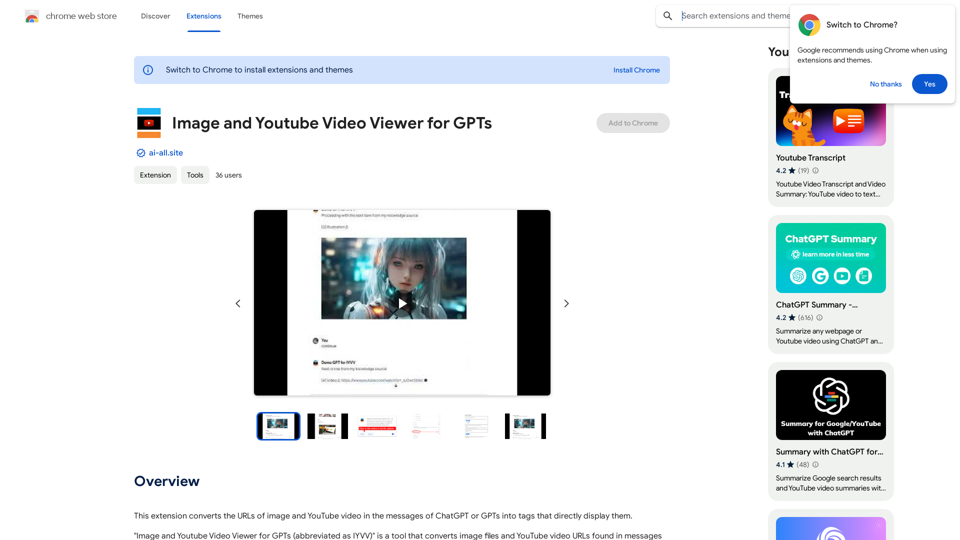
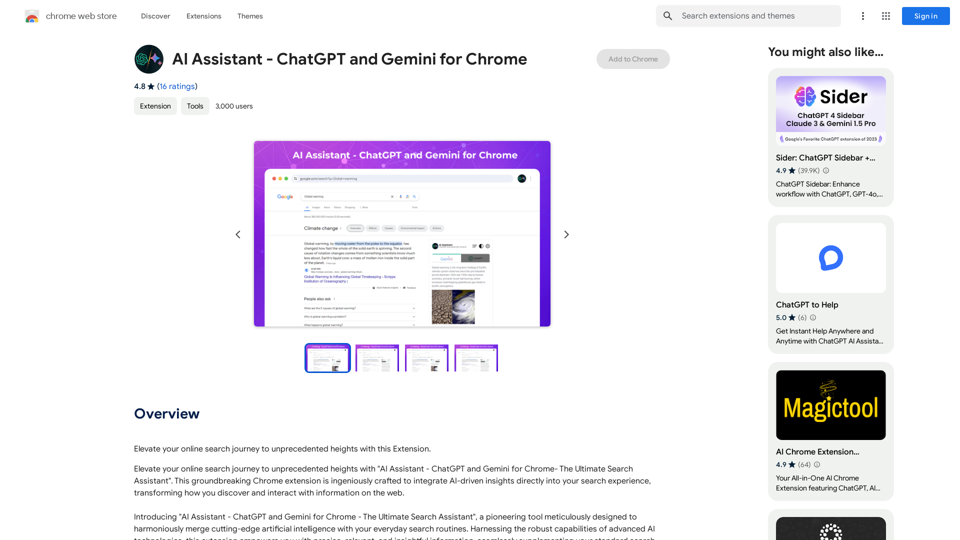
This extension changes the links for images and YouTube videos in ChatGPT or GPT messages into tags that show the images and videos directly.
193.90 M
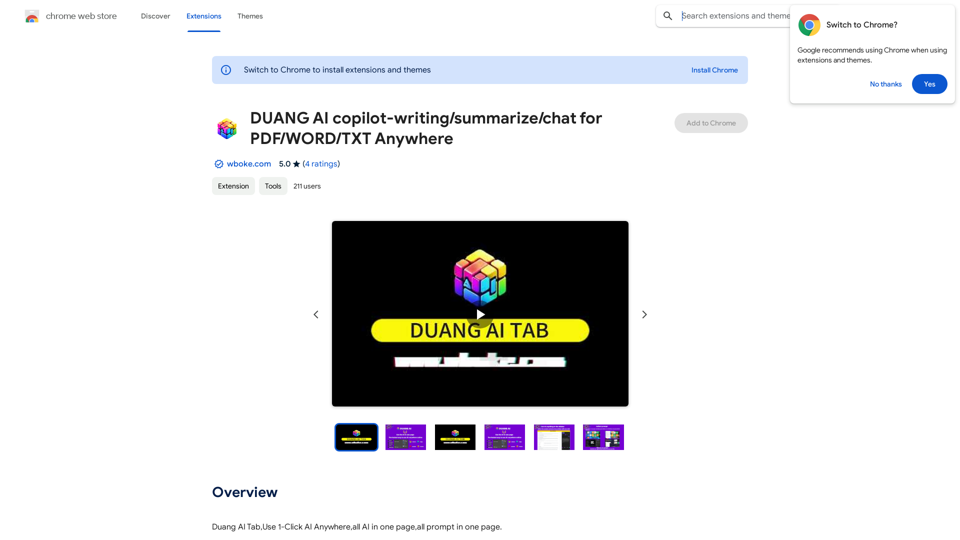
AI Copilot for Writing, Summarizing, and Chatting with PDF, WORD, and TXT Files Anywhere
AI Copilot for Writing, Summarizing, and Chatting with PDF, WORD, and TXT Files AnywhereDuang AI Tab, Use 1-Click AI Anywhere, All AI in One Page, All Prompts in One Page.
193.90 M
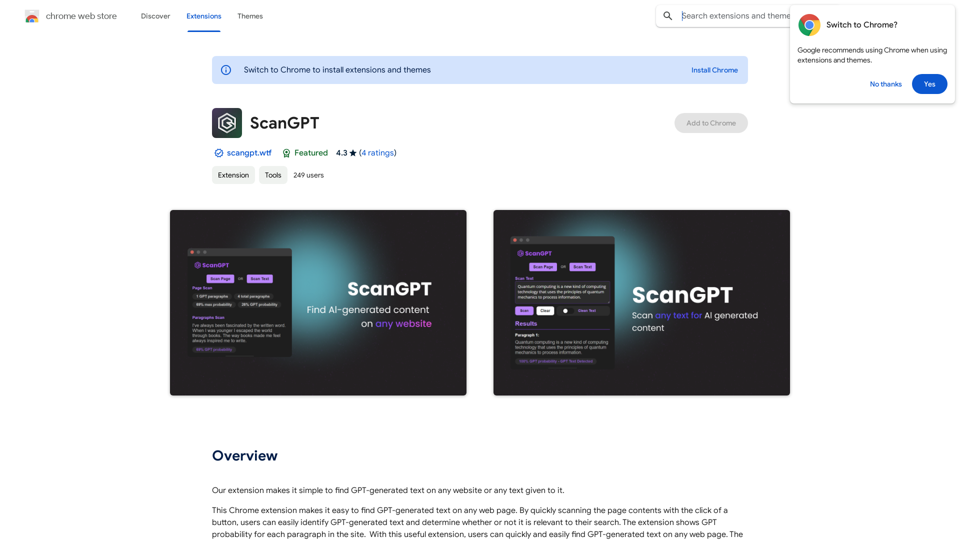
Our extension makes it simple to find GPT-generated text on any website or any text given to it.
193.90 M
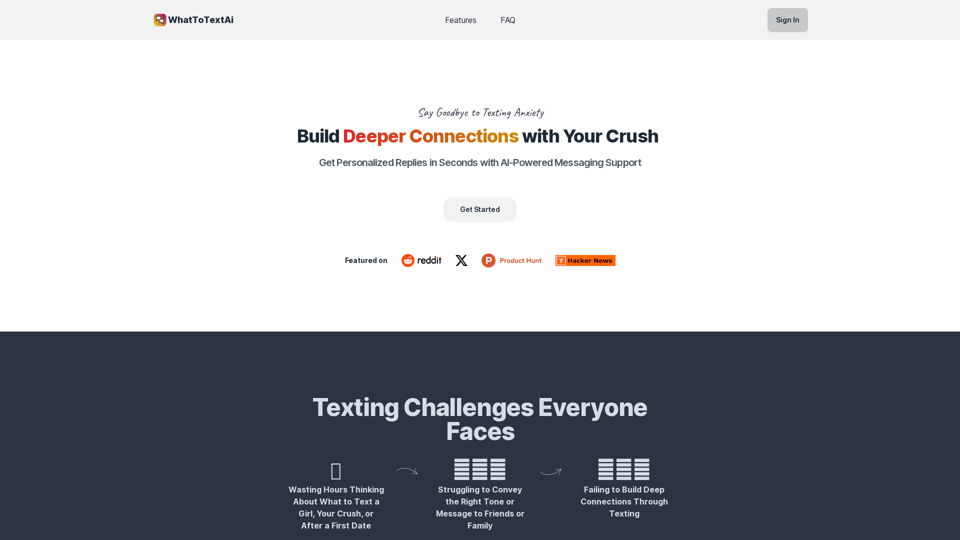
WhatToTextAi =============== WhatToTextAi is an AI-powered texting assistant that helps you come up with the perfect response to any situation.
WhatToTextAi =============== WhatToTextAi is an AI-powered texting assistant that helps you come up with the perfect response to any situation.Overcome texting anxiety with WhatToText AI. Get personalized, human-like replies for any situation in seconds. Improve your English texting skills and build deeper connections. Perfect for non-native speakers and anyone looking to enhance their messaging game.
0
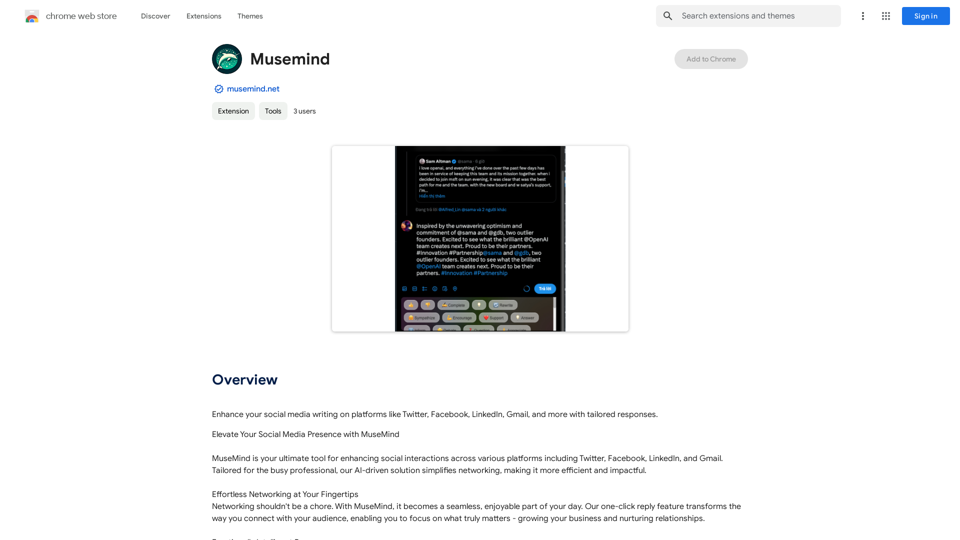
Improve your social media posts on platforms like Twitter, Facebook, LinkedIn, and Gmail with customized replies.
193.90 M
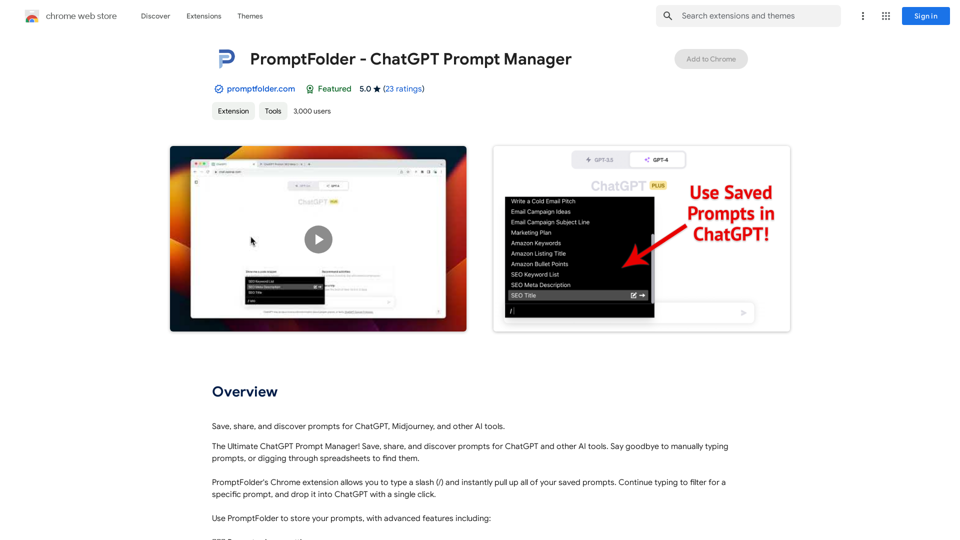
Grow Your Twitter Account by Replying Using AI Are you tired of manually responding to tweets and struggling to grow your Twitter account? Do you want to increase your online presence and engage with your audience more efficiently? Look no further! This article will show you how to grow your Twitter account by replying using AI. What is AI-powered Twitter reply? AI-powered Twitter reply is a technology that uses artificial intelligence to automatically respond to tweets. This innovative tool analyzes the content of incoming tweets and generates a relevant response based on the context. With AI-powered Twitter reply, you can save time and effort while increasing your online engagement. Benefits of using AI-powered Twitter reply 1. Increased efficiency Manually responding to tweets can be time-consuming, especially if you have a large following. AI-powered Twitter reply automates the process, allowing you to focus on other important tasks. 2. Improved engagement AI-powered Twitter reply helps you respond to tweets quickly, which increases the chances of starting a conversation and building relationships with your followers. 3. Personalized responses AI-powered Twitter reply can be customized to fit your brand's voice and tone, ensuring that your responses are personalized and consistent. 4. Scalability As your Twitter account grows, AI-powered Twitter reply can handle a large volume of tweets, ensuring that you never miss a response. How to use AI-powered Twitter reply 1. Choose an AI-powered Twitter reply tool There are several AI-powered Twitter reply tools available, such as [Tool 1], [Tool 2], and [Tool 3]. Research and choose the one that best fits your needs. 2. Set up your AI-powered Twitter reply Once you've chosen a tool, set it up by connecting your Twitter account and customizing your responses. 3. Monitor and adjust Monitor your AI-powered Twitter reply's performance and adjust the settings as needed to ensure that your responses are relevant and engaging. Conclusion Growing your Twitter account requires consistent engagement and timely responses. AI-powered Twitter reply is a game-changer that can help you achieve this goal. By automating your responses, you can increase efficiency, improve engagement, and personalize your interactions. Try AI-powered Twitter reply today and watch your Twitter account thrive!
193.90 M