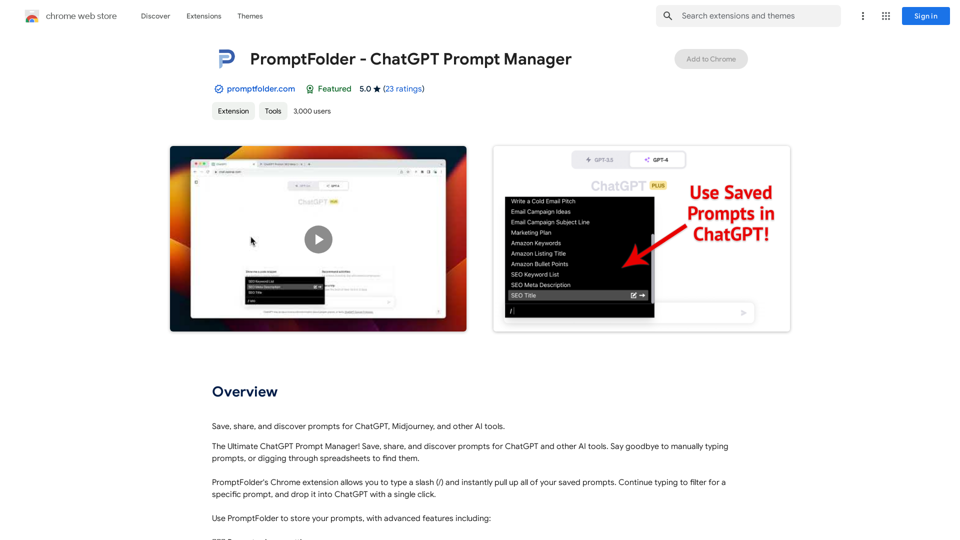
PromptFolder is a Chrome extension designed to streamline the management of prompts for AI tools like ChatGPT and Midjourney. It offers a comprehensive solution for saving, sharing, and discovering prompts, enhancing user productivity and creativity in AI interactions. With features like prompt organization, customization, and community sharing, PromptFolder caters to both individual users and collaborative teams seeking to optimize their AI prompt workflows.
PromptFolder - ChatGPT Prompt Manager
Save, share, and discover prompts for ChatGPT, Midjourney, and other AI tools.
Introduction
Feature
Efficient Prompt Management
- Save prompts for future use
- Organize prompts into folders
- Search functionality for quick prompt retrieval
Seamless Integration
- Type "/" to instantly access saved prompts
- Filter and drop prompts into ChatGPT with a single click
- Compatible with various AI tools (ChatGPT, Midjourney, etc.)
Customization and Flexibility
- Use variables and comments to customize prompts
- Access prompts from any device
Community and Collaboration
- Share prompts with others
- Discover new prompts from the community
- Explore community section for ideas and inspiration
User-Friendly Interface
- Chrome extension for easy access
- Intuitive prompt organization system
Versatile Pricing Options
- Free version with limited features
- Paid subscription with additional features and benefits
FAQ
How does PromptFolder enhance productivity?
PromptFolder boosts productivity by:
- Saving time on manual prompt typing
- Providing quick access to a library of prompts
- Reducing errors through customization features
- Facilitating collaboration and idea sharing
What are some best practices for using PromptFolder?
Tips for maximizing PromptFolder's potential:
- Utilize folders for organized prompt management
- Leverage variables and comments for prompt customization
- Actively share and collaborate on prompts
- Explore the community section for new ideas
- Use the search function for efficient prompt retrieval
Is PromptFolder suitable for team use?
Yes, PromptFolder supports team collaboration by:
- Allowing prompt sharing among team members
- Providing a platform for discovering and adapting shared prompts
- Enabling consistent prompt usage across the team
Related Websites
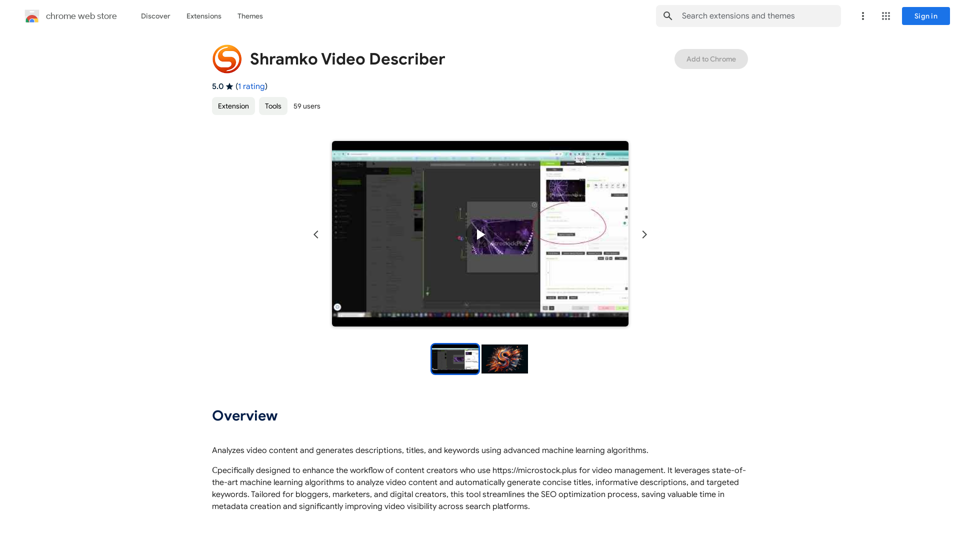
Analyzes video content and generates descriptions, titles, and keywords using advanced machine learning algorithms.
193.90 M
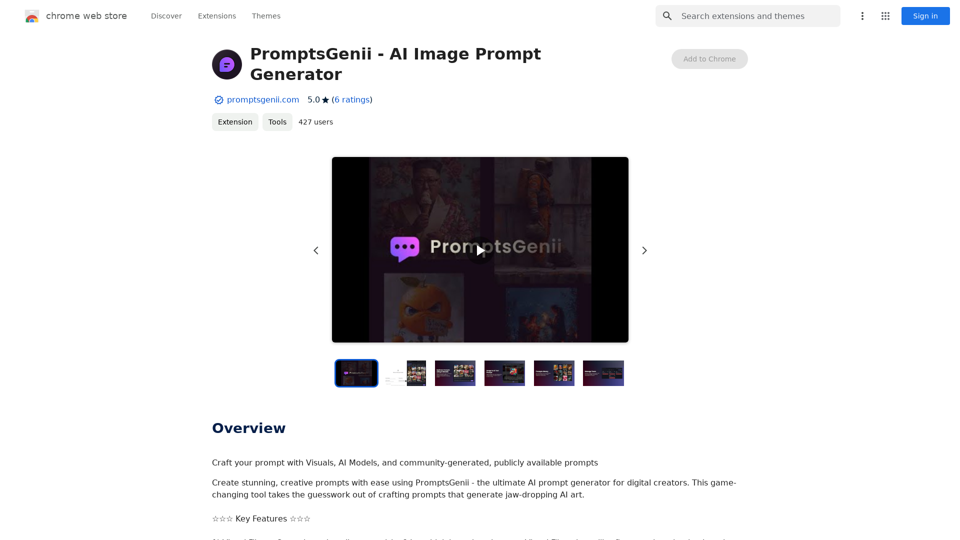
Let's Get Creative! 🎨🧠💬 Imagine this: * A bustling cityscape at night, bathed in neon lights. 🌃✨ * A majestic dragon soaring through a storm-ridden sky. 🐉⛈️ * A whimsical forest filled with talking animals and glowing mushrooms. 🍄🐿️ Now, let's bring these visions to life using: * Powerful AI image generation models like DALL-E 2 or Midjourney. 🤖🖼️ * Community-generated prompts from platforms like Reddit or GitHub. 🗣️💡 Here are some examples to spark your imagination: * "A cyberpunk cityscape with flying cars and holographic advertisements, rendered in the style of Blade Runner." 🌃🚗 * "A majestic dragon with emerald scales and sapphire eyes, perched atop a mountain peak, surrounded by swirling clouds." 🐉⛰️ * "A whimsical forest clearing with glowing mushrooms, a babbling brook, and a friendly talking squirrel." 🍄🐿️ Let's collaborate and explore the endless possibilities of AI-powered creativity! 🚀✨
193.90 M
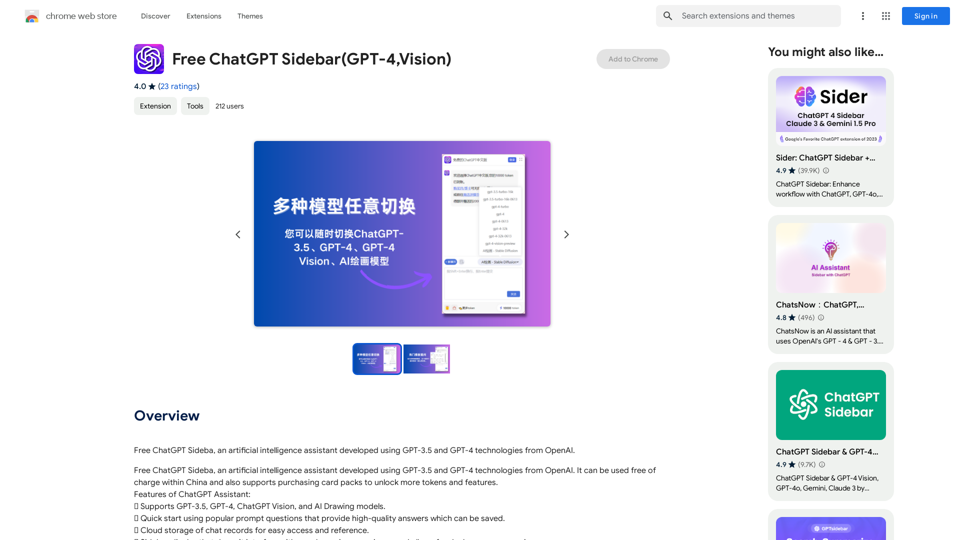
Free ChatGPT Sideba, an artificial intelligence assistant developed using GPT-3.5 and GPT-4 technologies from OpenAI.
193.90 M

ChatBotKit makes it easy for developers and non-developers alike to build chatbots that can communicate with users in natural language.
33.88 K

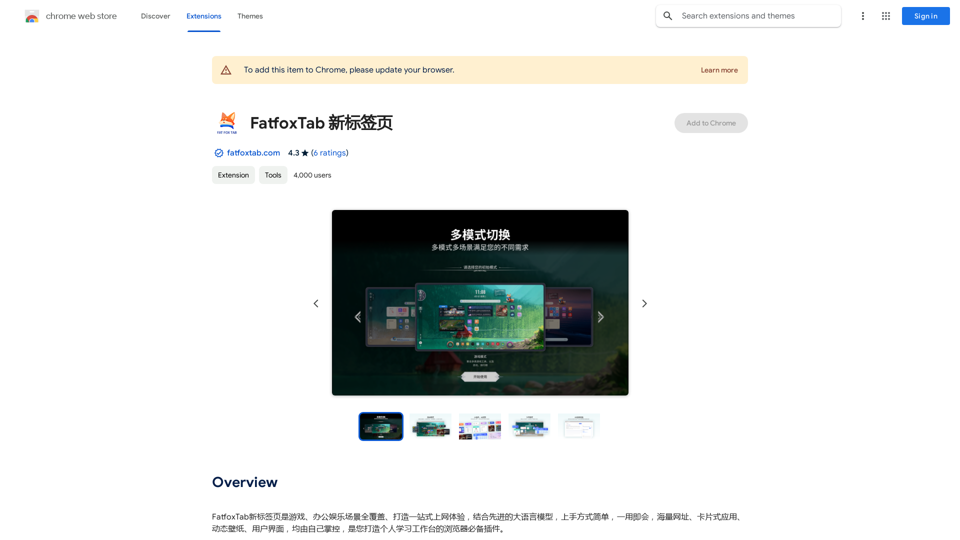
FatfoxTab, a new tab page, provides an all-around online experience covering gaming, office, and entertainment scenarios. With advanced language models, it's easy to get started and use, offering a vast array of websites, card-style apps, dynamic wallpapers, and a customizable user interface, all at your fingertips. It's a must-have browser plugin for building your personalized learning and working platform.
193.90 M