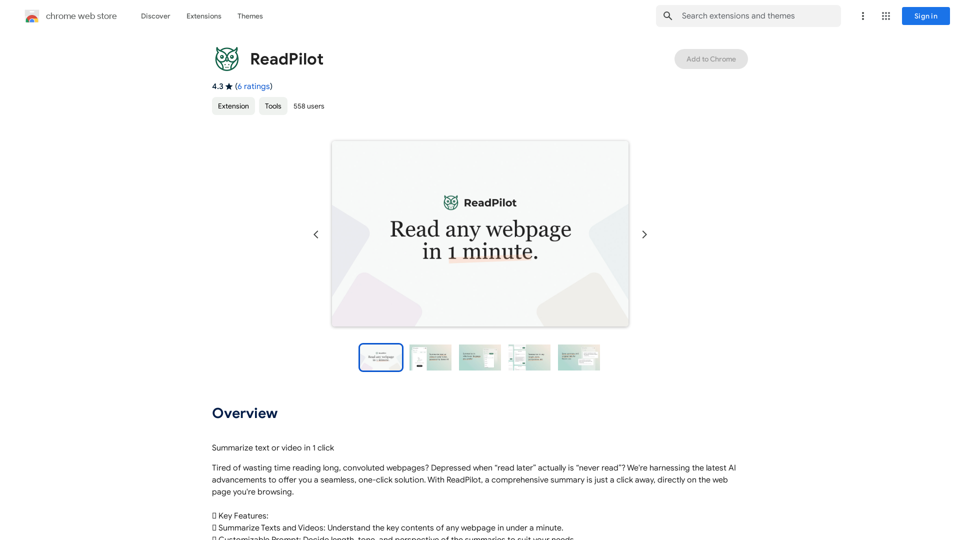
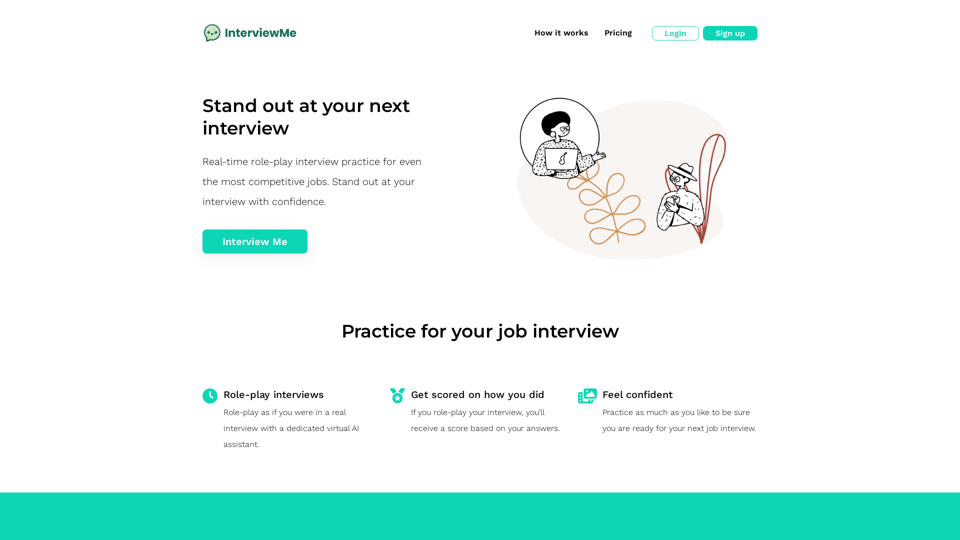
InterviewMe is an AI-powered platform designed to help job seekers prepare for interviews through real-time role-play practice. It offers a virtual AI assistant that simulates interview scenarios, providing users with valuable feedback and scoring to enhance their performance. The platform aims to boost confidence and improve interview skills through unlimited practice sessions.
AI Job Interviewer - InterviewMe
Ace your next job interview and get hired faster. AI Job Interview Role-Play.
Introduction
Feature
Real-time Role-Play Interviews
InterviewMe provides a dedicated virtual AI assistant that simulates real interview scenarios, allowing users to practice their responses in a realistic setting.
Scoring and Feedback System
Users receive scores and detailed feedback on their performance, offering insights for improvement and increasing chances of success in actual interviews.
Unlimited Practice Sessions
The platform allows unlimited role-play interviews, ensuring users can practice as much as needed to feel fully prepared for their upcoming job interviews.
User-Friendly Interface
InterviewMe features a simple and intuitive interface, making it easy for users to start practicing immediately after signing up and logging in.
Multi-Device Accessibility
The platform is accessible on both desktop and mobile devices, providing flexibility for users to practice anywhere, anytime.
Free Access with Limited Features
InterviewMe offers a free tier with limited access to features, allowing users to start practicing without initial investment.
FAQ
Is InterviewMe free to use?
Yes, you can start practicing with InterviewMe for free, with limited access to features.
How do I get started with InterviewMe?
Simply sign up and log in to the platform to begin practicing.
Can I use InterviewMe on my mobile device?
Yes, InterviewMe is accessible on both desktop and mobile devices.
Related Websites
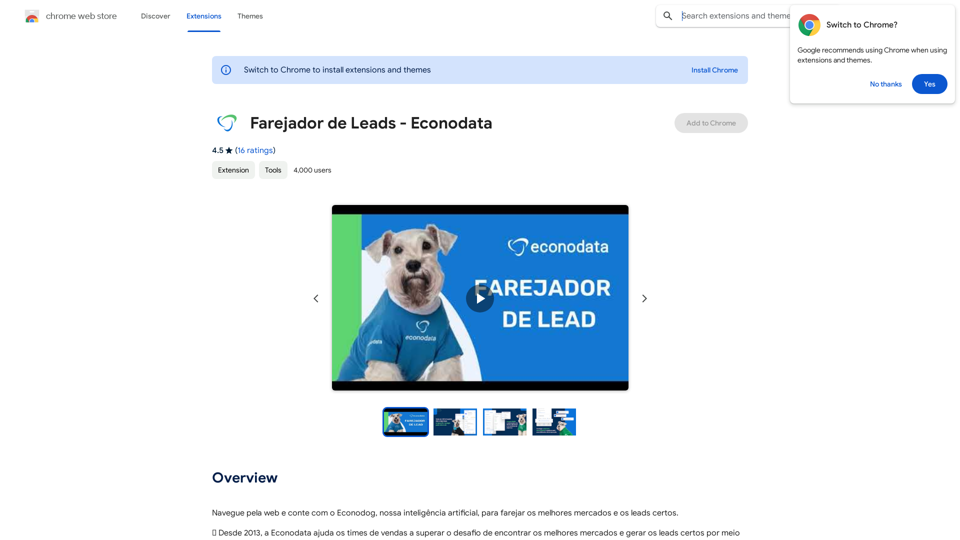
Browse the web and count on Econodog, our artificial intelligence, to sniff out the best markets and the right leads.
193.90 M
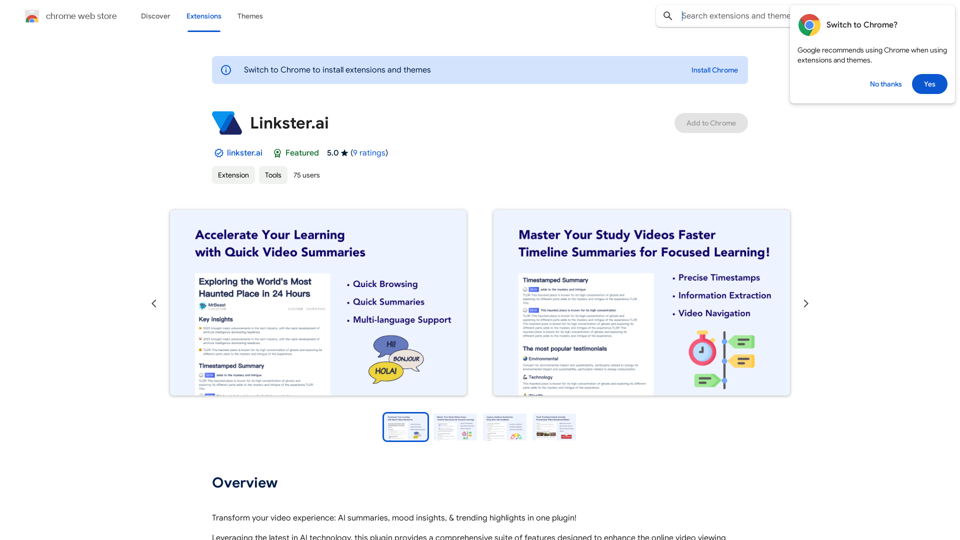
Transform your video experience: AI summaries, mood insights, & trending highlights in one plugin!
193.90 M
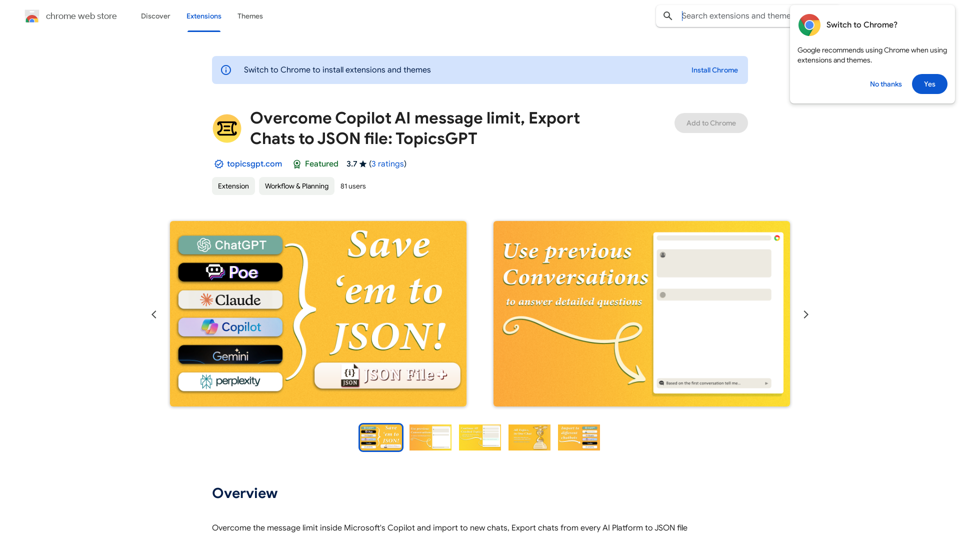
Overcome Copilot AI Message Limit, Export Chats to JSON File: TopicsGPT This is a tool to help you work around the message limit in Copilot AI and export your conversations to a JSON file. Here's how it works: * Extend Your Conversations: TopicsGPT allows you to continue your conversations with Copilot AI beyond the usual message limit. * Save Your History: Export your entire chat history with Copilot AI as a structured JSON file. This makes it easy to review past interactions, analyze your conversations, or even use the data for other purposes. Benefits: * No More Interruptions: Keep your creative flow going without worrying about hitting the message limit. * Organized Data: Have a clear and organized record of your conversations with Copilot AI. * Flexibility: Use the exported JSON data for your own projects or analysis. Let me know if you have any questions!
Overcome Copilot AI Message Limit, Export Chats to JSON File: TopicsGPT This is a tool to help you work around the message limit in Copilot AI and export your conversations to a JSON file. Here's how it works: * Extend Your Conversations: TopicsGPT allows you to continue your conversations with Copilot AI beyond the usual message limit. * Save Your History: Export your entire chat history with Copilot AI as a structured JSON file. This makes it easy to review past interactions, analyze your conversations, or even use the data for other purposes. Benefits: * No More Interruptions: Keep your creative flow going without worrying about hitting the message limit. * Organized Data: Have a clear and organized record of your conversations with Copilot AI. * Flexibility: Use the exported JSON data for your own projects or analysis. Let me know if you have any questions!Bypass Copilot's Message Limit and Move Conversations * Get around the message limit in Microsoft's Copilot: Find ways to exceed the character or message count restrictions within Copilot. * Transfer conversations to new chats: Move existing conversations from one chat space to another. Export AI Chat Histories * Download chat history from any AI platform: Save your conversations with various AI systems as JSON files.
193.90 M
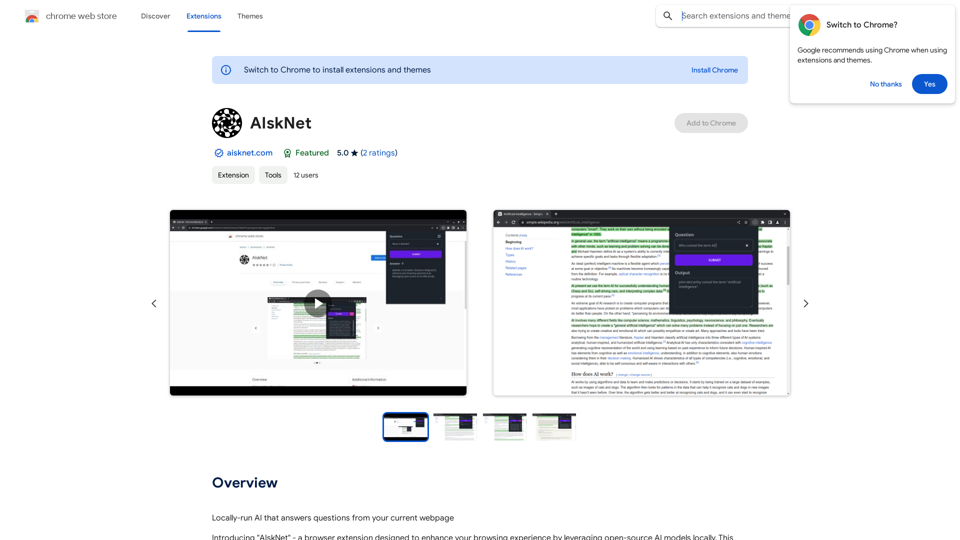
AI that runs on your computer and answers questions about the web page you are currently viewing.
193.90 M
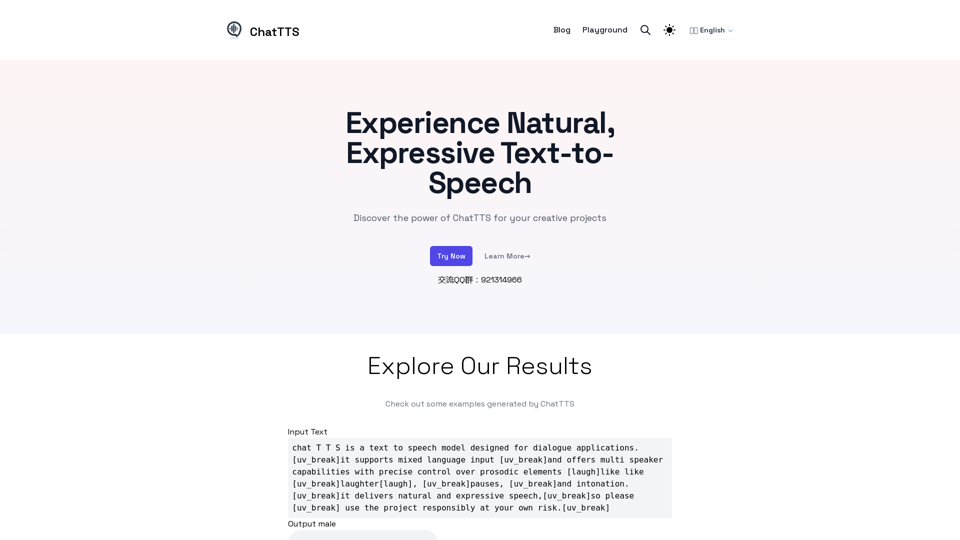
Discover the power of ChatTTS for your creative projects with natural and expressive text-to-speech capabilities.
0
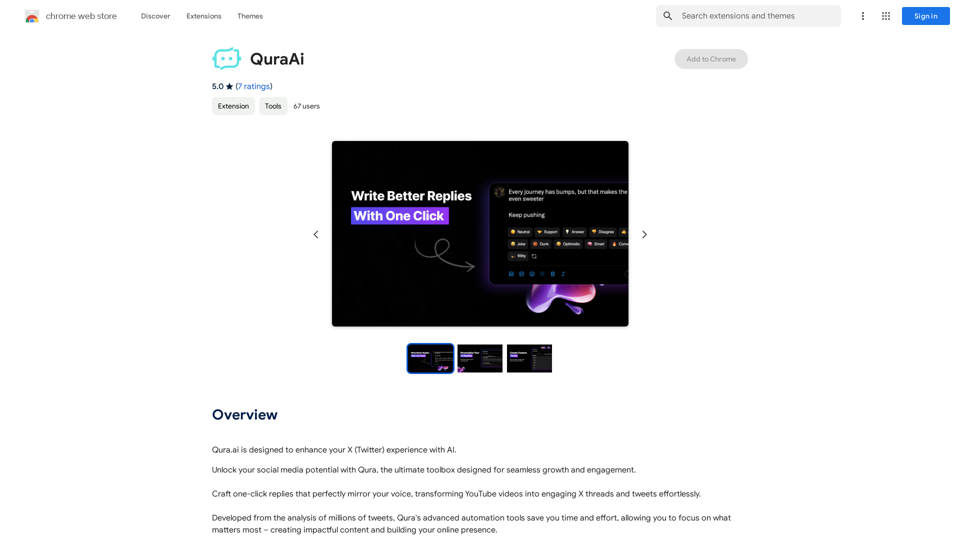
Visual Programming | Bubble Bubble is a web development platform that allows users to build web applications without coding. It uses a visual programming language that is based on dragging and dropping elements to create the application's logic.
Visual Programming | Bubble Bubble is a web development platform that allows users to build web applications without coding. It uses a visual programming language that is based on dragging and dropping elements to create the application's logic.From first-time founders to experienced engineers, Bubble allows users to build, design, and launch apps in record speed – no code required.
0