ReadPilot is an AI-powered platform that offers a one-click solution for summarizing texts and videos. It allows users to quickly understand the key contents of any webpage in under a minute, making it an invaluable tool for students, researchers, and anyone who needs to process large amounts of information efficiently.
ReadPilot
Get a quick summary of any text or video with just one click.
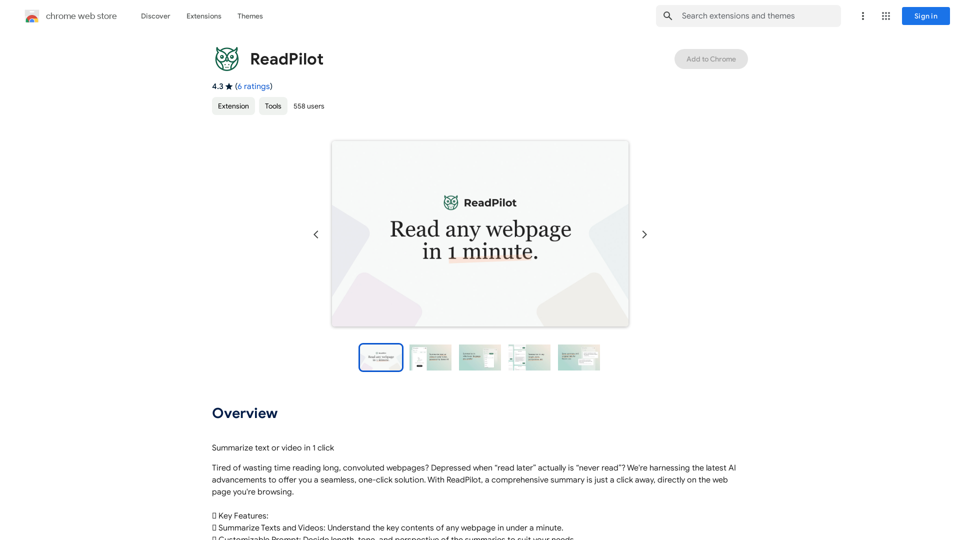
Introduction
Feature
Summarize Texts and Videos
ReadPilot provides comprehensive summaries of webpages, allowing users to grasp key content quickly and efficiently.
Customizable Prompt
Users can tailor summaries to their needs by adjusting length, tone, and perspective, ensuring the output meets their specific requirements.
Multi-Language Output
ReadPilot offers summaries in various languages, making it accessible to a global audience and enhancing its versatility.
Knowledge Management
The platform allows users to save summaries and original links, facilitating easy reference and organization of information for future use.
Browser Extension
ReadPilot is available as a browser extension, enabling users to access its summarization feature with a simple click on the extension icon.
Free and Paid Options
The platform offers a free version with limited usage and a paid subscription for extended access, catering to different user needs and preferences.
FAQ
How do I get started with ReadPilot?
To begin using ReadPilot, simply install the browser extension and start summarizing web content with a single click.
What are the limitations of the free version?
The free version of ReadPilot offers limited usage. For extended access and features, users can upgrade to a paid subscription.
Can I customize the summaries?
Yes, ReadPilot allows users to customize the length, tone, and perspective of summaries to suit their specific needs.
Is my information secure with ReadPilot?
ReadPilot has disclosed that user data is not sold to third parties or used for purposes unrelated to the core functionality of the service, ensuring user privacy and data security.
How can I maximize my use of ReadPilot?
To get the most out of ReadPilot, utilize the daily free uses, explore the customizable prompt feature, and consider upgrading to a paid subscription for extended access to AI-powered tools.
Related Websites
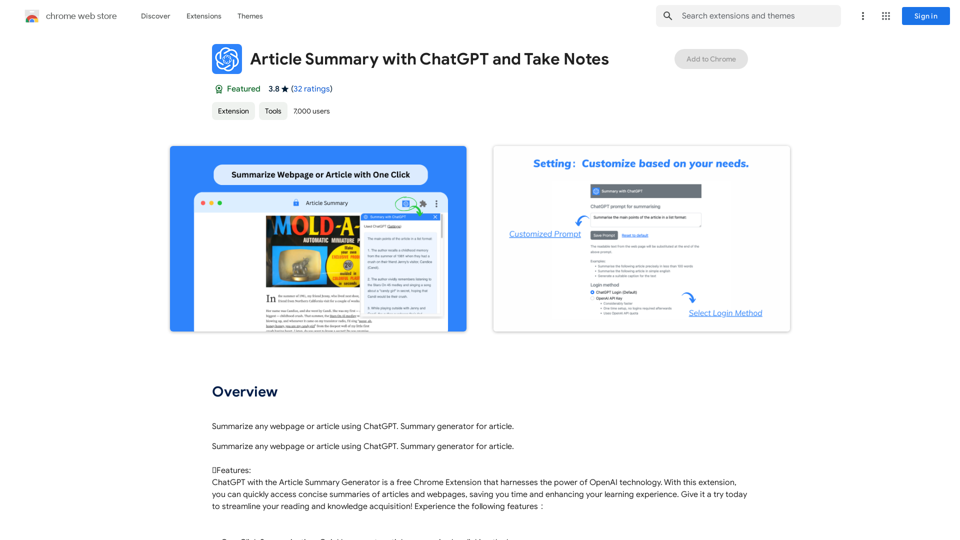
Article Summary with ChatGPT and Take Notes This is a guide on how to use ChatGPT to summarize articles and take notes effectively. Step 1: Provide ChatGPT with the Article Copy and paste the full text of the article into the ChatGPT interface. Step 2: Craft Your Prompt Tell ChatGPT what you want it to do. Here are some examples: * Summarize: "Please summarize this article in 200 words." * Key Points: "What are the main points of this article?" * Bullet Points: "Summarize the key findings of this article in bullet points." * Notes: "Take notes on this article, focusing on the author's arguments and supporting evidence." Step 3: Review and Refine ChatGPT will generate a summary, key points, bullet points, or notes based on your prompt. * Read carefully: Make sure the output accurately reflects the article's content. * Edit as needed: You can ask ChatGPT to rephrase sections or provide more detail. * Add your own insights: Don't just copy ChatGPT's output. Use it as a starting point and add your own thoughts, questions, and connections. Tips for Effective Use: * Be specific: The more specific your prompt, the better the output will be. * Experiment with different prompts: Try various phrasing to see what works best. * Use ChatGPT as a tool: It's a powerful aid, but it's not a replacement for critical reading and thinking.
Article Summary with ChatGPT and Take Notes This is a guide on how to use ChatGPT to summarize articles and take notes effectively. Step 1: Provide ChatGPT with the Article Copy and paste the full text of the article into the ChatGPT interface. Step 2: Craft Your Prompt Tell ChatGPT what you want it to do. Here are some examples: * Summarize: "Please summarize this article in 200 words." * Key Points: "What are the main points of this article?" * Bullet Points: "Summarize the key findings of this article in bullet points." * Notes: "Take notes on this article, focusing on the author's arguments and supporting evidence." Step 3: Review and Refine ChatGPT will generate a summary, key points, bullet points, or notes based on your prompt. * Read carefully: Make sure the output accurately reflects the article's content. * Edit as needed: You can ask ChatGPT to rephrase sections or provide more detail. * Add your own insights: Don't just copy ChatGPT's output. Use it as a starting point and add your own thoughts, questions, and connections. Tips for Effective Use: * Be specific: The more specific your prompt, the better the output will be. * Experiment with different prompts: Try various phrasing to see what works best. * Use ChatGPT as a tool: It's a powerful aid, but it's not a replacement for critical reading and thinking.I can do that! Please provide me with the URL of the webpage or article you'd like me to summarize. I'll do my best to create a concise and easy-to-understand summary for you.
193.90 M
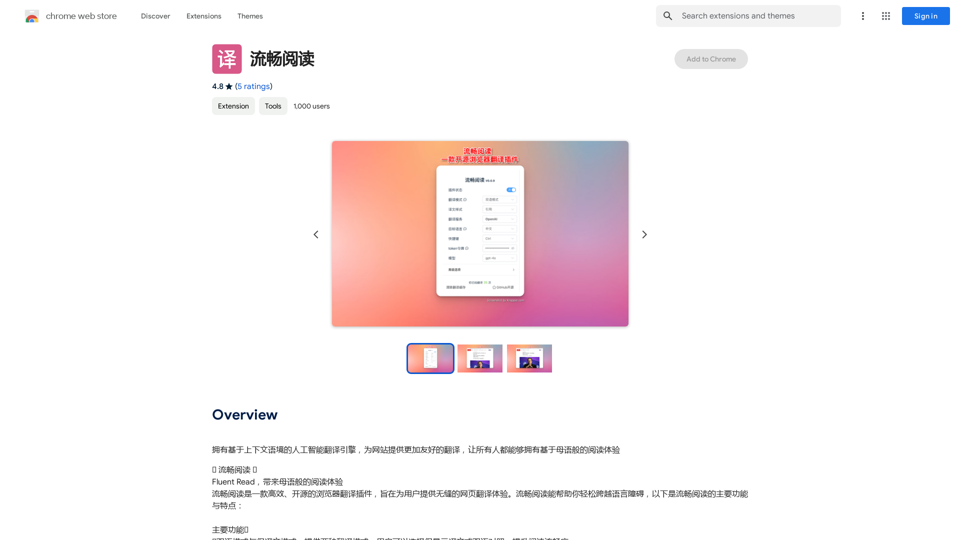
An AI translation engine that understands context will provide a more user-friendly translation for websites, allowing everyone to have a reading experience in their native language.
193.90 M
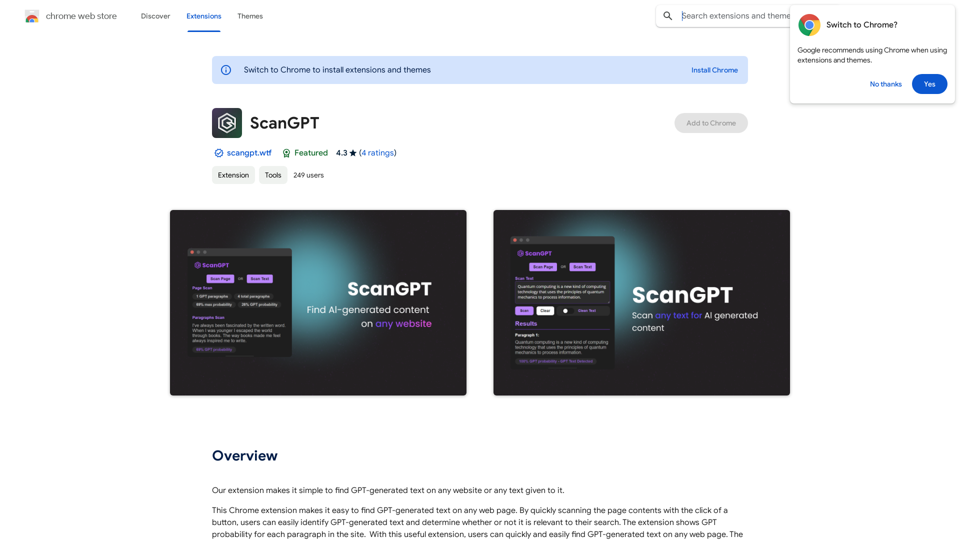
Our extension makes it simple to find GPT-generated text on any website or any text given to it.
193.90 M
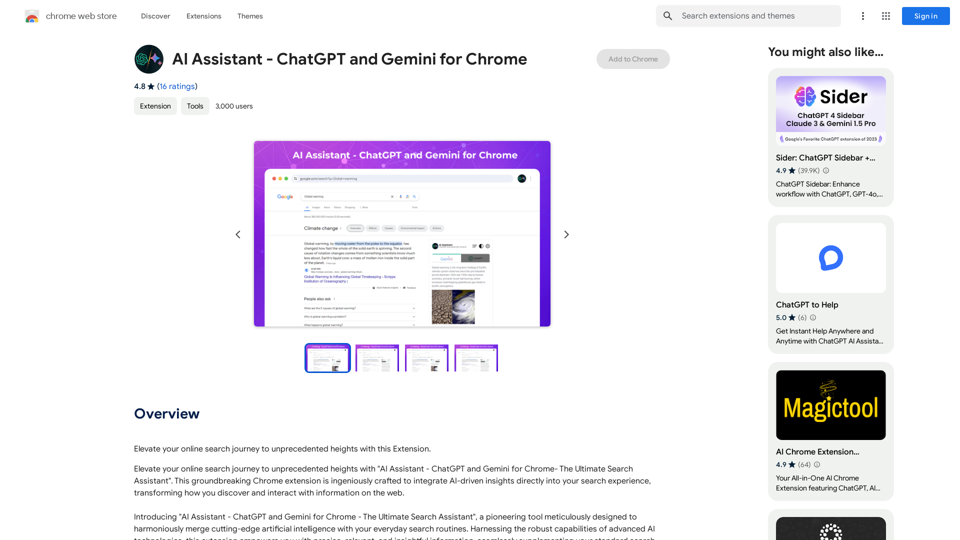
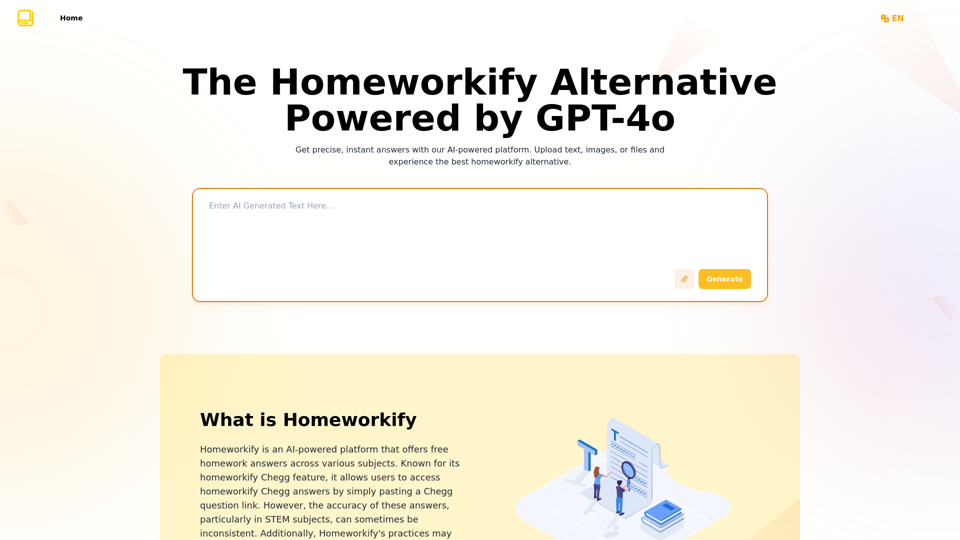
Homeworkify.im: The GPT-4o Powered Homeworkify Alternative
Homeworkify.im: The GPT-4o Powered Homeworkify AlternativeDiscover Homeworkify.im, the top homeworkify alternative offering free online AI-powered solutions. Upload text, images, or files for accurate and instant homework help across all subjects.
10.90 K
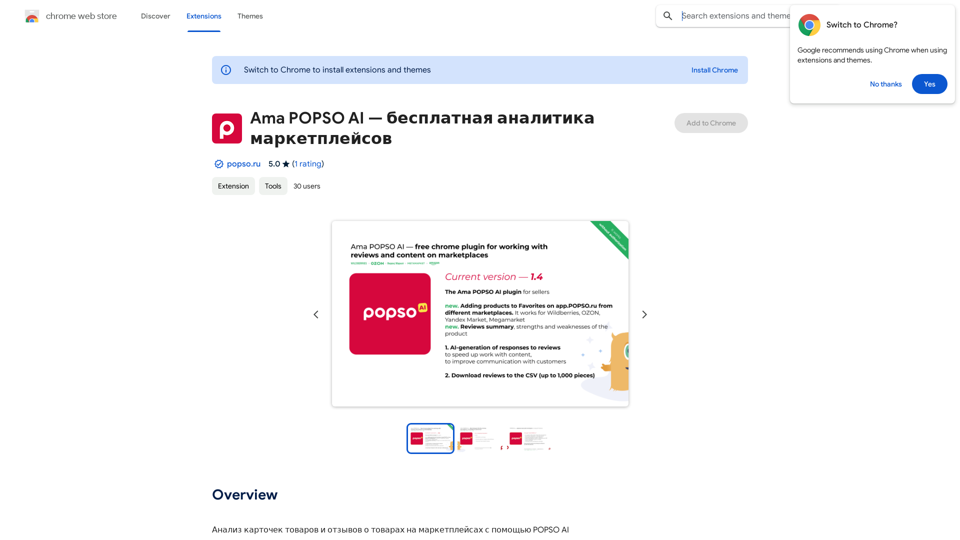
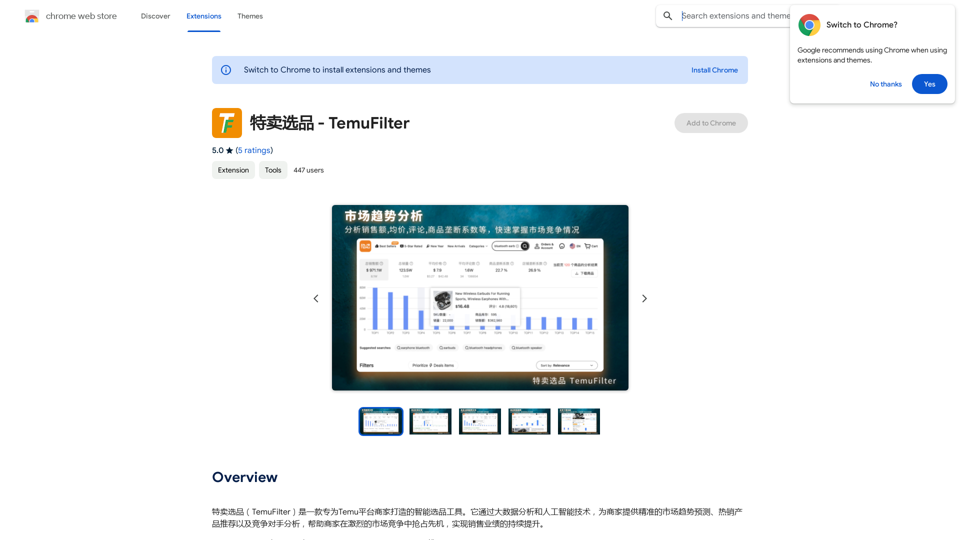
TemuFilter is an intelligent product selection tool designed specifically for Temu platform merchants. It uses big data analysis and artificial intelligence technology to provide merchants with accurate market trend predictions, popular product recommendations, and competitor analysis, helping merchants seize the opportunity in the fierce market competition and achieve continuous improvement in sales performance.
193.90 M