TellMe is an AI-driven platform offering a wide range of AI technologies for various needs, including text generation and image understanding. With its user-friendly interface, TellMe caters to both personal and professional users, providing scalable solutions across different industries. The platform offers free access to its AI assistant, with optional subscription plans for extended features and usage.
TellMe | The Simple AI
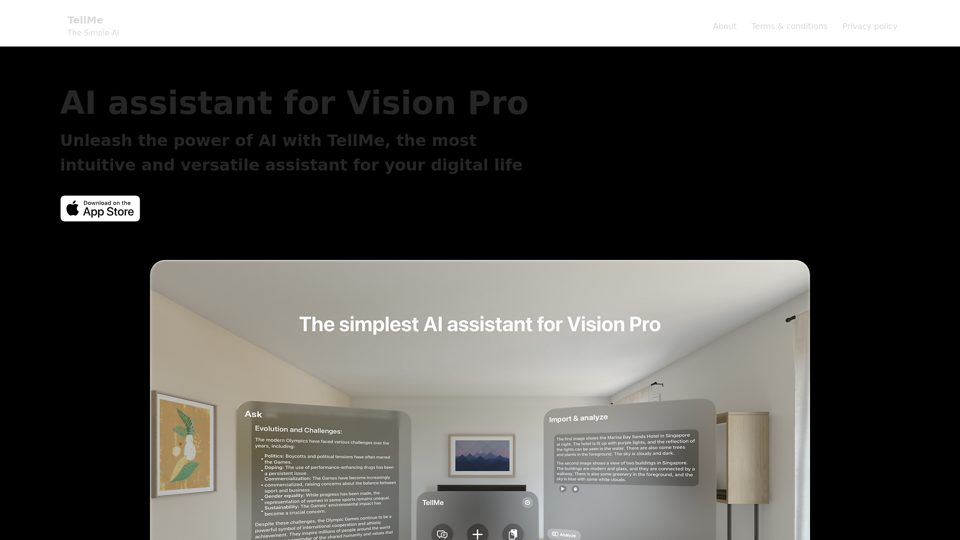
TellMe is the simplest AI assistant for Vision Pro.
Unleash the power of AI with TellMe, the most intuitive and versatile assistant for your digital life.
Introduction
Feature
AI Assistant for Vision Pro
- Intuitive and versatile AI assistant for digital life
- Access to diverse AI technologies for text generation and image understanding
User-Friendly Interface
- Easy navigation for users without extensive technical knowledge
- Streamlined workflow for efficient AI-powered tasks
Scalability
- Adaptable for personal and professional use
- Customizable to meet specific industry needs
Text-to-Image Generation
- Create images using AI technology
- Share credits with other AI-powered tools for seamless creativity
Flexible Usage Options
- Free AI assistant access for all users
- Subscription plans for extended features and usage
Privacy Protection
- User data not used for training purposes
- Option to delete account and remove all associated data
FAQ
How can I use TellMe?
TellMe's AI assistant is available for free to all users. Optional subscription-based plans offer extended access and additional features beyond the free usage limits.
Can I generate images with TellMe?
Yes, TellMe offers text-to-image generation capability. Users can create images and share credits with other AI-powered tools for a seamless creative experience.
How can I maximize my use of TellMe's AI services?
- Leverage daily free uses of TellMe's AI assistant to explore various AI-powered tools
- Consider subscription-based plans for additional features and extended access
When would I need a TellMe subscription?
If the free AI assistant doesn't meet your needs and you heavily rely on AI-powered tools, subscribing to TellMe's affordable products may be beneficial.
Is my information protected?
TellMe highly values user privacy. Your data will not be used for training purposes, and you can delete your account at any time, removing all associated data.
Related Websites
Converting JPG Images to Text Converting a JPG image to text is a process known as Optical Character Recognition (OCR). This technology enables you to extract text from images, scanned documents, and photos. Here's how to do it: Method 1: Online OCR Tools You can use online OCR tools to convert JPG images to text. Here are the steps: 1. Upload your JPG image: Go to an online OCR tool website, such as Online OCR Tools or OCR.space, and upload your JPG image. 2. Select the language: Choose the language of the text in your image. 3. Click on "Convert": The tool will convert the image to text. 4. Download the text: You can download the extracted text as a Word document, PDF, or plain text file. Method 2: Google Drive You can also use Google Drive to convert JPG images to text. Here's how: 1. Upload your JPG image: Upload your JPG image to Google Drive. 2. Right-click on the image: Right-click on the uploaded image and select "Open with" > "Google Docs". 3. The image will be converted: Google Docs will automatically convert the image to text. 4. Edit and download: You can edit the extracted text and download it as a Word document or PDF. Method 3: Adobe Acrobat If you have Adobe Acrobat installed on your computer, you can use it to convert JPG images to text. Here's how: 1. Open Adobe Acrobat: Open Adobe Acrobat on your computer. 2. Create a new document: Create a new document and click on "Tools" > "Recognize Text". 3. Select the image: Select the JPG image you want to convert. 4. Click on "Recognize": Adobe Acrobat will convert the image to text. 5. Edit and save: You can edit the extracted text and save it as a Word document or PDF. These are the three methods to convert JPG images to text. Choose the method that works best for you!
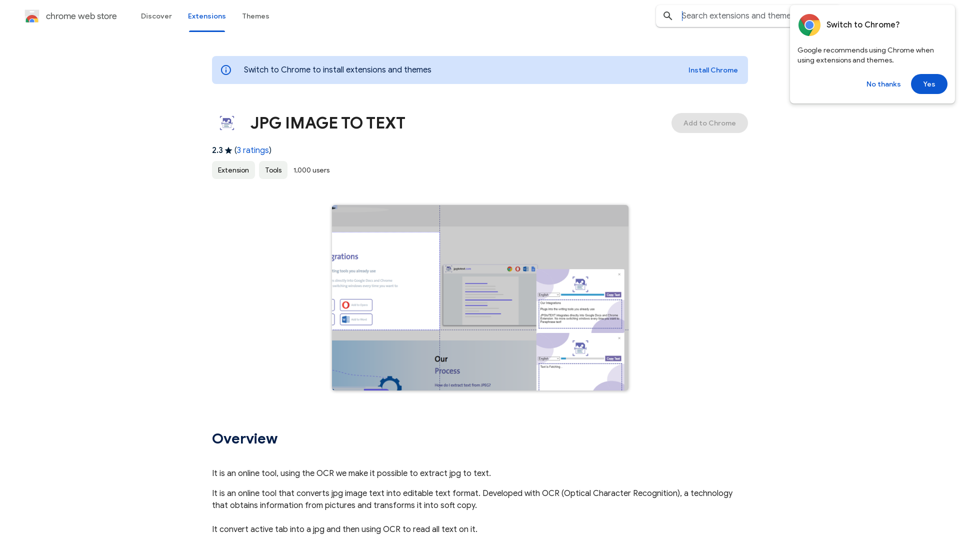
Converting JPG Images to Text Converting a JPG image to text is a process known as Optical Character Recognition (OCR). This technology enables you to extract text from images, scanned documents, and photos. Here's how to do it: Method 1: Online OCR Tools You can use online OCR tools to convert JPG images to text. Here are the steps: 1. Upload your JPG image: Go to an online OCR tool website, such as Online OCR Tools or OCR.space, and upload your JPG image. 2. Select the language: Choose the language of the text in your image. 3. Click on "Convert": The tool will convert the image to text. 4. Download the text: You can download the extracted text as a Word document, PDF, or plain text file. Method 2: Google Drive You can also use Google Drive to convert JPG images to text. Here's how: 1. Upload your JPG image: Upload your JPG image to Google Drive. 2. Right-click on the image: Right-click on the uploaded image and select "Open with" > "Google Docs". 3. The image will be converted: Google Docs will automatically convert the image to text. 4. Edit and download: You can edit the extracted text and download it as a Word document or PDF. Method 3: Adobe Acrobat If you have Adobe Acrobat installed on your computer, you can use it to convert JPG images to text. Here's how: 1. Open Adobe Acrobat: Open Adobe Acrobat on your computer. 2. Create a new document: Create a new document and click on "Tools" > "Recognize Text". 3. Select the image: Select the JPG image you want to convert. 4. Click on "Recognize": Adobe Acrobat will convert the image to text. 5. Edit and save: You can edit the extracted text and save it as a Word document or PDF. These are the three methods to convert JPG images to text. Choose the method that works best for you!It is an online tool that uses Optical Character Recognition (OCR) to make it possible to extract text from images in JPG format.
193.90 M
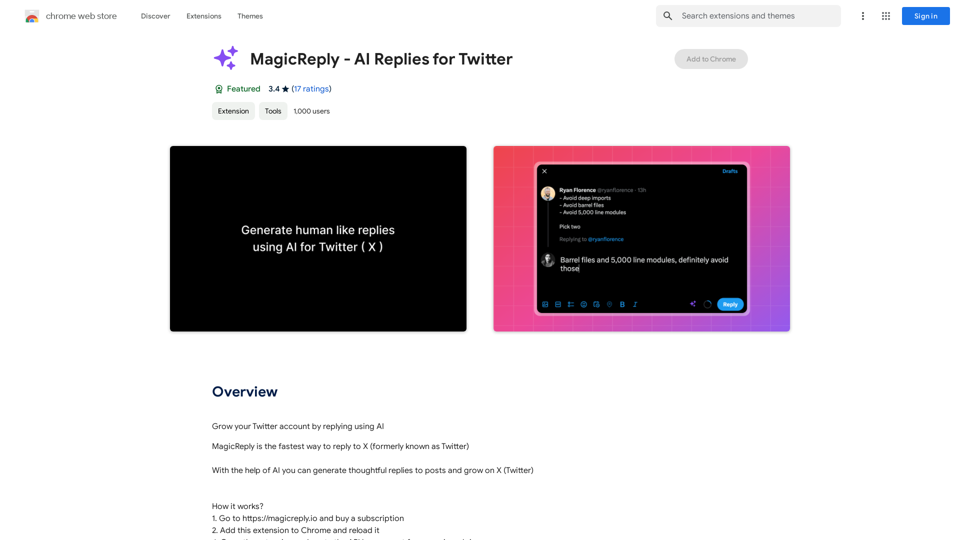
Grow Your Twitter Account by Replying Using AI Are you tired of manually responding to tweets and struggling to grow your Twitter account? Do you want to increase your online presence and engage with your audience more efficiently? Look no further! This article will show you how to grow your Twitter account by replying using AI. What is AI-powered Twitter reply? AI-powered Twitter reply is a technology that uses artificial intelligence to automatically respond to tweets. This innovative tool analyzes the content of incoming tweets and generates a relevant response based on the context. With AI-powered Twitter reply, you can save time and effort while increasing your online engagement. Benefits of using AI-powered Twitter reply 1. Increased efficiency Manually responding to tweets can be time-consuming, especially if you have a large following. AI-powered Twitter reply automates the process, allowing you to focus on other important tasks. 2. Improved engagement AI-powered Twitter reply helps you respond to tweets quickly, which increases the chances of starting a conversation and building relationships with your followers. 3. Personalized responses AI-powered Twitter reply can be customized to fit your brand's voice and tone, ensuring that your responses are personalized and consistent. 4. Scalability As your Twitter account grows, AI-powered Twitter reply can handle a large volume of tweets, ensuring that you never miss a response. How to use AI-powered Twitter reply 1. Choose an AI-powered Twitter reply tool There are several AI-powered Twitter reply tools available, such as [Tool 1], [Tool 2], and [Tool 3]. Research and choose the one that best fits your needs. 2. Set up your AI-powered Twitter reply Once you've chosen a tool, set it up by connecting your Twitter account and customizing your responses. 3. Monitor and adjust Monitor your AI-powered Twitter reply's performance and adjust the settings as needed to ensure that your responses are relevant and engaging. Conclusion Growing your Twitter account requires consistent engagement and timely responses. AI-powered Twitter reply is a game-changer that can help you achieve this goal. By automating your responses, you can increase efficiency, improve engagement, and personalize your interactions. Try AI-powered Twitter reply today and watch your Twitter account thrive!
193.90 M
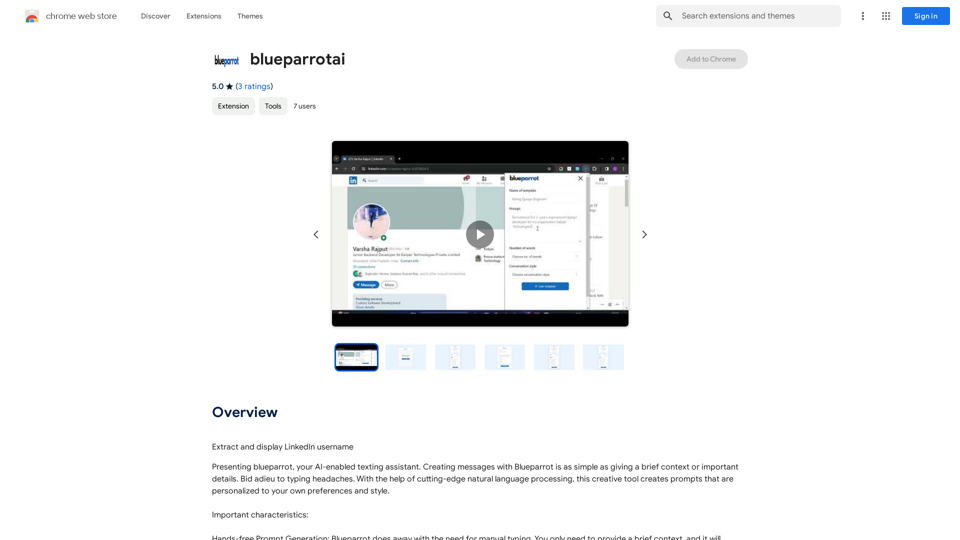
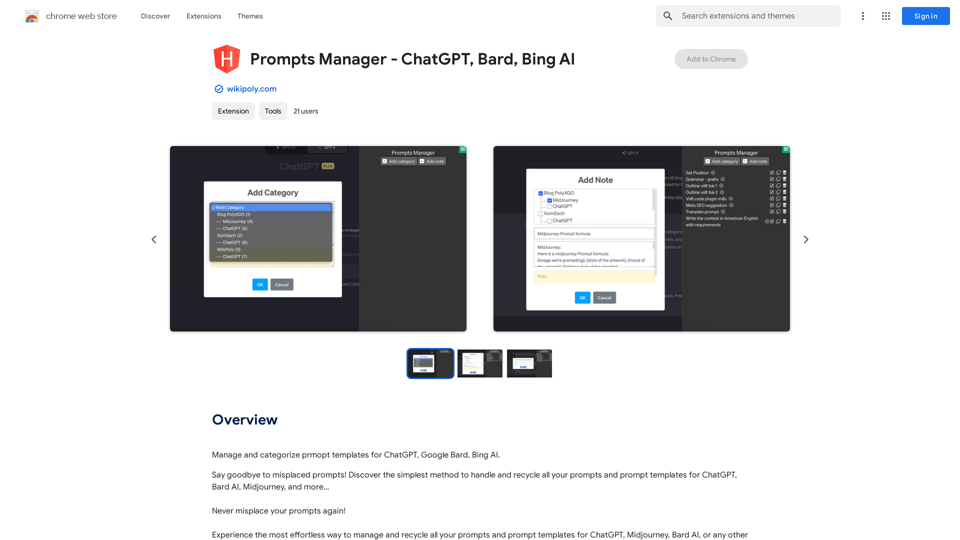
Organize and sort templates designed to give instructions to ChatGPT, Google Bard, and Bing AI.
193.90 M
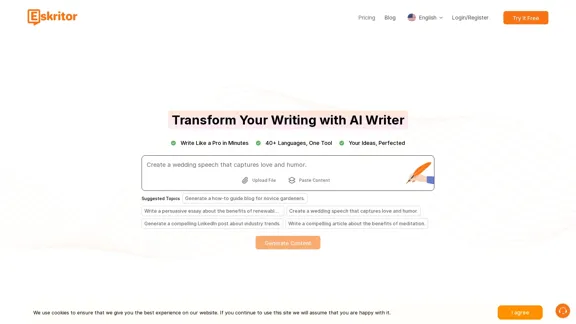
Eskritor AI Writer: Intelligent AI Content Creator
Eskritor AI Writer: Intelligent AI Content CreatorWrite 5x faster with Eskritor AI Writer's 20+ content tools. Start creating perfectly tailored content today - from articles to social posts. Try it free!
100.32 K