Open-source RightAI Tools Directory
  • Discover AI
  • Submit
  • Startup
  • Blog
Open-source RightAI Tools Directory
Discover the best AI tools of 2025 with the RightAI Tools Directory!

Friend Links

AI Anime GeneratorToolsApp AI

Support

Tap4
Privacy policyTerms & ConditionsContact Us
Loading...
loading...

Musemind

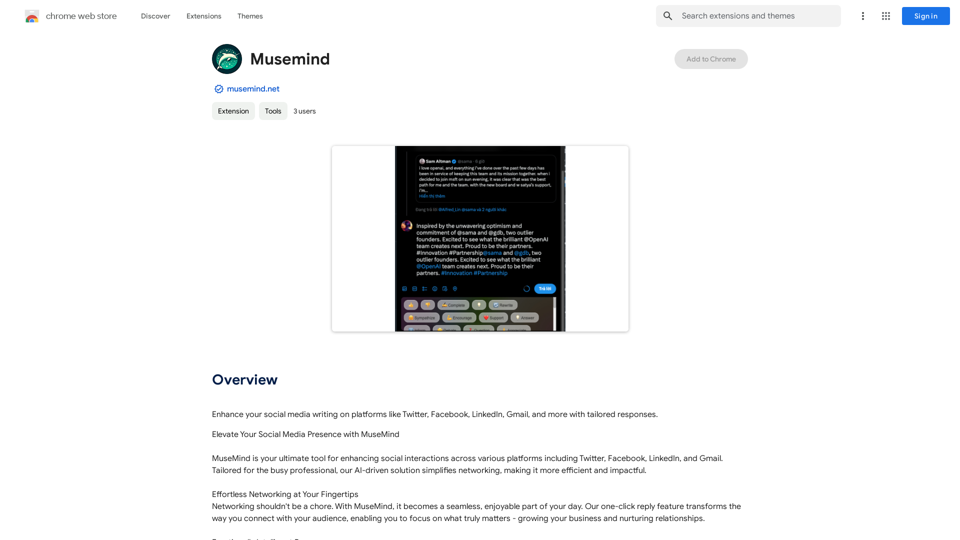
Improve your social media posts on platforms like Twitter, Facebook, LinkedIn, and Gmail with customized replies.
Visit Website
Musemind
Visit Website

Introduction

MuseMind is an AI-powered platform designed to enhance social media writing across various platforms. It caters to busy professionals seeking to streamline their networking efforts, making them more efficient and impactful. The tool offers tailored responses for platforms like Twitter, Facebook, LinkedIn, and Gmail, simplifying the process of engaging with audiences and nurturing relationships.

Feature

One-Click Reply

MuseMind's one-click reply feature revolutionizes networking, allowing users to focus on growing their business and building relationships without spending excessive time crafting responses.

Emotionally Intelligent Responses

The platform's unique emotional intelligence feature enables users to express themselves clearly. Options like "Like," "Dislike," and "Support" help tailor responses with the appropriate tone, helping users stand out in their network.

Tailored Replies for Maximum Engagement

MuseMind generates emotionally compelling comments and thought-provoking responses, ensuring meaningful interactions. Users can regenerate and refine their thoughts until they perfectly capture their intended message.

Seamless Integration

The tool integrates effortlessly with popular social networks such as Twitter, LinkedIn, and Product Hunt, expanding users' global reach and facilitating connections with key decision-makers.

Automated Personalization

MuseMind allows users to automate replies while maintaining a personal touch, creating responses that truly resonate with their audience.

Voice Customization

Users can fine-tune their replies to reflect their unique voice, ensuring consistency in their online presence.

Multi-Platform Compatibility

MuseMind works seamlessly with various social media platforms, enhancing user experience across different networks.

FAQ

What are the main benefits of using MuseMind?

MuseMind offers several key benefits:

  1. Automated, personalized responses
  2. Emotionally intelligent communication
  3. Increased engagement on social media
  4. Time-saving for busy professionals
  5. Seamless integration with popular platforms

How does MuseMind protect user privacy?

MuseMind prioritizes user privacy:

  • User information is not used for training purposes
  • Users can delete their account and data at any time

How can I get started with MuseMind?

To start using MuseMind:

  1. Download the MuseMind extension
  2. Follow the prompts to set up your account
  3. Begin using the tool on your preferred social media platforms

What is the pricing structure for MuseMind?

MuseMind offers in-app purchases with varying pricing plans. For detailed information on pricing, users should visit the official MuseMind website.

Latest Traffic Insights

  • Monthly Visits

    193.90 M

  • Bounce Rate

    56.27%

  • Pages Per Visit

    2.71

  • Time on Site(s)

    115.91

  • Global Rank

    -

  • Country Rank

    -

Recent Visits

Traffic Sources

  • Social Media:
    0.48%
  • Paid Referrals:
    0.55%
  • Email:
    0.15%
  • Referrals:
    12.81%
  • Search Engines:
    16.21%
  • Direct:
    69.81%
More Data

Related Websites

KauGPT
View Detail

KauGPT

KauGPT

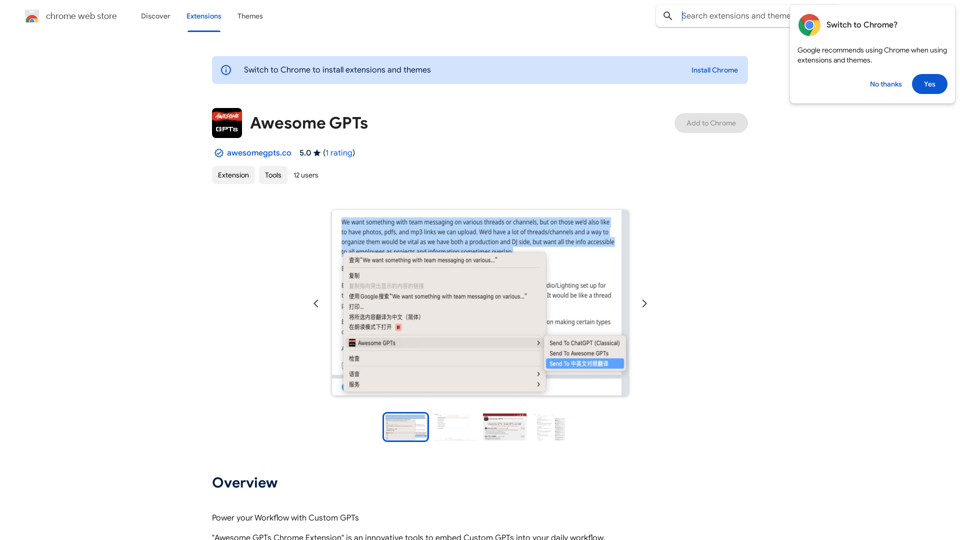
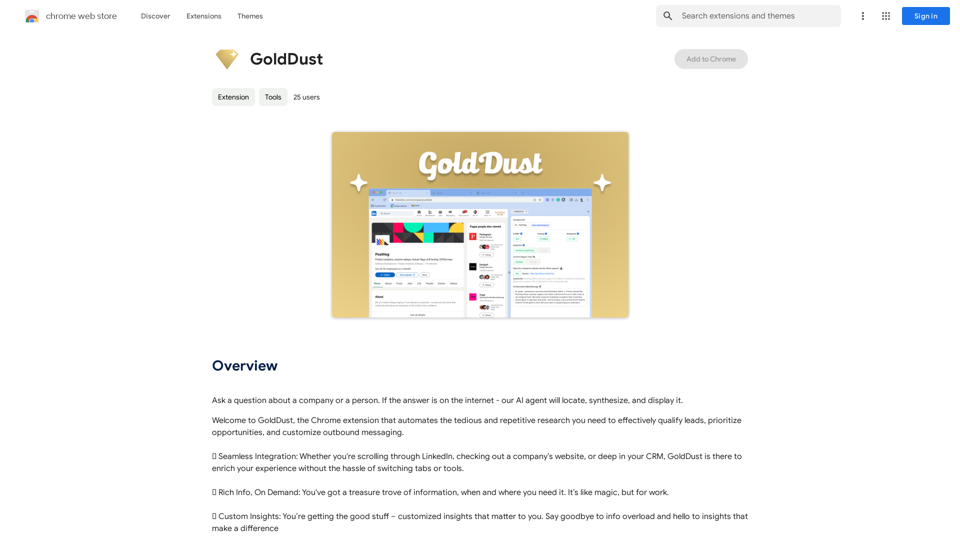
This extension gives you access to GPT-4, along with access to other GPT models and files.

193.90 M
SEO2 - Legal AI Like Nothing Else on the Market. - AI.Law - ai.law
View Detail

SEO2 - Legal AI Like Nothing Else on the Market. - AI.Law - ai.law

SEO2 - Legal AI Like Nothing Else on the Market. - AI.Law - ai.law

Legal AI like nothing else on the market. Get Started โ€œ>โ€>Trusted by lawyers to solve thousands of legal challenges monthly. AI Law provides you with top-quality legal work without the hassle. No more drafting from scratchโ€”just high-quality results. Complaint Drafting Draft pleadings without the hassle of hours of research. AI Law will assemble a complete lawsuit [โ€ฆ]

15.50 K
U-Publish Seller Finder
View Detail

U-Publish Seller Finder

U-Publish Seller Finder

U-Publish Seller Finder

193.90 M
Text Summarizer 

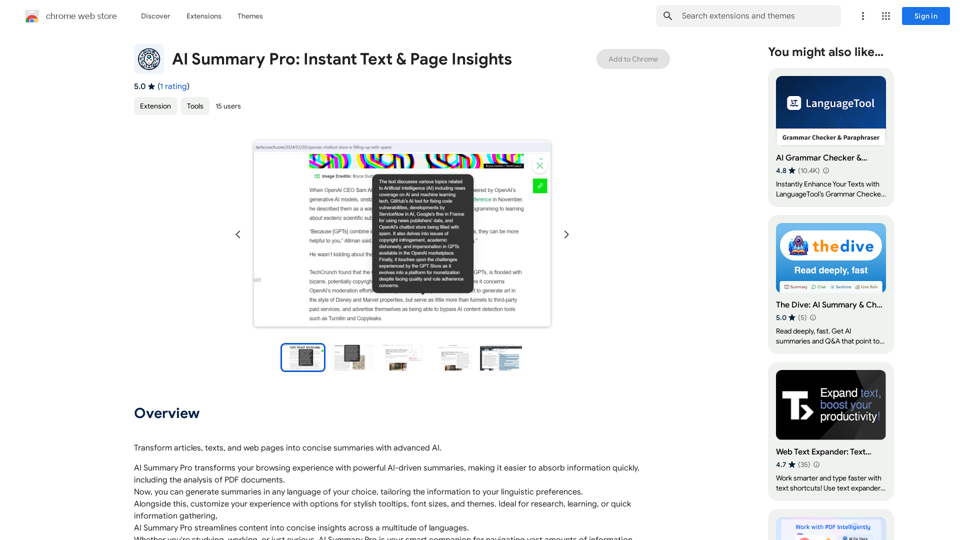
This is a tool that can condense large amounts of text into shorter, more manageable summaries.
View Detail

Text Summarizer This is a tool that can condense large amounts of text into shorter, more manageable summaries.

Text Summarizer This is a tool that can condense large amounts of text into shorter, more manageable summaries.

Instantly summarize text with Text Summarizer: optimize your work using AI-powered text summarization with ChatGPT.

193.90 M
Coursera Summary with ChatGPT and Take Notes
=====================================================

What is Coursera?

Coursera is an online learning platform that partners with top universities and organizations to offer courses and degree programs in a wide range of fields.

What is ChatGPT?

ChatGPT is a conversational AI tool that can understand and respond to human input in a human-like way. It can be used to generate text, answer questions, and even create content.

How to Use ChatGPT for Coursera Summary?

You can use ChatGPT to summarize Coursera courses by:

* Providing the course material or lecture notes to ChatGPT
* Asking ChatGPT to summarize the key points or main ideas
* Reviewing and editing the summary generated by ChatGPT

Benefits of Using ChatGPT for Coursera Summary

Using ChatGPT for Coursera summary can help you:

* Save time by automating the summarization process
* Improve understanding and retention of course material
* Focus on key concepts and ideas
* Enhance learning experience

How to Take Notes with ChatGPT?

You can use ChatGPT to take notes by:

* Providing the course material or lecture notes to ChatGPT
* Asking ChatGPT to generate notes or key points
* Reviewing and editing the notes generated by ChatGPT
* Organizing and structuring the notes for easy reference

Benefits of Using ChatGPT for Taking Notes

Using ChatGPT for taking notes can help you:

* Save time by automating the note-taking process
* Improve organization and structure of notes
* Enhance understanding and retention of course material
* Focus on key concepts and ideas
View Detail

Coursera Summary with ChatGPT and Take Notes ===================================================== What is Coursera? Coursera is an online learning platform that partners with top universities and organizations to offer courses and degree programs in a wide range of fields. What is ChatGPT? ChatGPT is a conversational AI tool that can understand and respond to human input in a human-like way. It can be used to generate text, answer questions, and even create content. How to Use ChatGPT for Coursera Summary? You can use ChatGPT to summarize Coursera courses by: * Providing the course material or lecture notes to ChatGPT * Asking ChatGPT to summarize the key points or main ideas * Reviewing and editing the summary generated by ChatGPT Benefits of Using ChatGPT for Coursera Summary Using ChatGPT for Coursera summary can help you: * Save time by automating the summarization process * Improve understanding and retention of course material * Focus on key concepts and ideas * Enhance learning experience How to Take Notes with ChatGPT? You can use ChatGPT to take notes by: * Providing the course material or lecture notes to ChatGPT * Asking ChatGPT to generate notes or key points * Reviewing and editing the notes generated by ChatGPT * Organizing and structuring the notes for easy reference Benefits of Using ChatGPT for Taking Notes Using ChatGPT for taking notes can help you: * Save time by automating the note-taking process * Improve organization and structure of notes * Enhance understanding and retention of course material * Focus on key concepts and ideas

Coursera Summary with ChatGPT and Take Notes ===================================================== What is Coursera? Coursera is an online learning platform that partners with top universities and organizations to offer courses and degree programs in a wide range of fields. What is ChatGPT? ChatGPT is a conversational AI tool that can understand and respond to human input in a human-like way. It can be used to generate text, answer questions, and even create content. How to Use ChatGPT for Coursera Summary? You can use ChatGPT to summarize Coursera courses by: * Providing the course material or lecture notes to ChatGPT * Asking ChatGPT to summarize the key points or main ideas * Reviewing and editing the summary generated by ChatGPT Benefits of Using ChatGPT for Coursera Summary Using ChatGPT for Coursera summary can help you: * Save time by automating the summarization process * Improve understanding and retention of course material * Focus on key concepts and ideas * Enhance learning experience How to Take Notes with ChatGPT? You can use ChatGPT to take notes by: * Providing the course material or lecture notes to ChatGPT * Asking ChatGPT to generate notes or key points * Reviewing and editing the notes generated by ChatGPT * Organizing and structuring the notes for easy reference Benefits of Using ChatGPT for Taking Notes Using ChatGPT for taking notes can help you: * Save time by automating the note-taking process * Improve organization and structure of notes * Enhance understanding and retention of course material * Focus on key concepts and ideas

Automate Your Learning: Coursera Videos Transcript and Summary with ChatGPT ============================================================ Are you tired of manually taking notes while watching Coursera videos? Do you wish you had a summary of the video to review later? Look no further! With the power of ChatGPT, you can now generate transcripts and summaries of Coursera videos with ease. How it Works --------------- 1. Transcribe the Video: Use a transcription tool to convert the audio from the Coursera video into text. 2. Feed it to ChatGPT: Input the transcript into ChatGPT, and it will generate a concise summary of the video. 3. Review and Refine: Review the summary, refine it as needed, and you're good to go! Benefits ------------ * Save Time: No more manual note-taking or re-watching videos to understand the content. * Improve Retention: A summary of the video helps you retain information better and review it quickly. * Enhance Learning: Focus on understanding the concepts rather than taking notes. Get Started -------------- Try it out today and take your learning to the next level!

193.90 M
AI Search
View Detail

AI Search

AI Search

Stop wasting time browsing ad-ridden, Search-Engine-Optimised sites and find what you are looking for

193.90 M
At a Glance
View Detail

At a Glance

At a Glance

Use an AI like ChatGPT to condense and translate articles into short, ready-to-publish paragraphs directly on the webpage.

193.90 M
Please provide me with the text you'd like me to summarize and translate. I'm ready! ๐Ÿ˜Š
View Detail

Please provide me with the text you'd like me to summarize and translate. I'm ready! ๐Ÿ˜Š

Please provide me with the text you'd like me to summarize and translate. I'm ready! ๐Ÿ˜Š

I can help you with that! Just paste the web page URL here, and I'll use Claude's powerful abilities to: * Summarize the main points of the page in clear, concise language. * Translate the entire page into English for you. Let me know if you have a page you'd like me to work on!

193.90 M