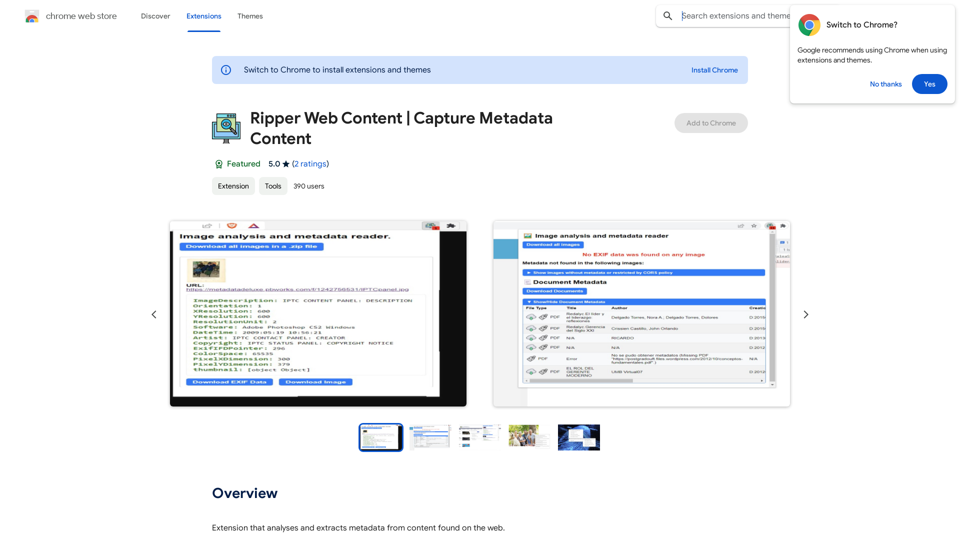
Huzzle Quick Apply is an AI-powered job search assistant that revolutionizes the job application process. By leveraging advanced AI technology, it enables users to apply to millions of jobs with just one click. This innovative tool significantly reduces the time and effort required for job applications, making the job search process more efficient and less stressful for job seekers.
Huzzle Quick Apply - Apply to jobs in 1 click
Apply to millions of jobs with 1 click! Find jobs, apply in seconds & track applications. Save 90% time by autofilling applications.
Introduction
Feature
One-Click Job Applications
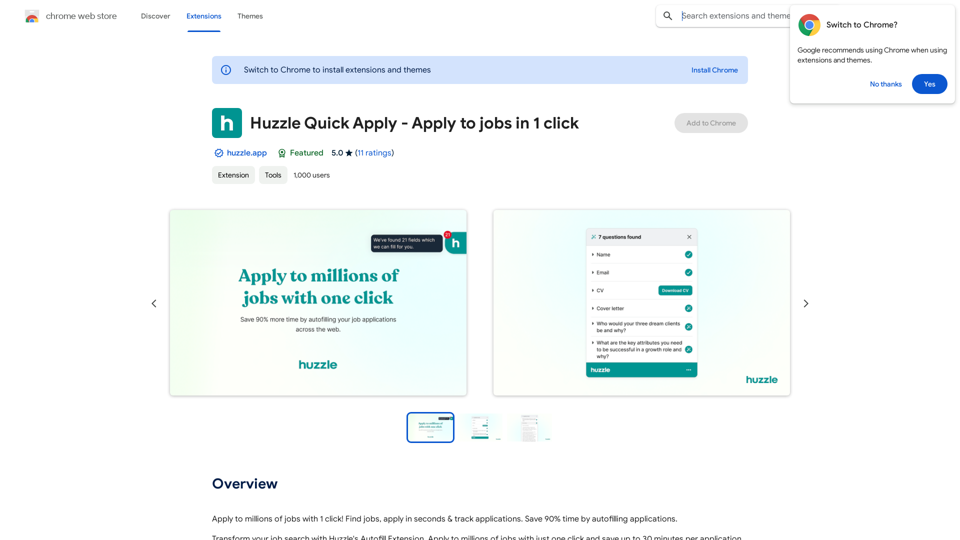
Fill your Huzzle profile once and apply to countless jobs effortlessly. The AI-powered system autofills applications, saving up to 30 minutes per application and 90% of your time.
Extensive Platform Support
Automate job applications across major job boards and career pages, including:
- Greenhouse
- Lever
- Workday
- Workable
- Teamtailor
- Many more
Huzzle Community Integration
Connect with thousands of students, recruiters, and student societies on the Huzzle platform. Enhance your career prospects and expand your professional network.
AI-Powered Job Search
Utilize the extension's intelligent job search feature to discover openings that align with your skills and interests.
Multi-Device Compatibility
Access Huzzle Quick Apply on various devices, including desktop and mobile, for a seamless job search experience.
Flexible Pricing Options
| Plan | Price | Features |
|---|---|---|
| Basic | Free | Core functionality |
| Premium | Subscription-based | Additional features and extended access |
FAQ
Is Huzzle Quick Apply free to use?
Yes, Huzzle Quick Apply offers a free basic plan. Optional subscription plans are available for users seeking additional features and extended access.
How does Huzzle Quick Apply streamline the application process?
Huzzle Quick Apply employs AI technology to autofill job applications, significantly reducing the time spent on each application. Users can save up to 30 minutes per application and 90% of their overall job search time.
Can I use Huzzle Quick Apply on multiple devices?
Absolutely. Huzzle Quick Apply is designed for multi-device compatibility, supporting both desktop and mobile platforms for a flexible job search experience.
Related Websites
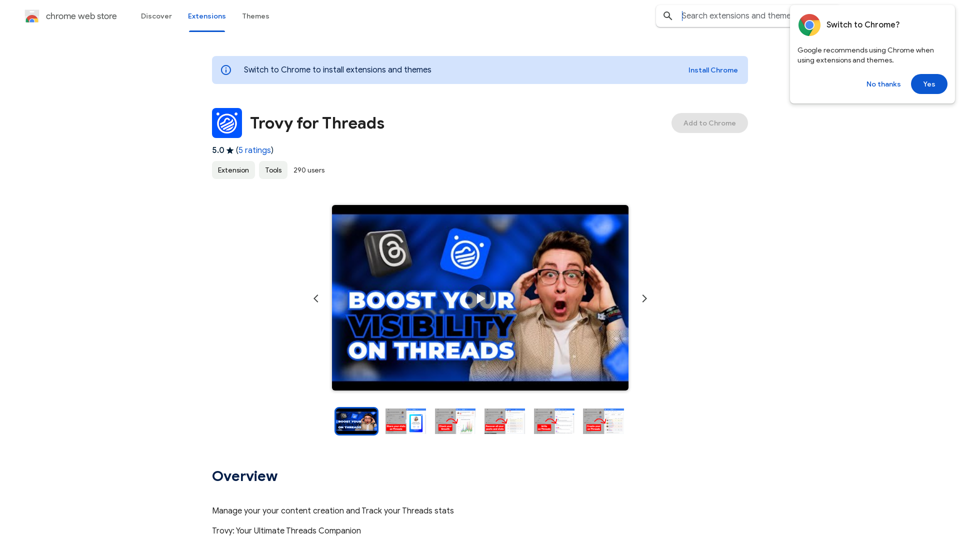
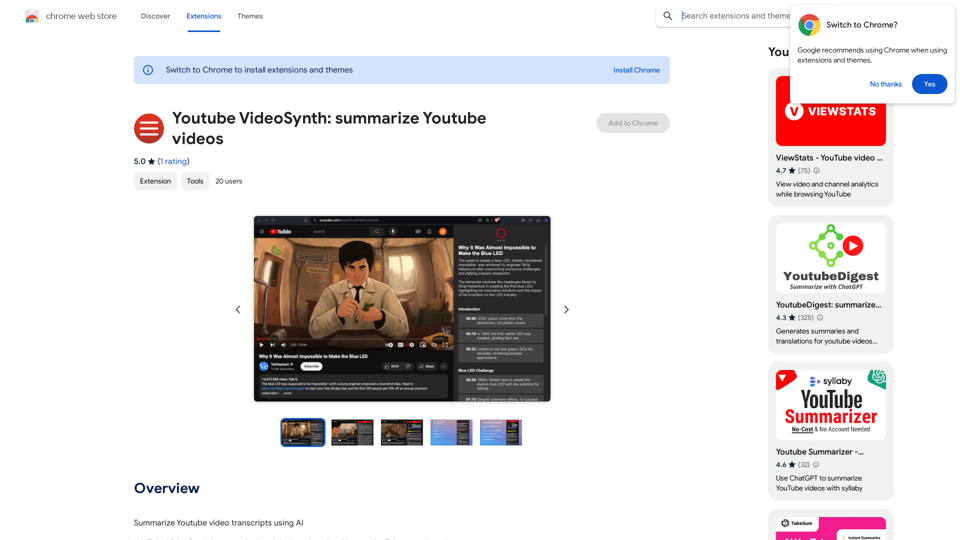
Youtube VideoSynth: Summarize Youtube Videos This tool uses artificial intelligence to create short summaries of YouTube videos. Simply paste the YouTube video URL into the input field, and VideoSynth will generate a concise summary of the video's content.
Youtube VideoSynth: Summarize Youtube Videos This tool uses artificial intelligence to create short summaries of YouTube videos. Simply paste the YouTube video URL into the input field, and VideoSynth will generate a concise summary of the video's content.Summarize YouTube Video Transcripts Using AI This is a powerful tool for quickly understanding the main points of long videos. Here's how it works: 1. Get the Transcript: You'll need a text transcript of the YouTube video. Many videos have automatic captions, or you can use a transcription service. 2. Choose an AI Summarizer: There are many free and paid AI summarization tools available online. Some popular options include: * OpenAI's GPT-3: A powerful language model that can generate high-quality summaries. * Google Cloud AI Platform: Offers a variety of AI services, including text summarization. * Hugging Face Transformers: An open-source library with pre-trained summarization models. 3. Input the Transcript: Paste the transcript into the AI summarizer. 4. Generate the Summary: The AI will analyze the text and generate a concise summary of the video's main points. 5. Review and Edit: Read through the AI-generated summary and make any necessary edits to ensure accuracy and clarity. Let me know if you'd like more details on any of these steps!
193.90 M
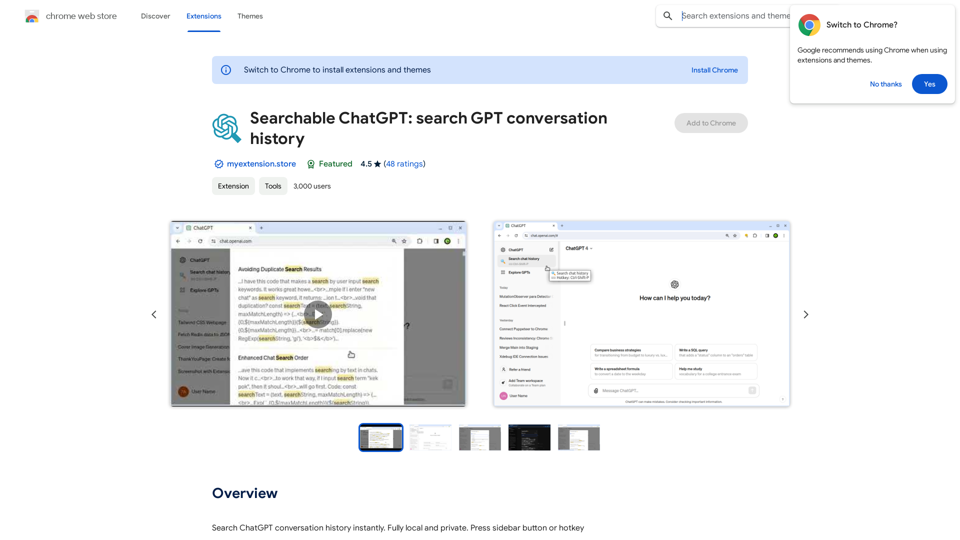
Searchable ChatGPT: Search GPT Conversation History With the rapid development of artificial intelligence technology, ChatGPT has become an essential tool for people to communicate and interact with AI. However, as the conversation history grows, it becomes increasingly difficult to find specific conversations or topics. To address this issue, we propose the concept of Searchable ChatGPT, which enables users to search their GPT conversation history efficiently. Key Features 1. Keyword Search Users can input specific keywords or phrases to search for relevant conversations in their chat history. The system will then display a list of conversations that match the search criteria, allowing users to quickly find the information they need. 2. Contextual Search In addition to keyword search, users can also search for conversations based on context. For example, they can search for conversations related to a specific topic, such as "travel" or "cooking." The system will then display a list of conversations that are relevant to the specified context. 3. Conversation Filtering To further refine the search results, users can apply filters to narrow down the list of conversations. For instance, they can filter conversations by date, time, or even the emotions expressed during the conversation. 4. Conversation Analytics Searchable ChatGPT also provides users with conversation analytics, which offer insights into their conversation patterns and preferences. This feature can help users identify areas for improvement and optimize their communication with ChatGPT. Benefits 1. Improved Productivity Searchable ChatGPT saves users time and effort by allowing them to quickly find specific conversations or topics in their chat history. 2. Enhanced User Experience By providing users with a more efficient way to search and analyze their conversations, Searchable ChatGPT enhances the overall user experience and encourages more effective communication with ChatGPT. 3. Better Decision Making With access to conversation analytics, users can make more informed decisions by identifying patterns and trends in their conversations with ChatGPT. Conclusion Searchable ChatGPT is a powerful tool that revolutionizes the way users interact with ChatGPT. By providing a robust search function, contextual search, conversation filtering, and conversation analytics, Searchable ChatGPT improves productivity, enhances the user experience, and enables better decision making.
Searchable ChatGPT: Search GPT Conversation History With the rapid development of artificial intelligence technology, ChatGPT has become an essential tool for people to communicate and interact with AI. However, as the conversation history grows, it becomes increasingly difficult to find specific conversations or topics. To address this issue, we propose the concept of Searchable ChatGPT, which enables users to search their GPT conversation history efficiently. Key Features 1. Keyword Search Users can input specific keywords or phrases to search for relevant conversations in their chat history. The system will then display a list of conversations that match the search criteria, allowing users to quickly find the information they need. 2. Contextual Search In addition to keyword search, users can also search for conversations based on context. For example, they can search for conversations related to a specific topic, such as "travel" or "cooking." The system will then display a list of conversations that are relevant to the specified context. 3. Conversation Filtering To further refine the search results, users can apply filters to narrow down the list of conversations. For instance, they can filter conversations by date, time, or even the emotions expressed during the conversation. 4. Conversation Analytics Searchable ChatGPT also provides users with conversation analytics, which offer insights into their conversation patterns and preferences. This feature can help users identify areas for improvement and optimize their communication with ChatGPT. Benefits 1. Improved Productivity Searchable ChatGPT saves users time and effort by allowing them to quickly find specific conversations or topics in their chat history. 2. Enhanced User Experience By providing users with a more efficient way to search and analyze their conversations, Searchable ChatGPT enhances the overall user experience and encourages more effective communication with ChatGPT. 3. Better Decision Making With access to conversation analytics, users can make more informed decisions by identifying patterns and trends in their conversations with ChatGPT. Conclusion Searchable ChatGPT is a powerful tool that revolutionizes the way users interact with ChatGPT. By providing a robust search function, contextual search, conversation filtering, and conversation analytics, Searchable ChatGPT improves productivity, enhances the user experience, and enables better decision making.Search ChatGPT conversation history instantly. Fully local and private. Press sidebar button or hotkey
193.90 M
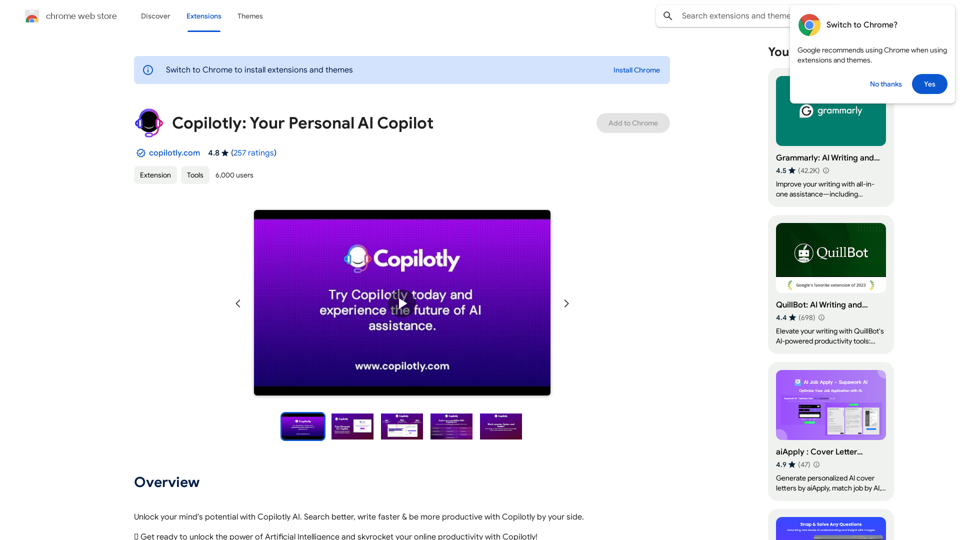
Unlock your mind's potential with Copilotly AI. Search better, write faster & be more productive with Copilotly by your side.
193.90 M
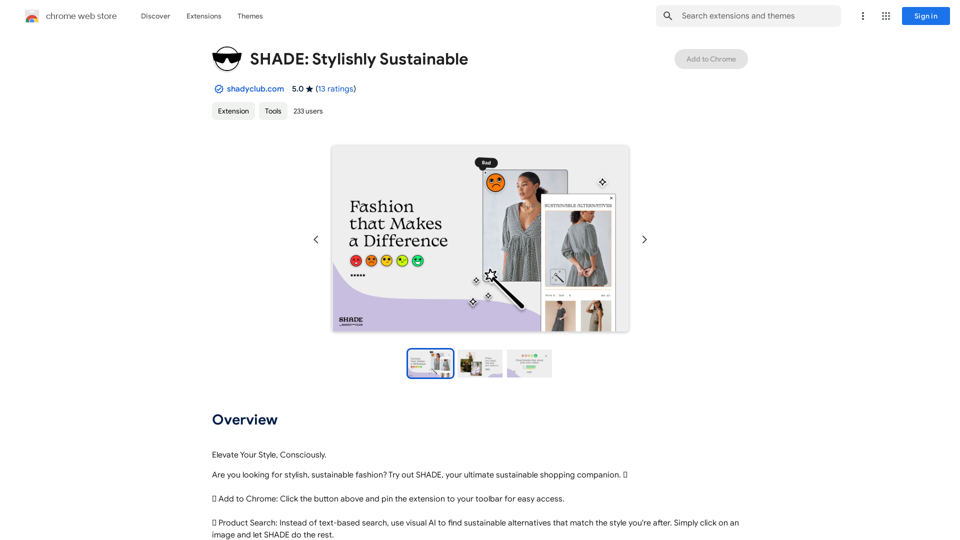
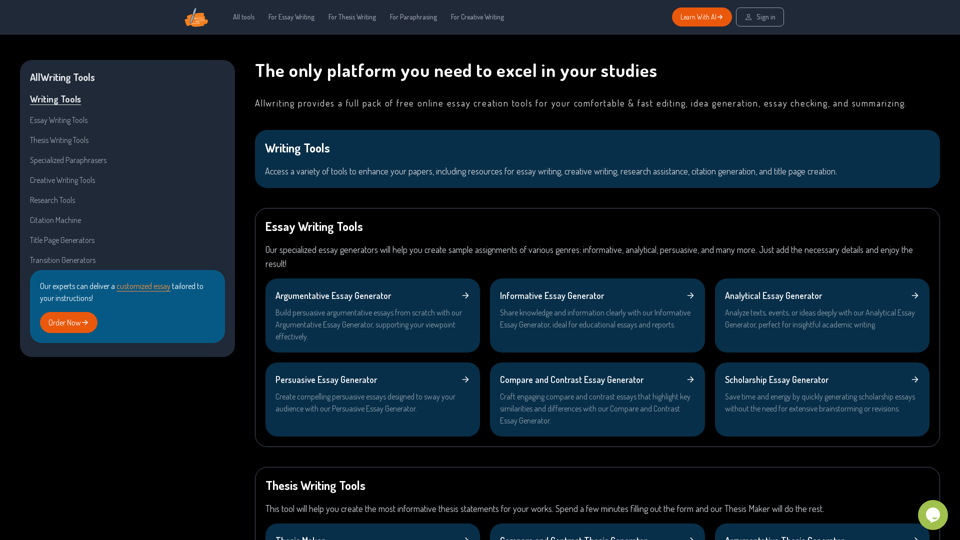
The Only Platform You Need to Excel in Your Studies | AllWriting
The Only Platform You Need to Excel in Your Studies | AllWritingAllwriting provides a full pack of free online essay creation tools for your comfortable & fast editing, idea generation, essay checking, and summarizing.
638
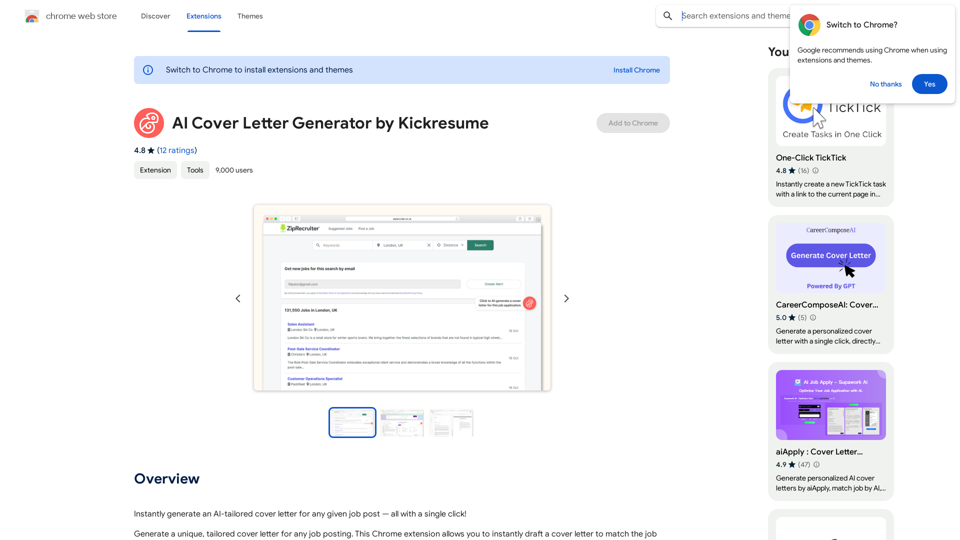
AI Cover Letter Generator by Kickresume ============================================= Get hired faster with our AI-powered cover letter generator. Write a compelling cover letter in minutes and increase your chances of getting noticed by the hiring manager. How it Works --------------- 1. Choose a Template: Select from a variety of professionally-designed cover letter templates. 2. Answer a Few Questions: Provide some basic information about the job you're applying for and your qualifications. 3. AI Generates Your Cover Letter: Our AI algorithm creates a tailored cover letter based on your input. 4. Customize and Refine: Review and edit your cover letter to make it perfect. Benefits ------------ * Save Time: Write a cover letter in minutes, not hours. * Increase Chances of Getting Hired: Our AI-generated cover letters are optimized to pass through applicant tracking systems (ATS) and catch the hiring manager's attention. * Get Professional Results: Our templates and AI algorithm ensure your cover letter looks and sounds professional. Try it Now -------------- Generate a compelling cover letter with our AI cover letter generator and start getting noticed by hiring managers today!
AI Cover Letter Generator by Kickresume ============================================= Get hired faster with our AI-powered cover letter generator. Write a compelling cover letter in minutes and increase your chances of getting noticed by the hiring manager. How it Works --------------- 1. Choose a Template: Select from a variety of professionally-designed cover letter templates. 2. Answer a Few Questions: Provide some basic information about the job you're applying for and your qualifications. 3. AI Generates Your Cover Letter: Our AI algorithm creates a tailored cover letter based on your input. 4. Customize and Refine: Review and edit your cover letter to make it perfect. Benefits ------------ * Save Time: Write a cover letter in minutes, not hours. * Increase Chances of Getting Hired: Our AI-generated cover letters are optimized to pass through applicant tracking systems (ATS) and catch the hiring manager's attention. * Get Professional Results: Our templates and AI algorithm ensure your cover letter looks and sounds professional. Try it Now -------------- Generate a compelling cover letter with our AI cover letter generator and start getting noticed by hiring managers today!Instantly generate an AI-tailored cover letter for any given job post — all with a single click!
193.90 M