Notebook.ai is a smart, digital notebook designed for worldbuilders, writers, and roleplayers. It offers a comprehensive platform for creating and organizing complex fictional universes, characters, and storylines. With both free and premium options, Notebook.ai provides tools to enhance creativity, streamline the writing process, and collaborate with others.
The intelligent notebook for world creators - Notebook.ai
Notebook.ai is a collection of tools designed for writers and roleplayers to create magnificent universes — and everything within them.
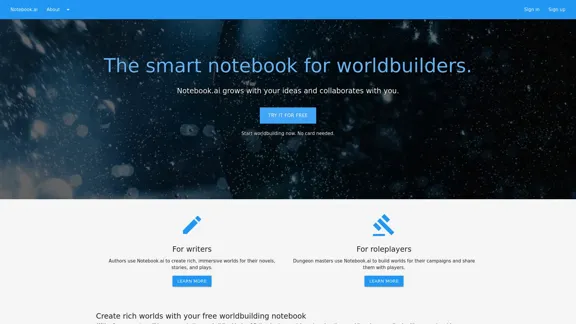
Introduction
Feature
-
Diverse Content Creation
- Characters: Develop detailed character profiles
- Locations: Design various settings from magical realms to modern cities
- Items: Track artifacts, weapons, and other significant objects
- Additional premium templates: Creatures, flora, planets, and more
-
Organizational Tools
- Universe Management: Organize ideas into specific universes
- Filtering and Sorting: Easily reorganize and focus on specific elements
- Searchability: Quickly locate any piece of information
-
Writing Assistance
- Personalized Prompts: Receive writing prompts based on your world
- Document Storage: Unlimited storage for your writing
- Cross-referencing: Link notebook pages and documents for a wiki-like experience
-
Collaboration Features
- Sharing: Invite others to review shared pages
- Community Access: Connect with other worldbuilders
-
AI-Powered Analysis
- Writing Evaluation: Analyze readability, style, and emotion in your work
-
Data Security
- Cloud Backup: Automatic backup of all work
- Privacy: Ad-free platform with private-by-default settings
How to Use?
-
Start with the free tier to explore core features before considering the premium subscription.
-
Utilize the cross-referencing feature to create a rich, interconnected world.
-
Take advantage of the AI-generated prompts to overcome writer's block and expand your world.
-
Use the timeline feature (premium) to plot your story's events chronologically.
-
Collaborate with other users to get feedback and fresh perspectives on your work.
-
Regularly back up your work, even though Notebook.ai provides cloud storage.
-
Experiment with different page templates to find the best way to organize your world's information.
FAQ
Who is Notebook.ai designed for?
Notebook.ai is designed for writers, worldbuilders, and roleplayers, including authors creating novels or stories and dungeon masters building campaign worlds.
What's included in the free tier?
The free tier includes access to core building blocks (characters, locations, items), personalized writing prompts, unlimited document storage, community access, and up to 5 universes with 50MB of image upload capacity.
What additional features does the premium subscription offer?
The premium subscription unlocks 25 additional page templates, unlimited universes, 10GB of image upload capacity, and features like timelines and collections.
Is Notebook.ai suitable for collaborative projects?
Yes, Notebook.ai allows users to invite others to review shared pages, making it suitable for collaborative worldbuilding and writing projects.
How does Notebook.ai help with maintaining consistency in writing?
By storing all information in one place and allowing cross-referencing, Notebook.ai helps writers avoid contradictions and maintain continuity in their stories.
Price
- Free Tier: $0/month
- Premium Tier: $9/month or cheaper (exact pricing not specified)
The price is for reference only, please refer to the latest official data for actual information.
Evaluation
Notebook.ai presents a robust and well-designed platform for writers and worldbuilders. Its strengths lie in its comprehensive set of tools for organizing and developing complex fictional universes. The free tier offers a generous set of features, making it accessible to beginners and hobbyists.
The premium tier's additional templates and unlimited universe creation add significant value for serious writers and worldbuilders. The AI-powered writing analysis and personalized prompts are innovative features that can genuinely enhance the creative process.
However, the platform might have a learning curve for new users due to its extensive features. Additionally, while the collaborative aspects are present, they could potentially be expanded to include real-time collaboration for team projects.
The pricing structure seems fair, especially considering the depth of features offered. However, more clarity on the exact pricing of the premium tier would be beneficial for potential subscribers.
Overall, Notebook.ai appears to be a valuable tool for writers and worldbuilders, offering a unique combination of organizational tools, creative prompts, and AI-assisted analysis. Its potential to streamline the worldbuilding process and maintain consistency in complex narratives makes it a standout option in its category.
Related Websites
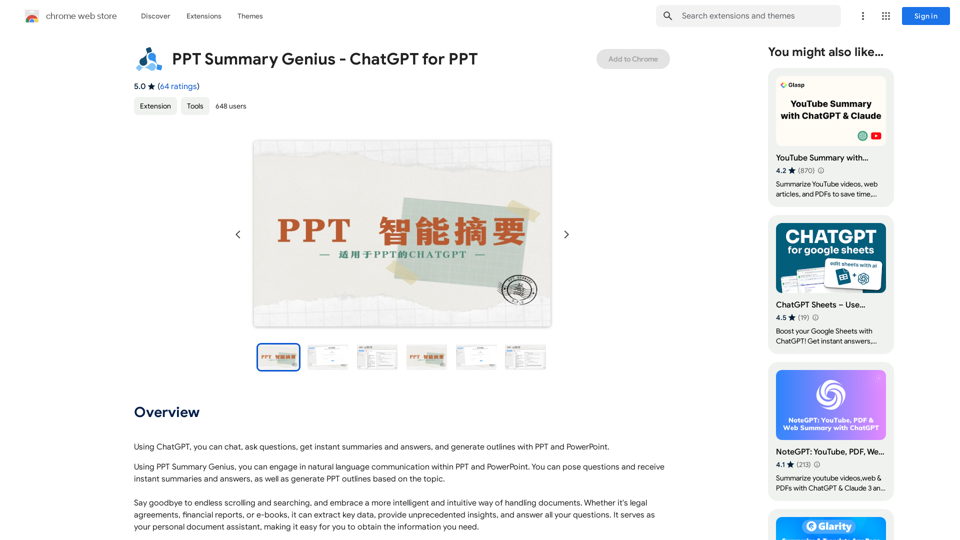
PPT Summary Genius - ChatGPT for PPT Turn your boring presentations into engaging masterpieces! * Summarize lengthy PPTs: ChatGPT can condense your slides into concise summaries, perfect for quick reviews or sharing key points. * Generate compelling narratives: Transform your data and bullet points into captivating stories that resonate with your audience. * Craft impactful introductions and conclusions: Start strong and leave a lasting impression with ChatGPT's help. * Overcome writer's block: Struggling with slide content? ChatGPT can provide creative ideas and help you overcome creative hurdles. * Tailor your message: Adjust the tone and style of your presentation to match your audience and purpose. Boost your productivity and create presentations that truly shine!
PPT Summary Genius - ChatGPT for PPT Turn your boring presentations into engaging masterpieces! * Summarize lengthy PPTs: ChatGPT can condense your slides into concise summaries, perfect for quick reviews or sharing key points. * Generate compelling narratives: Transform your data and bullet points into captivating stories that resonate with your audience. * Craft impactful introductions and conclusions: Start strong and leave a lasting impression with ChatGPT's help. * Overcome writer's block: Struggling with slide content? ChatGPT can provide creative ideas and help you overcome creative hurdles. * Tailor your message: Adjust the tone and style of your presentation to match your audience and purpose. Boost your productivity and create presentations that truly shine!Using ChatGPT, you can chat, ask questions, get instant summaries and answers, and generate outlines for presentations in PPT and PowerPoint format.
193.90 M
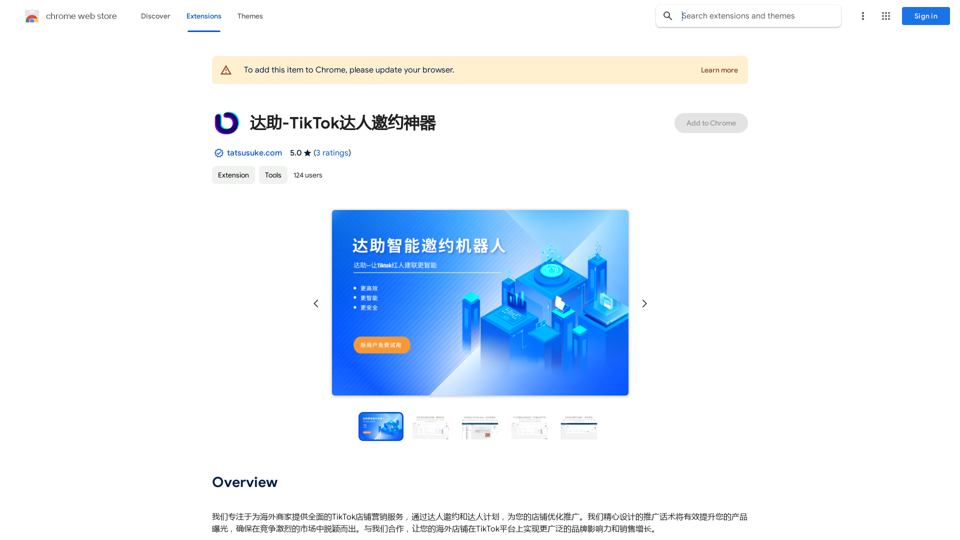
We specialize in providing comprehensive TikTok store marketing services for overseas businesses. Through influencer invitations and influencer programs, we optimize and promote your store. Our carefully designed promotional scripts will effectively increase your product exposure, ensuring you stand out in the competitive market. Partner with us to achieve wider brand influence and sales growth for your overseas store on the TikTok platform.
193.90 M
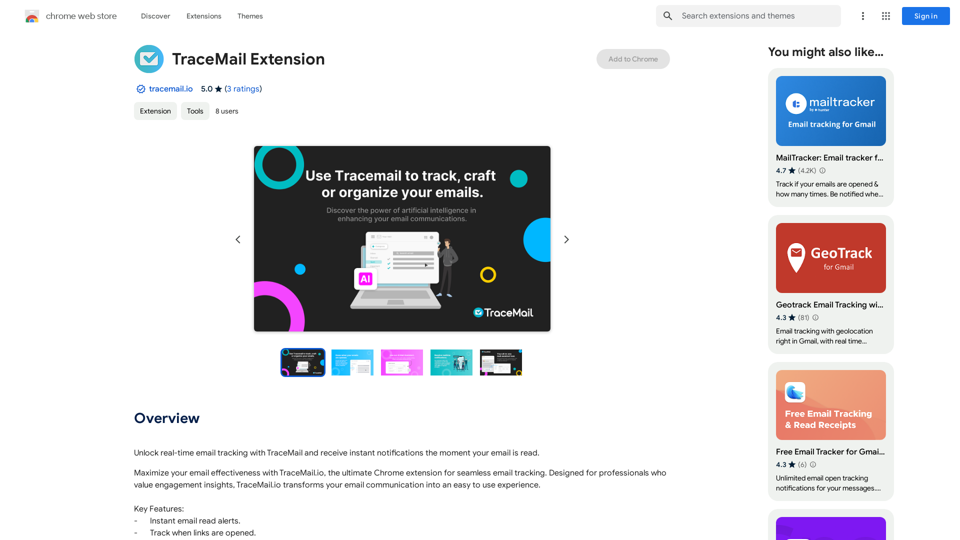
Track your emails in real-time with TraceMail and get instant notifications when someone opens them.
193.90 M
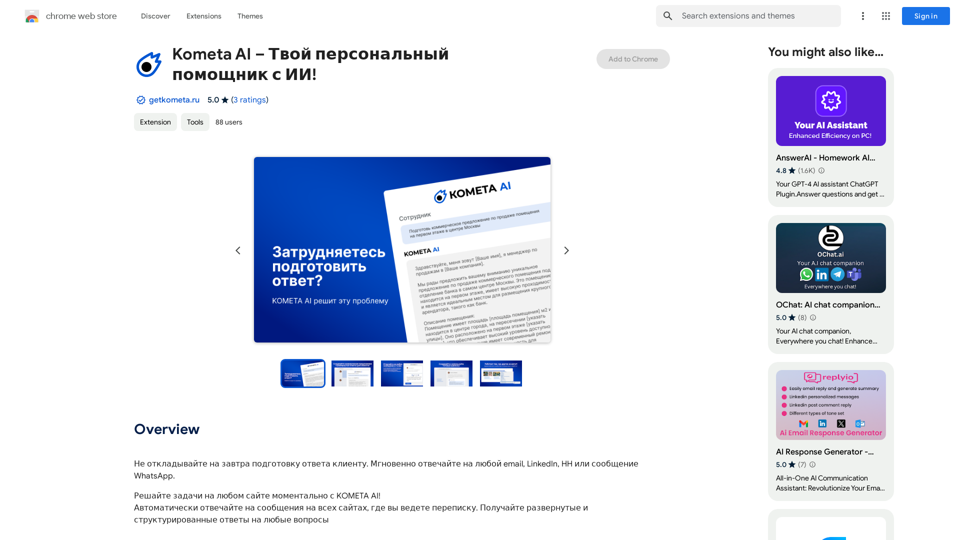
Don't delay preparing a response to a client. Respond immediately to any email, LinkedIn, HH, or WhatsApp message.
193.90 M
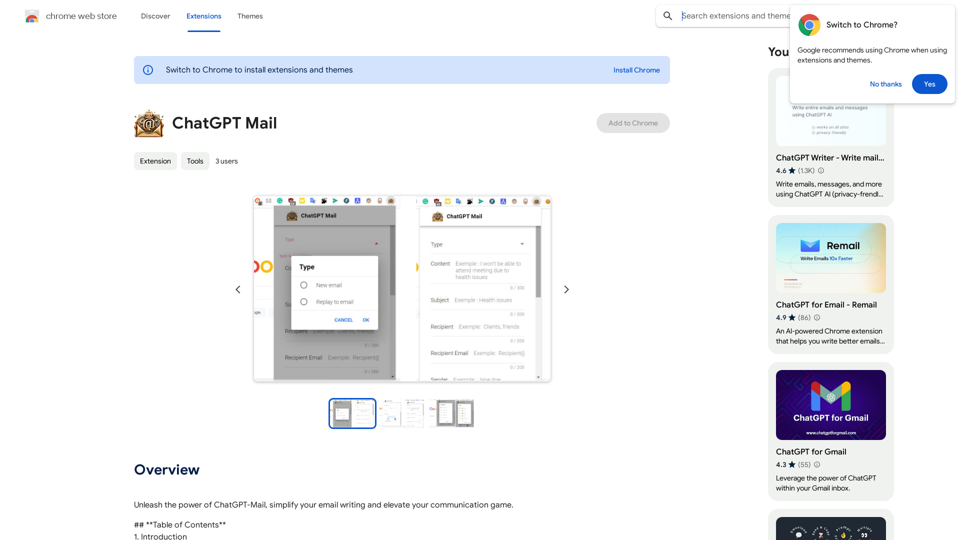
Unleash the power of ChatGPT-Mail, simplify your email writing, and elevate your communication.
193.90 M
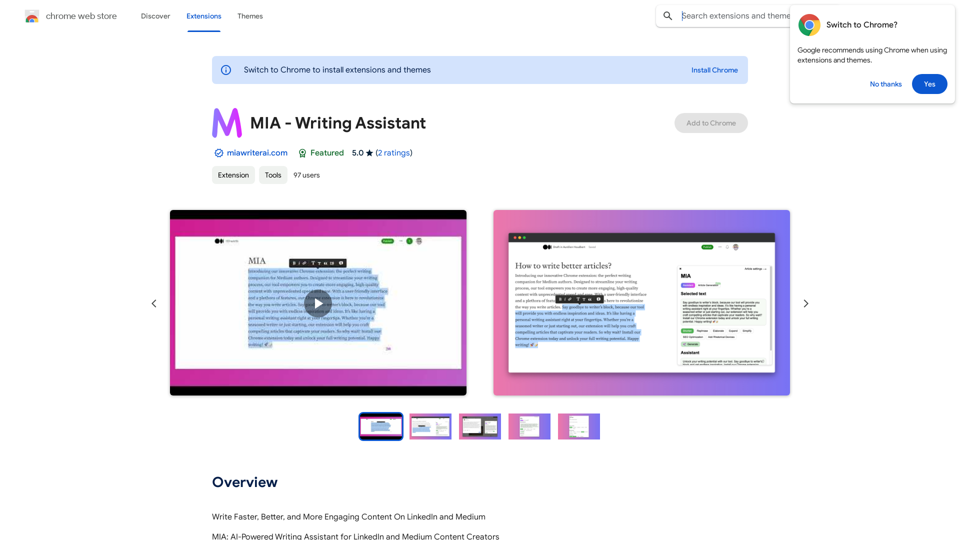
Write Faster, Better, and More Engaging Content On LinkedIn and Medium Tired of staring at a blank page? We've all been there. But what if you could write compelling content for LinkedIn and Medium with ease? Here's how: * Find Your Niche: What are you passionate about? What do you know a lot about? Focus your writing on topics that genuinely interest you. * Craft a Killer Headline: Your headline is your first impression. Make it catchy, clear, and benefit-driven. * Structure for Success: Use headings, subheadings, and bullet points to break up your text and make it easy to read. * Tell a Story: People connect with stories. Weave narratives into your content to make it more engaging. * Keep it Concise: Get to the point quickly. People have short attention spans, so respect their time. * Use Visuals: Images, videos, and infographics can break up text and make your content more visually appealing. * Proofread Carefully: Typos and grammatical errors can damage your credibility. Always proofread your work before publishing. * Promote Your Content: Share your articles on social media and engage with your audience in the comments. By following these tips, you can write faster, better, and more engaging content for LinkedIn and Medium.
193.90 M