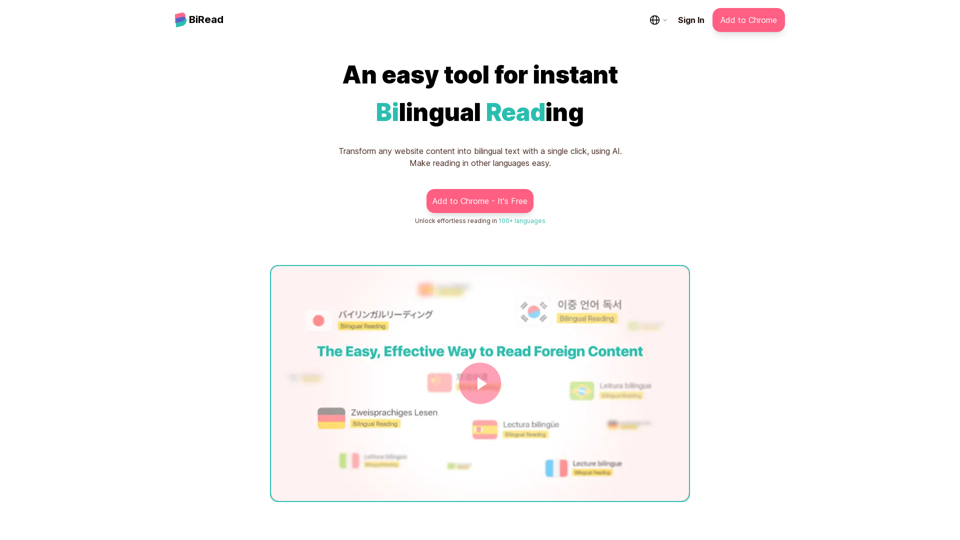
BiRead is an innovative AI-powered tool that transforms website content into bilingual text with a single click. It breaks down language barriers, making reading in other languages effortless and allowing users to explore global information freely. BiRead supports over 100 languages and offers various bilingual reading formats, including text, images, and videos.
BiRead - A Simple Tool for Instant Bilingual Reading
Transform any website content into bilingual text with a single click, using AI. Make reading in other languages easy.
Introduction
Feature
Instant Bilingual Translation
BiRead's AI technology instantly translates website content into bilingual text, enabling users to read in their preferred language alongside the original text.
Multiple Reading Formats
The platform supports various bilingual reading formats:
- Text
- Images
- Videos
This versatility ensures a seamless bilingual experience across different types of content.
Advanced AI Translation Service
BiRead utilizes Google Translate's AI technology to provide:
- Support for 100+ languages
- High-quality translations
- Deeper understanding of bilingual content
Easy-to-Use Browser Extension
Users can easily access BiRead's features by:
- Installing the BiRead extension
- Clicking a single button to transform any website content into bilingual text
Flexible Pricing Options
BiRead offers two main pricing tiers:
- Free Version: Basic features for casual users
- BiRead Advanced (Paid Subscription):
- Unlimited AI translation services
- Additional premium features
Language Learning Tool
BiRead serves as an effective tool for language learners by:
- Allowing simultaneous reading of original text and native language
- Providing context and comparison between languages
- Facilitating vocabulary and grammar acquisition
FAQ
How does BiRead compare to other web-translation tools?
BiRead stands out due to its:
- AI-powered technology for superior quality translations
- Seamless bilingual experience across various content formats
- User-friendly browser extension for instant translations
Is there a free version of BiRead available?
Yes, BiRead offers a free version with limited features for users to try out the service.
How does the BiRead technology work?
BiRead utilizes AI technology to:
- Analyze website content
- Translate the content into the user's preferred language
- Display the original and translated text side-by-side for a seamless reading experience
What are the benefits of the paid BiRead Advanced subscription?
BiRead Advanced subscribers enjoy:
- Unlimited access to AI translation services
- Additional premium features (not specified in the given content)
- Enhanced bilingual reading capabilities
Related Websites
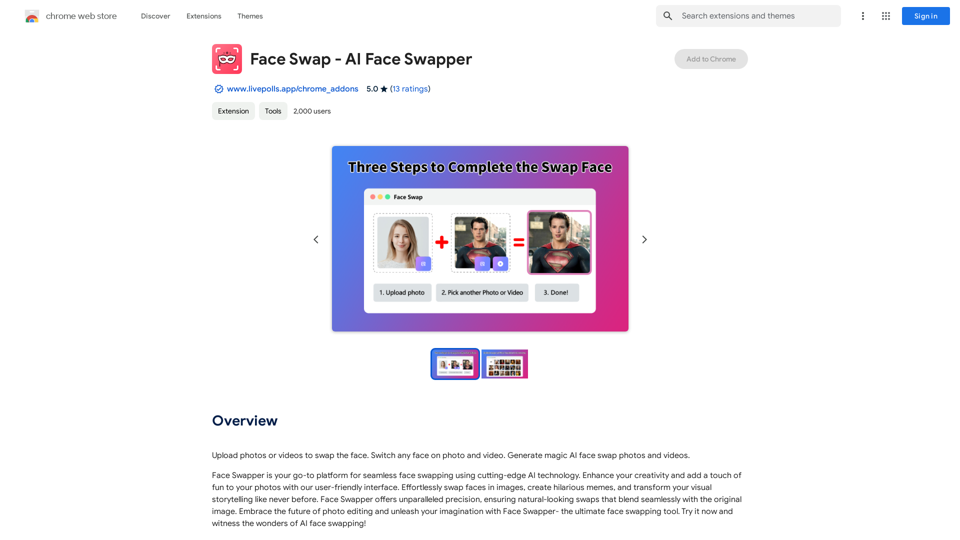
Upload photos or videos to swap the face. Switch any face on photo and video. Generate magic AI face swap photos and videos.
193.90 M
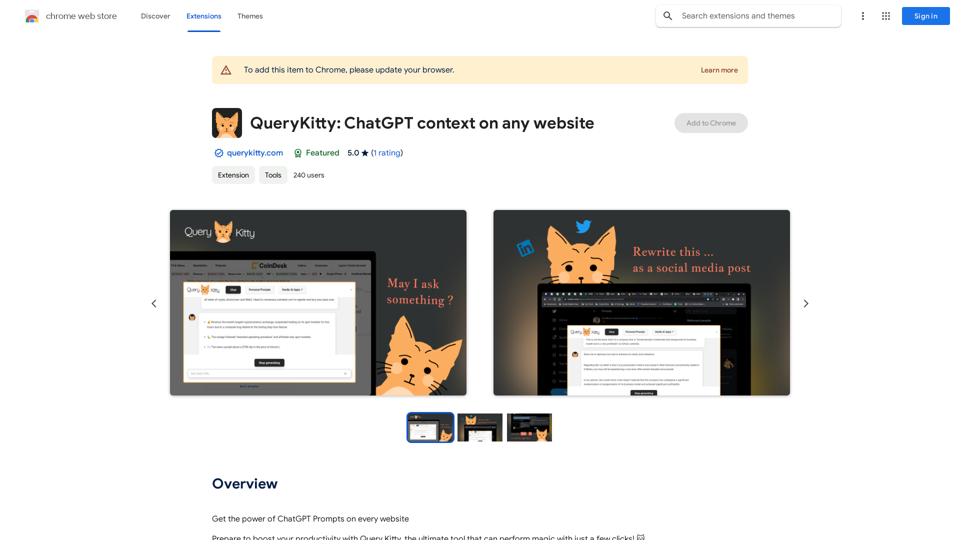
Unlock the Power of ChatGPT Prompts on Any Website Are you tired of switching between multiple tabs to find the perfect prompt for your ChatGPT conversations? Imagine having the power to generate prompts on any website, at any time, with just a few clicks. #Introducing the ChatGPT Prompt Extension Our innovative browser extension brings the magic of ChatGPT prompts directly to your fingertips. With this game-changing tool, you can: * Generate prompts on any webpage: Highlight a sentence, phrase, or paragraph, and our AI will suggest relevant prompts to spark insightful conversations. * Explore new topics and ideas: Get instant access to a vast library of prompts, carefully curated to inspire creativity and foster meaningful discussions. * Enhance your research and learning: Use our prompts to delve deeper into topics, uncover new perspectives, and gain a deeper understanding of complex subjects. #How it Works 1. Install the extension: Add our browser extension to your favorite browser. 2. Highlight and generate: Highlight any text on a webpage, and our AI will suggest relevant prompts. 3. Explore and refine: Browse through the suggested prompts, refine them to your liking, and start conversing with ChatGPT. #Unlock the Full Potential of ChatGPT Don't let the limitations of traditional prompt searching hold you back. With our ChatGPT Prompt Extension, you'll unlock a world of possibilities, including: * Faster research and learning: Get instant access to relevant prompts, saving you time and effort. * Improved conversation quality: Engage in more meaningful and insightful conversations with ChatGPT. * Enhanced creativity and productivity: Spark new ideas and explore fresh perspectives with our AI-generated prompts. #Try it Today! Install our ChatGPT Prompt Extension now and discover the power of AI-driven prompts on any website.
193.90 M
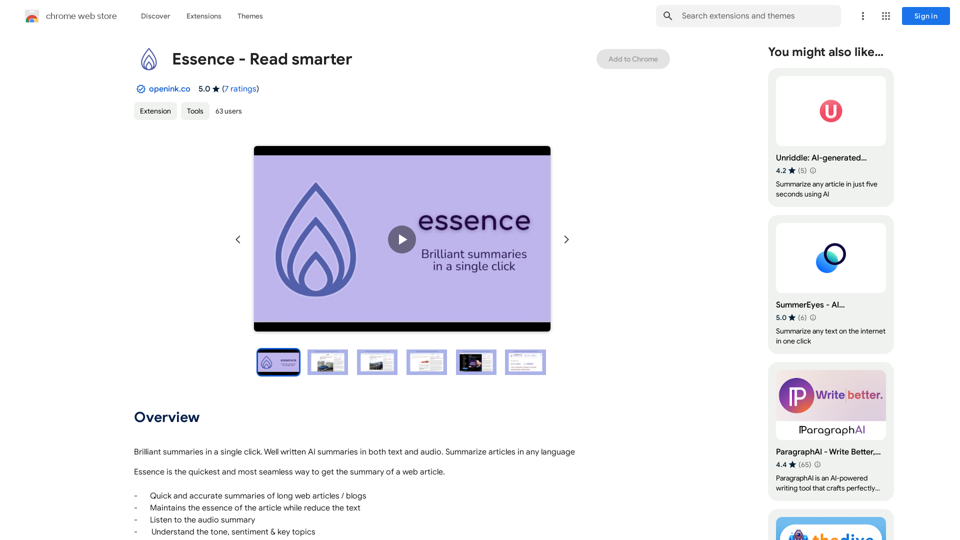
Brilliant summaries in a single click. Well written AI summaries in both text and audio. Summarize articles in any language.
193.90 M
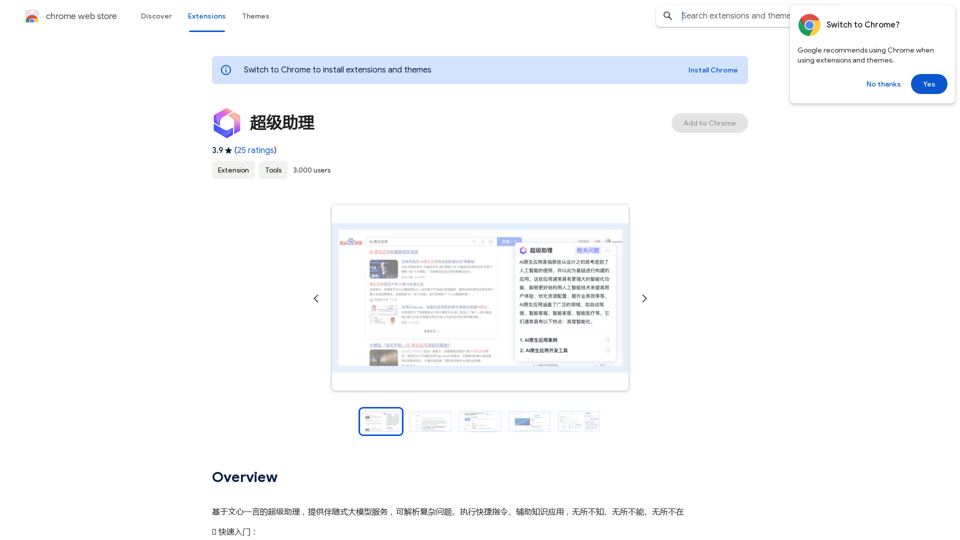
A super assistant based on Wenxin Yiyan, providing companion-style large model services. It can parse complex questions, execute quick commands, and assist with knowledge applications. It knows everything, can do everything, and is everywhere.
193.90 M
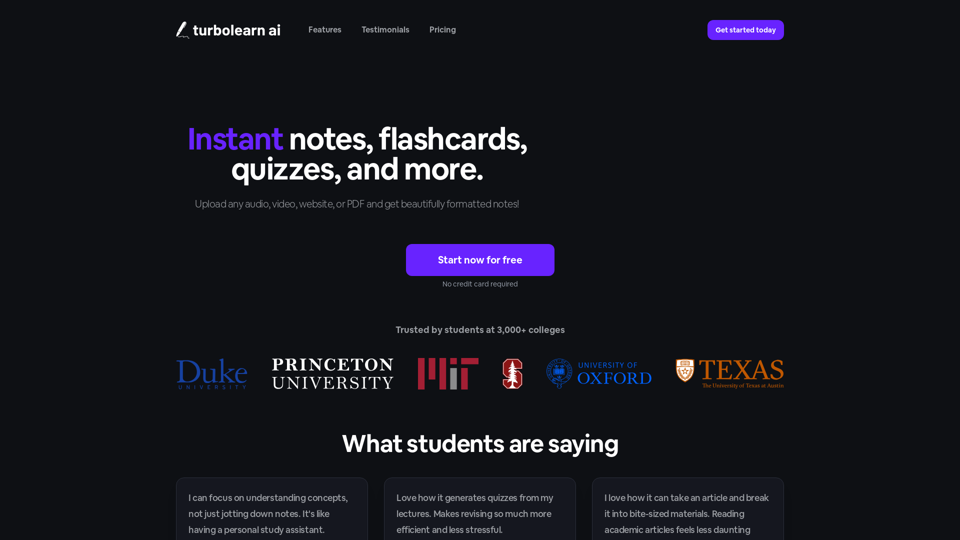
TurboLearn AI quickly makes complete notes, interactive flashcards, and custom quizzes from your lectures. Made to help you learn better and remember more, TurboLearn AI changes to fit your specific learning needs. Make the most of your study time today!
292.80 K
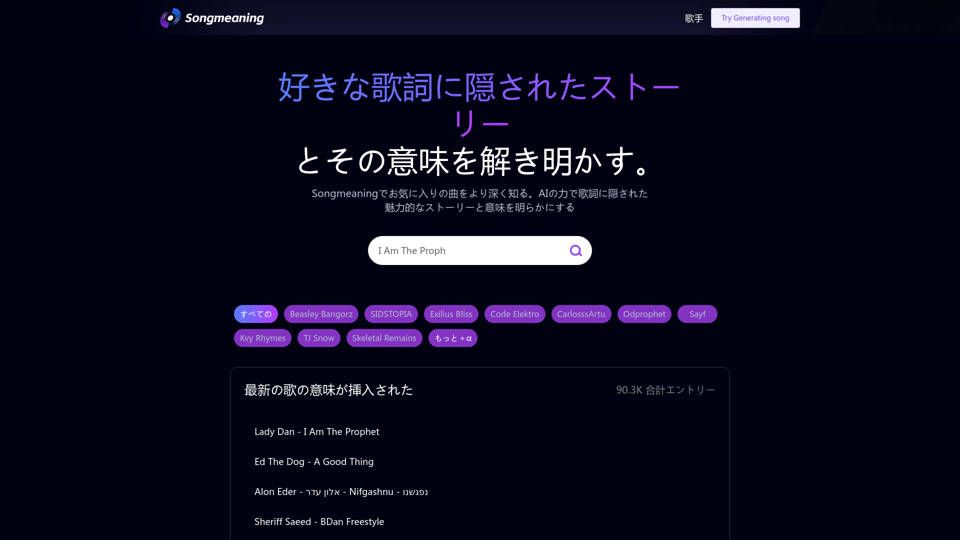
Songmeaning - Uncovering the Hidden Story Behind Your Favorite Song Lyrics
Songmeaning - Uncovering the Hidden Story Behind Your Favorite Song LyricsLet's unlock the hidden depths of your favorite song with the power of AI. With Songmeaning, let's uncover the true meaning behind your favorite lyrics.
84.13 K