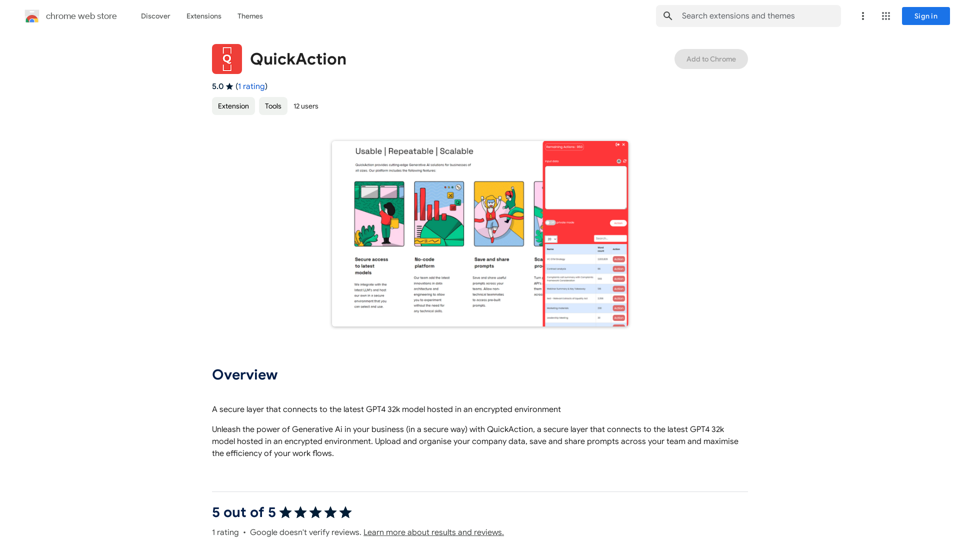
QuickAction is a secure platform that connects users to the latest GPT4 32k model in an encrypted environment. It empowers businesses to harness the potential of Generative AI safely and efficiently. QuickAction offers a wide range of features, including secure data handling, team collaboration tools, and access to nearly 200,000 GPT models for various applications in work, study, and daily life.
Quick Action
A secure layer connecting to the latest GPT-4 32k model hosted in an encrypted environment.
Introduction
Feature
Secure GPT4 32k Model Access
QuickAction provides a secure connection to the latest GPT4 32k model, hosted in an encrypted environment to ensure data protection and privacy.
Company Data Management
Users can upload and organize company data within the platform, allowing for seamless integration of proprietary information with AI-powered tools.
Team Collaboration
The platform enables teams to save and share prompts, fostering collaboration and consistency across projects.
Workflow Optimization
QuickAction is designed to maximize the efficiency of your workflows, streamlining AI-powered content generation and task completion.
Versatile Content Generation
Users can create various types of AI-powered content, including text, images, and personalized LinkedIn content using GPT-4.
Extensive GPT Model Library
QuickAction offers access to nearly 200,000 GPT models, covering a wide range of applications for work, study, and everyday life.
Free Daily Usage
The platform provides daily free uses of GPT-4 document reading and Dalle's image generation, allowing users to explore AI-powered tools without immediate cost.
Privacy Protection
QuickAction prioritizes user privacy, ensuring that user data is not used for training purposes and can be completely removed upon account deletion.
FAQ
What is QuickAction?
QuickAction is a secure layer that connects to the latest GPT4 32k model hosted in an encrypted environment, allowing businesses to leverage Generative AI safely and effectively.
How can I use QuickAction?
Every user can access QuickAction to connect to the GPT4 32k model and generate AI-powered content. Subscribing to the platform provides additional benefits and extended access beyond free usage limits.
What types of content can I generate with QuickAction?
QuickAction enables the generation of various AI-powered content, including text, images, and personalized LinkedIn content using GPT-4.
How many GPT models are available on QuickAction?
QuickAction offers access to nearly 200,000 GPT models, covering a wide variety of applications in work, study, and everyday life.
Is my data safe with QuickAction?
Yes, QuickAction highly values user privacy. Your data is not used for training purposes, and you can delete your account and all associated data at any time.
When should I consider a QuickAction subscription?
If you find that the 20 free GPT-4 conversations per day are insufficient for your needs and you heavily rely on GPT-4, subscribing to QuickAction's affordable products may be beneficial.
Related Websites
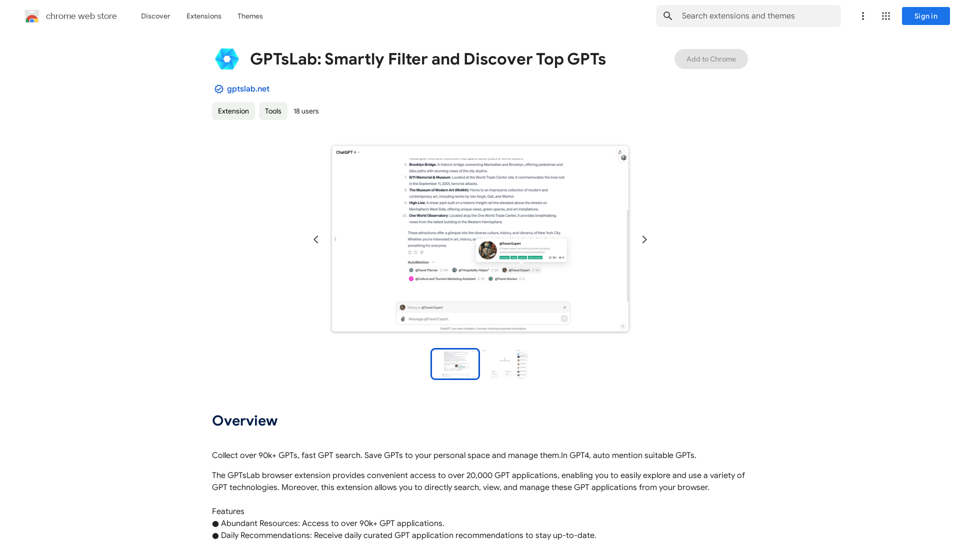
Collect over 90,000+ GPTs, search for them quickly. Save GPTs to your personal space and manage them. In GPT-4, it will automatically suggest relevant GPTs.
193.90 M
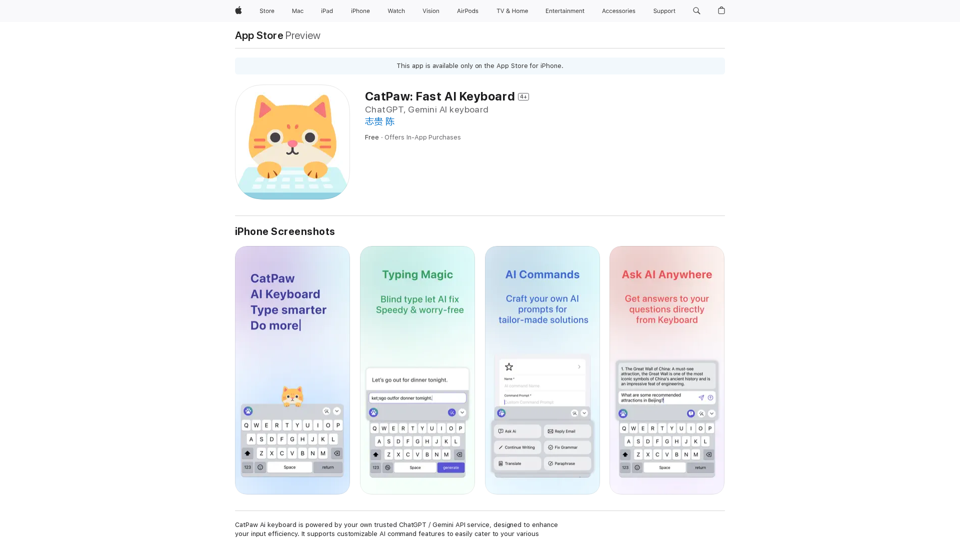
The CatPaw Ai keyboard is powered by your own trusted ChatGPT / Gemini API service, designed to enhance your input efficiency. It supports customizable AI commands for a more personalized experience.
124.77 M
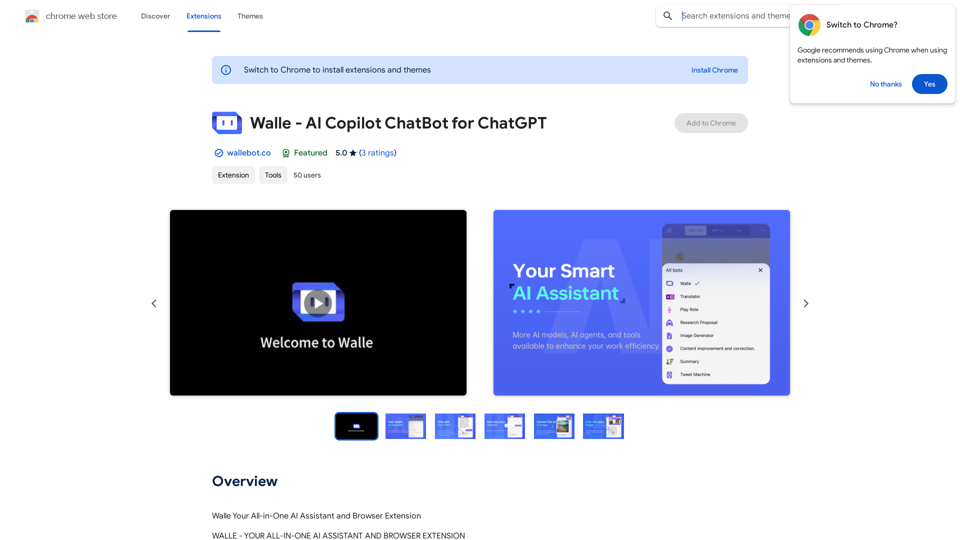
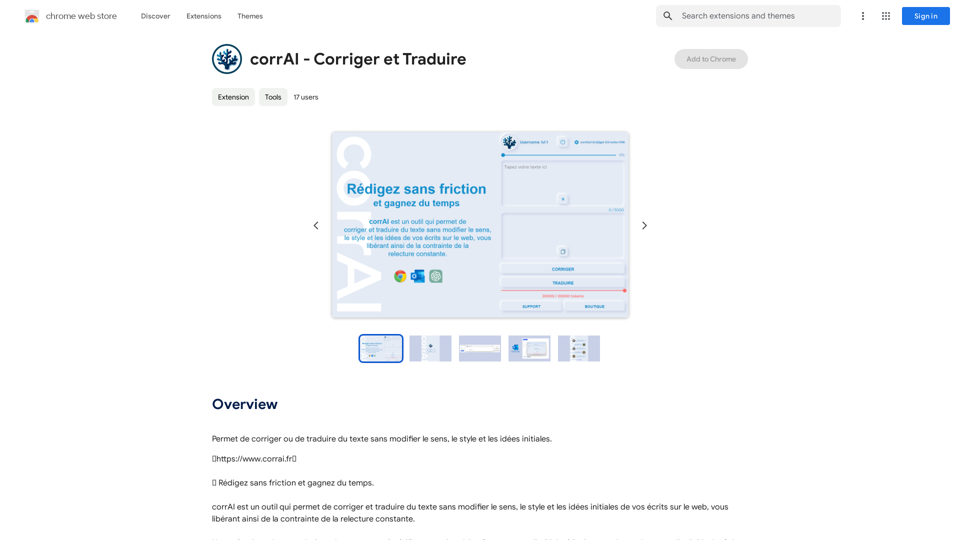
Allows you to correct or translate text without changing the meaning, style, and original ideas.
193.90 M
HighlightGPT Let me know what you'd like to know about HighlightGPT! For example, you could ask: * What is HighlightGPT? * How does HighlightGPT work? * What are the benefits of using HighlightGPT? * What are some examples of how HighlightGPT can be used?
HighlightGPT Let me know what you'd like to know about HighlightGPT! For example, you could ask: * What is HighlightGPT? * How does HighlightGPT work? * What are the benefits of using HighlightGPT? * What are some examples of how HighlightGPT can be used?I can explain a piece of text you select and give you a short summary based on the information on the current page. Just highlight the text you want me to explain and ask!
193.90 M
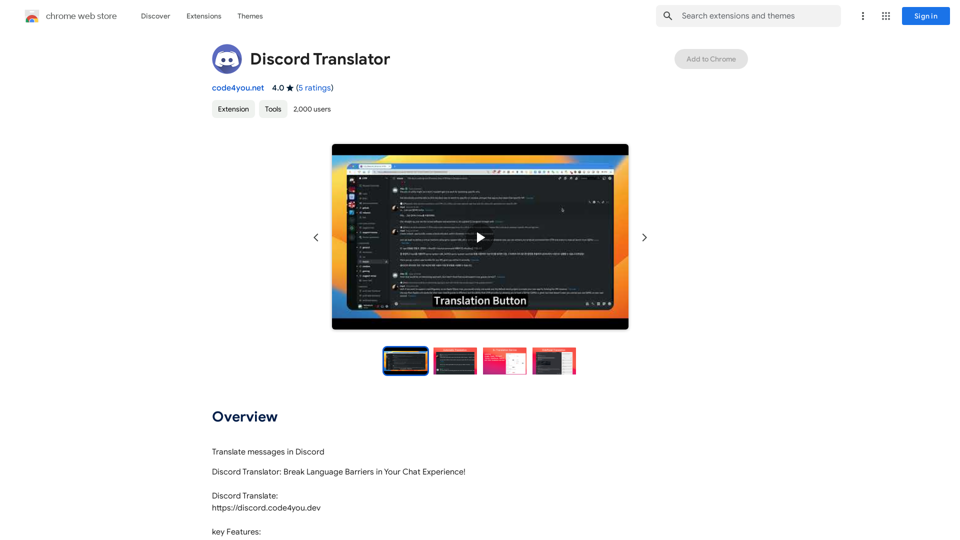
Translate Messages in Discord ============================= What is the "Translate" feature in Discord? The "Translate" feature in Discord allows users to translate messages in real-time, making it easier for people who speak different languages to communicate with each other. How to use the "Translate" feature in Discord? #1. Enable the "Translate" feature To enable the "Translate" feature, you need to go to the "User Settings" and click on the "Language" tab. Then, toggle the switch next to "Translator" to the "On" position. #2. Set your preferred language After enabling the "Translate" feature, you need to set your preferred language. You can do this by clicking on the "Language" dropdown menu and selecting your preferred language from the list. #3. Translate messages Once you've set your preferred language, you can start translating messages. To translate a message, simply hover over the message and click on the "Translate" button that appears. #4. View translated messages After clicking the "Translate" button, the message will be translated into your preferred language. You can view the translated message below the original message. Benefits of the "Translate" feature in Discord The "Translate" feature in Discord has several benefits, including: * Improved communication: The "Translate" feature helps to break down language barriers, making it easier for people who speak different languages to communicate with each other. * Increased accessibility: The "Translate" feature makes Discord more accessible to people who may not speak the dominant language of a server or community. * Enhanced collaboration: The "Translate" feature enables people to collaborate more effectively, even if they speak different languages.
193.90 M