QuickAction is a secure platform that connects users to the latest GPT4 32k model in an encrypted environment. It empowers businesses to harness the potential of Generative AI safely and efficiently. QuickAction offers a wide range of features, including secure data handling, team collaboration tools, and access to nearly 200,000 GPT models for various applications in work, study, and daily life.
Quick Action
A secure layer connecting to the latest GPT-4 32k model hosted in an encrypted environment.
Introduction
Feature
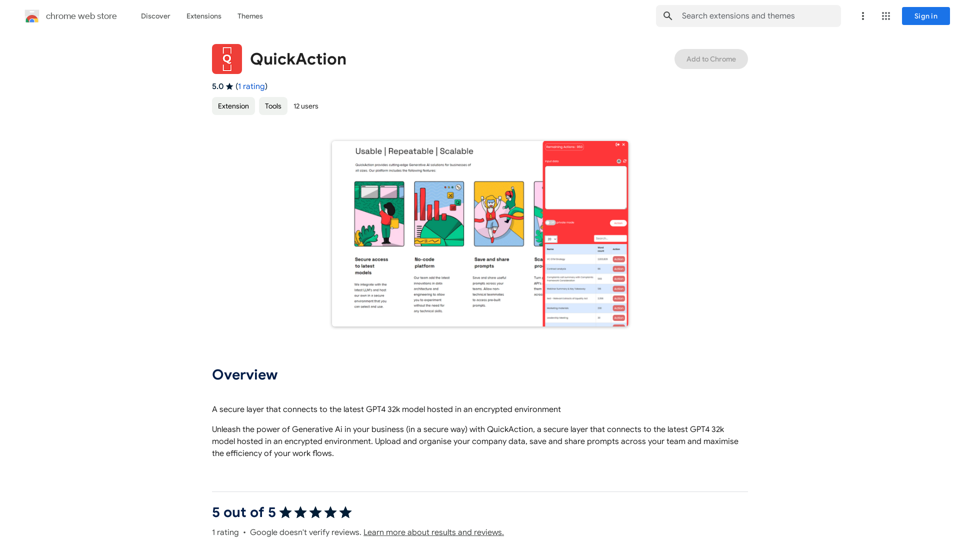
Secure GPT4 32k Model Access
QuickAction provides a secure connection to the latest GPT4 32k model, hosted in an encrypted environment to ensure data protection and privacy.
Company Data Management
Users can upload and organize company data within the platform, allowing for seamless integration of proprietary information with AI-powered tools.
Team Collaboration
The platform enables teams to save and share prompts, fostering collaboration and consistency across projects.
Workflow Optimization
QuickAction is designed to maximize the efficiency of your workflows, streamlining AI-powered content generation and task completion.
Versatile Content Generation
Users can create various types of AI-powered content, including text, images, and personalized LinkedIn content using GPT-4.
Extensive GPT Model Library
QuickAction offers access to nearly 200,000 GPT models, covering a wide range of applications for work, study, and everyday life.
Free Daily Usage
The platform provides daily free uses of GPT-4 document reading and Dalle's image generation, allowing users to explore AI-powered tools without immediate cost.
Privacy Protection
QuickAction prioritizes user privacy, ensuring that user data is not used for training purposes and can be completely removed upon account deletion.
FAQ
What is QuickAction?
QuickAction is a secure layer that connects to the latest GPT4 32k model hosted in an encrypted environment, allowing businesses to leverage Generative AI safely and effectively.
How can I use QuickAction?
Every user can access QuickAction to connect to the GPT4 32k model and generate AI-powered content. Subscribing to the platform provides additional benefits and extended access beyond free usage limits.
What types of content can I generate with QuickAction?
QuickAction enables the generation of various AI-powered content, including text, images, and personalized LinkedIn content using GPT-4.
How many GPT models are available on QuickAction?
QuickAction offers access to nearly 200,000 GPT models, covering a wide variety of applications in work, study, and everyday life.
Is my data safe with QuickAction?
Yes, QuickAction highly values user privacy. Your data is not used for training purposes, and you can delete your account and all associated data at any time.
When should I consider a QuickAction subscription?
If you find that the 20 free GPT-4 conversations per day are insufficient for your needs and you heavily rely on GPT-4, subscribing to QuickAction's affordable products may be beneficial.
Related Websites
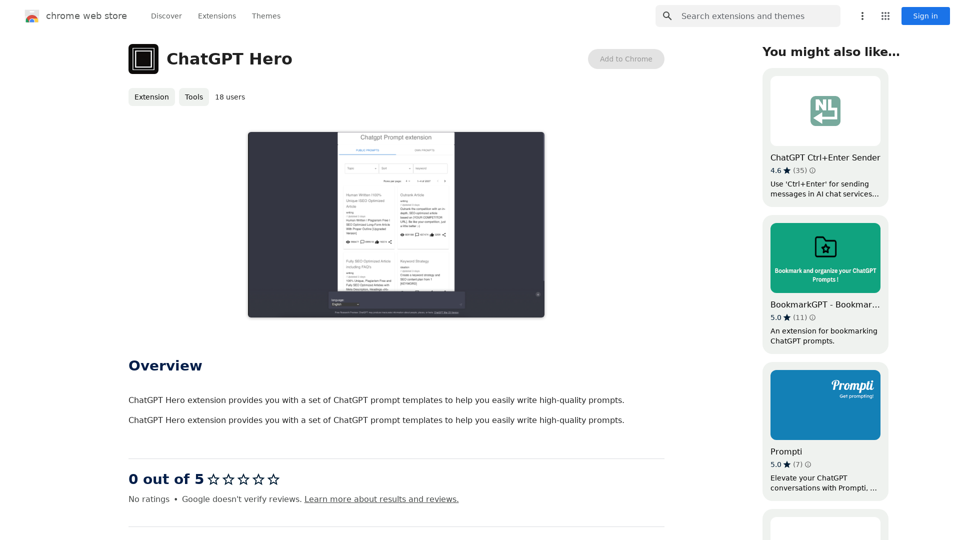
The ChatGPT Hero extension gives you a collection of ChatGPT prompt templates to make it simple to write great prompts.
193.90 M
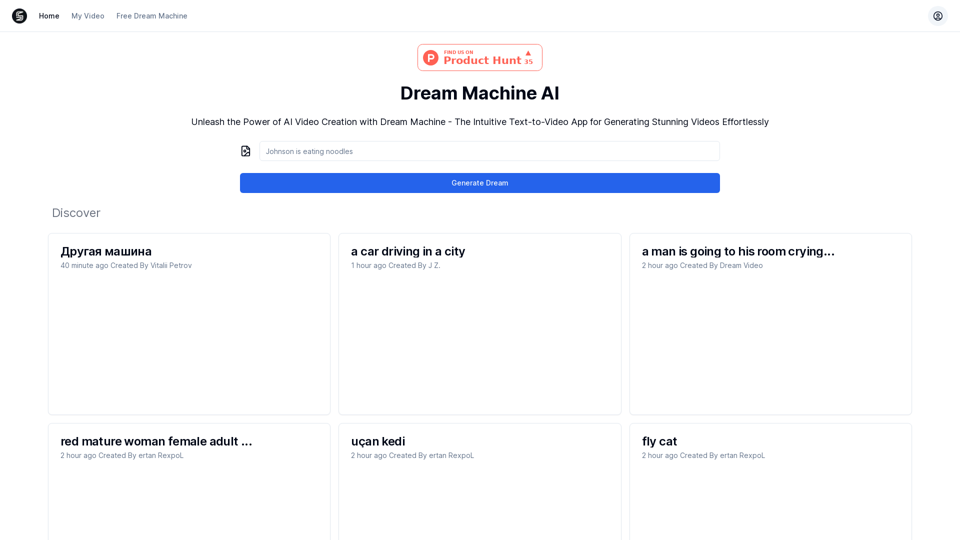
Explore Dream Machine AI for the revolutionary AI video generator. Create unique, high-quality videos instantly from text and images. Free to use. Download and enjoy innovative video content now!
7.28 K
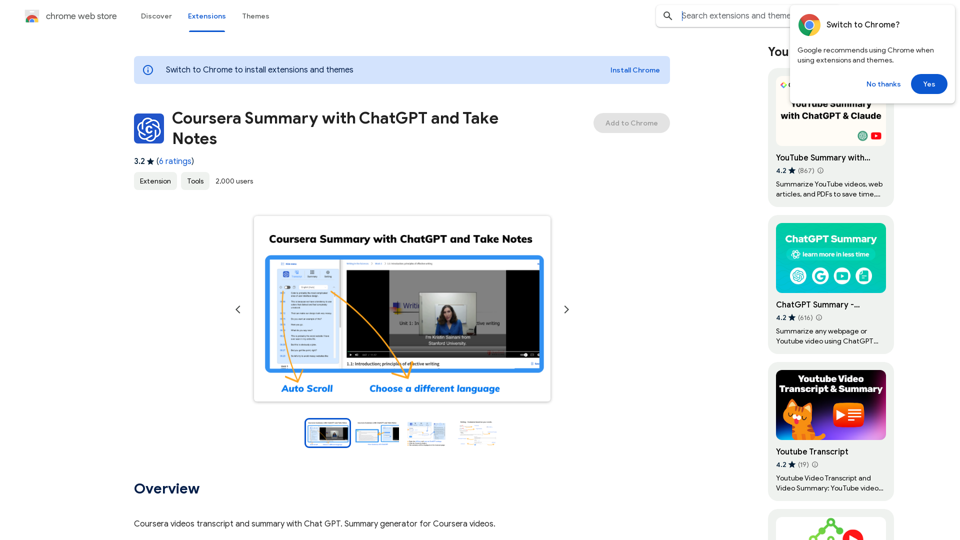
Coursera Summary with ChatGPT and Take Notes ===================================================== What is Coursera? Coursera is an online learning platform that partners with top universities and organizations to offer courses and degree programs in a wide range of fields. What is ChatGPT? ChatGPT is a conversational AI tool that can understand and respond to human input in a human-like way. It can be used to generate text, answer questions, and even create content. How to Use ChatGPT for Coursera Summary? You can use ChatGPT to summarize Coursera courses by: * Providing the course material or lecture notes to ChatGPT * Asking ChatGPT to summarize the key points or main ideas * Reviewing and editing the summary generated by ChatGPT Benefits of Using ChatGPT for Coursera Summary Using ChatGPT for Coursera summary can help you: * Save time by automating the summarization process * Improve understanding and retention of course material * Focus on key concepts and ideas * Enhance learning experience How to Take Notes with ChatGPT? You can use ChatGPT to take notes by: * Providing the course material or lecture notes to ChatGPT * Asking ChatGPT to generate notes or key points * Reviewing and editing the notes generated by ChatGPT * Organizing and structuring the notes for easy reference Benefits of Using ChatGPT for Taking Notes Using ChatGPT for taking notes can help you: * Save time by automating the note-taking process * Improve organization and structure of notes * Enhance understanding and retention of course material * Focus on key concepts and ideas
Coursera Summary with ChatGPT and Take Notes ===================================================== What is Coursera? Coursera is an online learning platform that partners with top universities and organizations to offer courses and degree programs in a wide range of fields. What is ChatGPT? ChatGPT is a conversational AI tool that can understand and respond to human input in a human-like way. It can be used to generate text, answer questions, and even create content. How to Use ChatGPT for Coursera Summary? You can use ChatGPT to summarize Coursera courses by: * Providing the course material or lecture notes to ChatGPT * Asking ChatGPT to summarize the key points or main ideas * Reviewing and editing the summary generated by ChatGPT Benefits of Using ChatGPT for Coursera Summary Using ChatGPT for Coursera summary can help you: * Save time by automating the summarization process * Improve understanding and retention of course material * Focus on key concepts and ideas * Enhance learning experience How to Take Notes with ChatGPT? You can use ChatGPT to take notes by: * Providing the course material or lecture notes to ChatGPT * Asking ChatGPT to generate notes or key points * Reviewing and editing the notes generated by ChatGPT * Organizing and structuring the notes for easy reference Benefits of Using ChatGPT for Taking Notes Using ChatGPT for taking notes can help you: * Save time by automating the note-taking process * Improve organization and structure of notes * Enhance understanding and retention of course material * Focus on key concepts and ideasAutomate Your Learning: Coursera Videos Transcript and Summary with ChatGPT ============================================================ Are you tired of manually taking notes while watching Coursera videos? Do you wish you had a summary of the video to review later? Look no further! With the power of ChatGPT, you can now generate transcripts and summaries of Coursera videos with ease. How it Works --------------- 1. Transcribe the Video: Use a transcription tool to convert the audio from the Coursera video into text. 2. Feed it to ChatGPT: Input the transcript into ChatGPT, and it will generate a concise summary of the video. 3. Review and Refine: Review the summary, refine it as needed, and you're good to go! Benefits ------------ * Save Time: No more manual note-taking or re-watching videos to understand the content. * Improve Retention: A summary of the video helps you retain information better and review it quickly. * Enhance Learning: Focus on understanding the concepts rather than taking notes. Get Started -------------- Try it out today and take your learning to the next level!
193.90 M