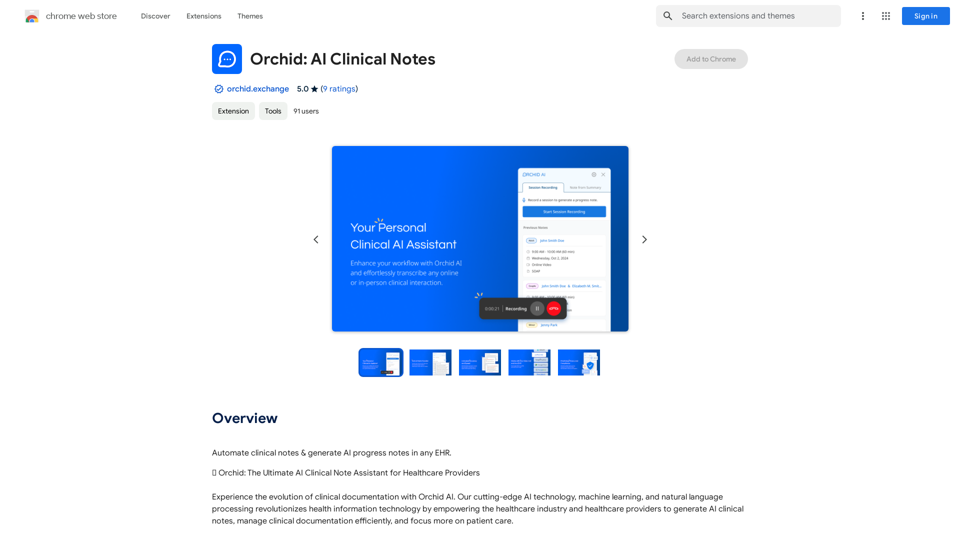
Orchid: AI Clinical Notes is an AI-powered clinical note assistant that revolutionizes healthcare documentation. It empowers healthcare providers to generate AI clinical notes, manage clinical documentation efficiently, and focus more on patient care. Using advanced AI technology, machine learning, and natural language processing, Orchid streamlines clinical documentation, reducing administrative workloads and improving patient care.
Orchid: AI Clinical Notes
Automatically create clinical notes and generate AI-powered progress notes in any electronic health record (EHR) system.
Introduction
Feature
AI-Powered Documentation
Orchid's AI clinical note generator creates AI-powered progress notes and intake notes. It assists healthcare providers in generating AI SOAP notes and drafting relevant information for custom note templates, ensuring thorough and compliant medical documentation.
Universal Compatibility
Orchid's Chrome Extension seamlessly integrates with all electronic health records (EHR) and telehealth solutions, making it compatible with any healthcare industry software.
Secure and Compliant
Orchid AI is HIPAA compliant and dedicated to safeguarding patient information and medical records. It ensures data security both during and outside of therapy sessions.
Treatment Planning
The platform assists in creating comprehensive treatment plans, designed with input from healthcare professionals, mental health experts, and top machine learning & natural language processing engineers.
Automatic Session Conversion
Orchid automatically converts session recordings into detailed, AI-generated clinical notes, including progress notes, DAP notes, and mental status exams.
Real-Time Editing and Syncing
Users can modify AI-powered progress notes in Orchid for real-time syncing with the browser extension, ensuring up-to-date accuracy in records.
User-Friendly Setup
Orchid offers an effortless setup process. Users can start using the platform quickly by signing in and clicking "Record Session" to begin the AI-powered documentation process.
FAQ
Does Orchid AI have a dedicated team for platform refinement based on user feedback?
Yes, Orchid has a committed team that continuously enhances the AI based on clinician insights.
How does Orchid AI handle the inclusion of ICD-10 codes and client progression details?
Orchid AI seamlessly integrates ICD-10 codes and tracks client progression in clinical notes.
Does Orchid AI offer features to specify session type and duration?
Yes, clinicians can easily specify session types and durations within Orchid AI.
How does Orchid AI handle clinician information in a note?
Clinician details are automatically incorporated into notes, ensuring accurate attribution.
Can you export notes as a PDF in Orchid AI?
Yes, Orchid AI allows for the export of notes in a convenient PDF format.
Does the platform have a practice policy collection feature?
Yes, Orchid AI includes a feature for collecting and managing practice policies.
Related Websites
What is a Prompster? A Prompster is a person who assists a speaker, actor, or presenter by providing them with lines or cues, usually in a subtle and discreet manner, during a performance, presentation, or speech.
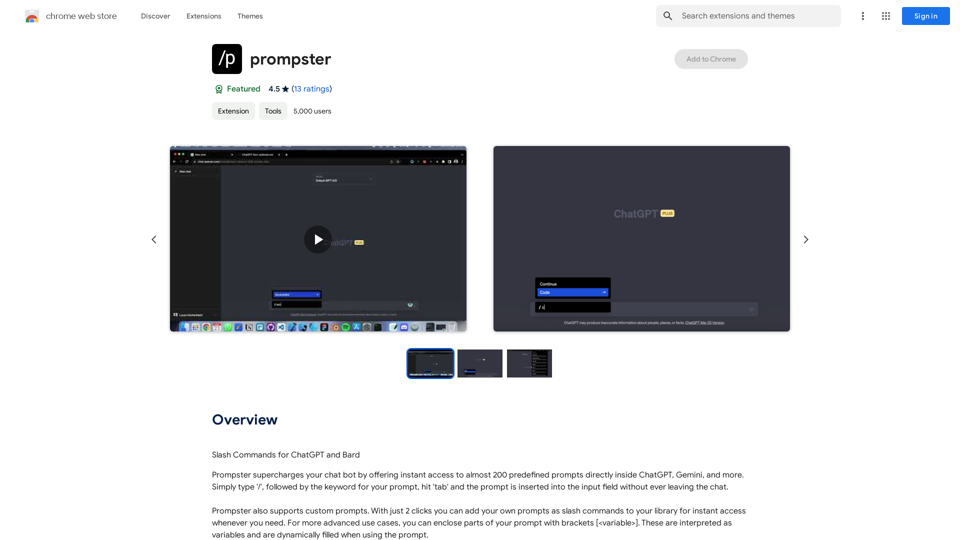
What is a Prompster? A Prompster is a person who assists a speaker, actor, or presenter by providing them with lines or cues, usually in a subtle and discreet manner, during a performance, presentation, or speech.Slash Commands for ChatGPT and Bard ===================================== Introduction Slash commands are a convenient way to interact with ChatGPT and Bard, allowing you to perform various tasks and actions within the chat interface. This guide provides an overview of the available slash commands for both ChatGPT and Bard. ChatGPT Slash Commands #General Commands * `/help`: Displays a list of available slash commands and their descriptions. * `/reset`: Resets the conversation, clearing all previous messages and context. #Conversation Management * `/start`: Starts a new conversation, allowing you to begin a fresh topic or task. * `/stop`: Ends the current conversation, stopping any ongoing tasks or topics. #Language and Tone * `/lang <language_code>`: Sets the language for the conversation (e.g., `/lang en` for English). * `/tone <tone>`: Adjusts the tone of the responses (e.g., `/tone formal` for formal tone). #Task Management * `/task <task_name>`: Creates a new task or topic for the conversation (e.g., `/task math problem`). * `/done`: Marks the current task as completed. #Information and Resources * `/define <word>`: Provides the definition of a word or phrase. * `/wiki <topic>`: Displays information about a topic from Wikipedia. Bard Slash Commands #General Commands * `/help`: Displays a list of available slash commands and their descriptions. * `/reset`: Resets the conversation, clearing all previous messages and context. #Conversation Management * `/start`: Starts a new conversation, allowing you to begin a fresh topic or task. * `/stop`: Ends the current conversation, stopping any ongoing tasks or topics. #Language and Tone * `/lang <language_code>`: Sets the language for the conversation (e.g., `/lang en` for English). * `/tone <tone>`: Adjusts the tone of the responses (e.g., `/tone formal` for formal tone). #Task Management * `/task <task_name>`: Creates a new task or topic for the conversation (e.g., `/task math problem`). * `/done`: Marks the current task as completed. #Information and Resources * `/define <word>`: Provides the definition of a word or phrase. * `/wiki <topic>`: Displays information about a topic from Wikipedia. * `/news <topic>`: Displays news articles related to a specific topic. Conclusion Slash commands provide a convenient way to interact with ChatGPT and Bard, allowing you to manage conversations, adjust language and tone, and access various resources. By mastering these commands, you can optimize your experience and get the most out of your interactions with these AI models.
193.90 M
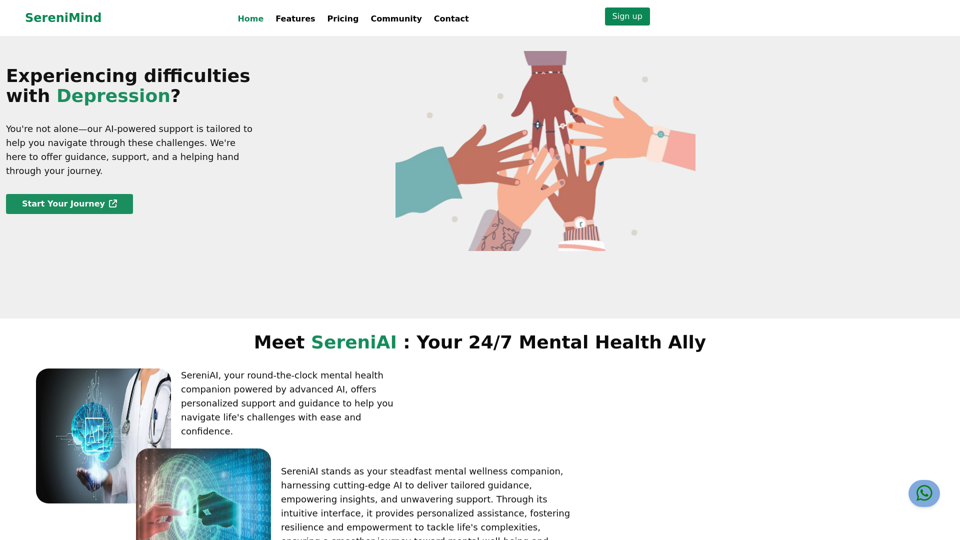
Best Mental Health Services in Nigeria | SereniMind
Best Mental Health Services in Nigeria | SereniMindSereniMind is a top mental health platform in Nigeria, offering accessible online counseling services across Africa. Our expert counselors provide personalized mental health support to help you overcome challenges like depression, anxiety, and stress. Join SereniMind today for a path to better mental well-being.
88
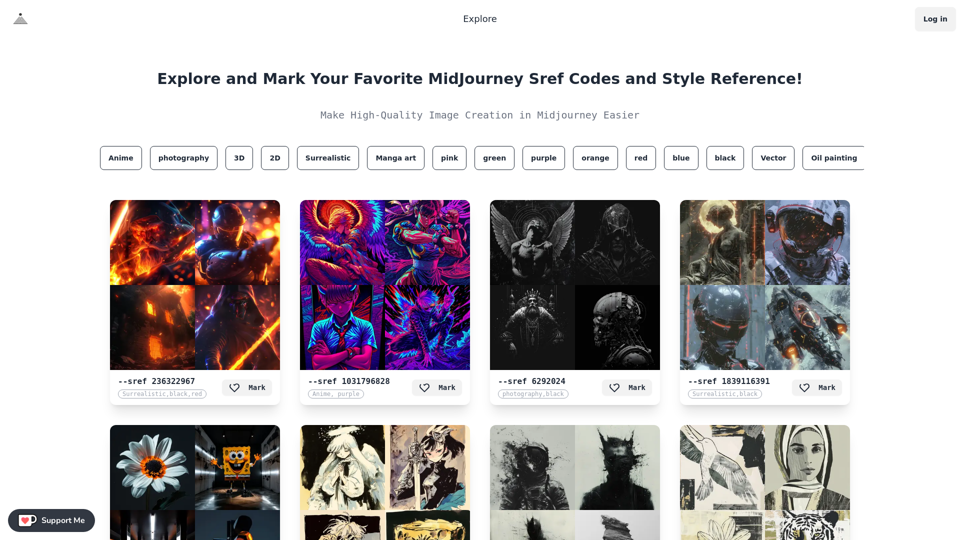
Midjourney SREF Codes Library for Style Reference What are SREF Codes? SREF codes are special text strings used in Midjourney to quickly and easily apply specific artistic styles to your image generations. How to Use SREF Codes: Simply add an SREF code to your Midjourney prompt. For example: `/imagine a majestic dragon, SREF:cyberpunk` SREF Code Library: This library contains a collection of SREF codes categorized by style. * Art Styles: * `photorealistic`: Creates images with high levels of realism. * `impressionistic`: Captures the essence of a scene with loose brushstrokes and vibrant colors. * `cubist`: Breaks down objects into geometric shapes. * `surrealist`: Creates dreamlike and fantastical images. * `abstract`: Focuses on form, color, and composition rather than representational imagery. * Visual Effects: * `cinematic`: Gives images a cinematic look and feel. * `HDR`: Creates images with high dynamic range, resulting in greater detail and contrast. * `neon`: Adds vibrant neon lights to the image. * `pixel art`: Generates images in a retro pixel art style. * Other Styles: * `anime`: Creates images in the style of Japanese animation. * `manga`: Similar to anime, but with a more comic book aesthetic. * `sketch`: Generates images that resemble pencil sketches. * `watercolor`: Creates images with the look and feel of watercolor paintings. Note: This is just a small sample of the many SREF codes available. Explore and Experiment: The best way to learn about SREF codes is to experiment with them! Try combining different codes to create unique and interesting styles.
Midjourney SREF Codes Library for Style Reference What are SREF Codes? SREF codes are special text strings used in Midjourney to quickly and easily apply specific artistic styles to your image generations. How to Use SREF Codes: Simply add an SREF code to your Midjourney prompt. For example: `/imagine a majestic dragon, SREF:cyberpunk` SREF Code Library: This library contains a collection of SREF codes categorized by style. * Art Styles: * `photorealistic`: Creates images with high levels of realism. * `impressionistic`: Captures the essence of a scene with loose brushstrokes and vibrant colors. * `cubist`: Breaks down objects into geometric shapes. * `surrealist`: Creates dreamlike and fantastical images. * `abstract`: Focuses on form, color, and composition rather than representational imagery. * Visual Effects: * `cinematic`: Gives images a cinematic look and feel. * `HDR`: Creates images with high dynamic range, resulting in greater detail and contrast. * `neon`: Adds vibrant neon lights to the image. * `pixel art`: Generates images in a retro pixel art style. * Other Styles: * `anime`: Creates images in the style of Japanese animation. * `manga`: Similar to anime, but with a more comic book aesthetic. * `sketch`: Generates images that resemble pencil sketches. * `watercolor`: Creates images with the look and feel of watercolor paintings. Note: This is just a small sample of the many SREF codes available. Explore and Experiment: The best way to learn about SREF codes is to experiment with them! Try combining different codes to create unique and interesting styles.Explore a list of 177 unique Midjourney sref codes and style references to find your perfect Midjourney sref code effect.
149.96 K
We specialize in providing comprehensive TikTok store marketing services for overseas businesses. Through influencer invitations and influencer programs, we optimize and promote your store. Our carefully designed promotional scripts will effectively increase your product exposure, ensuring you stand out in the competitive market. Partner with us to achieve wider brand influence and sales growth for your overseas store on the TikTok platform.
193.90 M