Open-source RightAI Tools Directory
  • Discover AI
  • Submit
  • Startup
  • Blog
Open-source RightAI Tools Directory
Discover the best AI tools of 2025 with the RightAI Tools Directory!

Friend Links

AI Anime GeneratorToolsApp AI

Support

Tap4
Privacy policyTerms & ConditionsContact Us
Loading...
loading...

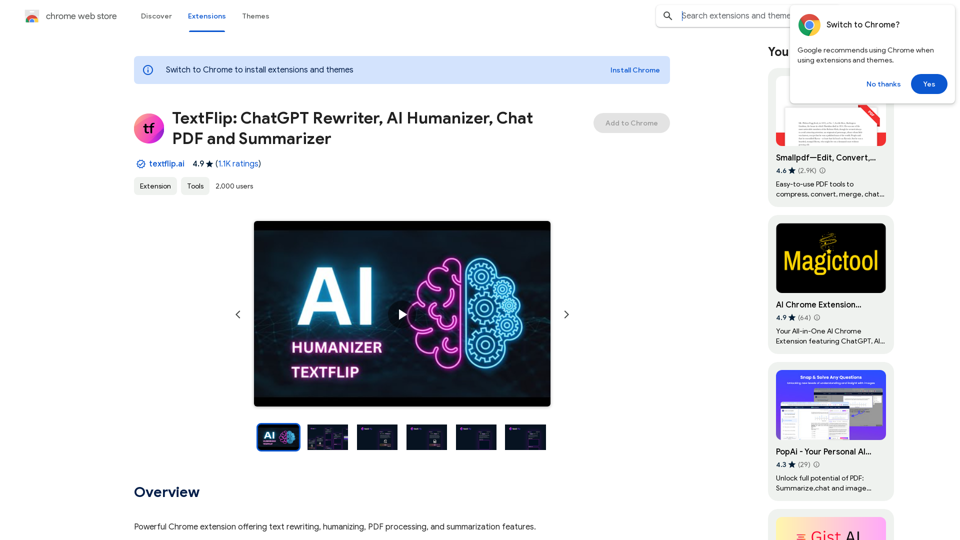
TextFlip: ChatGPT Rewriter, AI Humanizer, Chat PDF and Summarizer

Powerful Chrome extension offering text rewriting, making it sound more natural, PDF processing, and summarization features.
Visit Website
TextFlip: ChatGPT Rewriter, AI Humanizer, Chat PDF and Summarizer
Visit Website

Introduction

TextFlip is a versatile Chrome extension that leverages AI technology to enhance text processing and document management. It offers tools for rewriting, humanizing content, interacting with PDFs, and summarizing documents. This extension aims to streamline workflows, improve content quality, and save time for users across various text-related tasks.

Feature

AI-Powered Text Rewriting

TextFlip utilizes advanced AI algorithms to rewrite and enhance text, improving quality and uniqueness. This feature helps users create fresh and engaging content quickly.

Text Humanization Technology

The extension's unique humanization feature adds a personal touch to content, making it more relatable and appealing to the target audience.

Interactive PDF Chat

TextFlip offers an intuitive chat feature for PDF documents, allowing users to interact with and extract information from PDFs effortlessly.

PDF Summarization Tool

The powerful PDF summarizer condenses lengthy documents into concise summaries, saving time and improving comprehension of complex materials.

Easy Installation and Use

Users can quickly add TextFlip to Chrome, pin it to the toolbar, and start using its AI-powered features after logging in.

Flexible Pricing Options

TextFlip provides limited free usage and offers a Premium Plan for unlimited access, catering to different user needs and budgets.

FAQ

Is a ChatGPT or OpenAI account required to use TextFlip?

No, a ChatGPT or OpenAI account is not necessary. Users can create a free account directly with TextFlip to access the extension's features.

Does TextFlip work in countries where ChatGPT is banned?

Yes, TextFlip functions in all countries, regardless of ChatGPT availability or restrictions.

Is TextFlip free to use?

TextFlip offers limited free usage. For unlimited access to all features, users can opt for the Premium Plan.

How can I start using TextFlip?

To begin using TextFlip:

  1. Click "Add to Chrome" and pin the extension to your toolbar
  2. Log in to your TextFlip account
  3. Select the desired feature
  4. Start working with the AI-powered tools

What are some helpful tips for using TextFlip?

  • Utilize the rewriting algorithms to enhance text uniqueness and quality
  • Apply the humanization feature to make content more relatable
  • Convert PDF content into editable formats for further processing
  • Use the PDF summarizer to quickly grasp key points from lengthy documents

Latest Traffic Insights

  • Monthly Visits

    193.90 M

  • Bounce Rate

    56.27%

  • Pages Per Visit

    2.71

  • Time on Site(s)

    115.91

  • Global Rank

    -

  • Country Rank

    -

Recent Visits

Traffic Sources

  • Social Media:
    0.48%
  • Paid Referrals:
    0.55%
  • Email:
    0.15%
  • Referrals:
    12.81%
  • Search Engines:
    16.21%
  • Direct:
    69.81%
More Data

Related Websites

AI Paragraph Generator
View Detail

AI Paragraph Generator

AI Paragraph Generator

AI Paragraph Generator is a powerful tool that transforms your ideas into well-structured and engaging paragraphs. Artificial Intelligence Paragraph Generator meets all your content needs, from blogs to academic papers, with our tool ensuring originality, relevance and professionalism in every use case.

0
ChatGPT New Chat
View Detail

ChatGPT New Chat

ChatGPT New Chat

Just type "gpt How to fly a helicopter?" and press Enter ↵. Open new chats with ChatGPT from address bar. No ads or permissions

193.90 M
Faster GPT
View Detail

Faster GPT

Faster GPT

Excellent GPT assistant with useful extensions and powerful prompts. Use ChatGPT, Claude, Bard, Bing on any website.

193.90 M
Claude Exporter - Easily Extract Chat Conversations
View Detail

Claude Exporter - Easily Extract Chat Conversations

Claude Exporter - Easily Extract Chat Conversations

Extract and save Claude conversations to markdown, text, JSON, CSV, and images.

193.90 M
Talkative
View Detail

Talkative

Talkative

Chat with Web-LLM Models in the Browser You can interact with Web-LLM models directly in your web browser without requiring any additional setup or installation. This allows you to easily experiment with and explore the capabilities of these models. Getting Started To get started, simply open a web browser and navigate to the Web-LLM model's website or platform. Once you're on the website, you can usually find a chat interface or text input field where you can enter your prompts or questions. How it Works When you enter a prompt or question, the Web-LLM model processes your input and generates a response. This response is then displayed in the chat interface or output field, allowing you to read and interact with the model's output. Benefits The benefits of chatting with Web-LLM models in the browser include: * Convenience: No need to install any software or set up any development environments. * Accessibility: Anyone with a web browser can interact with the model, regardless of their technical expertise. * Ease of use: The chat interface provides a user-friendly way to interact with the model, making it easy to experiment and explore its capabilities. Use Cases Some potential use cases for chatting with Web-LLM models in the browser include: * Research and development: Quickly experiment with different models and prompts to explore their capabilities and limitations. * Education and learning: Use the chat interface to teach students about AI and language models, or to provide interactive learning experiences. * Creative writing and ideation: Use the model as a tool to generate ideas, write stories, or create poetry. Overall, chatting with Web-LLM models in the browser provides a convenient and accessible way to interact with these powerful language models, and can be a valuable tool for a wide range of applications.

2.59 K
YouTube Chinese Dubbing
View Detail

YouTube Chinese Dubbing

YouTube Chinese Dubbing

When watching English videos on YouTube, click the plugin icon, and it will automatically translate and then read aloud in Chinese.

193.90 M
Orthoscribe
View Detail

Orthoscribe

Orthoscribe

Orthographic transcription

193.90 M
Real-Time Video & Audio Translation
View Detail

Real-Time Video & Audio Translation

Real-Time Video & Audio Translation

AI-powered real-time translation for any video, meeting, or live-stream across 100+ languages.

193.90 M