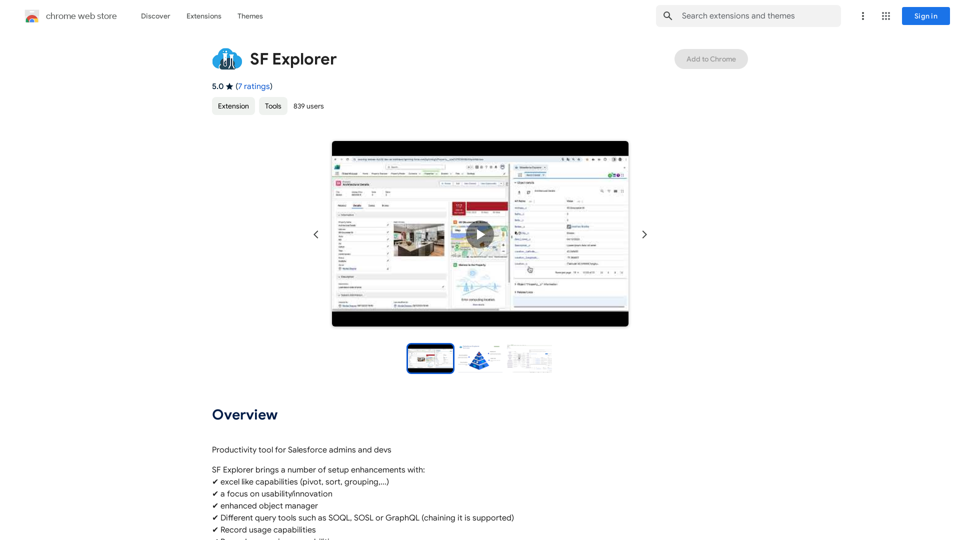
SF Explorer is a productivity tool designed for Salesforce admins and developers. It offers a range of setup enhancements and features to streamline their work, including excel-like capabilities, enhanced object management, and various query tools. The extension is compatible with Chrome and aims to improve efficiency in Salesforce administration and development tasks.
SF Explorer
Productivity tool for Salesforce admins and developers
Introduction
Feature
Excel-like Capabilities
SF Explorer provides users with powerful data manipulation tools similar to Excel, including pivot tables, sorting, and grouping functionalities. These features enable efficient data analysis and organization within the Salesforce environment.
Enhanced Object Manager
The tool offers an improved object management system, allowing users to more effectively handle Salesforce objects and their properties.
Multiple Query Tools
SF Explorer supports various query languages, including:
- SOQL (Salesforce Object Query Language)
- SOSL (Salesforce Object Search Language)
- GraphQL
This versatility enables users to interact with Salesforce data using their preferred query method.
Record Usage and Comparison
The extension provides capabilities for analyzing record usage and comparing records, facilitating data management and integrity checks.
Org Security Analysis
SF Explorer includes features for analyzing and managing organizational security within Salesforce, helping admins maintain robust security practices.
DataCloud Support
The tool offers integration with DataCloud, enhancing data management capabilities for Salesforce users.
ChatGPT Integration (Optional)
SF Explorer provides an optional native integration with ChatGPT, potentially offering AI-assisted functionalities within the Salesforce environment.
FAQ
What is SF Explorer?
SF Explorer is a productivity tool designed for Salesforce admins and developers, offering a range of setup enhancements and features to streamline their work in the Salesforce environment.
What are the main features of SF Explorer?
SF Explorer offers numerous features, including:
- Excel-like capabilities (pivot, sort, grouping)
- Enhanced object manager
- Various query tools (SOQL, SOSL, GraphQL)
- Record usage and comparison capabilities
- Org security analysis
- DataCloud support
- Optional ChatGPT native integration
How do I use SF Explorer?
SF Explorer has a user-friendly interface that allows easy access to its features and tools. It can be installed as a Chrome extension from the Chrome Web Store.
Is SF Explorer compatible with Edge?
No, SF Explorer is only compatible with Chrome and is not supported on Edge browsers.
Related Websites

Clearscope is the leading content-first SEO platform that enables marketing teams to increase traffic by simplifying SEO and content optimization, keyword identification, workflow management, and content monitoring.
146.92 K
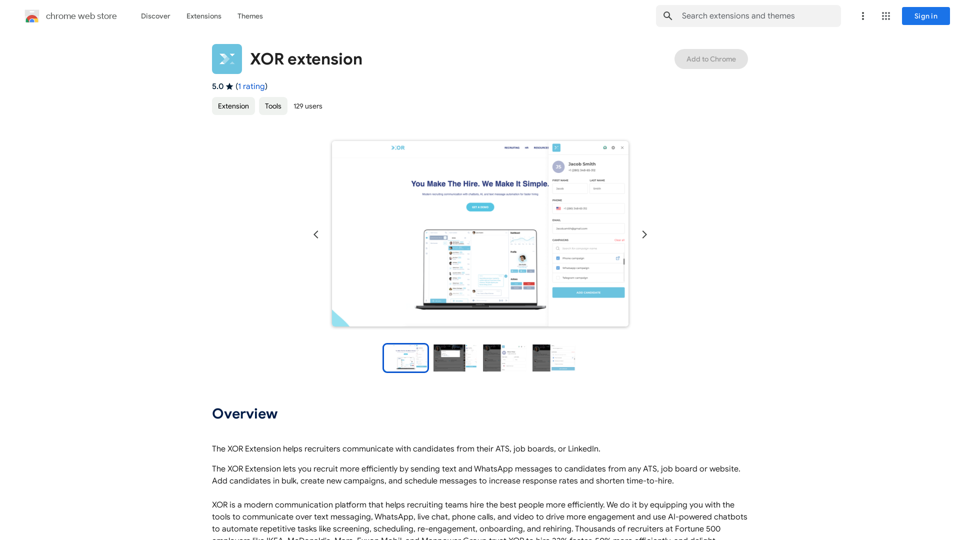
The XOR Extension lets recruiters talk to candidates from their Applicant Tracking System (ATS), job boards, or LinkedIn.
193.90 M
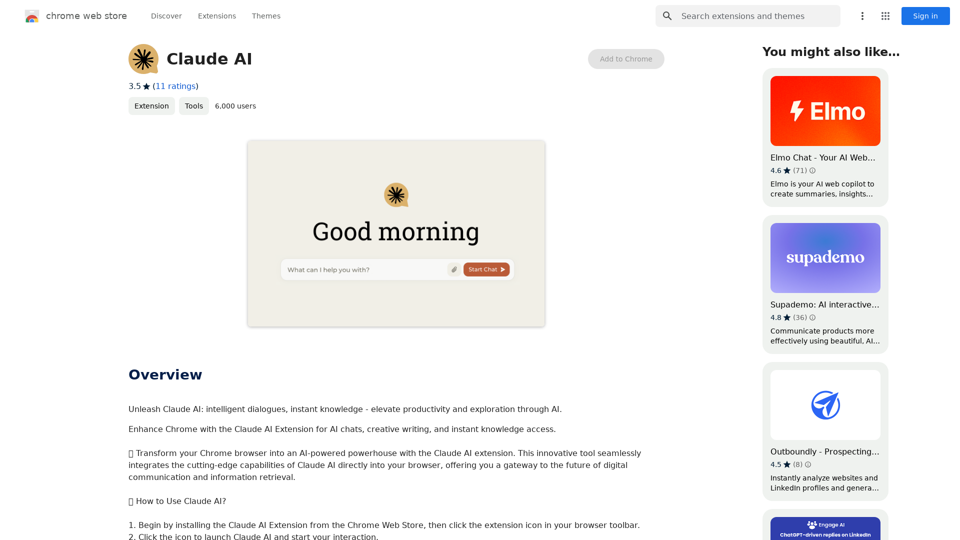
Claude AI Claude AI is an artificial intelligence model that can understand and respond to human input in a conversational manner. It is trained on a massive dataset of text from the internet and can generate human-like responses to a wide range of topics and questions. Claude AI is designed to be highly engaging and can even exhibit a sense of humor, making it a popular choice for chatbots and virtual assistants.
Claude AI Claude AI is an artificial intelligence model that can understand and respond to human input in a conversational manner. It is trained on a massive dataset of text from the internet and can generate human-like responses to a wide range of topics and questions. Claude AI is designed to be highly engaging and can even exhibit a sense of humor, making it a popular choice for chatbots and virtual assistants.Unleash Claude AI: Intelligent Dialogues, Instant Knowledge - Elevate Productivity and Exploration through AI.
193.90 M


AI Content Detector for ChatGPT - Sapling.ai Sapling.ai's AI Content Detector is a powerful tool designed to detect AI-generated content, including those produced by ChatGPT. This innovative solution helps you identify and flag suspicious content, ensuring the authenticity and credibility of the information you receive. How it Works Our AI Content Detector uses advanced machine learning algorithms to analyze the linguistic patterns, syntax, and semantics of the input text. This allows it to identify the subtle differences between human-written and AI-generated content. Key Features * High Accuracy: Our detector boasts an impressive accuracy rate, ensuring reliable results even with complex or nuanced content. * Real-time Analysis: Get instant results with our real-time analysis feature, perfect for high-volume content screening. * Customizable Thresholds: Set your own thresholds for detection, allowing you to fine-tune the sensitivity of the tool to your specific needs. * Integration Ready: Seamlessly integrate our API with your existing workflows and platforms. Use Cases * Content Moderation: Ensure the quality and authenticity of user-generated content on your platform. * Academic Integrity: Detect AI-generated essays and papers, promoting original work and academic honesty. * Marketing and Advertising: Verify the authenticity of customer reviews and testimonials. Try it Out Experience the power of Sapling.ai's AI Content Detector for yourself. Sign up for a free trial and start detecting AI-generated content today!
AI Content Detector for ChatGPT - Sapling.ai Sapling.ai's AI Content Detector is a powerful tool designed to detect AI-generated content, including those produced by ChatGPT. This innovative solution helps you identify and flag suspicious content, ensuring the authenticity and credibility of the information you receive. How it Works Our AI Content Detector uses advanced machine learning algorithms to analyze the linguistic patterns, syntax, and semantics of the input text. This allows it to identify the subtle differences between human-written and AI-generated content. Key Features * High Accuracy: Our detector boasts an impressive accuracy rate, ensuring reliable results even with complex or nuanced content. * Real-time Analysis: Get instant results with our real-time analysis feature, perfect for high-volume content screening. * Customizable Thresholds: Set your own thresholds for detection, allowing you to fine-tune the sensitivity of the tool to your specific needs. * Integration Ready: Seamlessly integrate our API with your existing workflows and platforms. Use Cases * Content Moderation: Ensure the quality and authenticity of user-generated content on your platform. * Academic Integrity: Detect AI-generated essays and papers, promoting original work and academic honesty. * Marketing and Advertising: Verify the authenticity of customer reviews and testimonials. Try it Out Experience the power of Sapling.ai's AI Content Detector for yourself. Sign up for a free trial and start detecting AI-generated content today!Quickly Check if Any Content was AI Generated, and Make Sure Your Writing Isn't! With the rapid development of artificial intelligence (AI) technology, AI-generated content has become increasingly prevalent. As a result, it's essential to verify the authenticity of content and ensure that your writing is original. Here are some tips to help you quickly check if any content was AI generated and make sure your writing isn't: #1. Check for Overly Formal Language AI-generated content often uses overly formal language, which may sound unnatural or even awkward. Be wary of sentences that are too structured or contain overly complex vocabulary. #2. Look for Repetitive Phrases or Sentences AI algorithms may reuse phrases or sentences to fill content gaps. If you notice repetitive language or sentences that seem out of place, it could be a sign of AI-generated content. #3. Verify Facts and Statistics AI-generated content may contain inaccurate or outdated information. Always fact-check statistics, quotes, and other data to ensure they are reliable and up-to-date. #4. Evaluate the Writing Style AI-generated content often lacks the personal touch and emotional depth of human writing. Look for writing that seems too perfect, lacks humor, or feels overly generic. #5. Use AI Detection Tools There are various AI detection tools available online that can help identify AI-generated content. These tools analyze language patterns, syntax, and other factors to determine the likelihood of AI involvement. #6. Read Beyond the Headlines AI-generated content may have attention-grabbing headlines, but the actual content may be lacking in substance. Always read beyond the headlines to ensure the content is well-researched and informative. #7. Check for Human Touch Human writing often includes personal anecdotes, experiences, and emotions. Look for content that includes these elements, as they are more difficult for AI algorithms to replicate. By following these tips, you can quickly check if any content was AI generated and ensure that your writing is original and authentic. Remember, AI-generated content may be convenient, but it can never replace the creativity, empathy, and nuance of human writing.
193.90 M
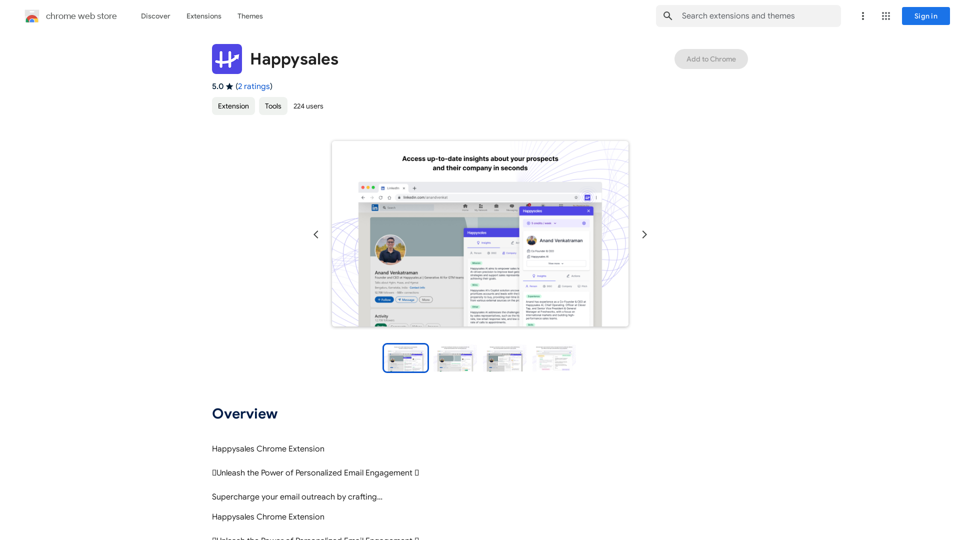
Happysales Chrome Extension 🔥 Unleash the Power of Personalized Email Engagement 🔥 Supercharge your email outreach by crafting...
193.90 M
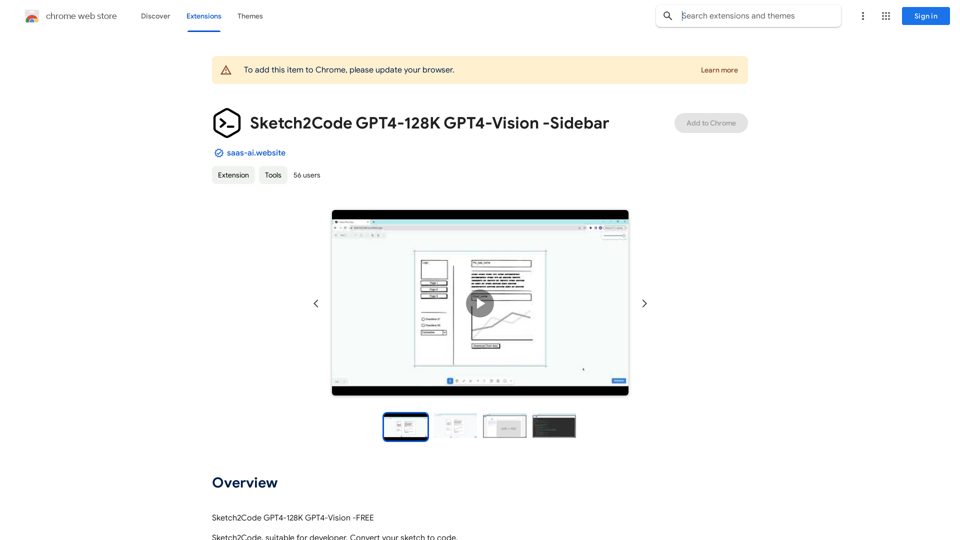
Sketch2Code GPT4-128K GPT4-Vision - Sidebar This is a simple sidebar for a Sketch2Code application powered by GPT4-128K and GPT4-Vision. It likely contains: * Upload Sketch: A button or area to upload an image sketch. * Code Generation Options: Settings to choose the programming language, desired code complexity, or other generation parameters. * Output Code: A display area to show the generated code. * Clear Output: A button to clear the generated code. Let me know if you'd like me to elaborate on any specific aspect of the sidebar!
Sketch2Code GPT4-128K GPT4-Vision - Sidebar This is a simple sidebar for a Sketch2Code application powered by GPT4-128K and GPT4-Vision. It likely contains: * Upload Sketch: A button or area to upload an image sketch. * Code Generation Options: Settings to choose the programming language, desired code complexity, or other generation parameters. * Output Code: A display area to show the generated code. * Clear Output: A button to clear the generated code. Let me know if you'd like me to elaborate on any specific aspect of the sidebar!Sketch2Code GPT4-128K GPT4-Vision - FREE
193.90 M